
HeyGen 대안을 찾고 계신가요? 영상 하나가 아니라 AI 캐릭터 하나를 만드세요
HeyGen(heygen.com)은 기본 아바타와 맞춤 아바타, 음성 복제, 영상 번역을 갖춘 AI 영상 플랫폼이에요. RYLA는 다른 작업을 위해 만들어졌어요. 단계별 제작기에서 새 AI 캐릭터 하나를 디자인하고, 참고 시트에 얼굴을 고정한 뒤, 같은 캐릭터를 사진, 영상, 말하는 클립으로 생성해요.
어떤 것을 써야 할까요?
you want to design a new AI character step by step (niche, look, outfit, personality, voice), lock its face in a reference sheet, and generate its photos, video, talking clips, and video swaps in one workspace
you want a talking video of yourself or a stock avatar, translated into many languages, with voice cloning and a free plan
플랫폼별로 강점이 다른 영역
HeyGen and RYLA both make avatar video, but they start from different places. HeyGen describes itself as "AI videos starring you, made in minutes": you record yourself to make a custom avatar, or pick a stock avatar, then generate talking videos, translate them, or build one from a prompt with its Video Agent. Its pricing page lists a Free plan, Creator, Pro, Business, and Enterprise. RYLA starts from a character you design: you build one new face step by step, without filming anyone, and generate photos, video, and talking clips of that one character. Facts about HeyGen come from its public pricing page, homepage, and AI influencer generator page, as of 18 October 2026. RYLA plans come from the RYLA pricing page. The table includes the rows where HeyGen is ahead.
| Feature | RYLA추천 | HeyGen |
|---|---|---|
| Primary job | 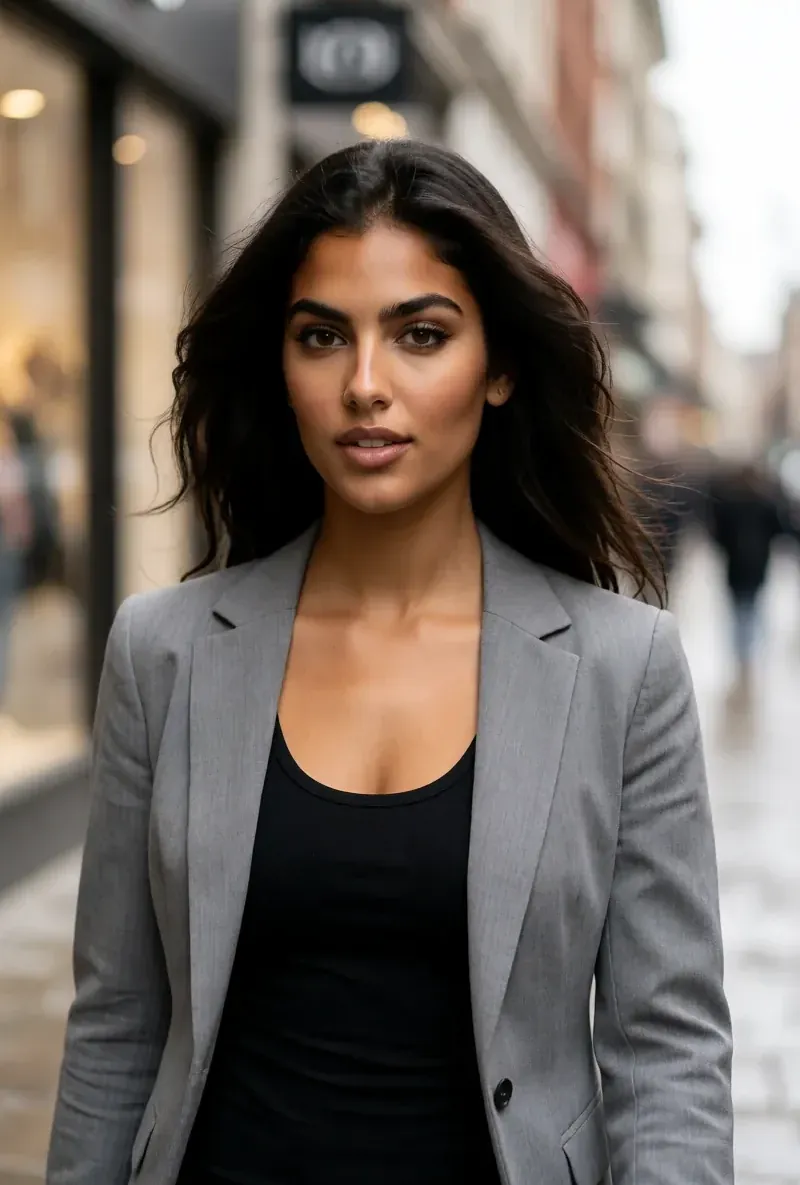 Design one recurring AI character and generate its photos, video, and talking clips. Design one recurring AI character and generate its photos, video, and talking clips. | AI avatar video: talking videos of you or a stock avatar, video translation, and a prompt-based Video Agent. |
| Free plan | Paid plans; current plans and credits are on the pricing page. | A Free plan with 3 videos a month, each up to 1 minute. |
| Paid plans | Monthly plans from Basic at $34.99 a month; credits and character limits are on the pricing page. | Creator at $29 a month, Pro from $49 a month, Business at $149 a month plus $20 per extra seat a month, and a custom Enterprise plan. |
| Avatar of yourself |  The builder designs a new character; making an avatar of yourself from a recording is not part of it. The builder designs a new character; making an avatar of yourself from a recording is not part of it. | Custom avatars on every plan (1 on Free, 5+ on Business), made from your own recording, plus voice cloning. |
| Design a new character from scratch | A step-by-step builder: niche, gender and style, ethnicity, age, skin, eyes, face shape, hair, outfit and scene, personality and name, then a voice. | Its AI influencer page says you pick an avatar from its library and customize appearance, voice, background, and style with prompts. |
| One face across photos and video | After the builder you pick a base image, and RYLA generates a reference sheet of that face; Studio photos, image-to-video, and talking clips are made from it. | Video-first; photo generation of one recurring character is not described on its pricing page. |
| Video translation | Not offered as a translation feature; talking clips use the voice chosen in the builder. | Video translation with lip sync; its pricing page lists 30+ languages on Free and 175+ on paid plans. |
| Teams and developer access | Not compared here; current plan features are on the pricing page. | Business lists team seats and interactive video; its homepage links developer APIs for video generation, translation, and lip sync. |
RYLA 열은 주장하지 않고 보여 줘요. 가격이나 정책이 주장인 행에는 일부러 이미지를 넣지 않았어요.
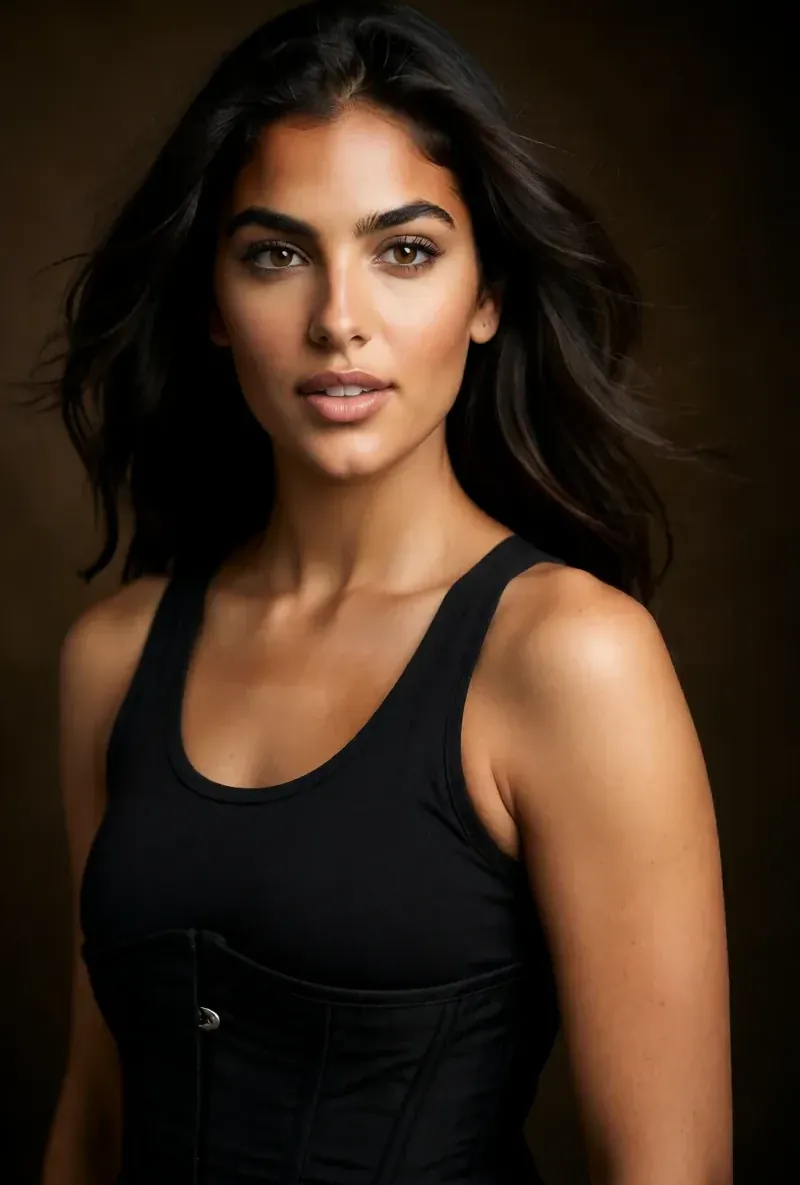
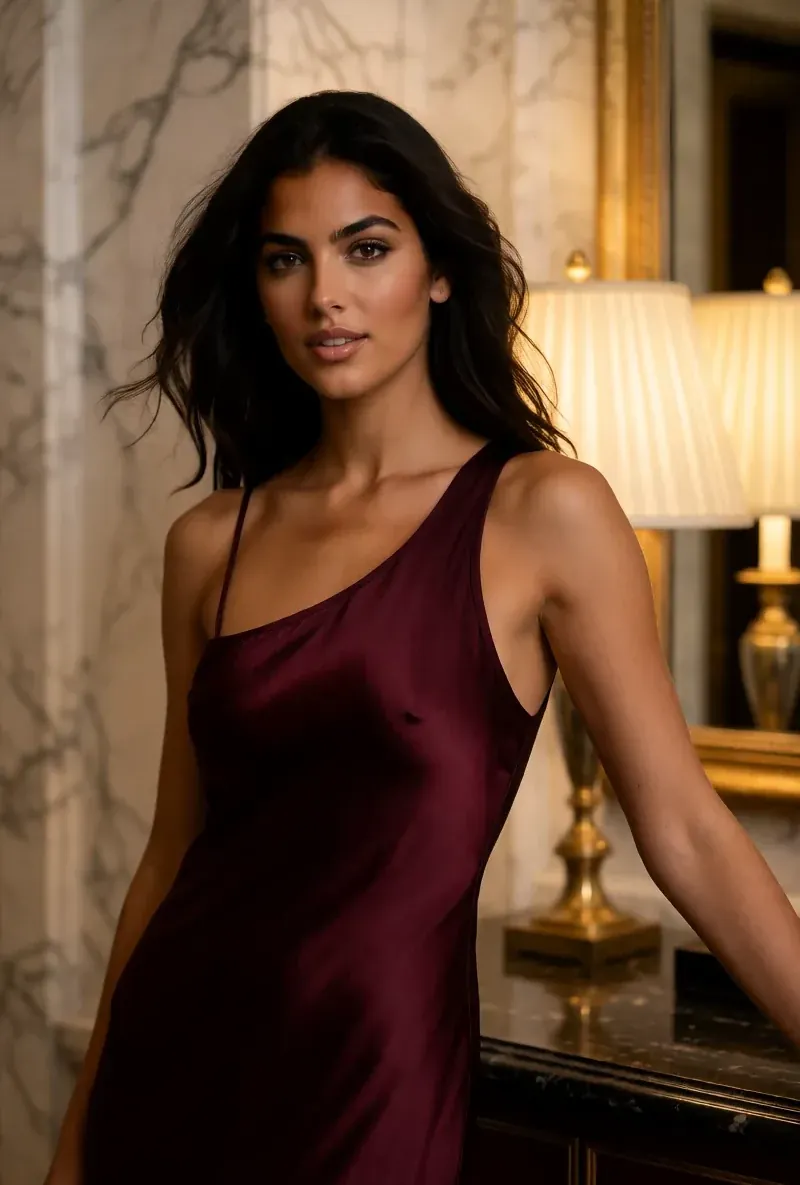
같은 얼굴, 네 가지 장면
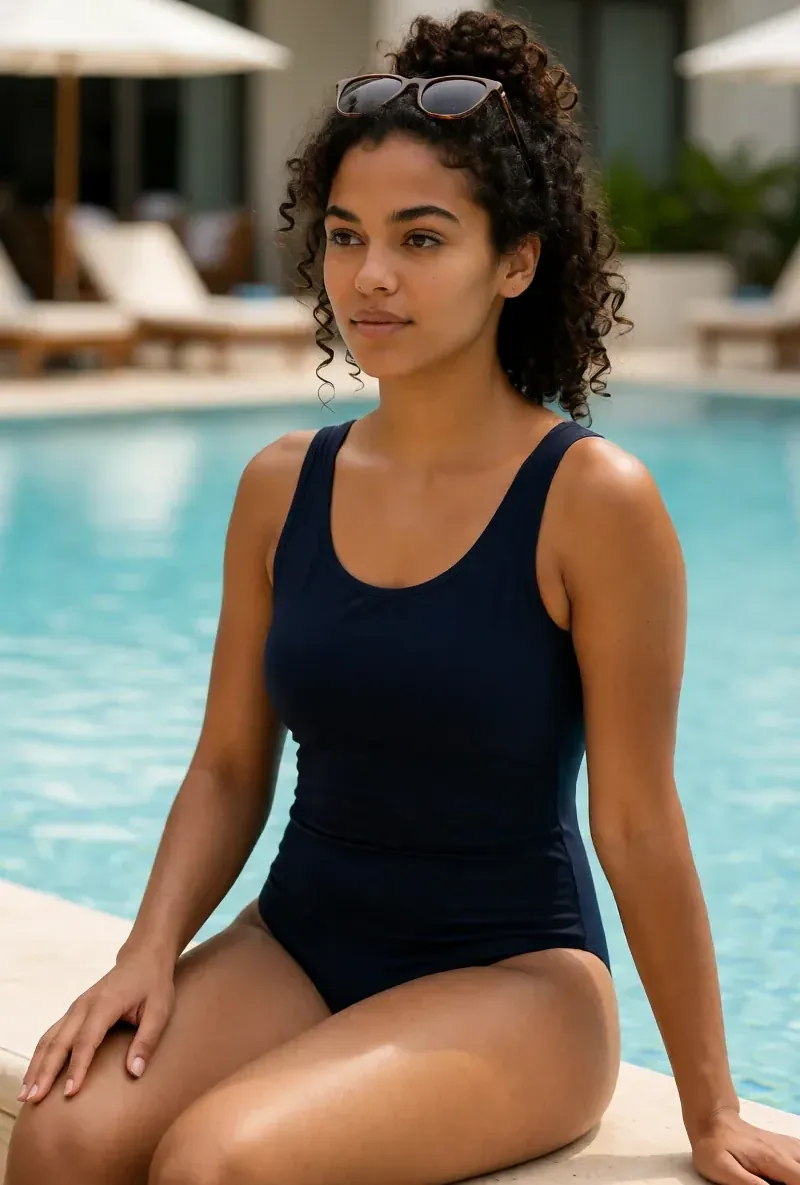
여기의 모든 이미지는 RYLA로 생성했어요. 캐릭터 하나, 장면 네 개, 중간에 보정은 없어요.
RYLA가 강한 영역
촬영 없이 시작해요
RYLA 제작기는 영상으로 찍은 나 자신이 아니라 직접 디자인한 캐릭터에서 시작해요. 니치, 외모, 의상과 장면을 고르고, 이어서 성격, 이름, 음성을 정하면 RYLA가 고를 수 있는 기본 이미지를 만들어요.
얼굴 하나, 참고 시트에 고정
캐릭터의 기본 이미지 하나를 고르면 RYLA가 그 얼굴의 참고 시트를 만들어요. 새 사진과 클립은 그 시트에서 만들어져요.
한 캐릭터의 사진, 영상, 말하는 클립
완성 후 Studio는 템플릿으로 새 사진을 만들고, 이미지에서 영상은 정지 이미지를 움직이게 하고, Avatar Video는 제작기에서 고른 음성으로 말하는 클립을 만들고, Video Swap은 같은 캐릭터를 기존 클립에 넣어요.
차이를 솔직하게
HeyGen은 무료 플랜, 음성 복제를 쓰는 나 자신의 아바타, 유료 플랜에서 175개 이상 언어로 영상 번역을 제공해요. RYLA는 이런 기능이 없어요. 그런 작업이 필요하다면 HeyGen이 더 직접적으로 맞아요.
아직 HeyGen가 강한 영역
HeyGen is ahead for talking-head and business video, and it is worth saying so plainly. It can make an avatar of you from your own recording, clone your voice, translate a video with lip sync (175+ languages on paid plans), and it has a Free plan and team seats on Business. RYLA does not offer the avatar of you, voice cloning, translation, or a free plan. If you need a training video, a sales message, or a localized explainer presented by you or a stock presenter, HeyGen is built for it and RYLA is not.
HeyGen에서 RYLA로 옮기기
There is no import between the two products. If you use HeyGen for presenter videos and also want one recurring AI character for a social feed, you build that character once in RYLA. This is the actual sequence in the RYLA builder:
- Pick a niche, then gender and style.
- Set the look: ethnicity, age, skin, eyes, face shape, and hair.
- Choose outfit and scene, then personality and a name, then a voice.
- Generate base images and pick the one that becomes your character.
- RYLA generates a reference sheet of that face.
- Finalize, then create new photos in Studio, motion with image-to-video, talking clips in Avatar Video, and swaps in Video Swap.
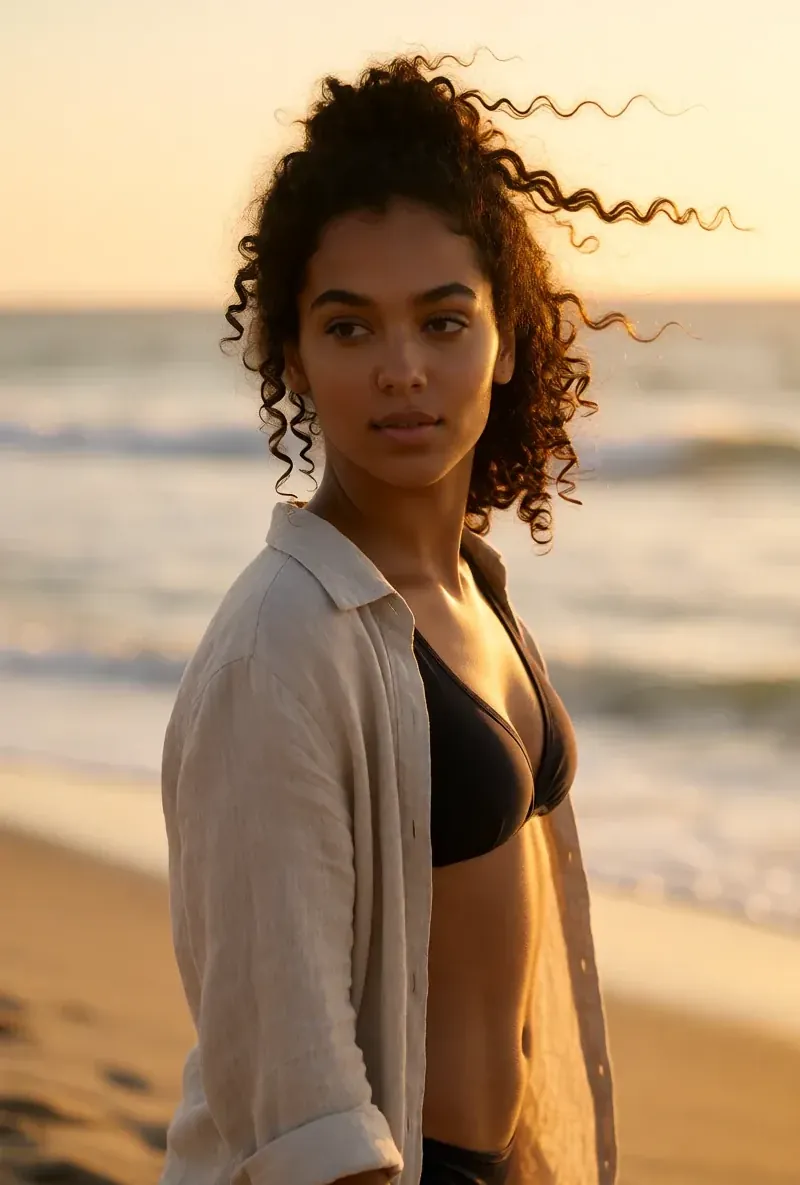
Here is one RYLA character from the showcase on this site, generated in two different scenes:
Current plans are on the pricing page. For other comparisons, see the Creatify alternative and A2E alternative pages, or the talking avatar page.
결론
Choose HeyGen if you want talking videos of yourself or a stock avatar, voice cloning, translation into many languages, or a free plan. That is its product, and RYLA does not offer those. Choose RYLA if you want one new AI character that you design step by step, with its face locked in a reference sheet and its photos, video, talking clips, and video swaps made in one workspace. Some creators reasonably use both. RYLA is not affiliated with, endorsed by, or connected to HeyGen; the name HeyGen is used on this page only to identify that service.