
어떤 것을 써야 할까요?
you want to design a new character step by step (niche, look, outfit, personality, voice), lock its face in a reference sheet, and generate its photos, video, talking clips, and video swaps in one workspace
you want a locked face and voice plus a ready-made Creator Kit (avatar, banner, bio, starter photos, posting calendar), music videos of your character, and one-off credit packs
플랫폼별로 강점이 다른 영역
Scenova AI describes itself as an AI influencer generator: you define a character with a locked face, voice, and name, then use it in a photo generator, a talking video generator with lip sync, and a music video generator. Its homepage also lists a Creator Kit (profile avatar, banner and bio, 7 starter photos, and a 7-day posting calendar) and Motion Cloning. Its pricing page lists a free Starter plan, two monthly plans (Creator and Studio), and one-off credit packs. RYLA starts from the character: you design a new face in the builder, without uploading photos of anyone, and generate new content from that one character. Facts about Scenova AI come from its public homepage and pricing page, as of 18 October 2026. RYLA plans come from the RYLA pricing page. The table includes the rows where Scenova AI is ahead.
| Feature | RYLA추천 | Scenova AI |
|---|---|---|
| Plans | Monthly plans from Basic at $34.99 a month; credits and character limits are on the pricing page. | Creator at $29 a month (2,900 credits) and Studio at $69 a month (6,900 credits), with an annual option, read on 18 October 2026. |
| Free start | Free plan in the RYLA app: a one-time credit grant at signup and one character, with no monthly refill. Paid plans are on the pricing page. | A free Starter plan with 50 one-time credits and one AI influencer identity, per its pricing page. |
| One-off credit packs | Credits come with the plan; current options are on the pricing page. | Packs of 1,900 credits for $19, 7,000 for $59, and 16,000 for $129, bought without changing a subscription. |
| Profile launch kit | Not offered as a bundle; you generate the photos you need in Studio. | A Creator Kit with profile avatar, banner and bio, 7 starter photos, and a 7-day posting calendar. |
| Music videos |  Not offered. Not offered. | A music video generator that uses the same character and scenes. |
| Designing a new character | A step-by-step builder: niche, gender and style, ethnicity, age, skin, eyes, face shape, hair, outfit and scene, personality and name, then a voice. | An influencer generator where you define face, voice, and name, with multi-view angle generation. |
| Keeping one face consistent | 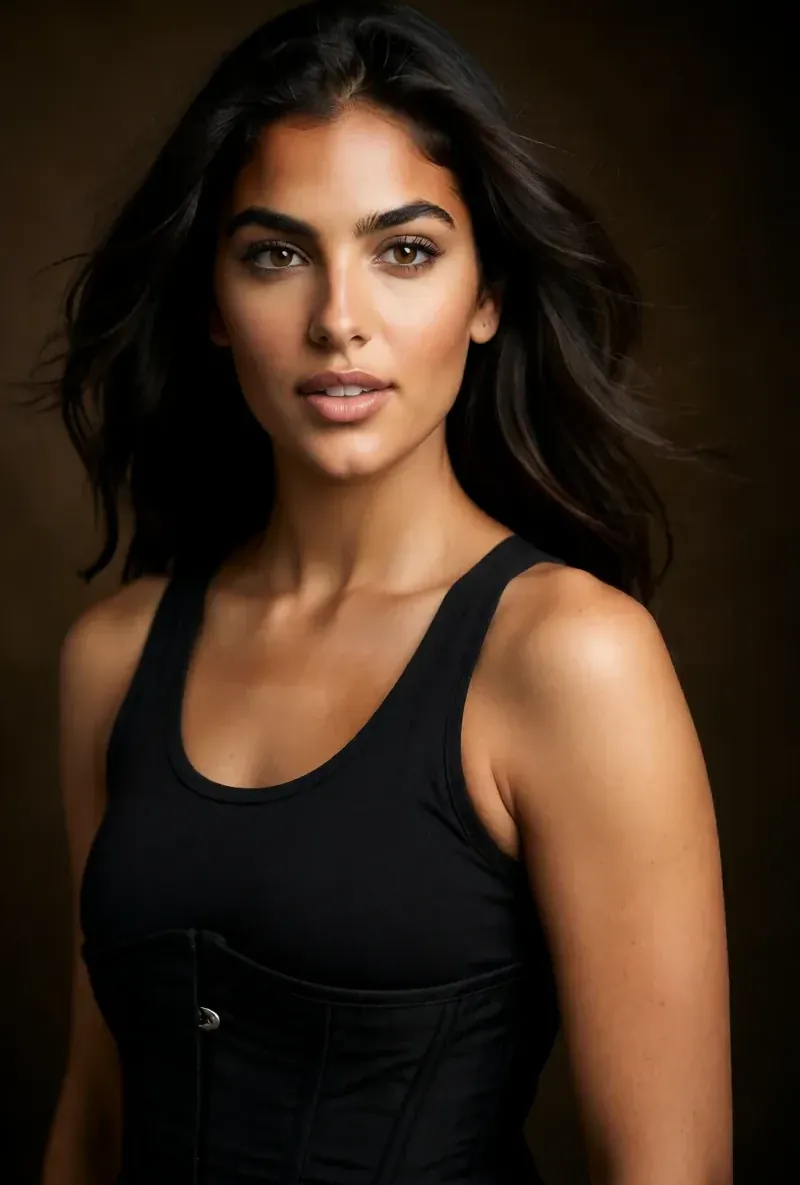 After the builder you pick a base image, and RYLA generates a reference sheet of that face that new content is made from. After the builder you pick a base image, and RYLA generates a reference sheet of that face that new content is made from. | A locked face and voice, with scenes saved as Master Frame references for reuse. |
| Talking videos | Talking avatar clips with the voice chosen in the builder, plus image-to-video and video swap of the same character. | Script or voice driven talking videos with lip sync, up to 15 seconds each; a 480p preview costs 10 credits and a 1080p final render 10 credits per second. |
RYLA 열은 주장하지 않고 보여 줘요. 가격이나 정책이 주장인 행에는 일부러 이미지를 넣지 않았어요.
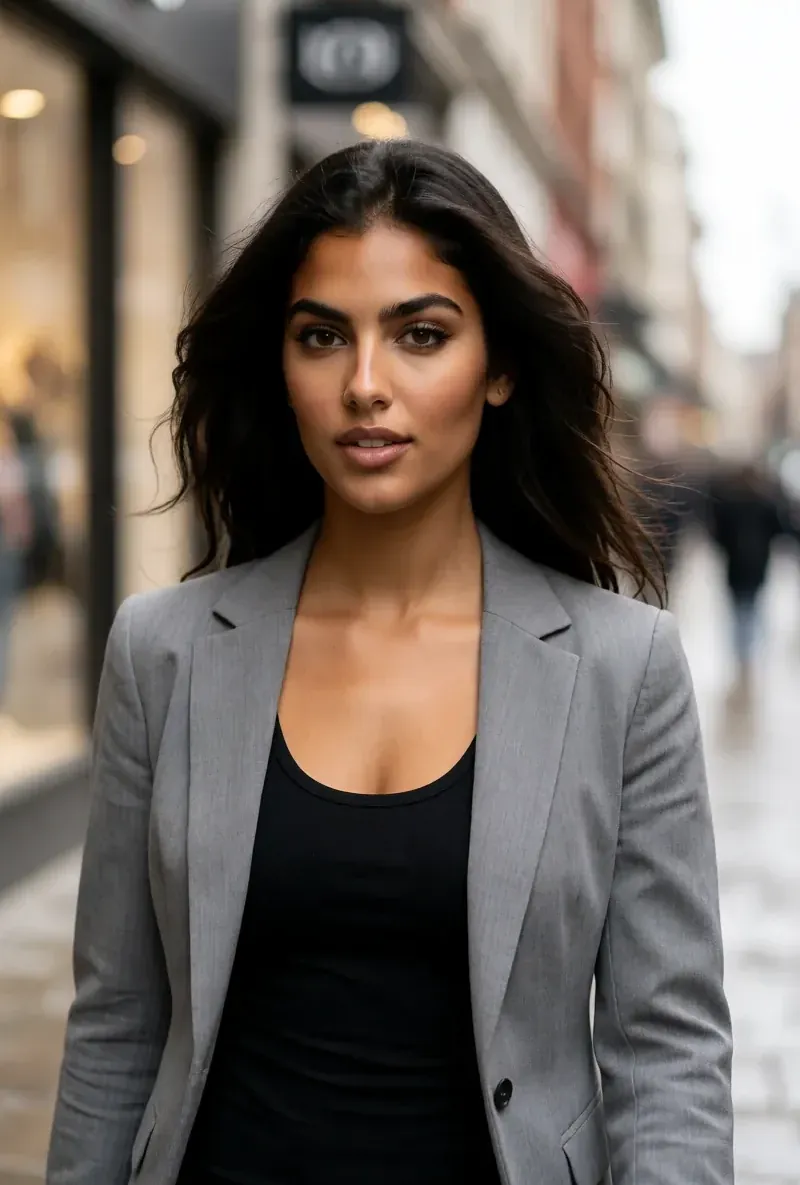
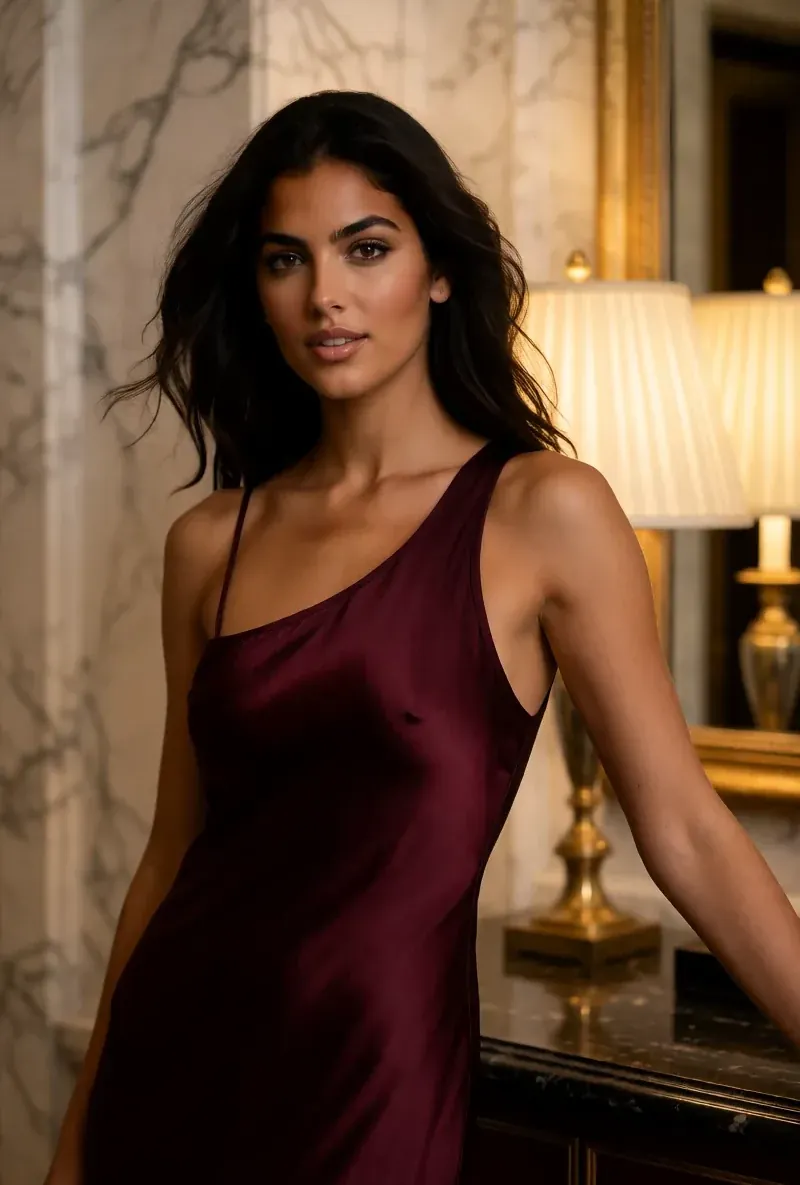
같은 얼굴, 네 가지 장면
여기의 모든 이미지는 RYLA로 생성했어요. 캐릭터 하나, 장면 네 개, 중간에 보정은 없어요.
RYLA가 강한 영역
본인 사진이 필요 없어요
RYLA 빌더는 사진 업로드가 아니라 직접 설계한 캐릭터에서 시작해요. 카테고리, 외모, 의상과 장면을 고르고, 이어서 성격, 이름, 목소리를 정하면 RYLA가 고를 수 있는 기본 이미지를 만들어요.
얼굴은 하나, 레퍼런스 시트에 고정
캐릭터의 기본 이미지 하나를 고르면 RYLA가 그 얼굴의 레퍼런스 시트를 만들고, 새 사진과 클립은 그 시트에서 만들어져요.
한 캐릭터의 사진, 영상, 말하는 클립
Studio는 완성 후 템플릿으로 새 사진을 만들고, 이미지에서 영상은 정지 이미지를 움직이게 하며, Avatar Video는 빌더에서 고른 목소리로 말하는 클립을 만들고, Video Swap은 같은 캐릭터를 기존 클립에 넣어요.
부족한 부분도 솔직하게
Scenova AI는 프로필 런칭용 크리에이터 키트를 묶어 주고, 캐릭터의 뮤직비디오를 만들고, 일회성 크레딧 팩을 팔아요. 이런 기능이 필요하다면 Scenova AI가 오늘의 RYLA보다 더 직접적으로 맞아요.
아직 Scenova AI가 강한 영역
Scenova AI is ahead on launch extras and flexible top-ups. Its Creator Kit hands you a profile avatar, banner, bio, 7 starter photos, and a 7-day posting calendar, its music video generator puts your character into a full music video, and one-off credit packs can be added without changing a subscription. If you want a profile kit and music videos from one tool, Scenova AI fits that job more directly.
Scenova AI에서 RYLA로 옮기기
There is no import between the two products, so switching means building your character once in RYLA. This is the actual sequence in the RYLA builder:
- Pick a niche, then gender and style.
- Set the look: ethnicity, age, skin, eyes, face shape, and hair.
- Choose outfit and scene, then personality and a name, then a voice.
- Generate base images and pick the one that becomes your character.
- RYLA generates a reference sheet of that face.
- Finalize, then create new photos in Studio, motion with image-to-video, talking clips in Avatar Video, and swaps in Video Swap.
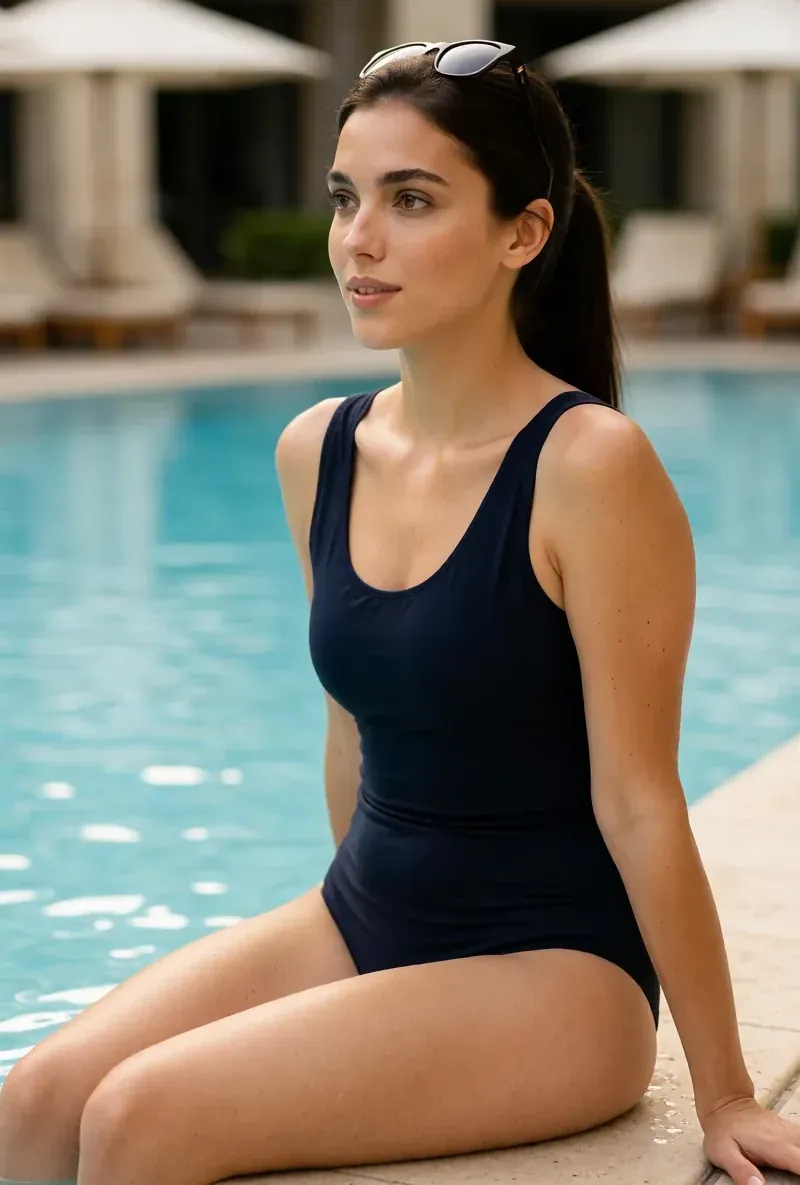
Here is one RYLA character from the showcase on this site, generated in two different scenes:
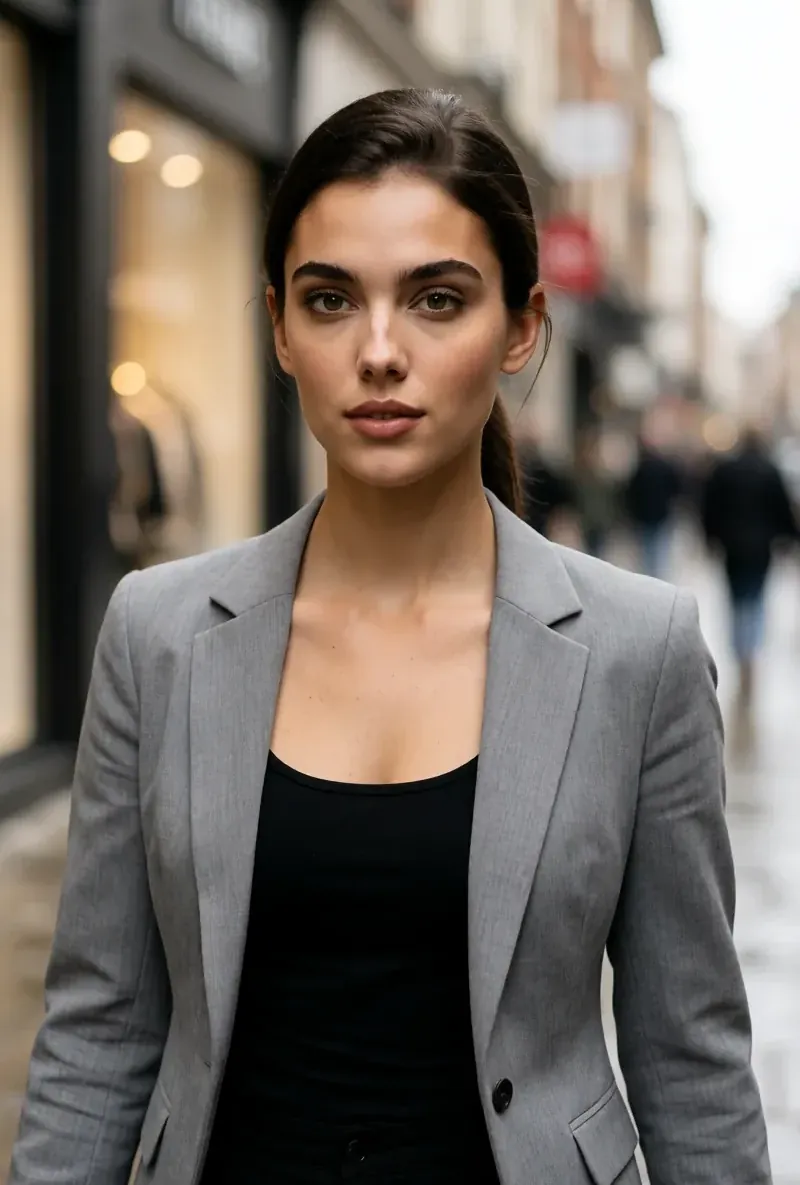
If you liked a character you made on Scenova AI, use its look as your brief in step 2. Current plans are on the pricing page. For other comparisons, see the Eromify alternative and ForgeFluencer alternative pages.
결론
Choose Scenova AI if you want a locked face and voice with a ready-made Creator Kit, music videos of your character, and one-off credit packs. Choose RYLA if you want to design one new character in detail, lock its face in a reference sheet, and generate its photos, video, talking clips, and video swaps in one workspace. RYLA is not affiliated with, endorsed by, or connected to Scenova AI; the name Scenova AI is used on this page only to identify that service.