
어떤 것을 써야 할까요?
you want to design a recurring character step by step (niche, look, outfit, personality, voice), lock its face in a reference sheet, and generate its photos, video, talking clips, and video swaps in one workspace
you want a dedicated AI video generator with text-to-video, image-to-video, and reference-to-video modes, first and last frame control, and a choice of video models, including a real-time one
플랫폼별로 강점이 다른 영역
Vidu describes itself as an AI video generator that turns text and images into videos, with Text to Video, Image to Video, and Reference to Video modes. Its homepage lists the Vidu Q4 and Vidu Q3 models plus a real-time model, Vidu S, and says you can set the first and last frames of a video; its pricing page lists Multi-Reference Consistency and an Off-Peak Mode, and says new users get free credits. RYLA starts from the character instead: you design a new one in the builder, without uploading photos of anyone, and generate new content from that one character. These are different jobs, so the table shows where each fits rather than declaring one better overall. Facts about Vidu come from its public homepage and pricing page, as of 11 November 2026; its plan prices did not load on the pricing page when read, so they are not compared here: check them on its own site. RYLA plans come from the RYLA pricing page. The table includes the rows where Vidu is ahead.
| Feature | RYLA추천 | Vidu |
|---|---|---|
| Plans | Monthly plans from Basic at $34.99 a month; credits and character limits are on the pricing page. | Free credits for new users and daily logins, plus subscription and purchased credits; plan prices did not load on its pricing page when read, so they are not compared here. |
| Video generation depth |  Image-to-video of your character, talking avatar clips with the voice chosen in the builder, and video swap, without a per-model picker. | Text to Video, Image to Video, and Reference to Video modes, plus first and last frame control, per its homepage. |
| Choice of video models | One workflow for your character, with no video model to pick. | Its homepage lists Vidu Q4, Vidu Q3, and a real-time model, Vidu S. |
| Keeping one face consistent | 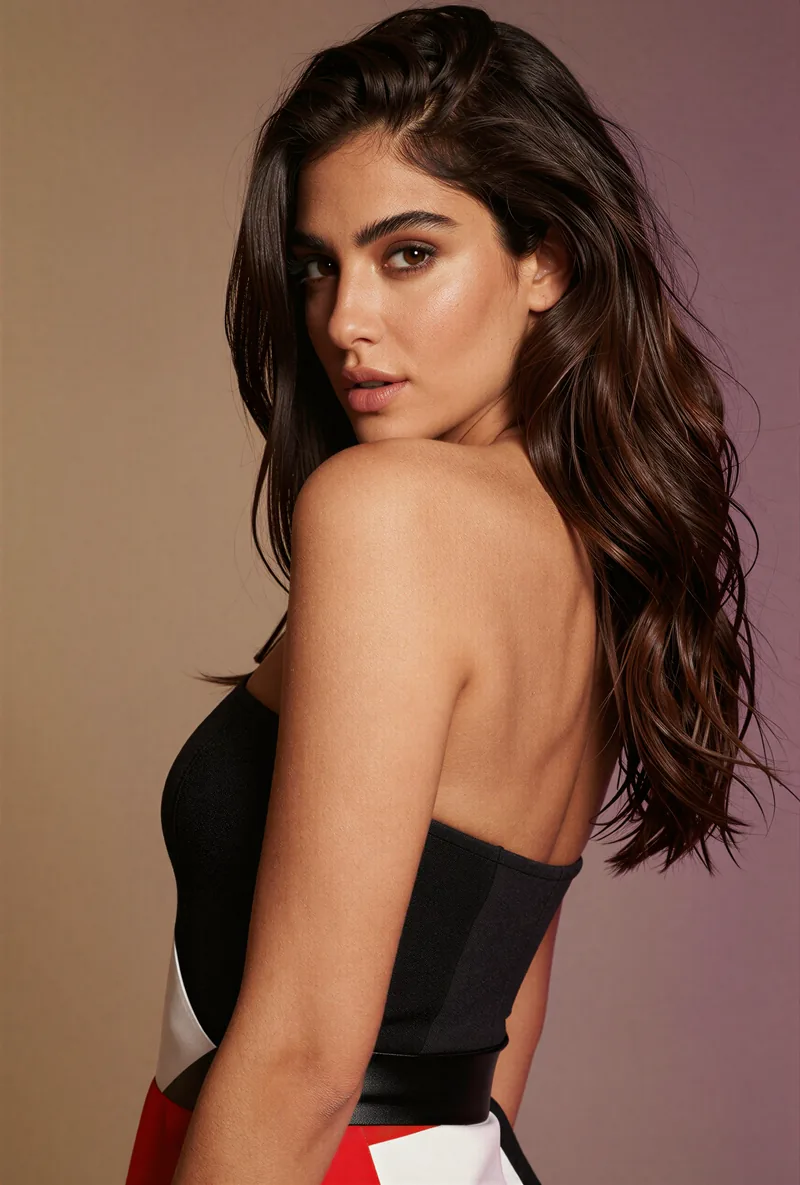 After the builder you pick a base image, and RYLA generates a reference sheet of that face that new content is made from. | Reference to Video and Multi-Reference Consistency are listed; how a face holds across separate clips is not compared here. |
| Design a new character from scratch | A step-by-step builder: niche, gender and style, ethnicity, age, skin, eyes, face shape, hair, outfit and scene, personality and name, then a voice. | A step-by-step character builder is not described on its homepage or pricing page. |
RYLA 열은 주장하지 않고 보여 줘요. 가격이나 정책이 주장인 행에는 일부러 이미지를 넣지 않았어요.
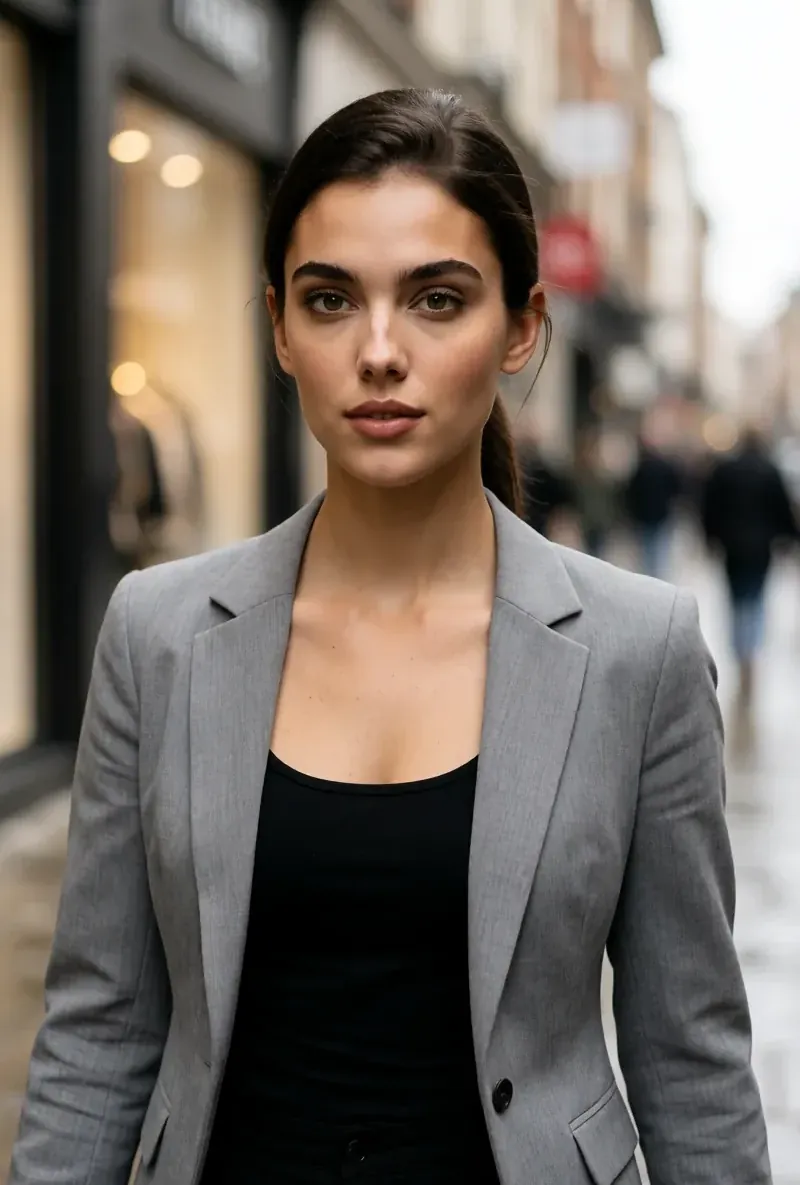
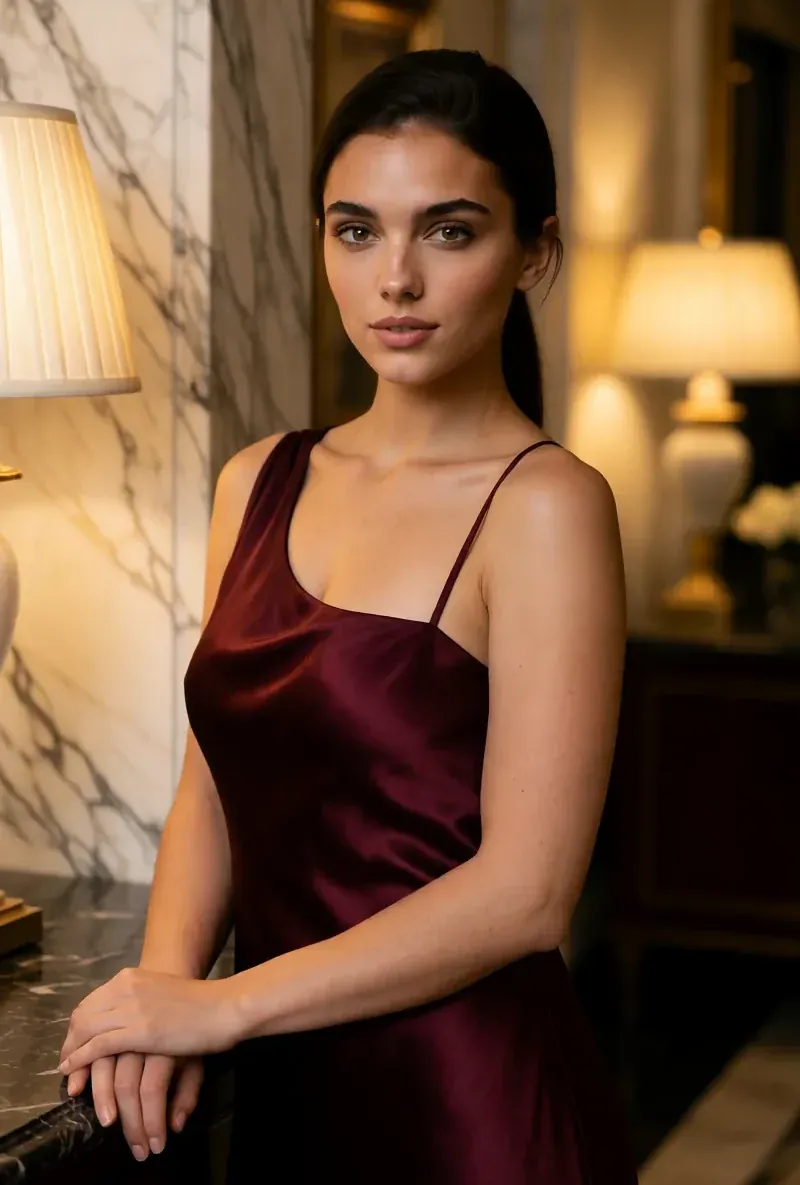
같은 얼굴, 네 가지 장면
여기의 모든 이미지는 RYLA로 생성했어요. 캐릭터 하나, 장면 네 개, 중간에 보정은 없어요.
RYLA가 강한 영역
내 사진이 필요 없어요
RYLA 빌더는 올린 사진이 아니라 직접 디자인한 캐릭터에서 시작해요. 틈새 분야, 외모, 의상, 장면을 고르고, 이어서 성격, 이름, 목소리를 정하면 RYLA가 고를 수 있는 기본 이미지를 만들어요.
얼굴 하나를 레퍼런스 시트로 고정
캐릭터의 기본 이미지를 하나 고르면 RYLA가 그 얼굴의 레퍼런스 시트를 만들고, 새 사진과 클립은 그 시트에서 만들어져요.
캐릭터 한 명의 사진, 영상, 말하는 클립
마무리한 뒤 Studio가 템플릿으로 새 사진을 만들고, 이미지에서 영상으로 정지 이미지를 움직이고, Avatar Video가 빌더에서 고른 목소리로 말하는 클립을 만들고, 영상 얼굴 교체가 같은 캐릭터를 기존 클립에 넣어요.
차이도 솔직하게
Vidu는 텍스트, 이미지, 레퍼런스 모드와 첫 프레임·마지막 프레임 지정, 여러 모델을 갖춘 영상 전용 생성기예요. 순수한 영상 생성이 필요하다면 지금의 RYLA보다 Vidu가 더 직접적으로 맞아요.
아직 Vidu가 강한 영역
Vidu is ahead on video generation. Its homepage lists text, image, and reference modes, first and last frame control, several models, and a real-time one. RYLA has no per-model video picker. If you want to choose between video models for the same idea, Vidu fits that job more directly.
Vidu에서 RYLA로 옮기기
There is no import between the two products, so switching means building your character once in RYLA. This is the actual sequence in the RYLA builder:
- Pick a niche, then gender and style.
- Set the look: ethnicity, age, skin, eyes, face shape, and hair.
- Choose outfit and scene, then personality and a name, then a voice.
- Generate base images and pick the one that becomes your character.
- RYLA generates a reference sheet of that face.
- Finalize, then create new photos in Studio, motion with image-to-video, talking clips in Avatar Video, and swaps in Video Swap.
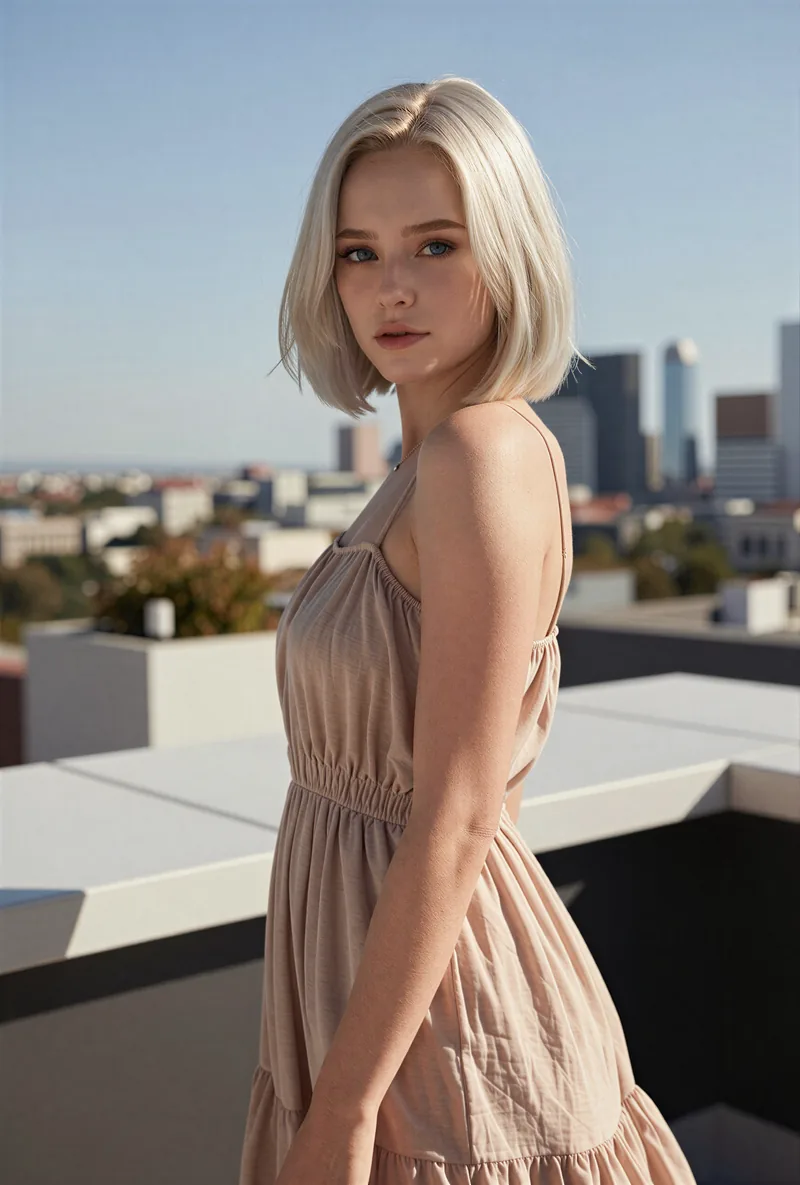
Here is one RYLA character from the showcase on this site, generated in two different scenes:

If you liked a look you made on Vidu, use it as your brief in step 2. Current plans are on the pricing page. For other comparisons, see the Eromify alternative and Kling AI Alternative pages.
결론
Choose Vidu if you want a dedicated AI video generator with text, image, and reference modes, first and last frame control, and several video models. Choose RYLA if you want to design one new character in detail, lock its face in a reference sheet, and generate its photos, video, talking clips, and video swaps in one workspace. RYLA is not affiliated with, endorsed by, or connected to Vidu; the name Vidu is used on this page only to identify that service.