
Cerchi un'alternativa a CelebifyAI? Crea un personaggio coerente
CelebifyAI (celebifyai.com) è un generatore di immagini e video IA con accesso a più di 70 modelli, più upscaling, face swap e creazione di influencer IA. RYLA segue un percorso più stretto: disegni un personaggio in un costruttore passo passo, ne blocchi il volto in una scheda di riferimento e generi lo stesso personaggio tra foto, video e clip parlanti.
Quale dovresti usare?
you want to design one character step by step (niche, look, outfit, personality, voice), lock its face in a reference sheet, and generate its photos, video, talking clips, and video swaps in one workspace
you want to pick between more than 70 image and video models in one place, use tools like upscaling and face swap, and start on a lower monthly entry price
Dove vince ciascuna piattaforma
CelebifyAI describes itself as an AI image and video generator with more than 70 models, naming Sora 2, Kling v3, Veo 3.1, Flux 2 Pro, and Nano Banana Pro, plus upscaling, face swap, editing, and AI influencer creation. Its pricing page says plans start at $15 a month, with credits for image generation, video, upscaling, face swap, and influencer training, and 50% off annual plans. RYLA starts from the character instead of the model list. Facts about CelebifyAI come from its public homepage and pricing page, read on 11 October 2026. RYLA plans come from the RYLA pricing page. The table includes the rows where CelebifyAI is ahead.
| Feature | RYLAConsigliato | CelebifyAI |
|---|---|---|
| Entry price | Basic: $34.99 a month, 10,000 credits a month, up to 2 influencers. | Plans start at $15 a month, with 50% off annual plans, according to its pricing page. |
| Choice of generation models | Photos, image-to-video, and talking clips of your character, without a per-model picker. | More than 70 image and video models, including Sora 2, Kling v3, Veo 3.1, Flux 2 Pro, and Nano Banana Pro. |
| Design a new character from scratch | A step-by-step builder: niche, gender and style, ethnicity, age, skin, eyes, face shape, hair, outfit and scene, personality and name, then a voice. | AI influencer creation and influencer training are listed; a step-by-step builder is not described on its homepage or pricing page. |
| Keeping one face consistent | 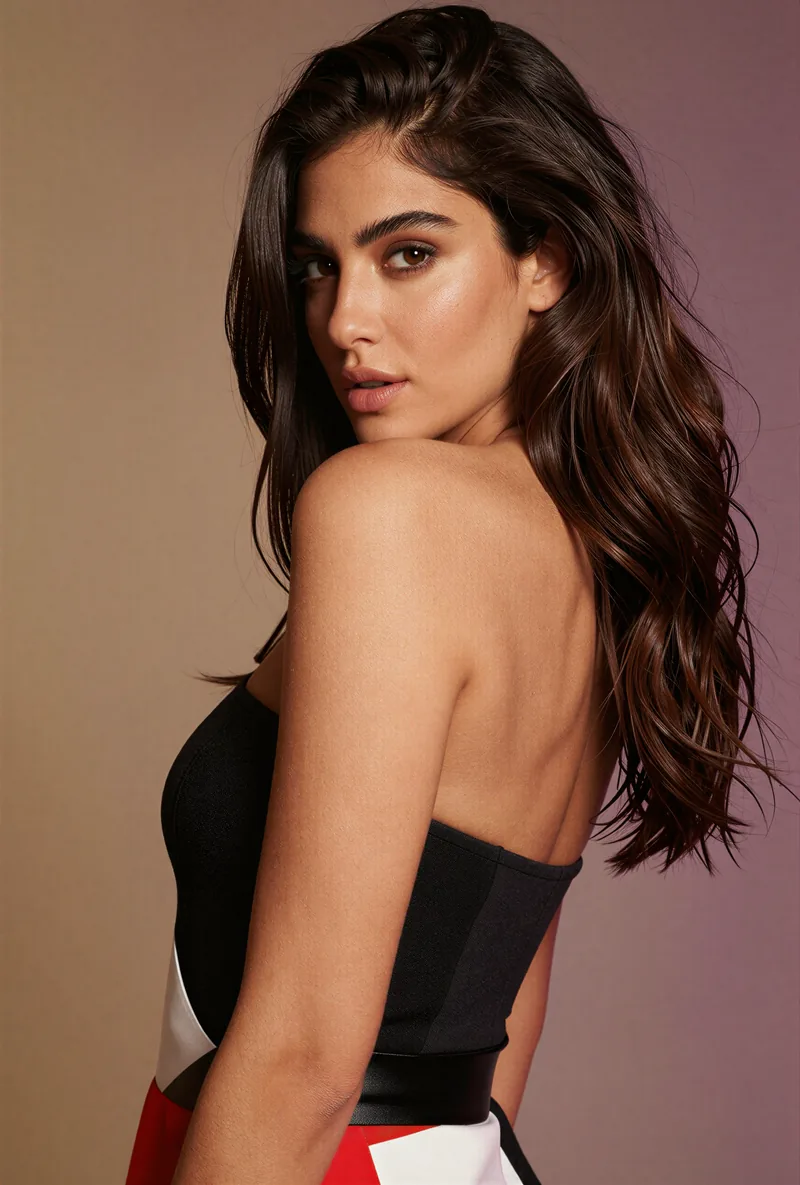 After the builder you pick a base image, and RYLA generates a reference sheet of that face that new content is made from. After the builder you pick a base image, and RYLA generates a reference sheet of that face that new content is made from. | Influencer training is listed as something its credits pay for; the method is not described on its pricing page. |
| Video and talking clips |  Image-to-video, talking avatar clips with the voice chosen in the builder, and video swap of the same character. Image-to-video, talking avatar clips with the voice chosen in the builder, and video swap of the same character. | Video generation through its video models, plus face swap. |
| Editing and upscaling tools | Not compared here; RYLA is built around generating new content of one character. | Upscaling, face swap, and editing are listed on its homepage. |
| Plan details | Credits, character limits, and tier unlocks for every plan are on the RYLA pricing page. | Its pricing page lists what credits are used for; plan-by-plan limits are not compared here. |
La colonna RYLA, mostrata invece che affermata. Le righe il cui punto è un prezzo o una policy non hanno immagine di proposito.
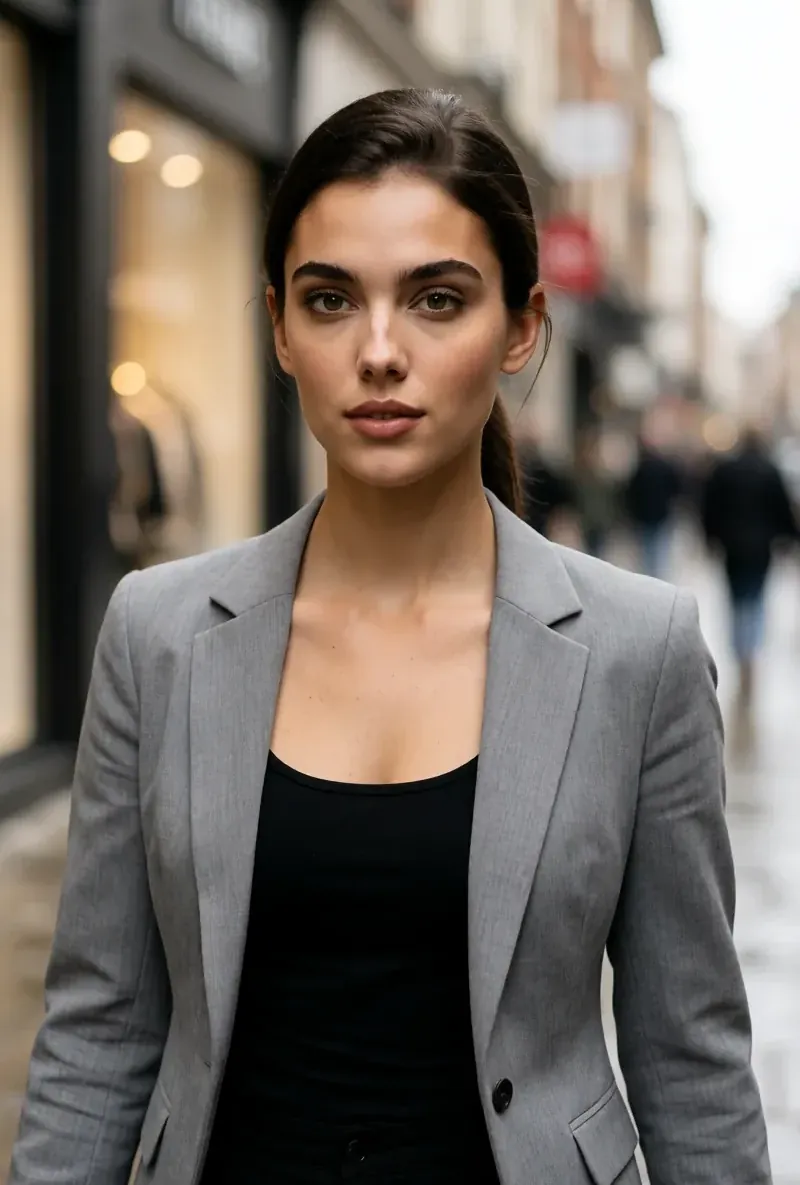
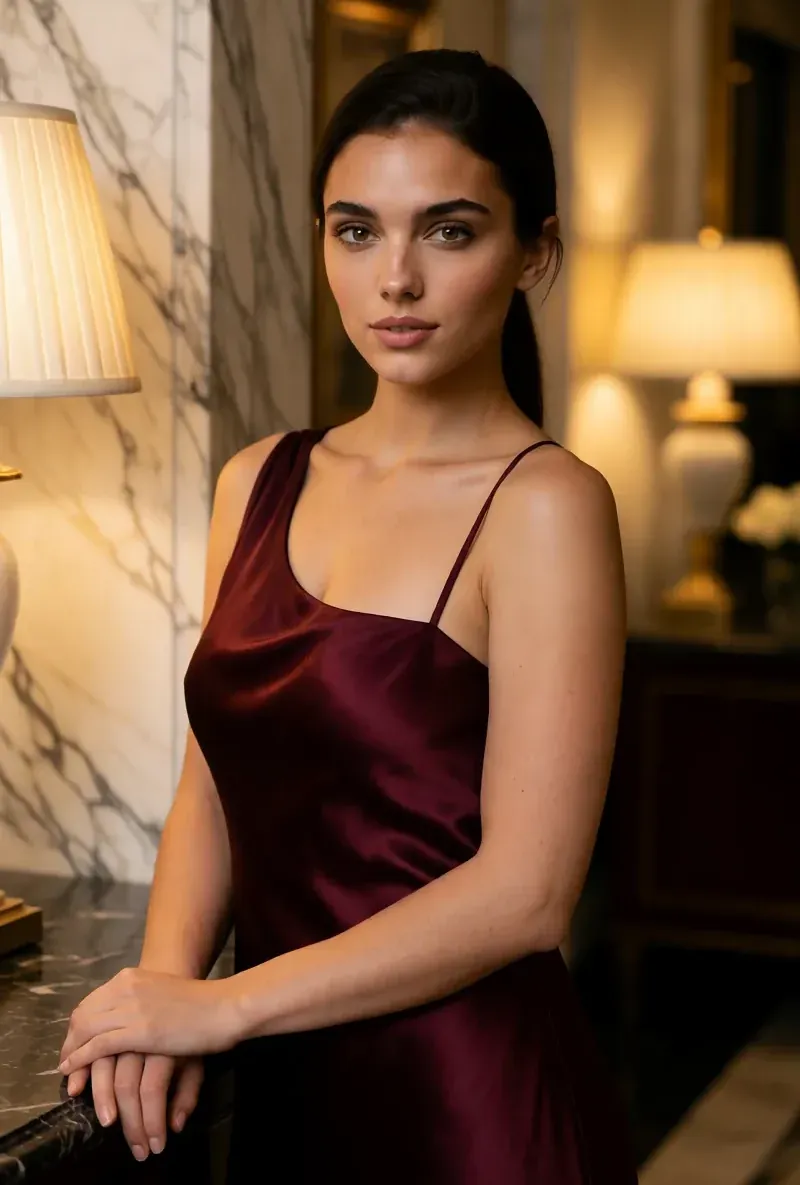
Lo stesso volto in quattro scene diverse
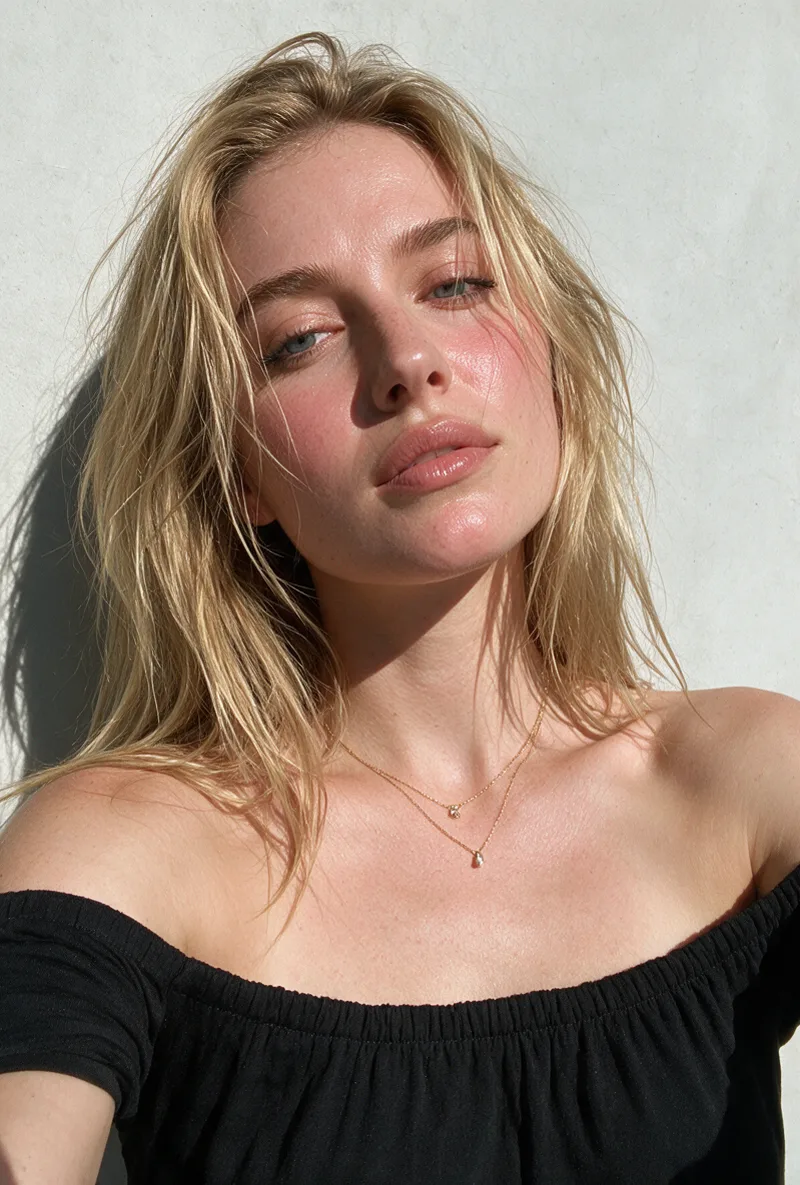
Ogni immagine qui è stata generata con RYLA. Un personaggio, quattro scene diverse, nessun ritocco in mezzo.
Dove vince RYLA
Non servono tue foto
Il costruttore RYLA parte da un personaggio che disegni, non da foto che carichi. Scegli nicchia, aspetto, outfit e scena, poi personalità, nome e voce, e RYLA genera immagini di base tra cui scegliere.
Un volto, bloccato in una scheda di riferimento
Scegli un'immagine di base del tuo personaggio, RYLA genera una scheda di riferimento di quel volto, e nuove foto e clip nascono da quella scheda.
Foto, video e clip parlanti di un solo personaggio
Dopo la finalizzazione, Studio genera nuove foto dai template, image-to-video mette in movimento un'immagine ferma, Avatar Video crea clip parlanti con la voce scelta nel costruttore, e video swap inserisce lo stesso personaggio in una clip esistente.
Onesti sul divario
CelebifyAI offre più di 70 modelli, upscaling, face swap ed editing, a un prezzo d'ingresso più basso. Se ti servono la scelta dei modelli e una cassetta degli attrezzi generale, CelebifyAI lo copre in modo più diretto di RYLA oggi.
Dove CelebifyAI vince ancora
CelebifyAI is ahead on model breadth, general tools, and entry price. It lists more than 70 image and video models, including Sora 2, Kling v3, Veo 3.1, Flux 2 Pro, and Nano Banana Pro, adds upscaling, face swap, and editing, and its pricing page says plans start at $15 a month with 50% off annual plans. If you want to try many models on the same prompt, or need a general image and video toolbox rather than one recurring character, CelebifyAI fits that job more directly.
Passare da CelebifyAI a RYLA
There is no import between the two products, so switching means building your character once in RYLA. This is the actual sequence in the RYLA builder:
- Pick a niche, then gender and style.
- Set the look: ethnicity, age, skin, eyes, face shape, and hair.
- Choose outfit and scene, then personality and a name, then a voice.
- Generate base images and pick the one that becomes your character.
- RYLA generates a reference sheet of that face.
- Finalize, then create new photos in Studio, motion with image-to-video, talking clips in Avatar Video, and swaps in Video Swap.
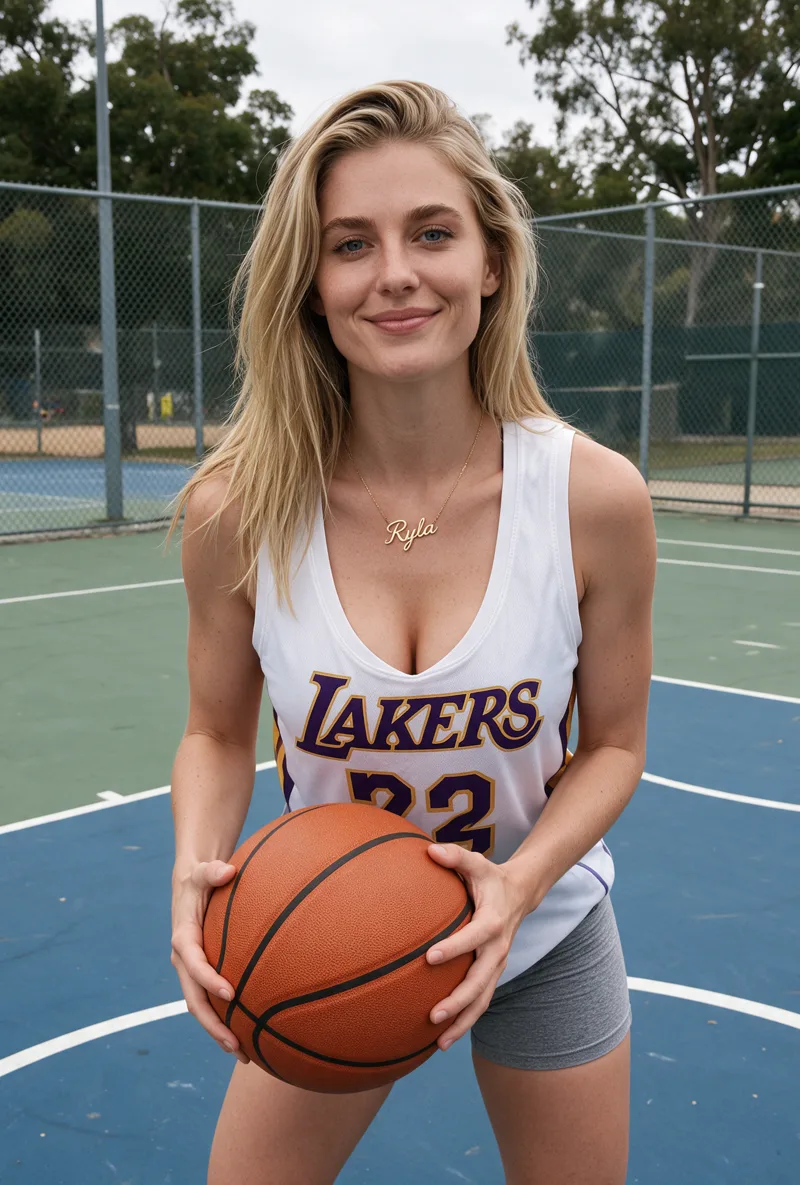
Here is one RYLA character from the showcase on this site, generated in two different scenes:
If you liked a persona you made on CelebifyAI, use its look as your brief in step 2. Current plans are on the pricing page.
Verdetto
Choose CelebifyAI if you want access to more than 70 image and video models, upscaling, face swap, and editing in one place, from a lower entry price. Choose RYLA if you want to design one character in detail, lock its face in a reference sheet, and generate its photos, video, talking clips, and video swaps in one workspace. RYLA is not affiliated with, endorsed by, or connected to CelebifyAI; the name CelebifyAI is used on this page only to identify that service.