
どちらを使うべきか?
you want to design one character step by step (niche, look, outfit, personality, voice), lock its face in a reference sheet, and generate photos, image-to-video, talking clips, and video swap of that same character in one guided workspace
you want to train a character from your own reference photos, pick from a wide menu of image, video, and voice models, and post or schedule to several social channels from the same tool
各プラットフォームが強い点
Both products let you create a recurring AI character and generate photos and talking videos of it, so the difference is in how you get there. Influencer Studio trains a custom LoRA model from your reference photos and gives you a wide menu of image, video, and voice models plus social posting. RYLA walks you through a guided builder and keeps the face consistent with a reference sheet. Facts about Influencer Studio below come from its public homepage, pricing page, and blog, read on 6 October 2026. RYLA plan details come from the RYLA pricing page. The table includes the rows where Influencer Studio is ahead.
| Feature | RYLAおすすめ | Influencer Studio |
|---|---|---|
| Lowest subscription plan | Basic: $34.99 a month; credits and character limits are on the pricing page. | Creative: $490 a year billed yearly (shown as $40.83 a month) or $588 a year at the monthly rate, 7,000 credits a month. |
| Try before you pay | Free plan in the RYLA app: a one-time credit grant at signup and one character, with no monthly refill. Paid plans are on the pricing page. | New accounts can claim a box of free credits by emailing support from the account email address. |
| Keeping one face consistent | 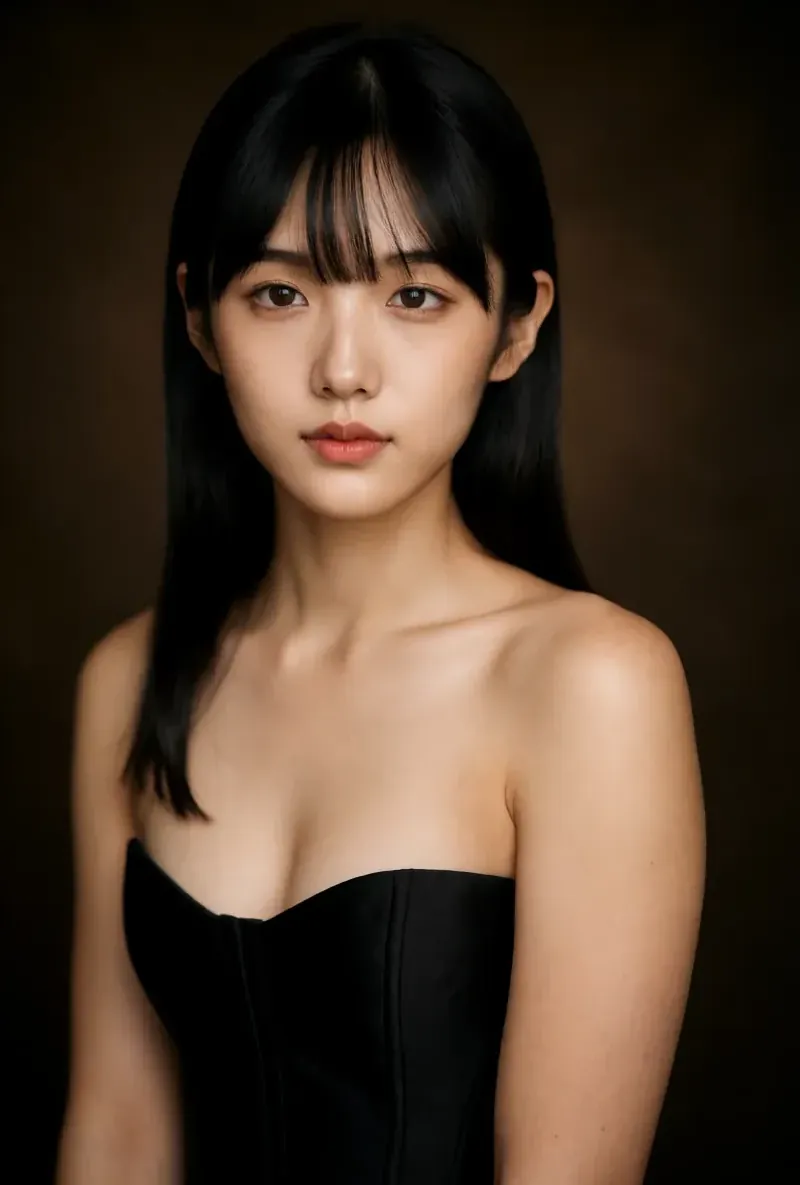 After the builder, you pick one base image and RYLA generates a reference sheet of that face, which new content is generated from. After the builder, you pick one base image and RYLA generates a reference sheet of that face, which new content is generated from. | Trains a custom LoRA model from your reference photos to keep the same face and appearance across generations. |
| Designing a character | A step-by-step builder: niche, gender and style, ethnicity, age, skin, eyes, face shape, hair, outfit and scene, personality and name, then voice. | Built around your own reference photos and a studio of generation models. |
| Talking videos |  Avatar Video creates talking clips with the voice chosen in the builder. Avatar Video creates talking clips with the voice chosen in the builder. | Talking head videos with lip sync: you provide a script and choose or create a presenter. |
| Choice of generation models | A guided path with RYLA choosing the generation setup for each mode. | Lists every image, video, and voice model on its plans, including video models such as Kling 3.0, Seedance 2.5, Hailuo, and Wan. |
| Social posting and scheduling | Not compared here; RYLA is used to generate the content. | Social posting and scheduling to multiple connected channels on its subscription plans. |
| Pay as you go | Monthly or yearly plans; see the pricing page. | A pay-as-you-go option at $0.008 per credit, without social posting or API access. |
| Unrestricted (18+) content | Unrestricted Fan Content on Pro and above, for the character you build. | Not compared here; see Influencer Studio's own terms. |
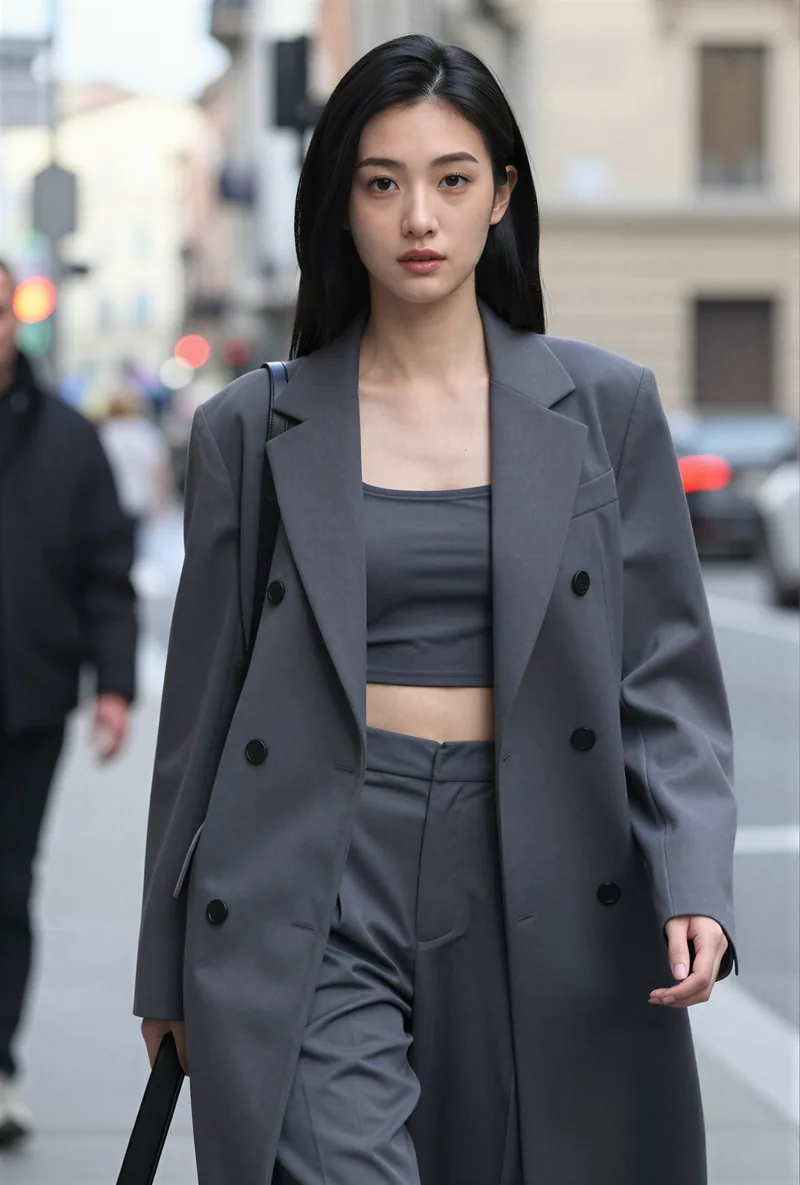
RYLA の列は、主張するのではなく実際に見せています。価格やポリシーに関する主張の行には、あえて画像を置いていません。
同じ顔、4つの異なるシーン
ここにある画像はすべて RYLA で生成しました。ひとりのキャラクターを4つの異なるシーンに置き、その間に修正は加えていません。

RYLA が勝つ点
参照シートに固定された顔
RYLA はプロンプトから直接コンテンツを作りません。キャラクターのベース画像を一つ選ぶと、RYLA がその顔の参照シートを生成し、新しい写真やクリップはそこから作られます。
性格と声は一度だけ設定
名前、性格、声はビルダーの一部であり、後から付け足すものではありません。そこで選んだ声が、後のトーキングアバタークリップでキャラクターの声になります。
一人のキャラクターで写真、動画、トーキングクリップ
仕上げた後、Studio はテンプレートから新しい写真を生成し、image-to-video で静止画を動かし、Avatar Video でトーキングクリップを作り、video swap で既存のクリップに同じキャラクターを入れられます。
差について正直に
Influencer Studio は、より幅広い生成モデル、SNS 投稿とスケジュール設定の機能、従量課金のクレジットオプションを備えています。RYLA は現時点で、これらの点では競合していません。
Influencer Studio がまだ勝る点
Influencer Studio is ahead on model choice and distribution. Its plans list every image, video, and voice model it offers, it adds social posting and scheduling to connected channels, and its blog publishes comparison posts on new models soon after release (for example a Seedance 2.5 comparison on 2 August). If you want to test many models side by side and publish from the same tool, it covers that more directly than RYLA does today.
Influencer Studio から RYLA へ乗り換える
There is no import between the two products, so switching means building your character once in RYLA. This is the actual sequence in the RYLA builder:
- Pick a niche, then gender and style.
- Set the look: ethnicity, age, skin, eyes, face shape, and hair.
- Choose outfit and scene, then personality and a name, then a voice.
- Generate base images and pick the one that becomes your character.
- RYLA generates a reference sheet of that face.
- Finalize, then create new photos in Studio, motion with image-to-video, talking clips in Avatar Video, and swaps in Video Swap.
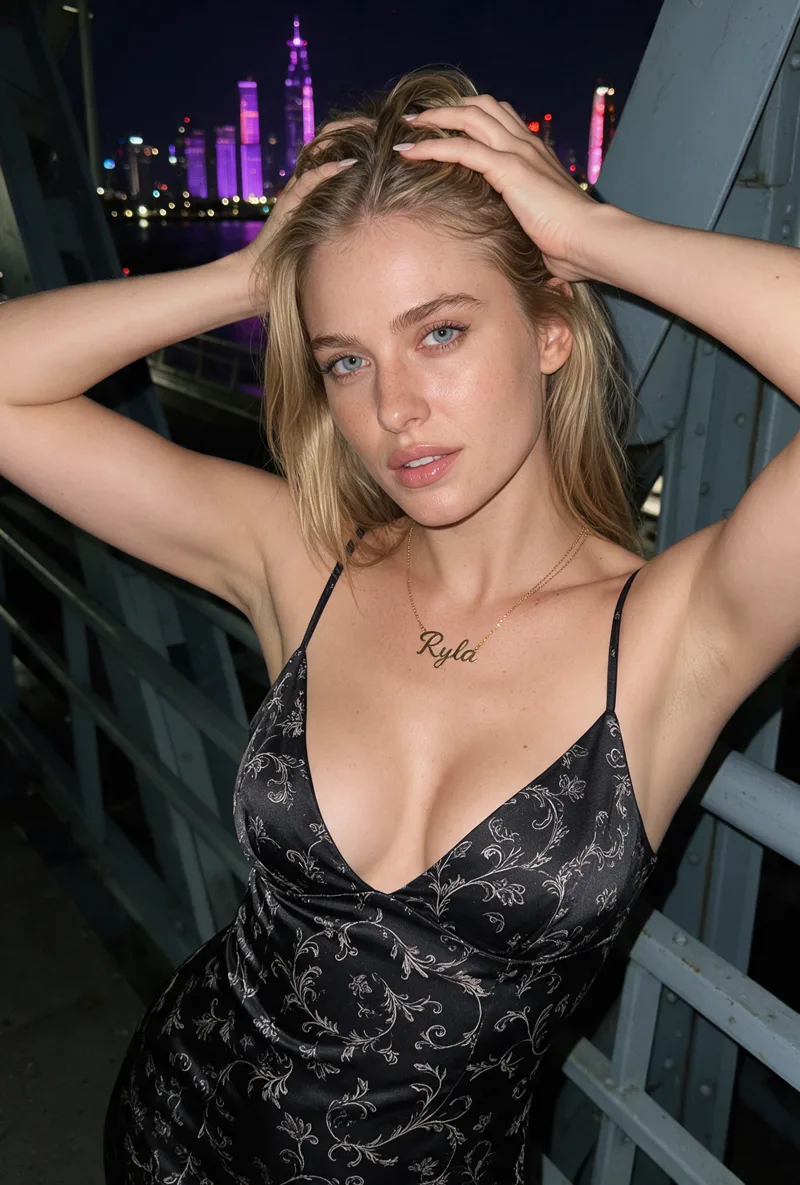
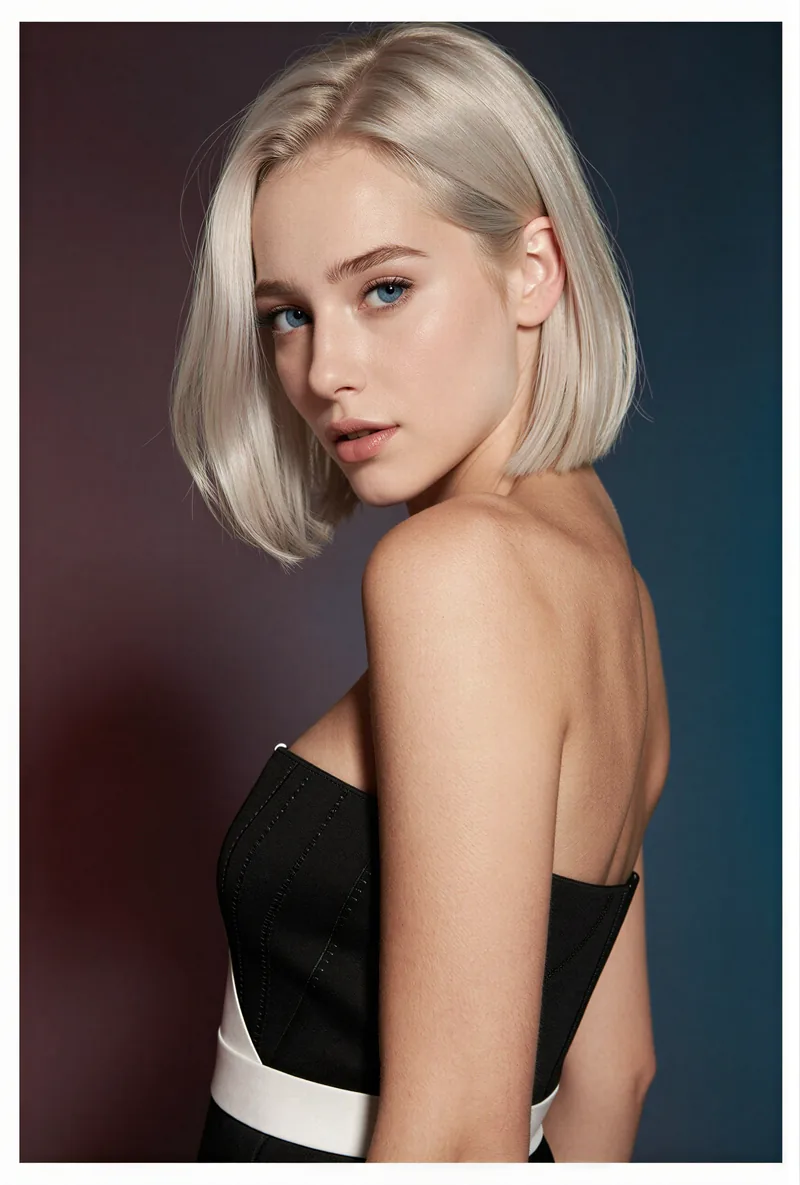
Here is one RYLA character from the showcase on this site, generated in two different scenes:
Current plans are on the pricing page.
判定
Choose Influencer Studio if you want to train a character from your own photos, choose from a wide menu of image, video, and voice models, and post or schedule from the same tool. Choose RYLA if you want to design one character in detail, lock its face in a reference sheet, and generate its photos, video, talking clips, and video swaps in one guided workspace. RYLA is not affiliated with, endorsed by, or connected to Influencer Studio; its name is used on this page only to identify that service.