Skip the prompt.
Start with the content.
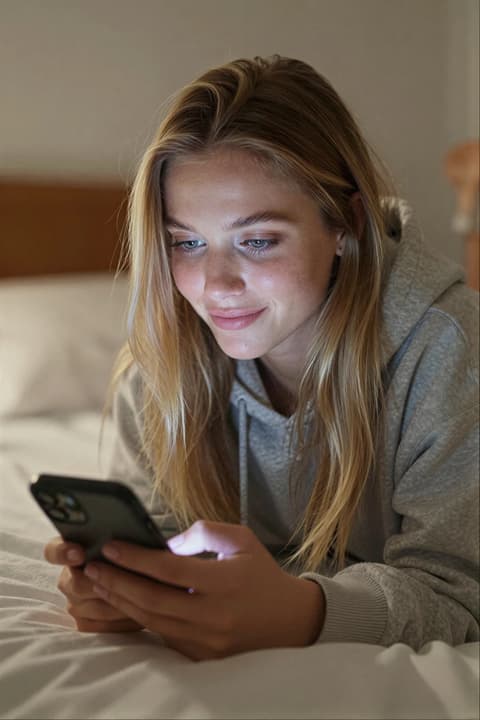
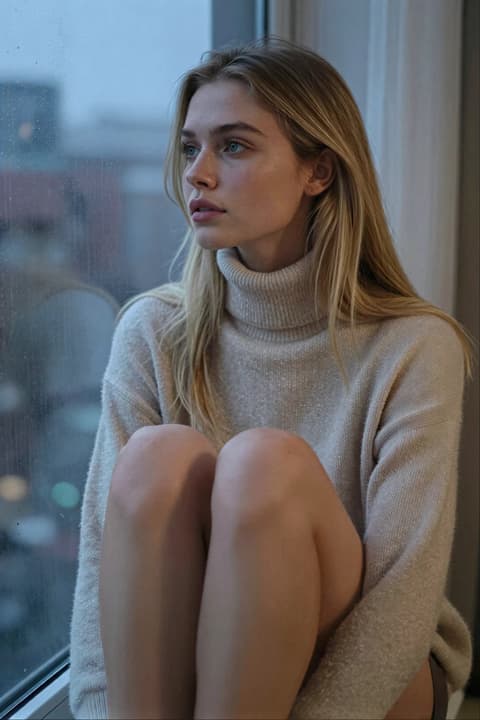
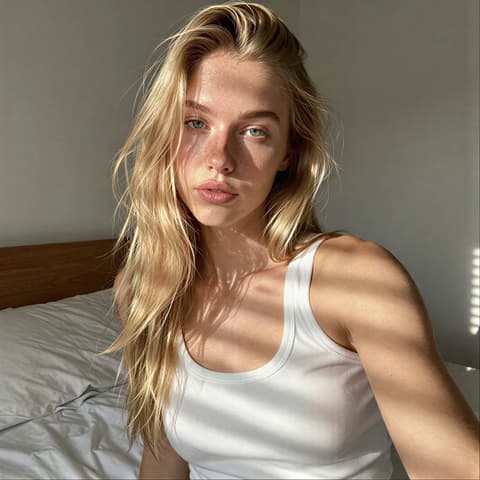
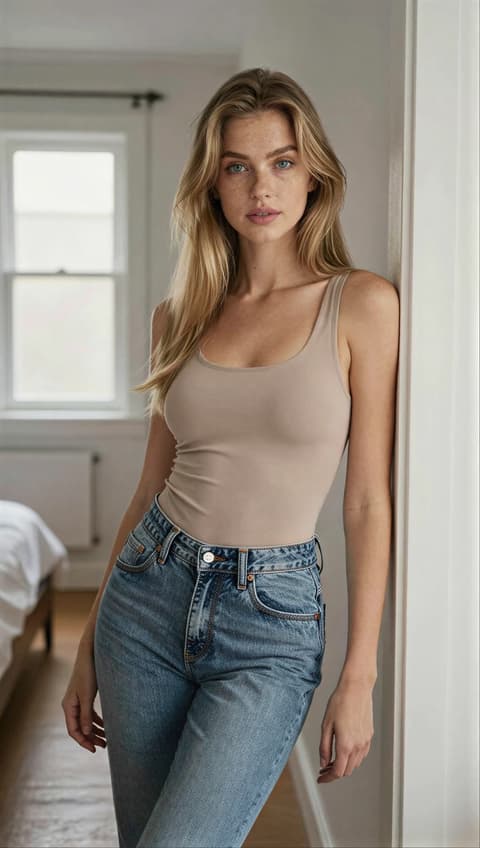
Pick a ready-made photo concept, apply it to your AI influencer and generate. The setting, outfit, pose and lighting are already worked out.
- No prompt writing
- Works with your own influencer
- Everything stays editable
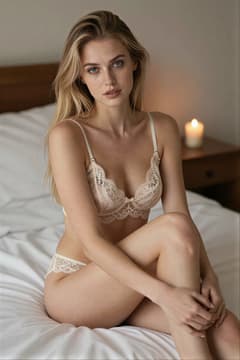
 Preview
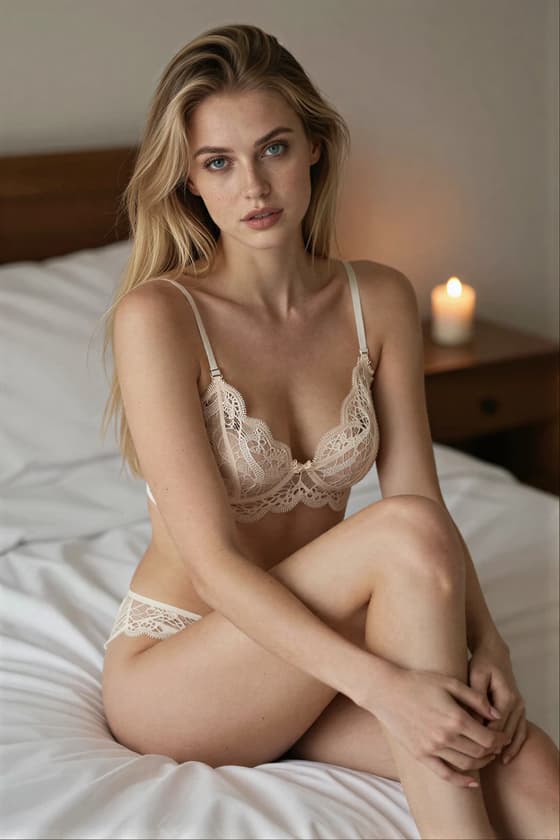
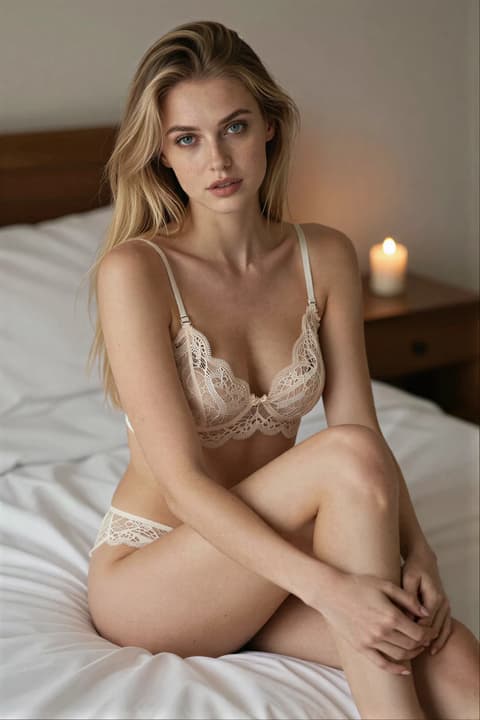
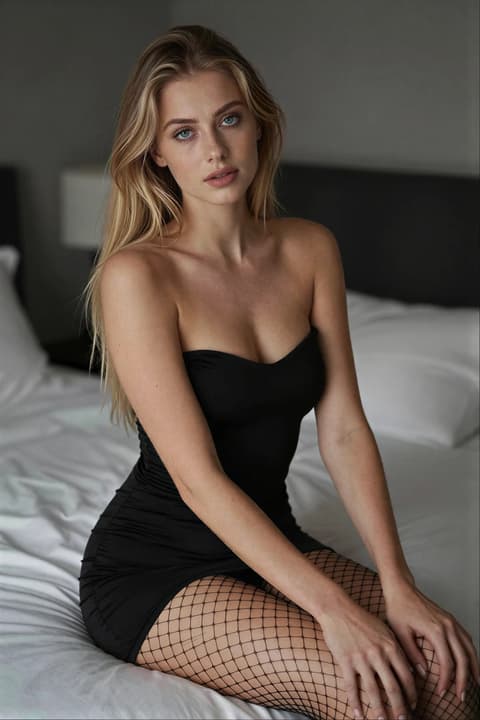
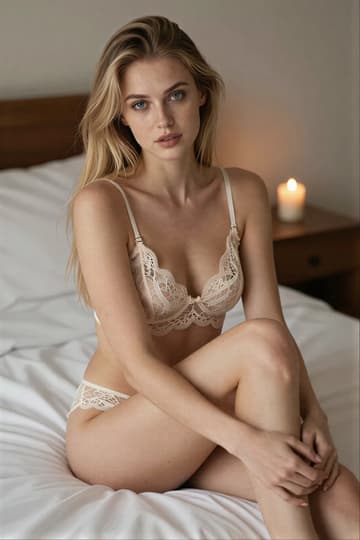
- Scene
- Cozy at home
- Setting
- Bedroom
- Outfit
- Lingerie
- Pose
- Sitting, elegant
- Lighting
- Candlelight
- Format
- Portrait 2:3
Three steps to your next post
- 01
Select a template or set
Pick a single look, or a whole set of matching shots to generate together.
- 02
Adjust to your liking
Choose your influencer, then change the outfit, pose, lighting or format. Or keep it exactly as it is.
- 03
Generate in seconds
Hit generate and your influencer appears in the scene, ready to post.
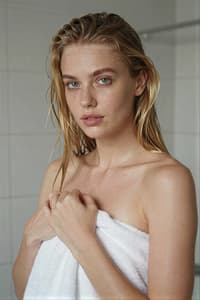
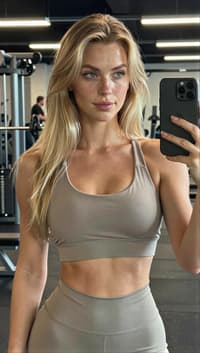
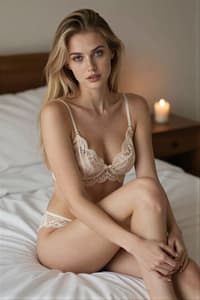
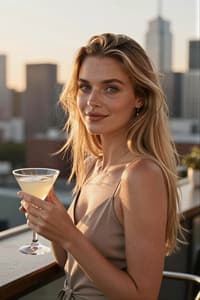
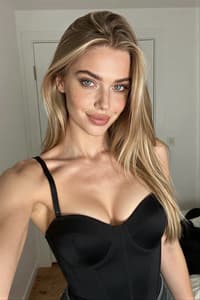
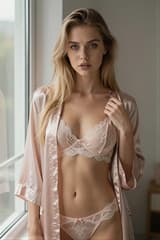
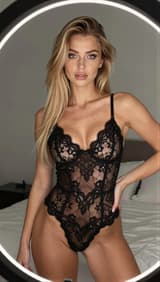
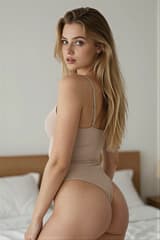
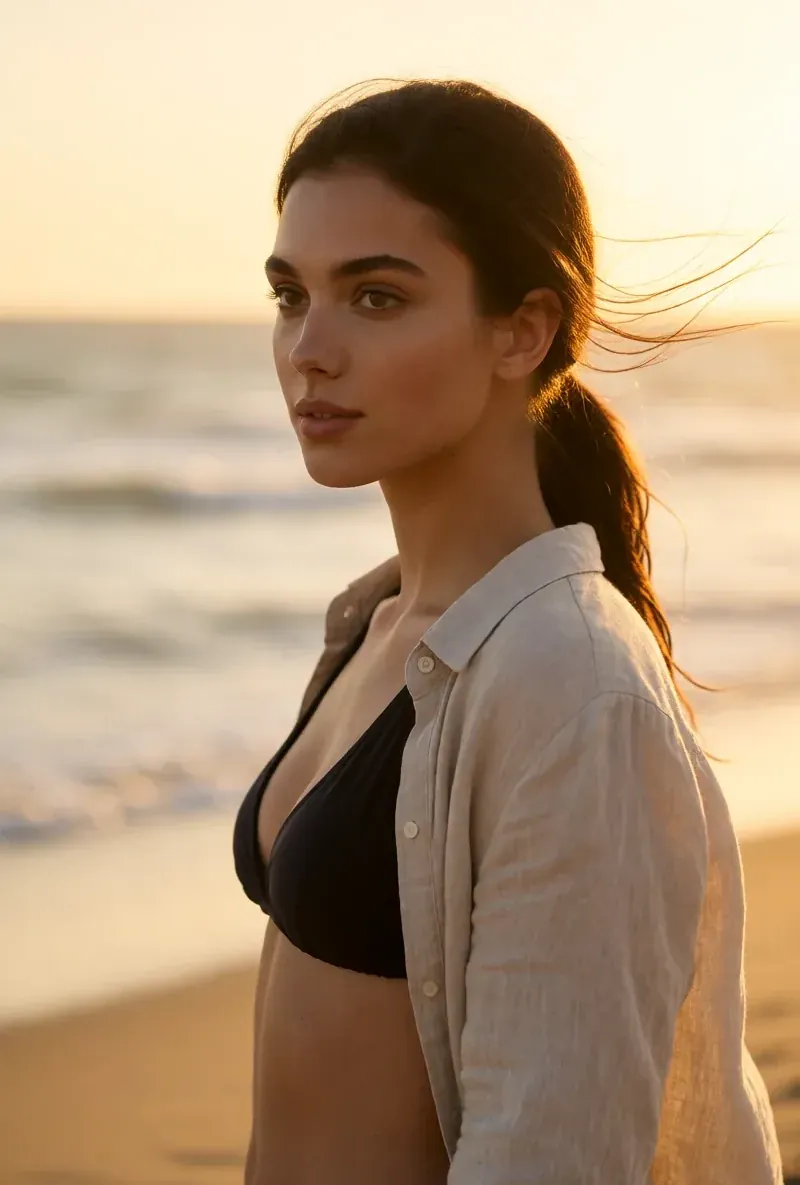
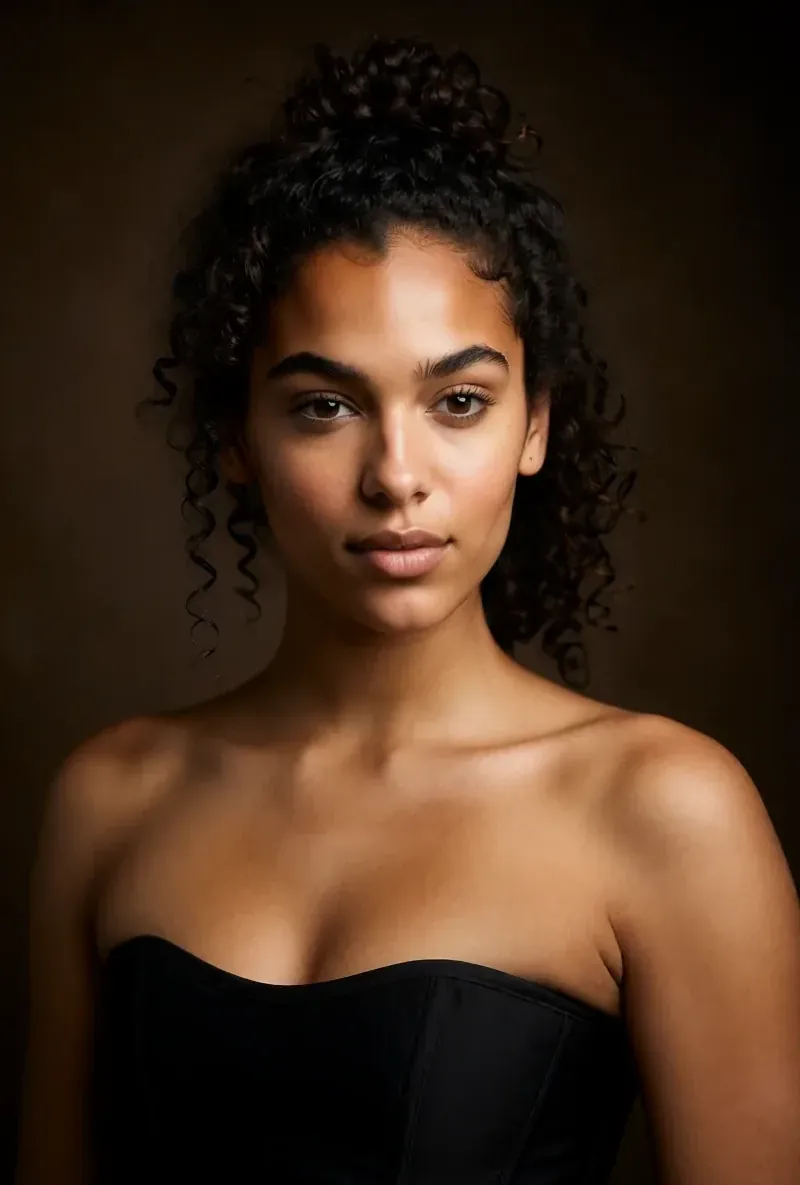
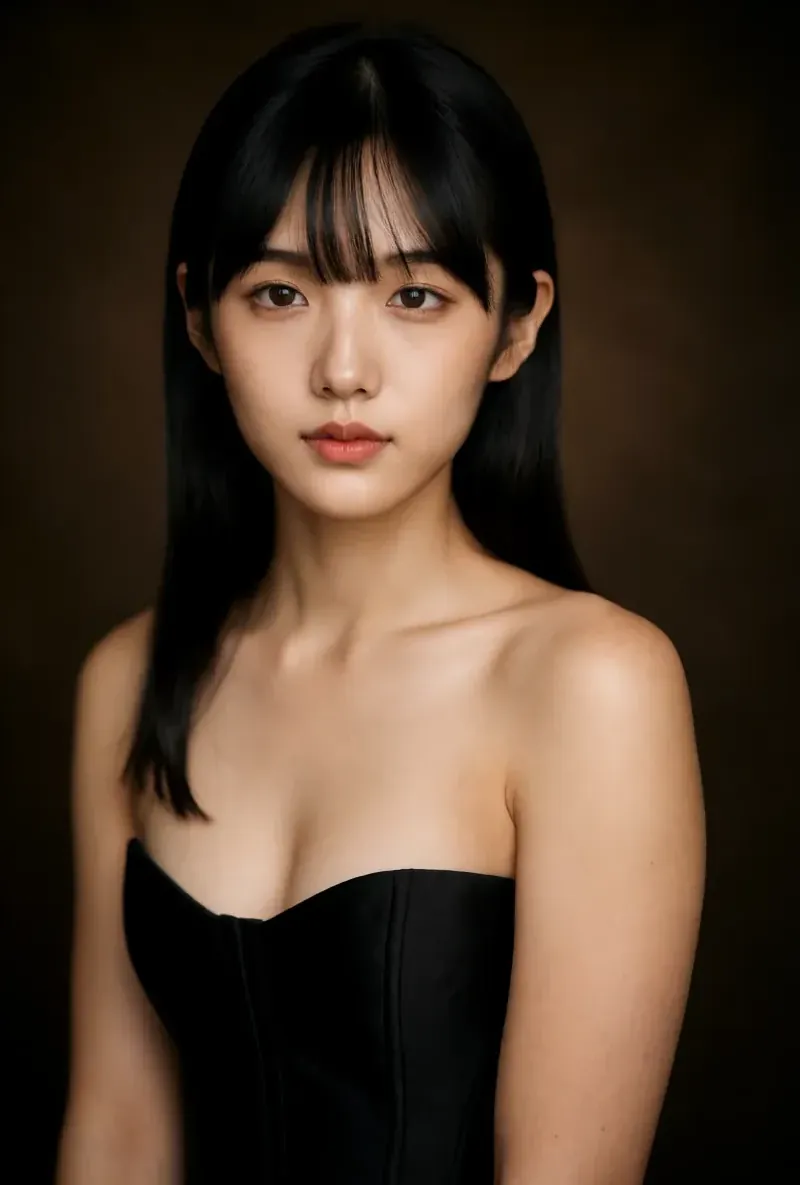
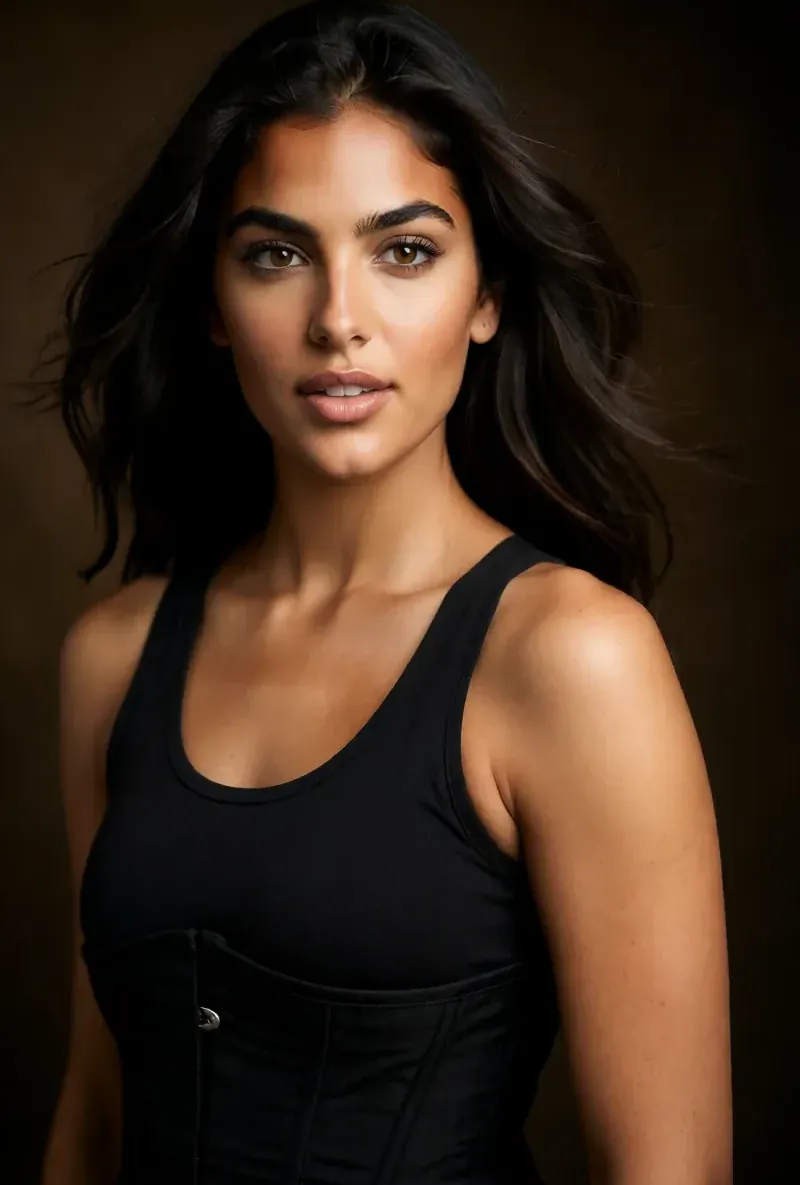
One character. A whole feed of ideas.
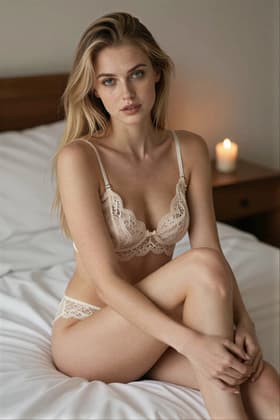
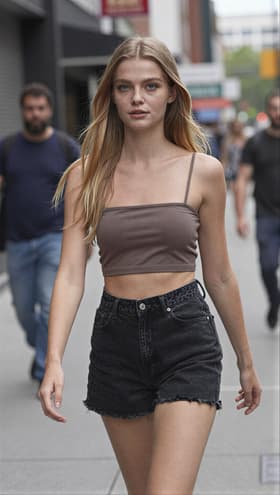
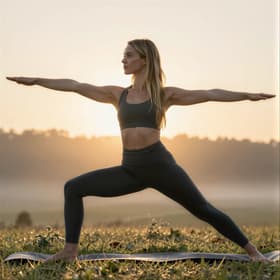
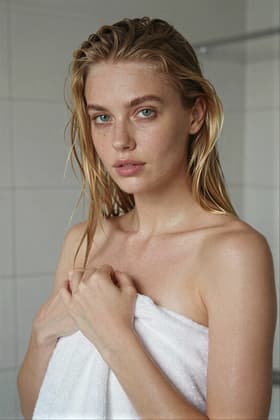
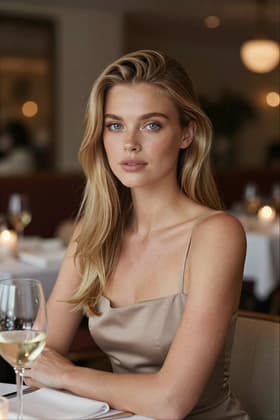
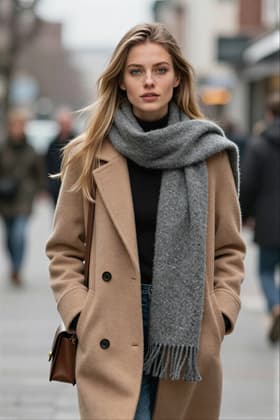
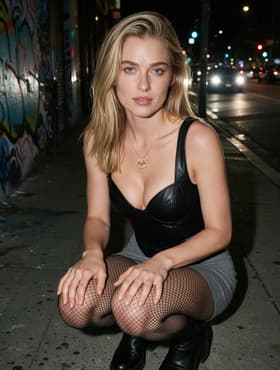
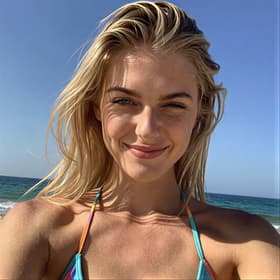
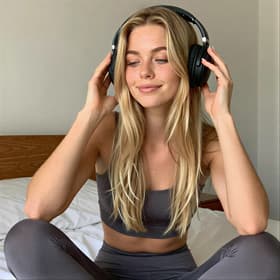
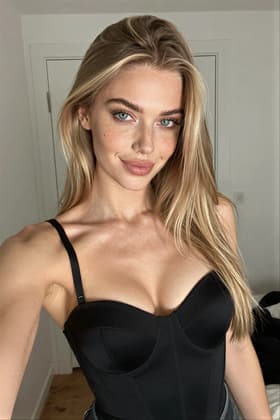
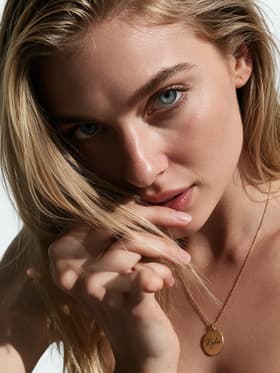
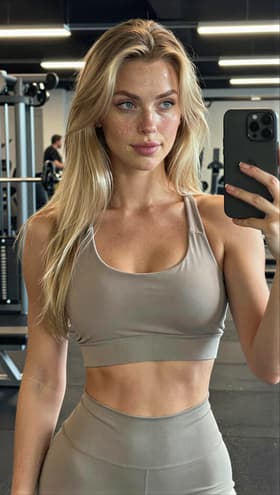
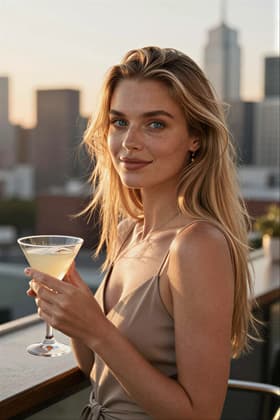
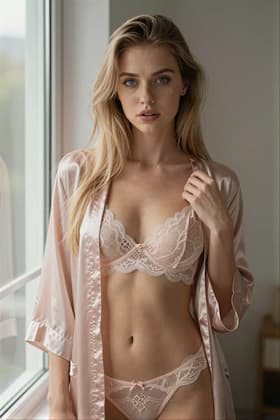
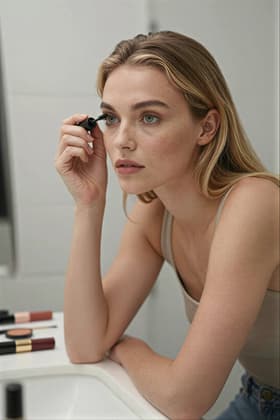
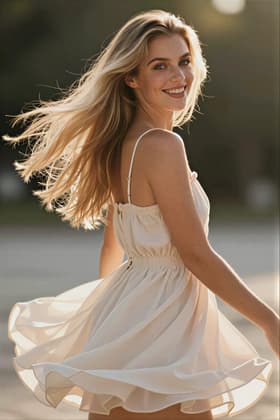
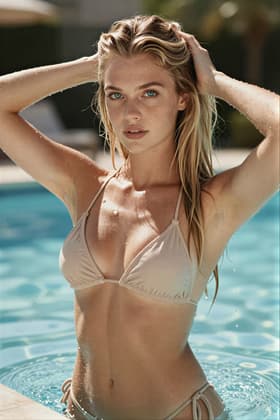
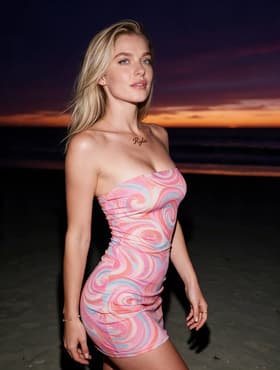
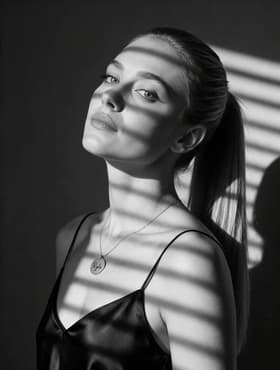
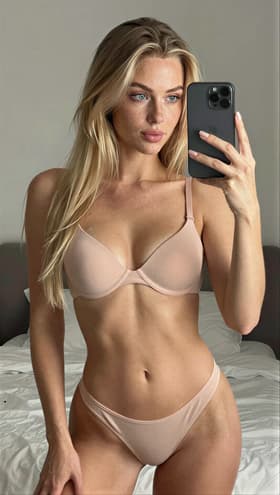
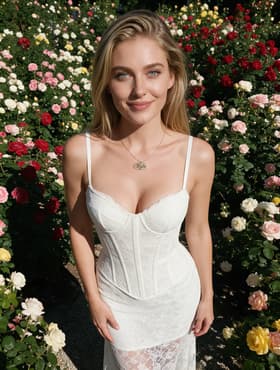
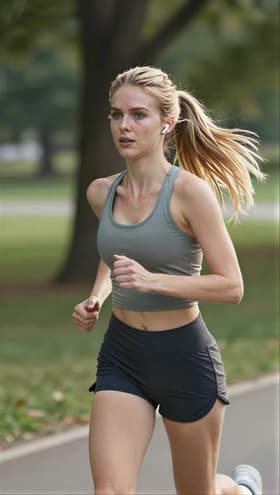
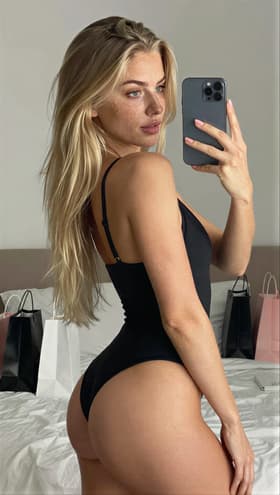
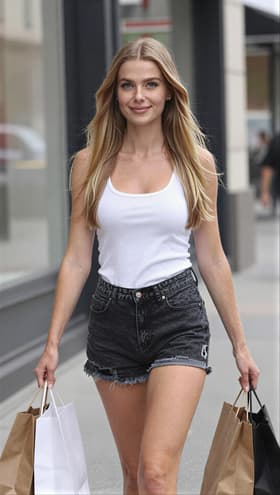
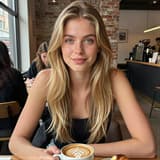
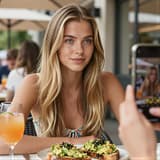
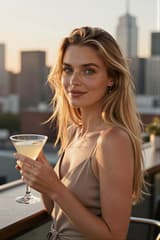
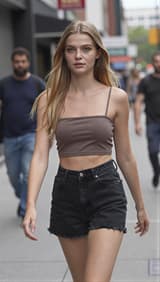
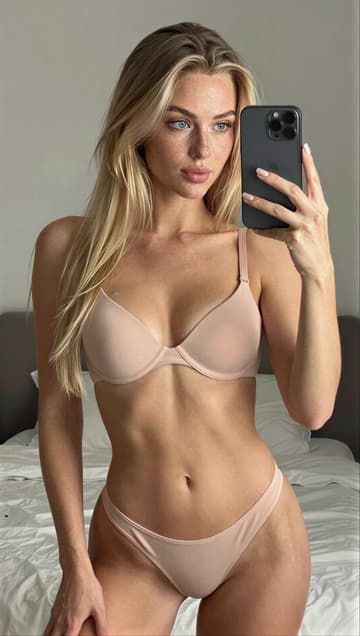
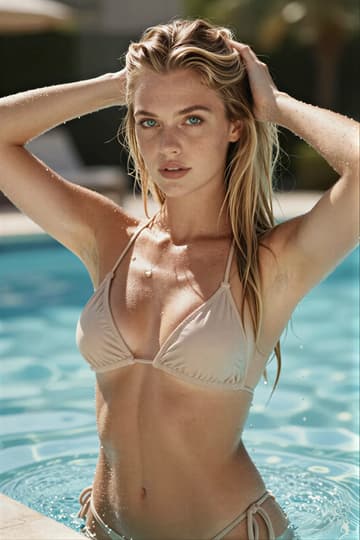
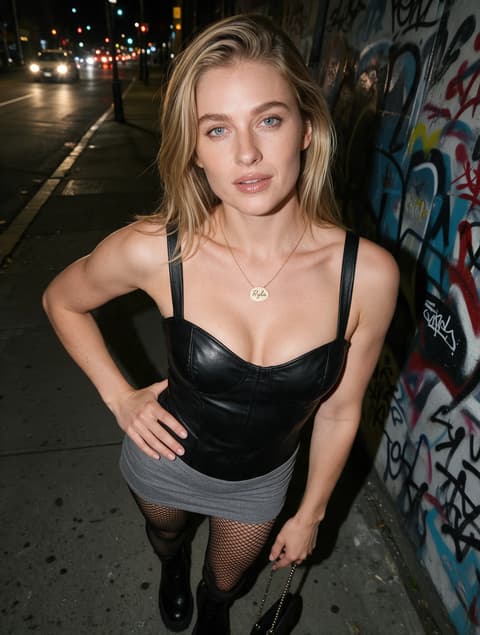
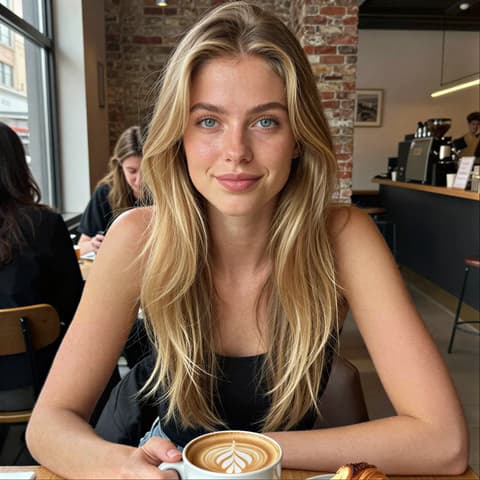
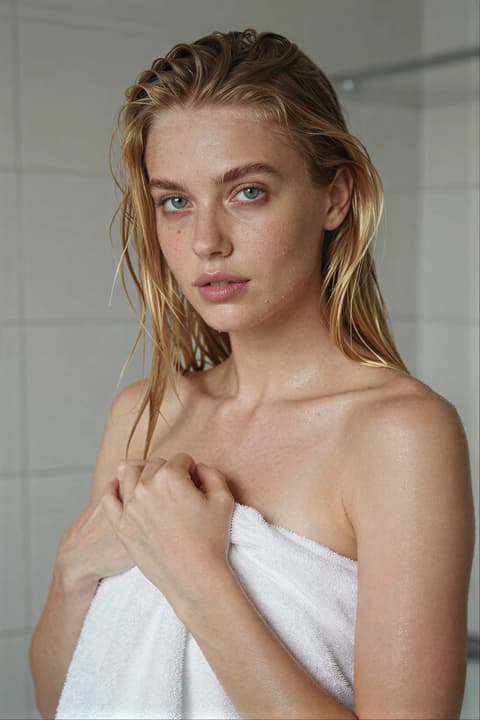
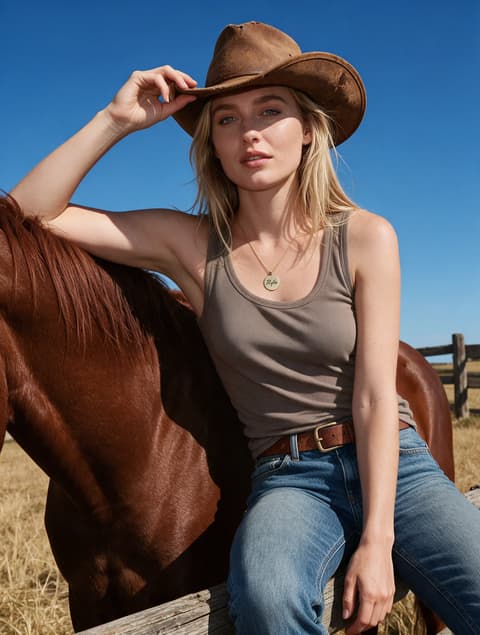
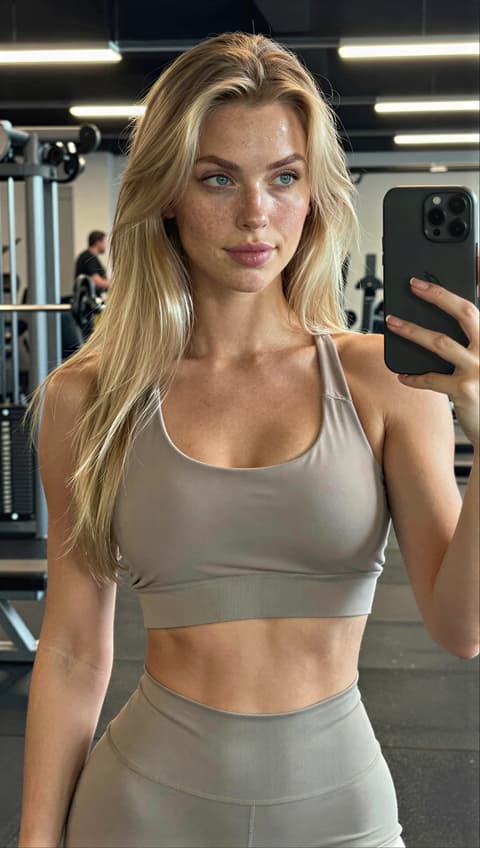
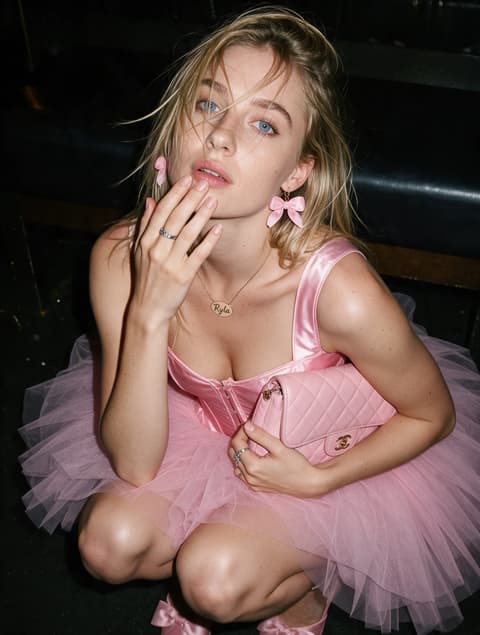
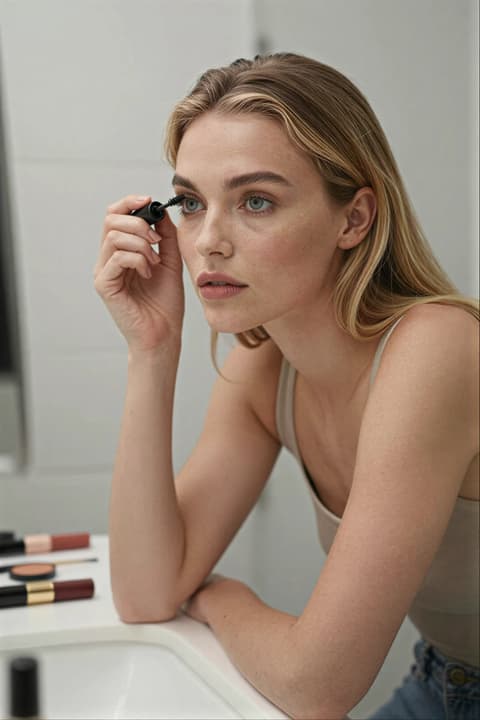
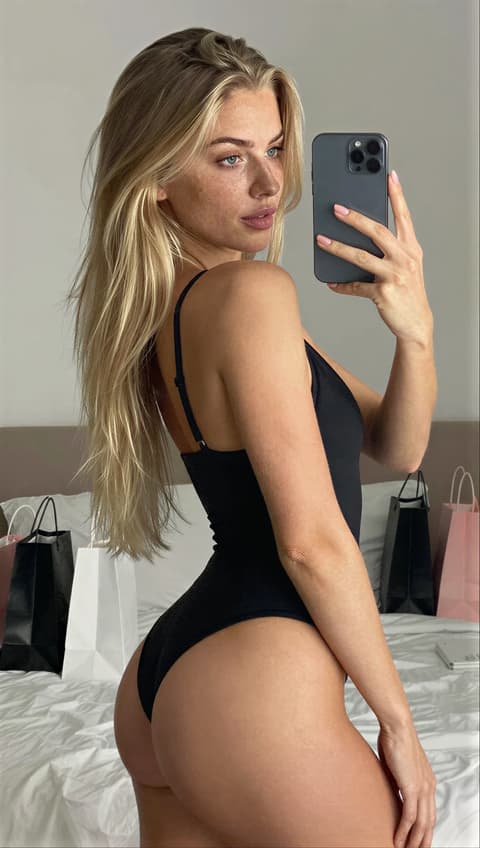
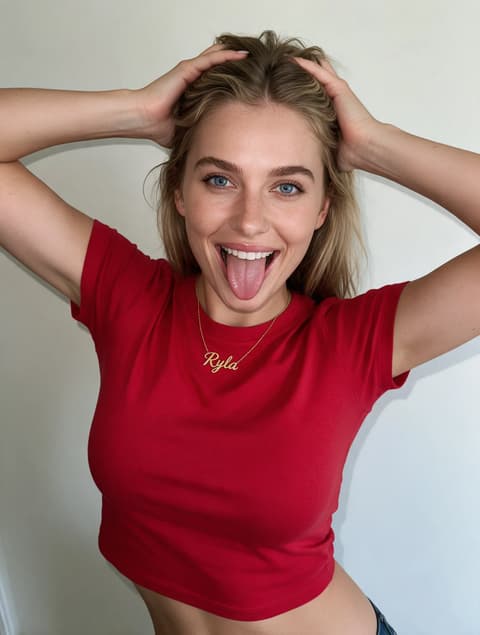
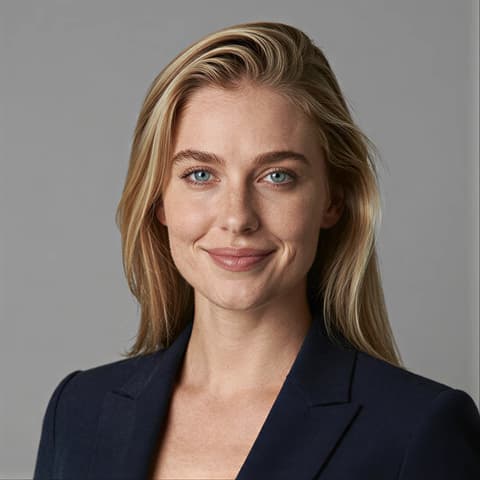
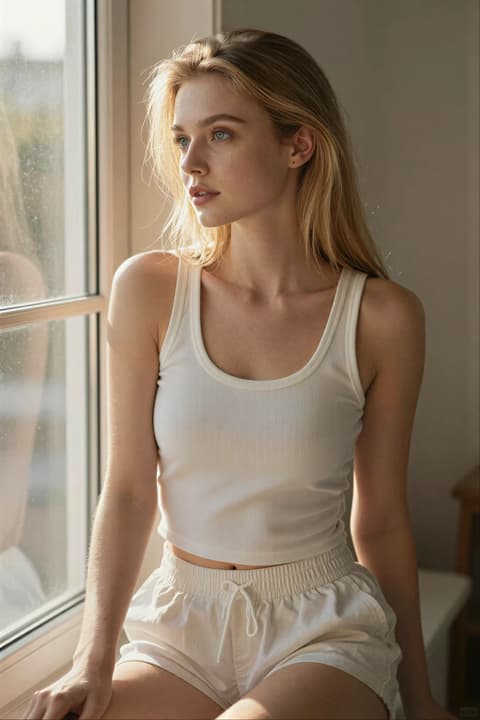
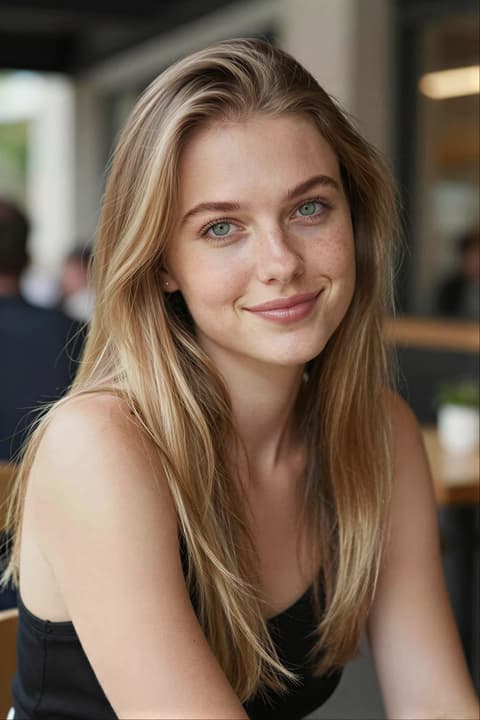
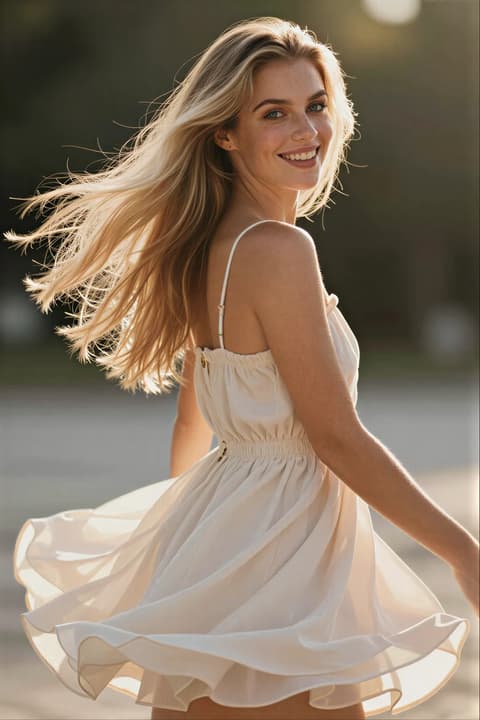
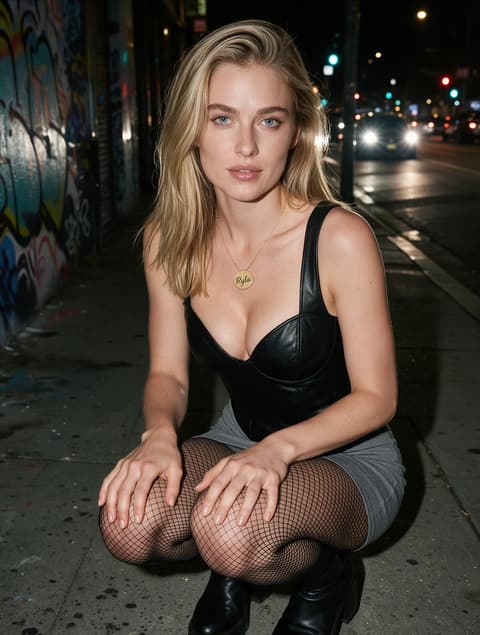
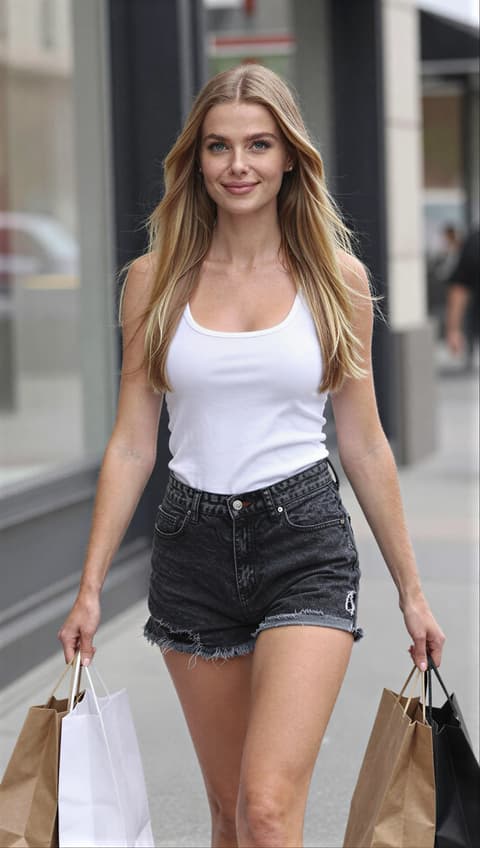
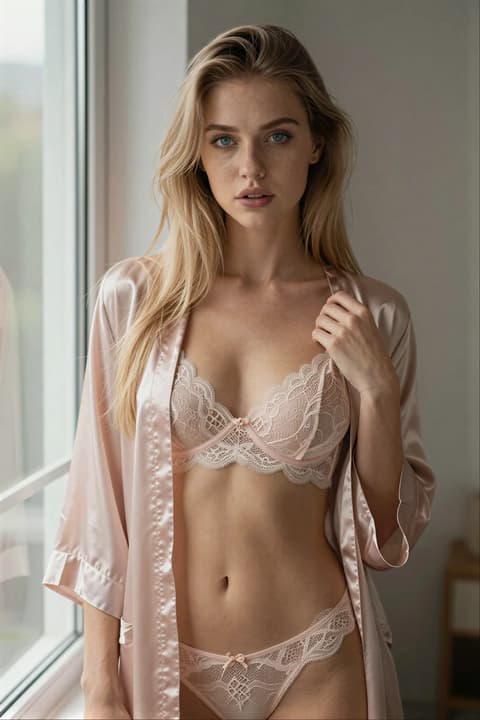
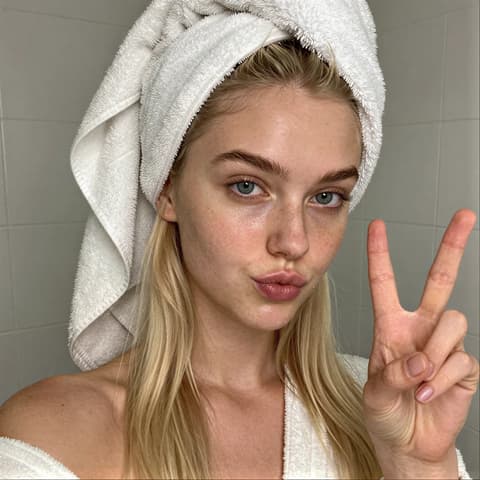
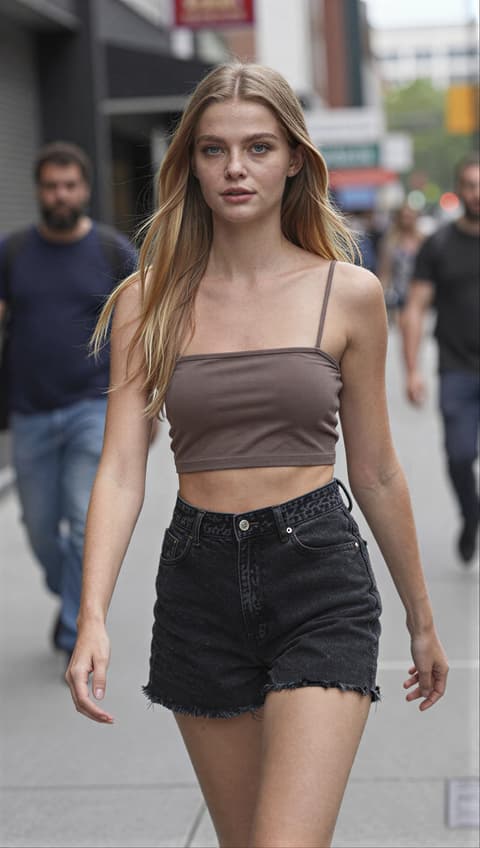
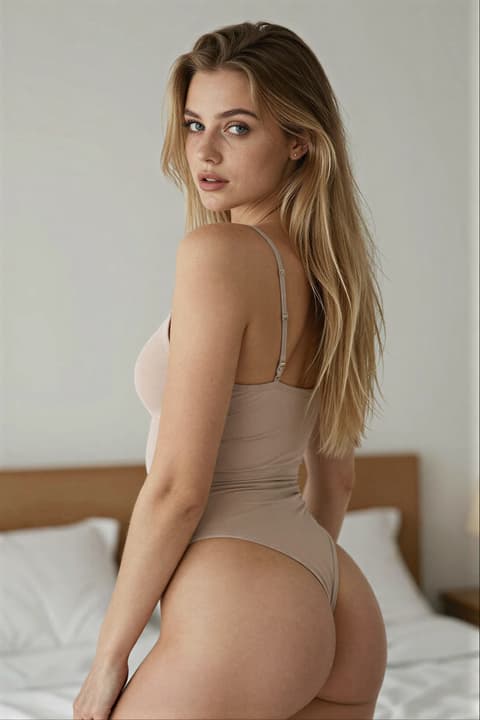
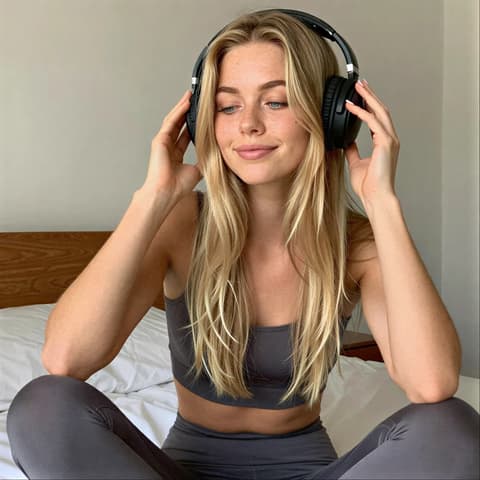
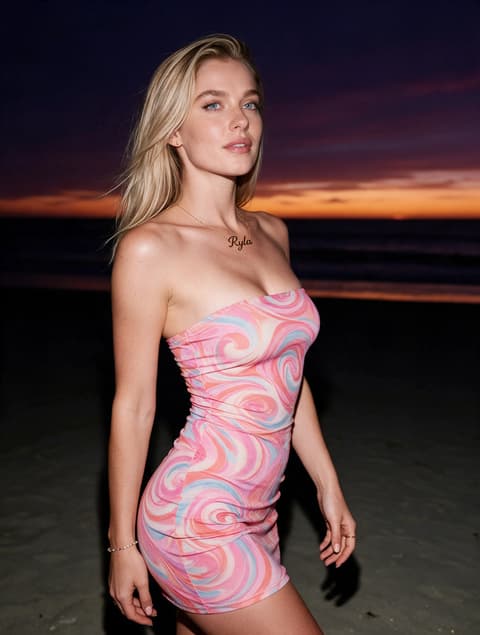
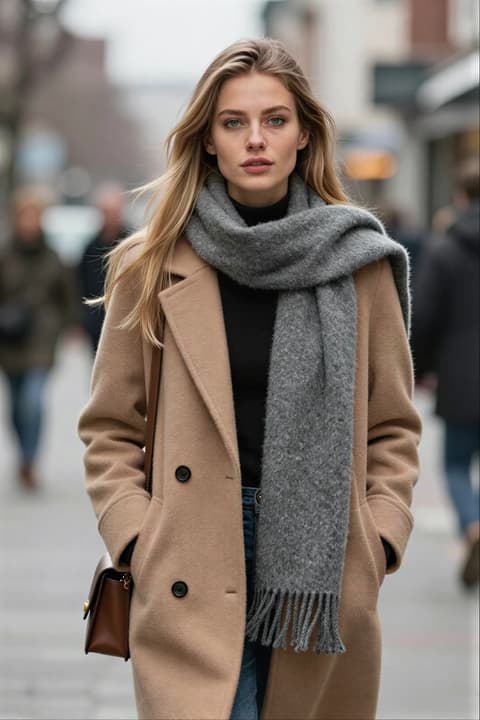
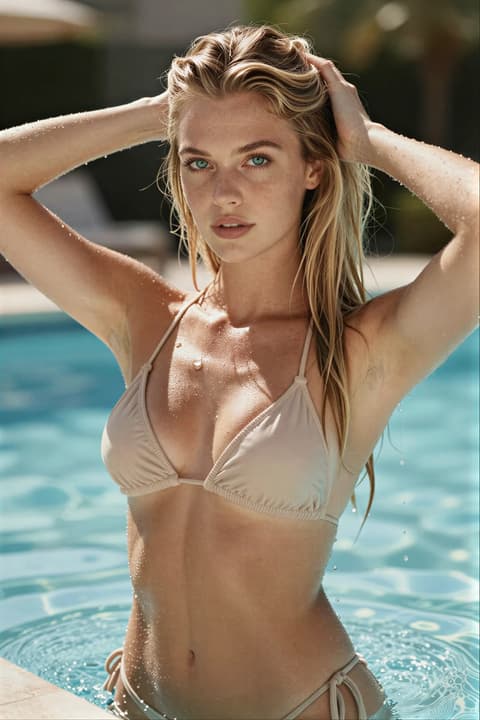
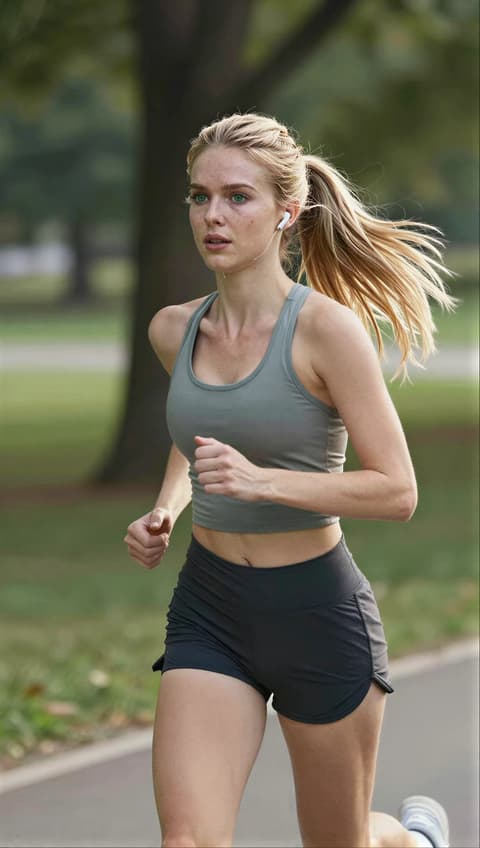
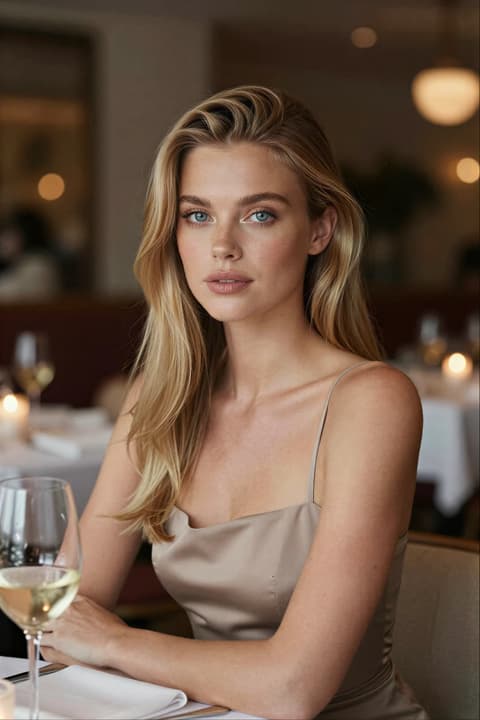
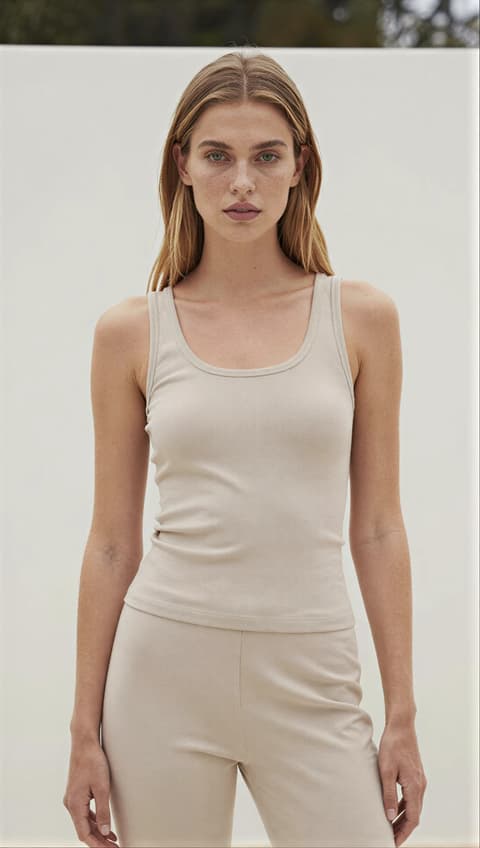
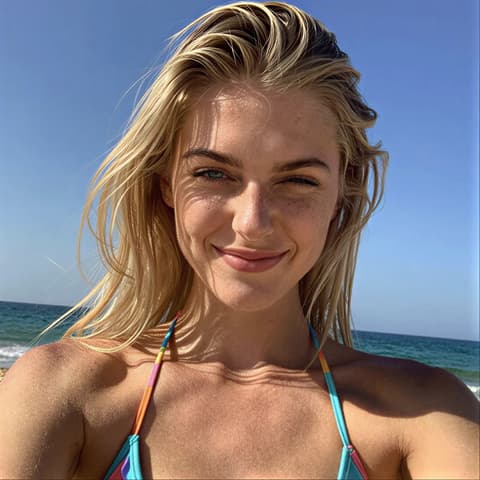
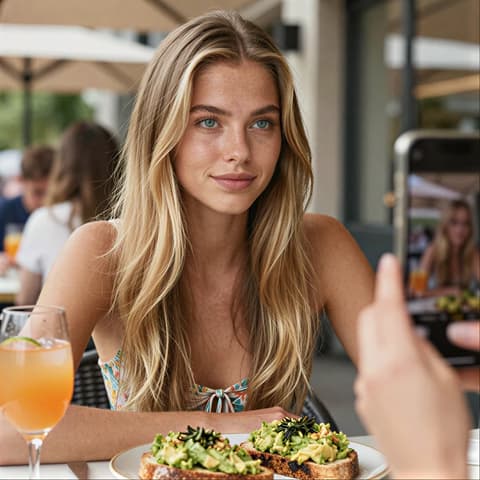
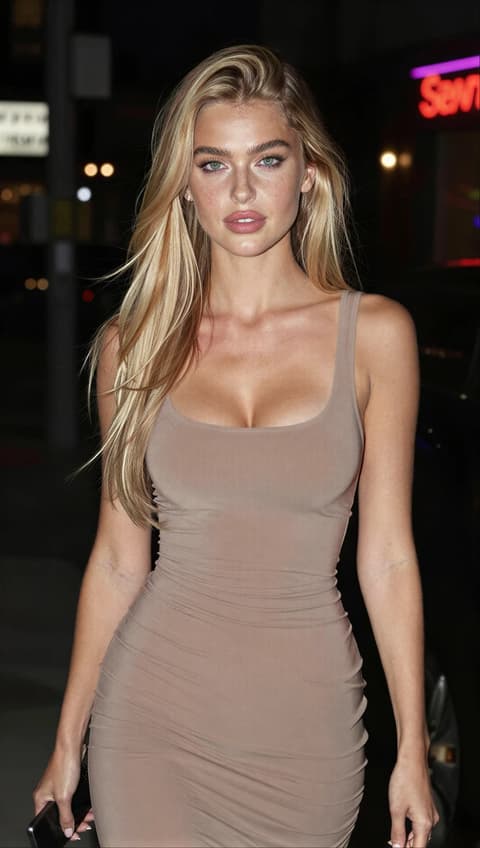
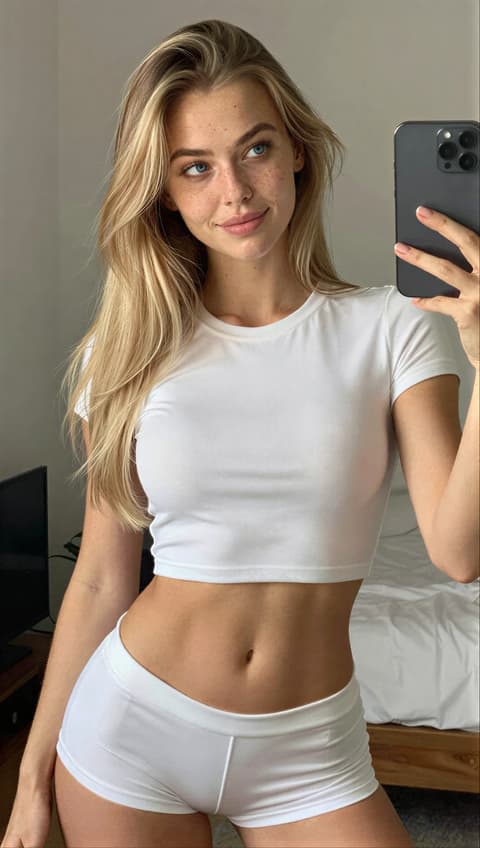
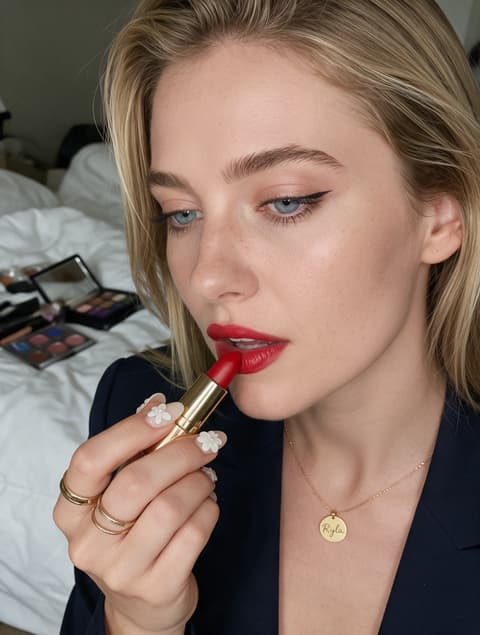
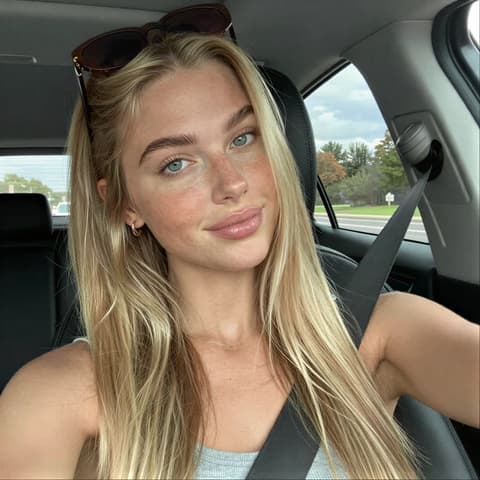
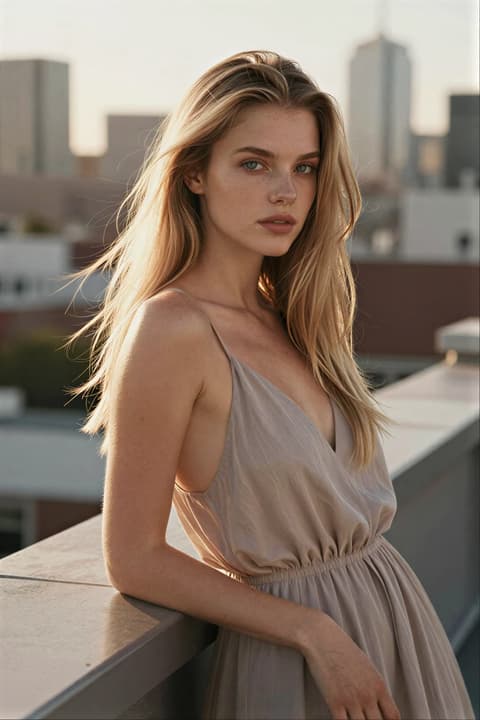
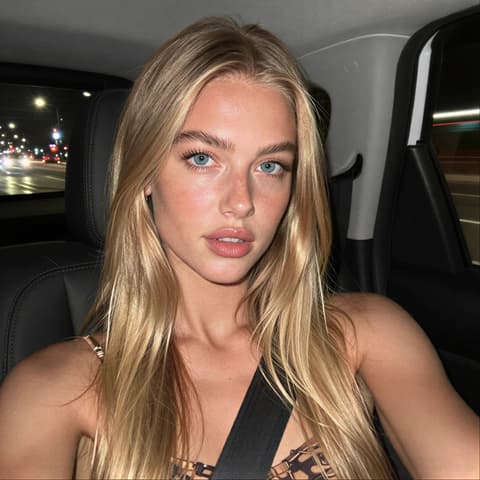
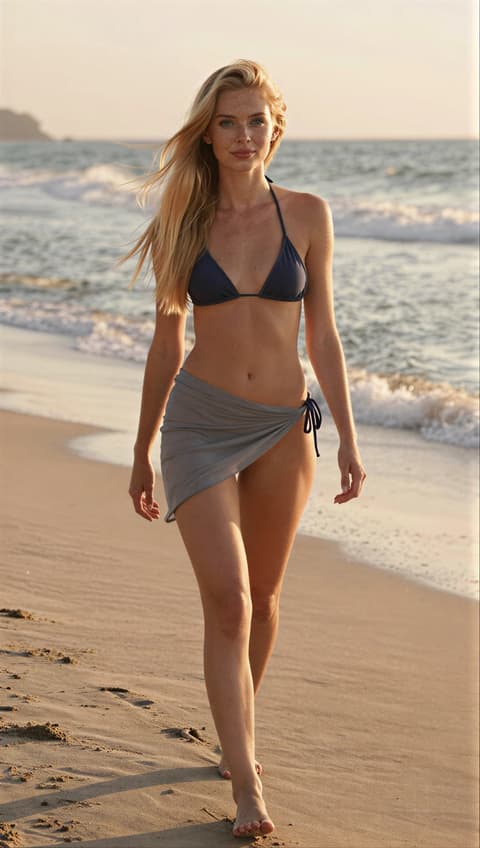
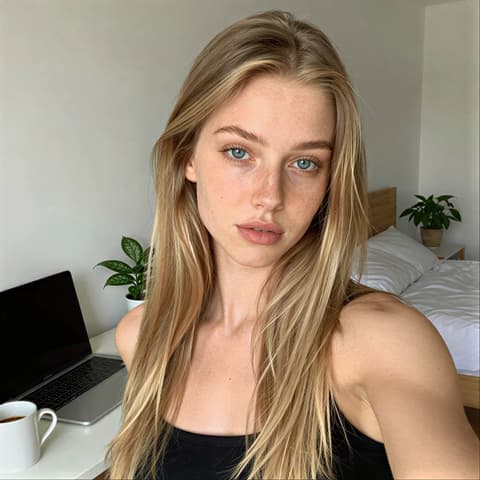
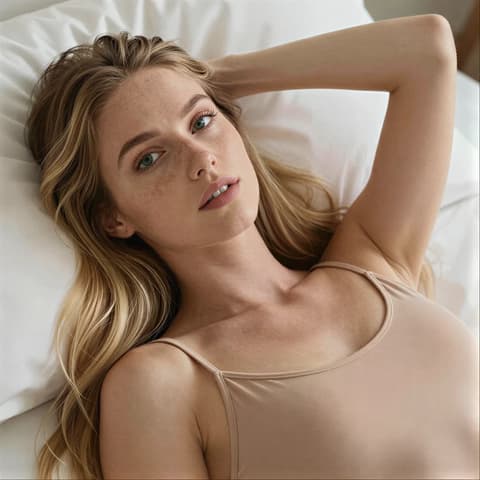
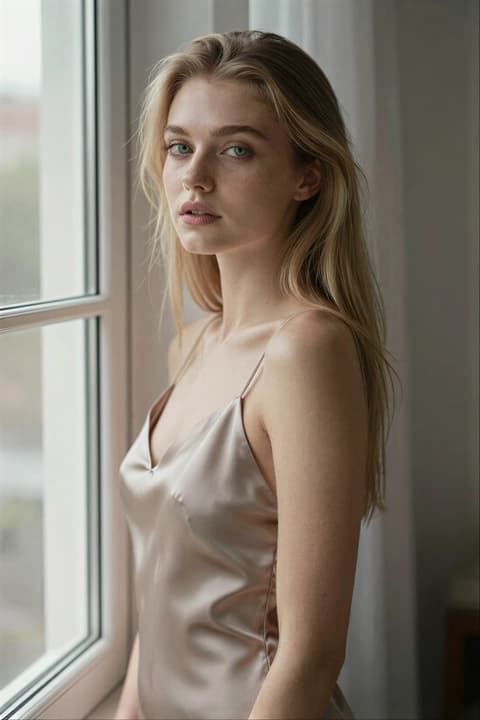
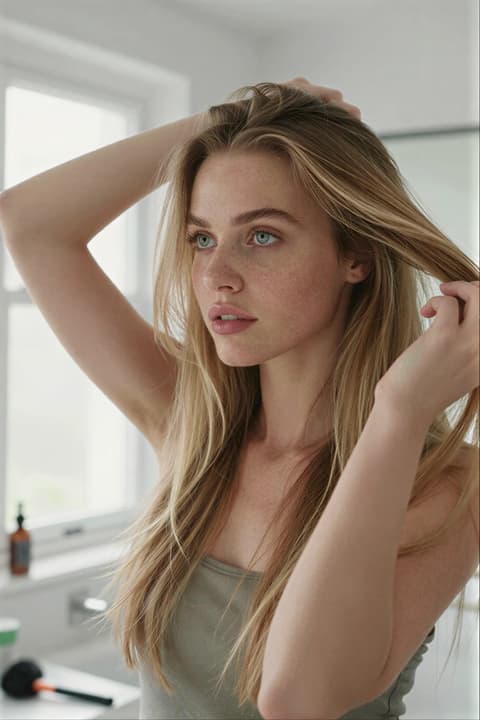
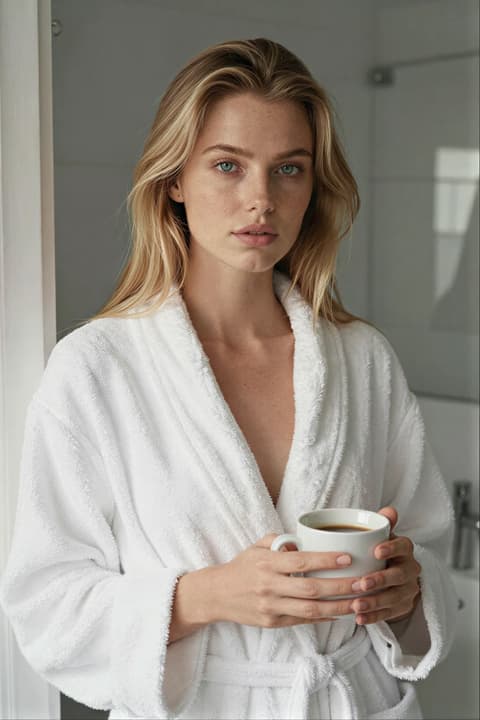
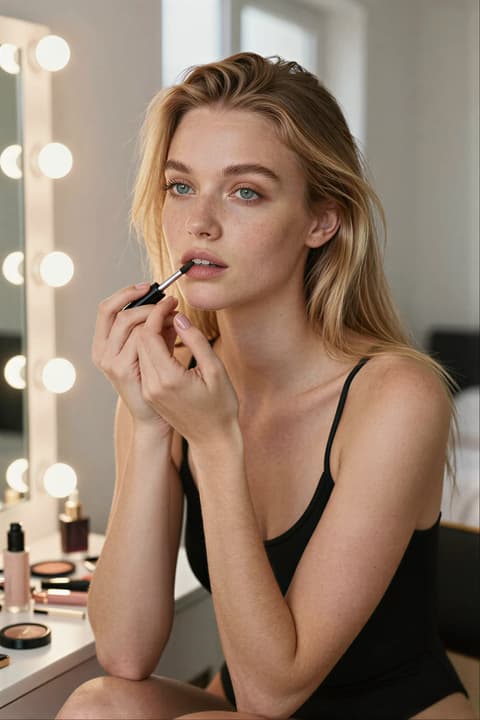
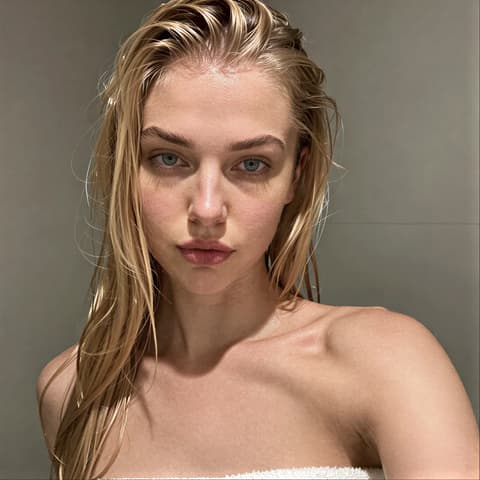
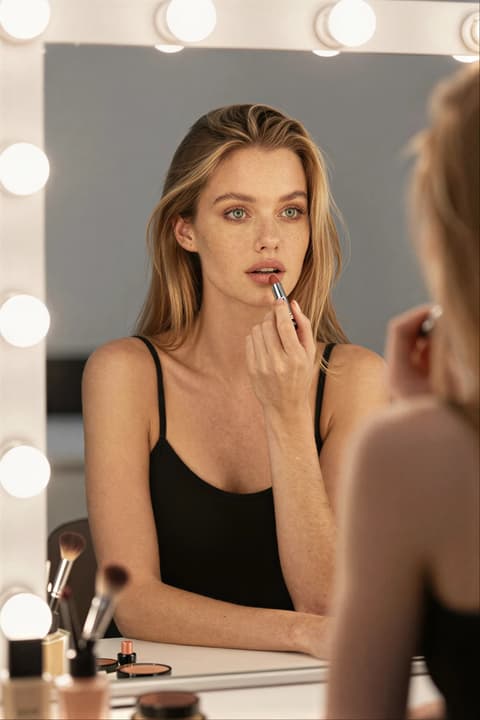
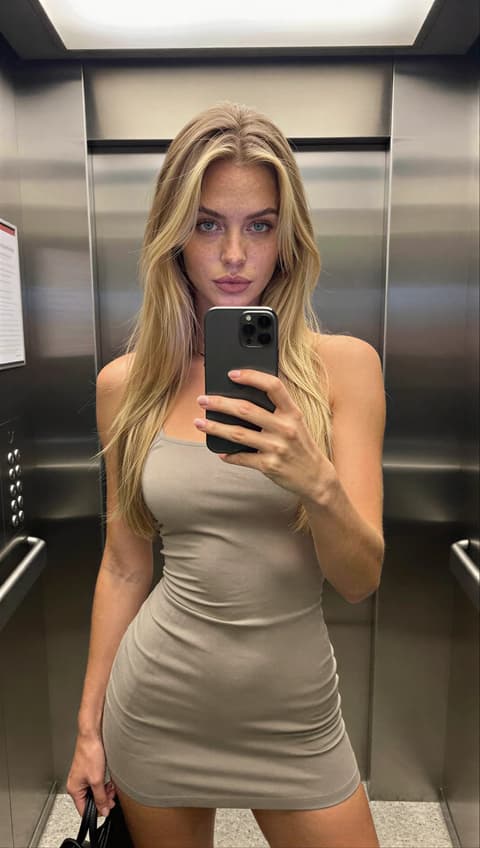
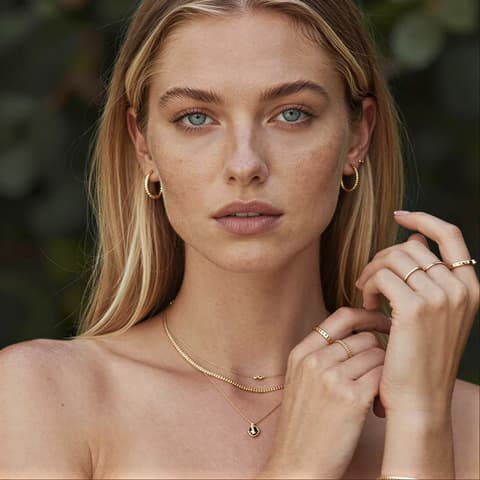
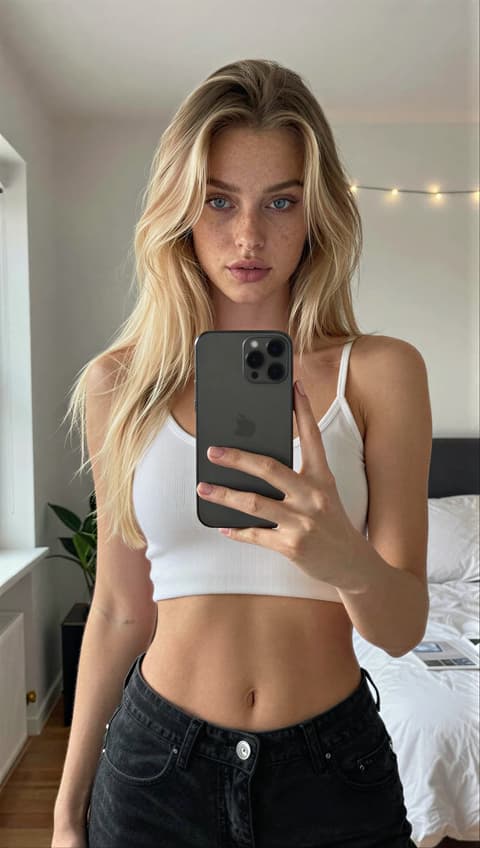
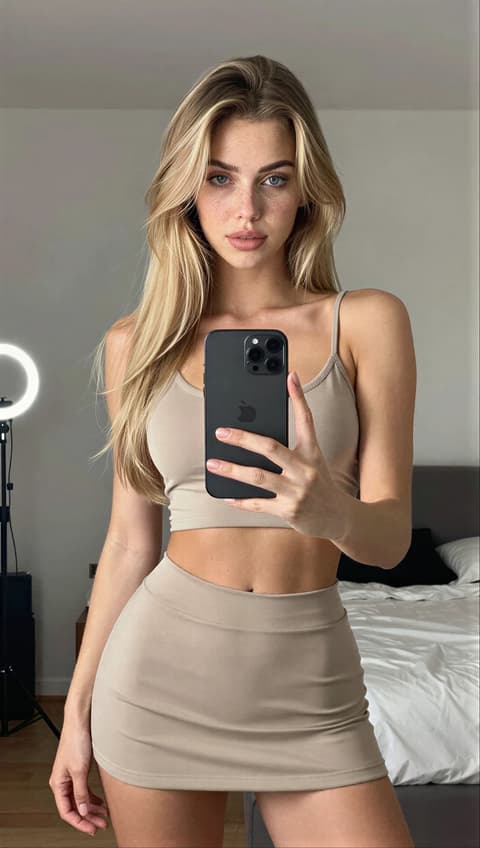
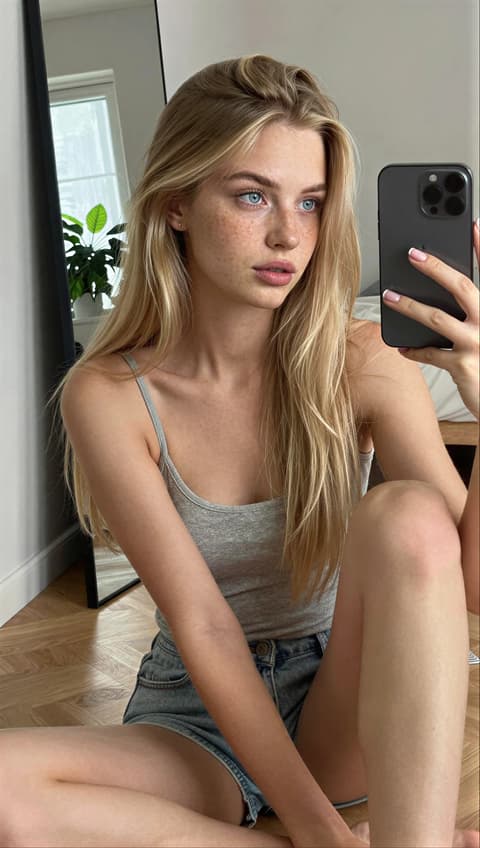
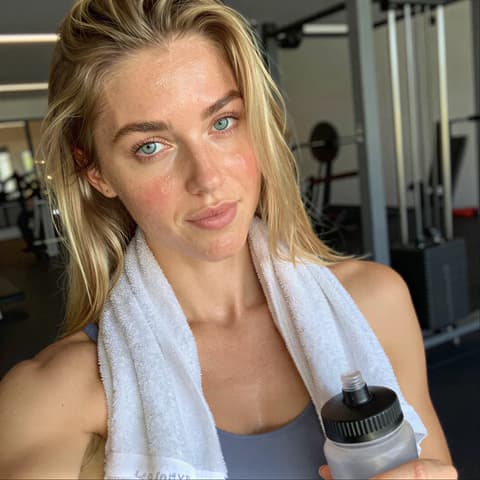
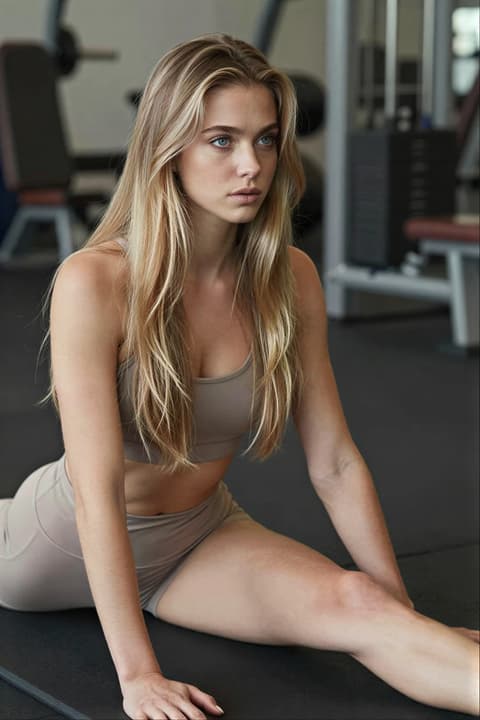
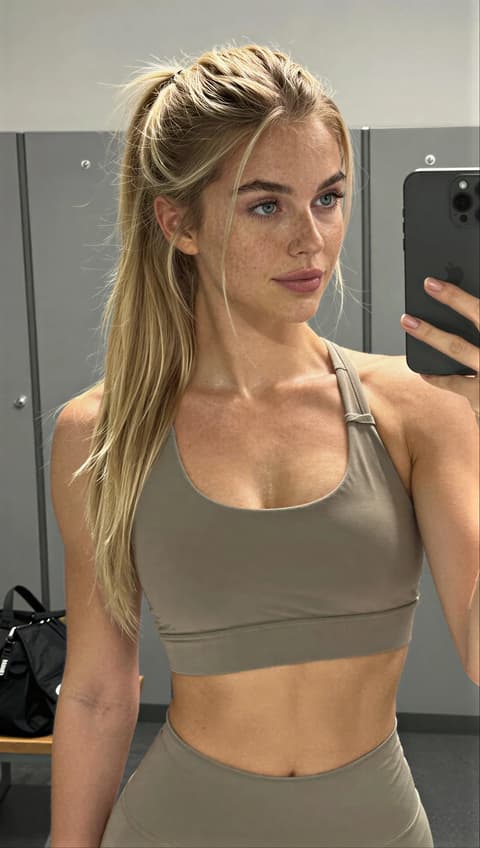
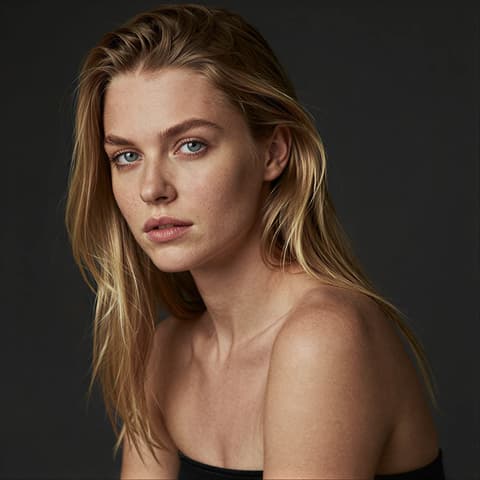
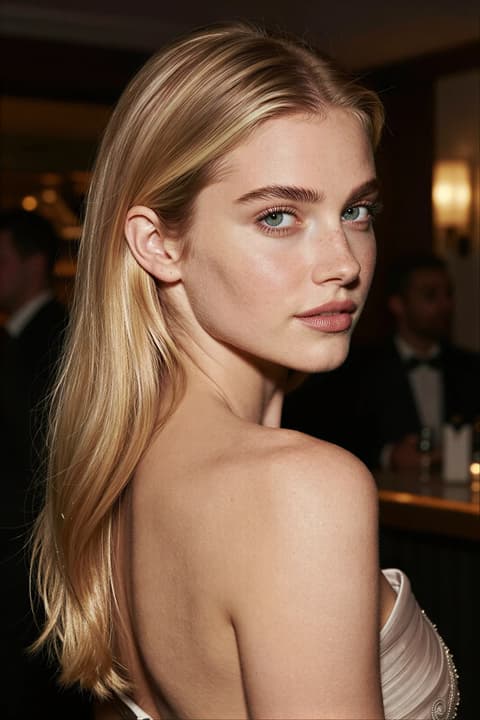
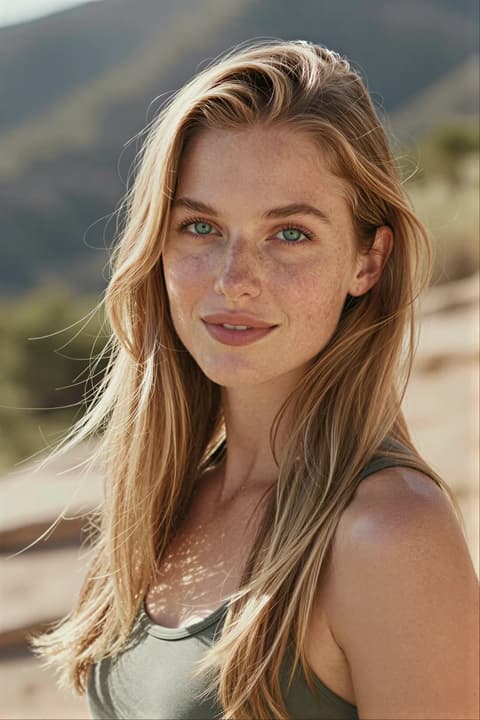
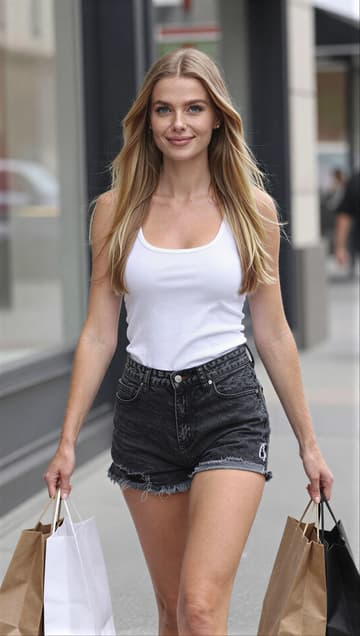
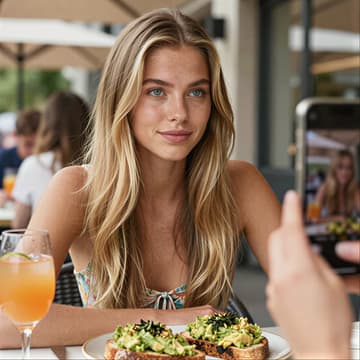
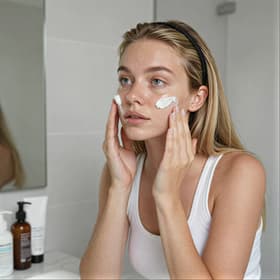
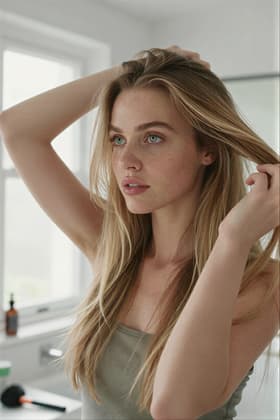
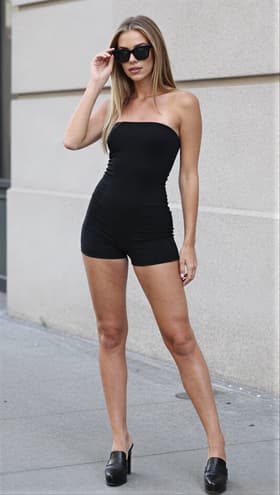
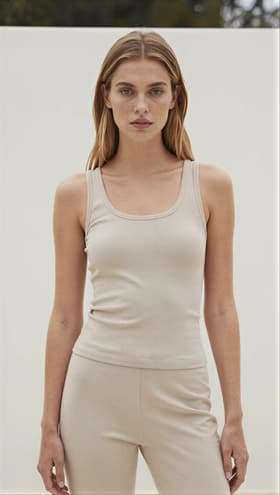
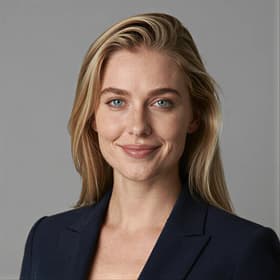
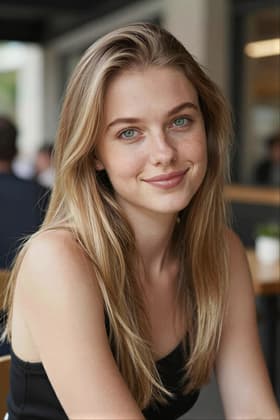
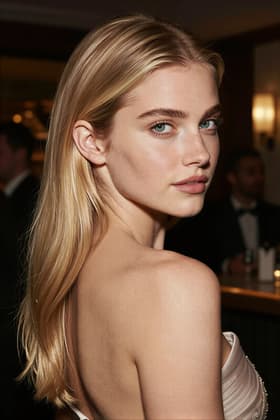
Every image on this page is a real template preview, all generated with the same example influencer. Apply a template to your own character to put them in the same scene.
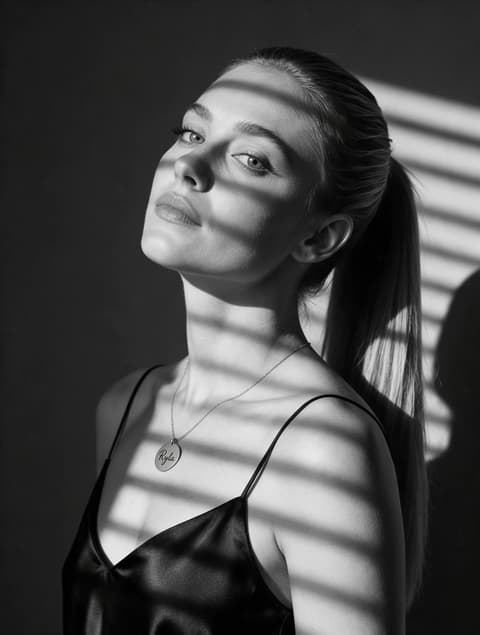
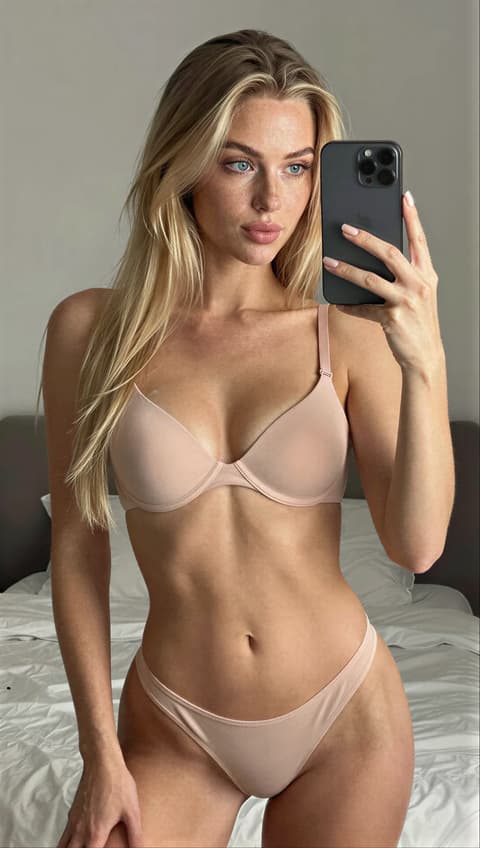
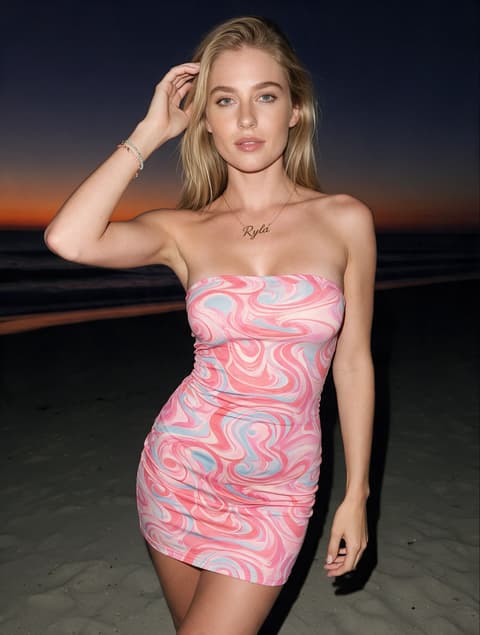
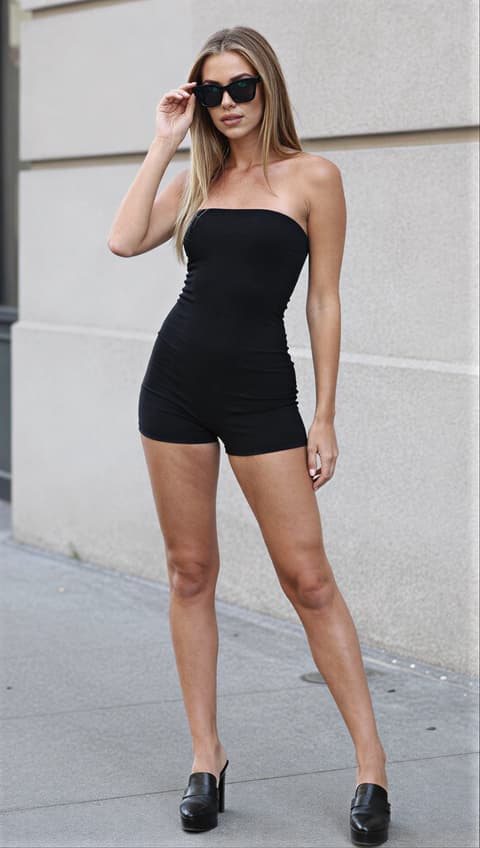
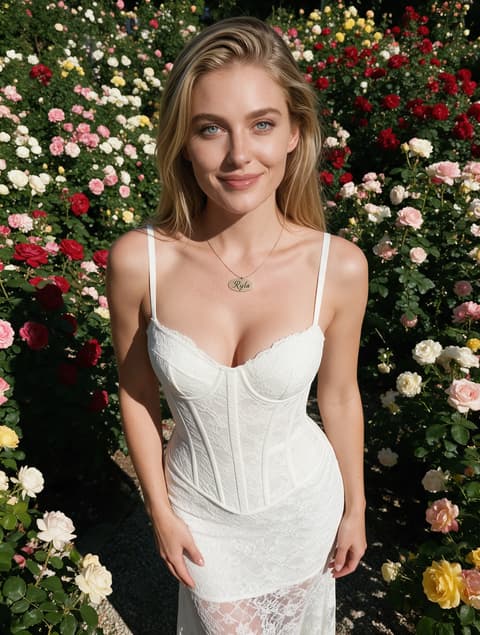
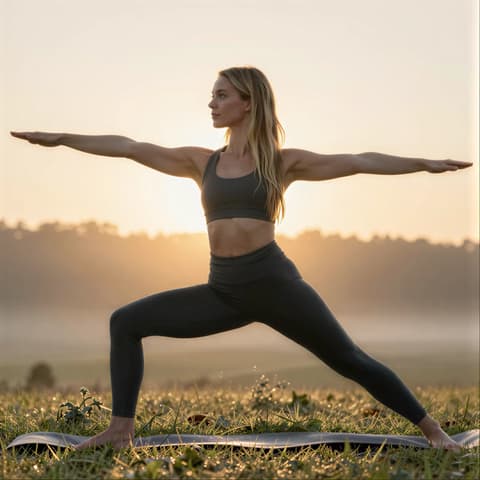
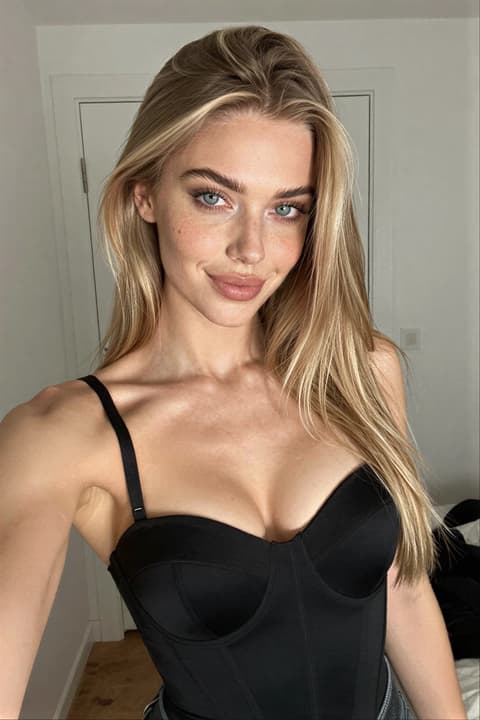
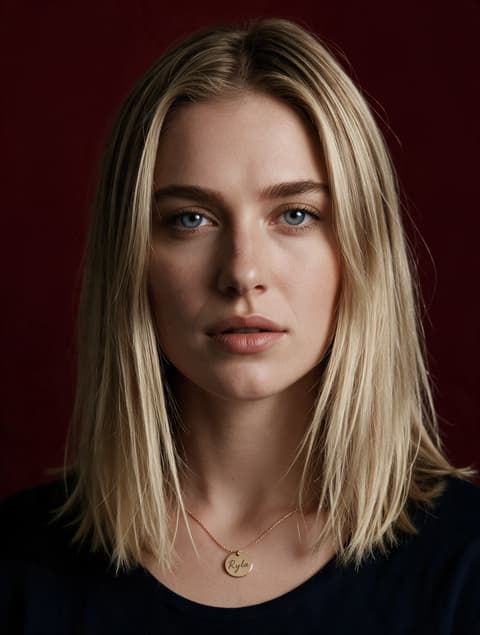
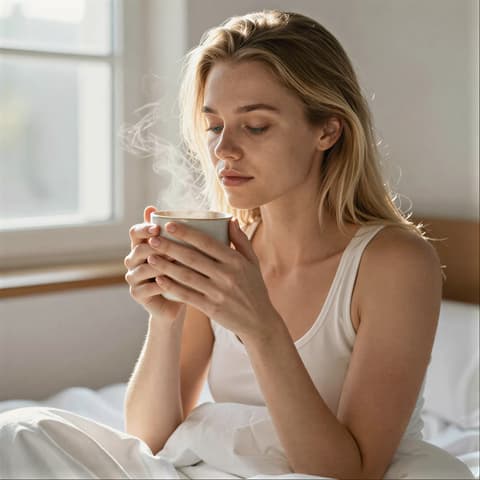
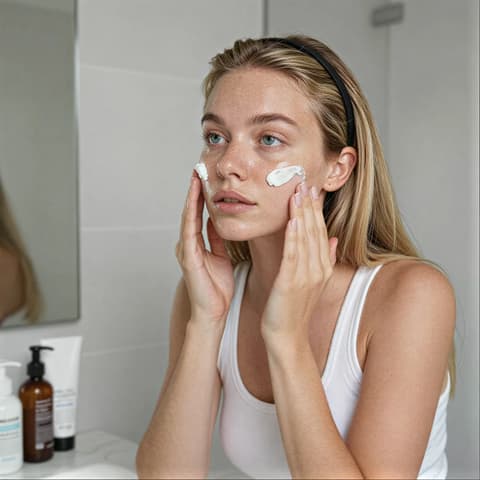
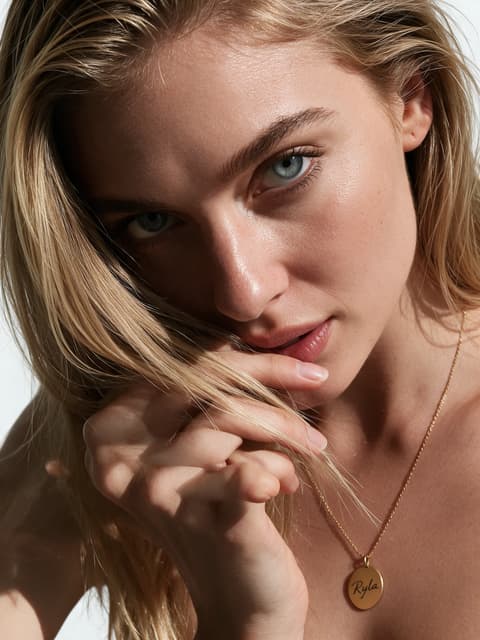
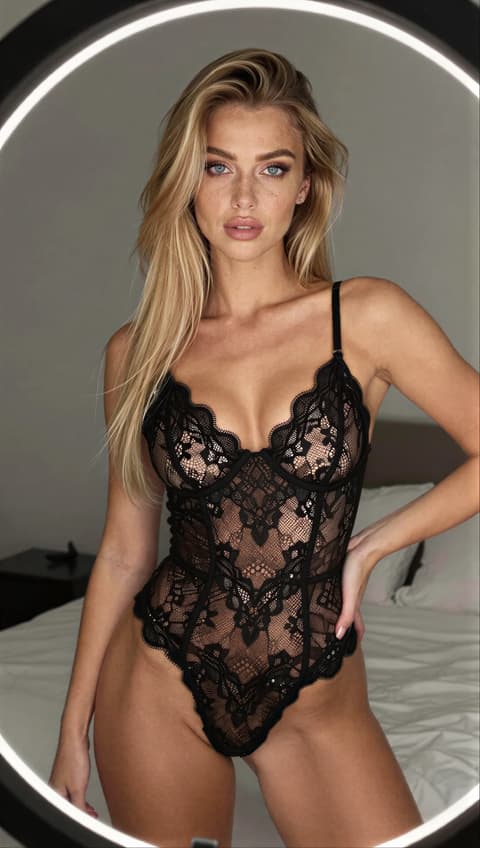
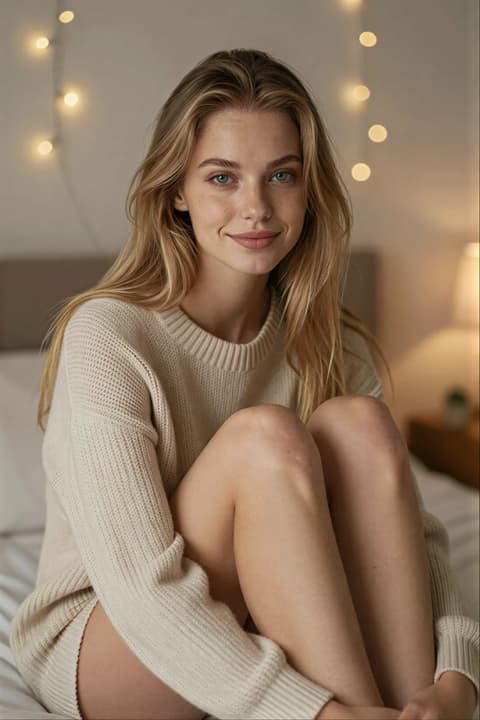
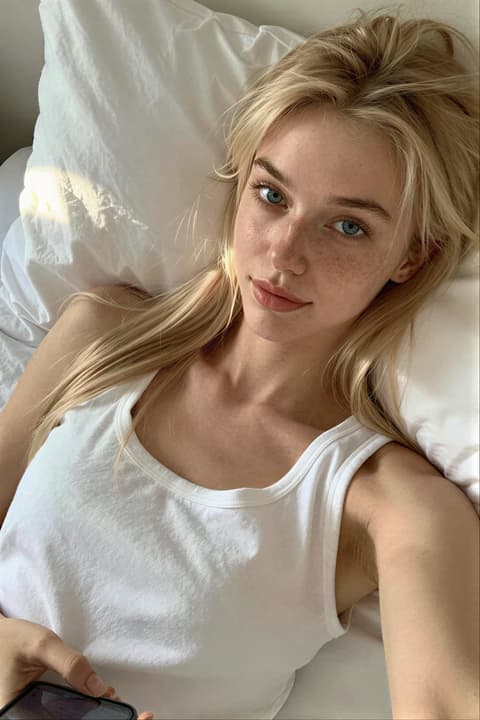
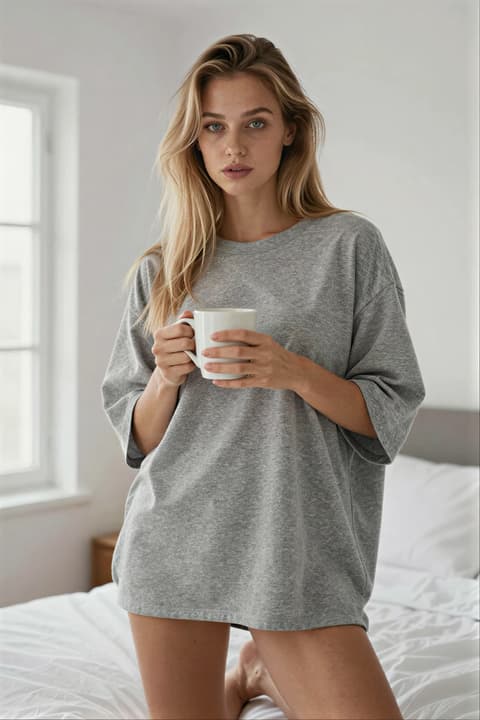
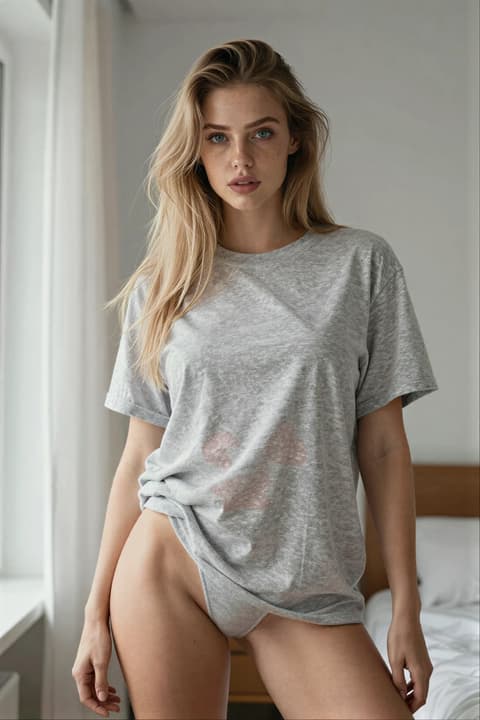
From a blank box
to a creative direction.
A prompt box makes you describe every detail. A template has already decided them, and you can still change any of it.
Starting from scratch
- Where is it set?
- What's the outfit?
- What's the pose?
- What's the light like?
- Square, portrait or story?
Starting from a template
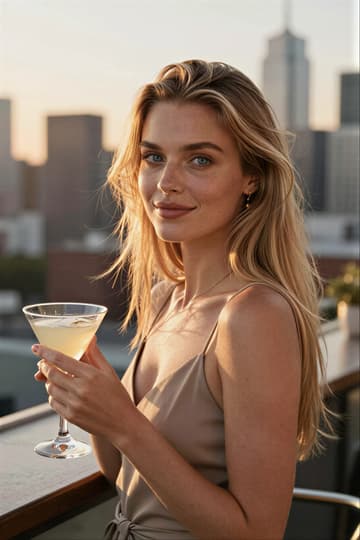
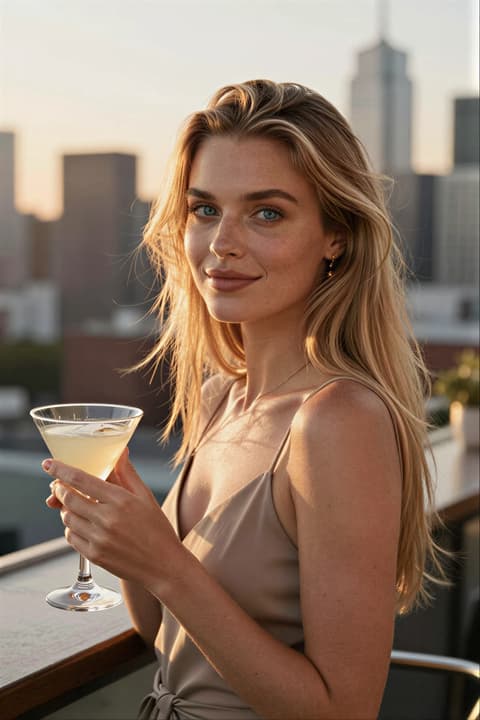
- Setting
- Rooftop bar, city skyline
- Outfit
- Summer chic
- Pose
- Standing, leaning
- Lighting
- Golden hour
- Format
- Portrait 2:3
Start from what you need to post
Templates grouped around the content creators actually make. Pick a goal and jump straight to the matching templates.
Turn up the heat
Lingerie, sheer robes, corsets and swimwear. Flirty teaser shots that still look classy.
See templates:SexyFill your feed
Cafe mornings, rooftop evenings, shopping days. The everyday moments that make an account feel lived in.
See templates:Out and aboutShow the routine
Makeup, skincare and hair moments for get-ready-with-me posts.
See templates:Getting readyPost the workout
Gym mirror, morning run, sunrise yoga. Fitness content without the gym session.
See templates:FitnessOutfit of the day
Full-body looks, monochrome sets and winter layers, framed for outfit posts.
See templates:OutfitsProfile and dating photos
Clean headshots and relaxed portraits for bios, portfolios and dating apps.
See templates:Profile and dating
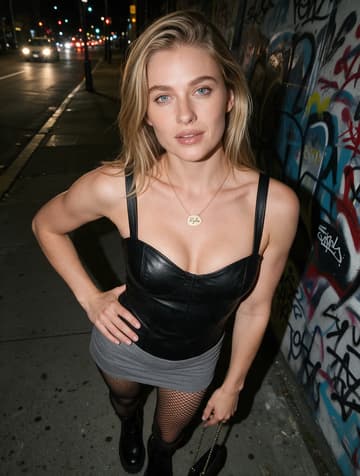
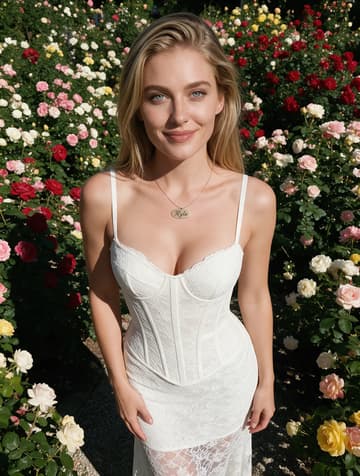
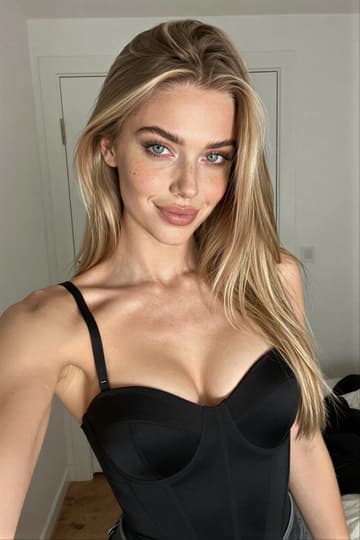
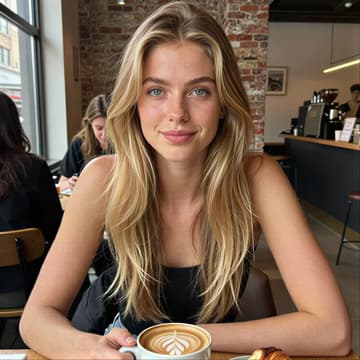
There is always a next idea
The template library in RYLA is built for browsing, so your next post is a scroll away instead of a blank page.
Trending, popular and new
Sort the library to see what other creators use most, what was just added, or the templates you used recently.
Whole sets at once
Apply a template collection, keep the shots you want and generate them together.
Save your own
Love how a photo turned out? Save its settings as your own template and reuse them anytime.