
RYLA vs ZenCreator : un créateur de personnage ou une boîte à outils de générateurs
ZenCreator propose de nombreux outils d'IA séparés et plusieurs familles de modèles vidéo derrière un solde de crédits unique. RYLA suit une voie plus ciblée : un créateur pas à pas fixe un visage dans une fiche de référence, puis réutilise ce même personnage pour les photos, la vidéo et les clips parlants.
Lequel devriez-vous utiliser ?
you want to design one character step by step, lock its face in a reference sheet, and generate photos, image-to-video, talking clips, and video swap of that same character in one workspace
you want one-time credit packs that never expire, a wide menu of video models (Kling, WAN, and Seedance), virtual try-on, and a large self-serve guide library
Où chaque plateforme excelle
Both platforms can produce an AI influencer, but they are built differently. ZenCreator is a toolbox: face generation, photo shoots, face swapping, image-to-video, lip sync, virtual try-on, and upscaling are separate tools that share one credit balance. RYLA is built around one character: you design it once, lock its face in a reference sheet, and generate new content from it. Facts about ZenCreator below come from its public homepage, pricing page, AI University, and terms, read on 2 October 2026. RYLA plan details come from the RYLA pricing page. The table includes the rows where ZenCreator is ahead.
| Feature | RYLARecommandé | ZenCreator |
|---|---|---|
| Keeping one face consistent | 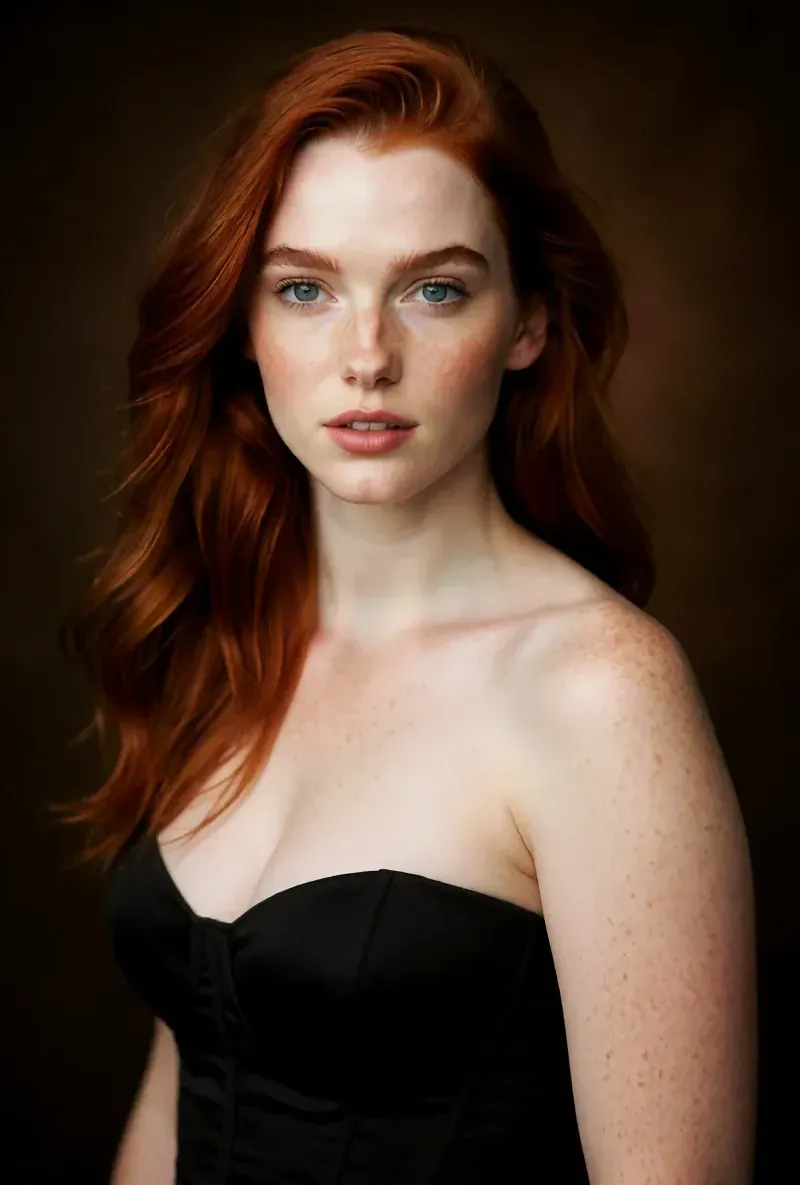 After the builder, you pick one base image and RYLA generates a reference sheet of that face, which new content is generated from. After the builder, you pick one base image and RYLA generates a reference sheet of that face, which new content is generated from. | Separate Face Generation and Face Swapping tools, which its own guides use to build and keep a consistent character face. |
| How content is made | One flow per character: builder, reference sheet, then Studio photos, image-to-video, Avatar Video, and Video Swap. | Many standalone tools (image, video, photo shoot, face swap, lip sync, try-on, upscaling) that you combine yourself. |
| Pricing model | Monthly plans from Basic at $34.99 a month; credits and character limits are on the pricing page. | One-time credit packs: Starter 200 credits for $19.99, Creator 550 for $49.99, Influencer 1,200 for $99, Professional 6,300 for $499. |
| Credit expiry | Plan credits refill each month on a subscription. | States that credits never expire, with no deadlines or resets. |
| Try before you pay | Free plan in the RYLA app: a one-time credit grant at signup and one character, with no monthly refill. | No free tier or free credits are listed on its pricing page. |
| Video model choice |  Image-to-video and talking clips of your character, without a per-model picker. Image-to-video and talking clips of your character, without a per-model picker. | Model pages for Kling (2.1 to 2.6), WAN (2.2 and later), and Seedance (Pro and 2.0), each with different strengths. |
| Virtual try-on | No dedicated garment try-on tool. Video Swap places your character into an existing clip. | Lists an AI Virtual Try-On tool. |
| Learning resources | A blog and a set of comparison pages. | An 'AI University' that lists 72-plus guides and prompt libraries, plus courses. |
| Commercial rights | Under the RYLA terms you keep the commercial rights to your character and the content you generate. | Its terms grant a non-exclusive, worldwide license to use and commercially exploit the output you generate, subject to the terms and payment. |
La colonne RYLA, montrée au lieu d'être affirmée. Les lignes qui portent sur un prix ou une condition n'ont volontairement pas d'image.
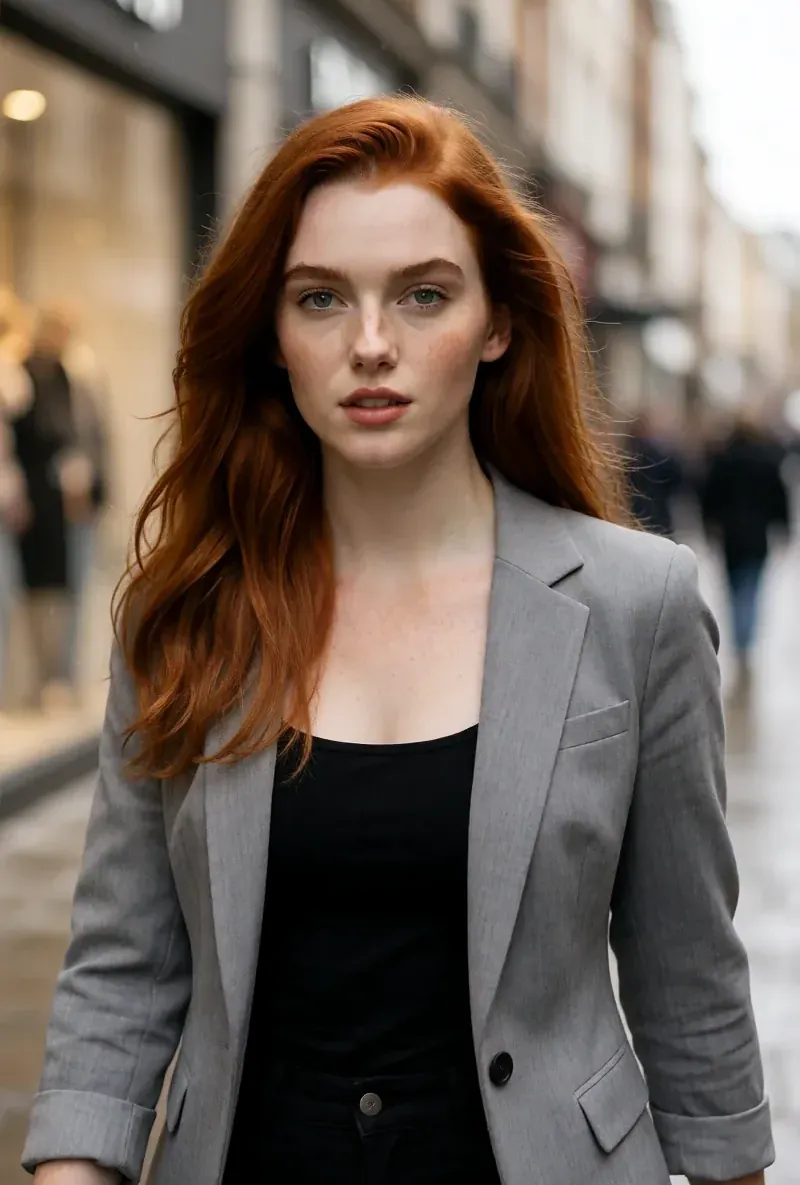
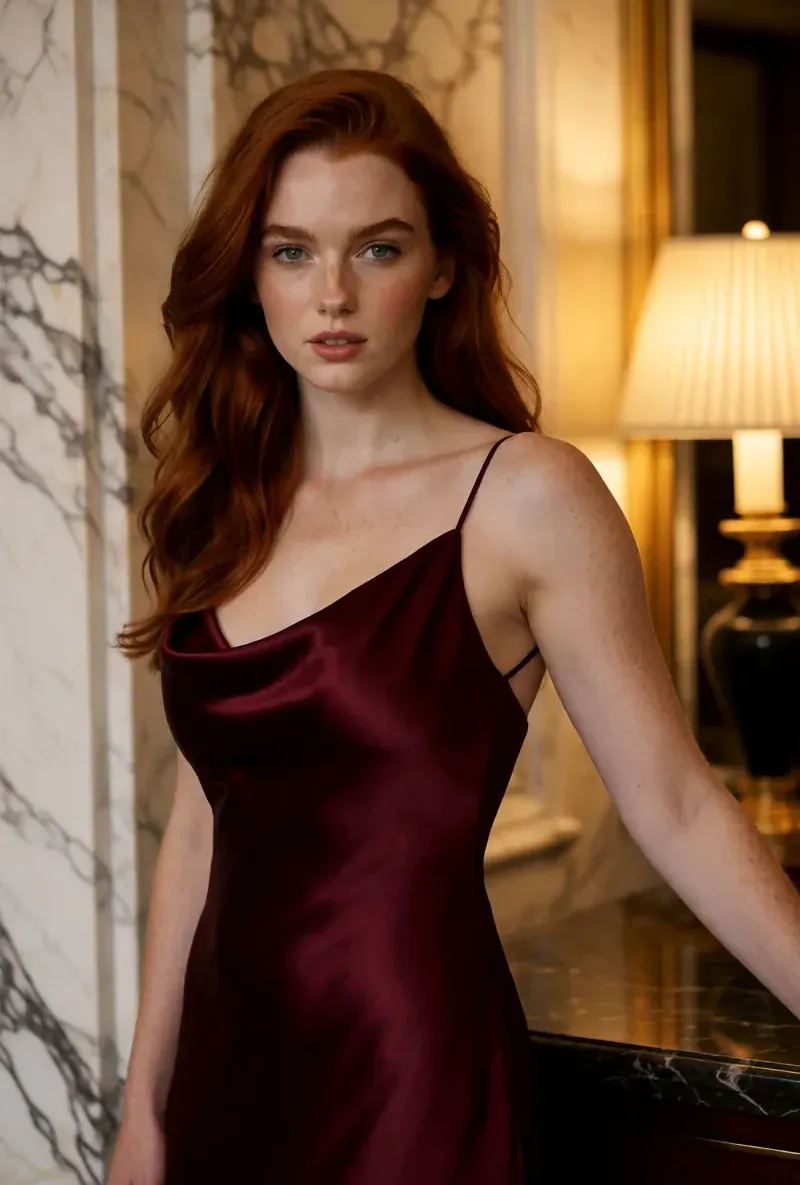
Le même visage dans quatre scènes différentes
Chaque image ici a été générée avec RYLA. Un même personnage, quatre scènes différentes, sans retouche entre les deux.
Où RYLA gagne
Un visage fixé dans une fiche de référence
Vous choisissez une image de base de votre personnage, RYLA génère une fiche de référence de ce visage, et les nouvelles photos et clips sont générés à partir de celle-ci, au lieu de relancer une étape de visage pour chaque publication.
Personnalité et voix définies une fois
Le nom, la personnalité et la voix font partie du créateur. La voix choisie à cette étape est celle que votre personnage utilise ensuite dans les clips d'avatar parlant.
Photos, vidéo et clips parlants d'un même personnage
Une fois finalisé, Studio génère de nouvelles photos à partir de modèles, l'image vers vidéo met une image fixe en mouvement, Avatar Video crée des clips parlants et Video Swap place le même personnage dans un clip existant.
Honnêtes sur l'écart
ZenCreator vend des crédits qui n'expirent jamais, permet de choisir entre les modèles vidéo Kling, WAN et Seedance, propose l'essayage virtuel et publie une grande bibliothèque de guides. RYLA n'a ni sélecteur de modèle vidéo ni outil d'essayage.
Où ZenCreator gagne encore
ZenCreator is ahead on flexibility. Its credit packs are one-time purchases that never expire, its model pages cover Kling, WAN, and Seedance video models, it lists a virtual try-on tool, and its AI University lists 72-plus guides and prompt libraries. If you want to pick a video model per shot or buy credits once and use them slowly, it covers that more directly than RYLA does today.
Passer de ZenCreator à RYLA
There is no import between the two products, so switching means building your character once in RYLA. This is the actual sequence in the RYLA builder:
- Pick a niche, then gender and style.
- Set the look: ethnicity, age, skin, eyes, face shape, and hair.
- Choose outfit and scene, then personality and a name, then a voice.
- Generate base images and pick the one that becomes your character.
- RYLA generates a reference sheet of that face.
- Finalize, then create new photos in Studio, motion with image-to-video, talking clips in Avatar Video, and swaps in Video Swap.
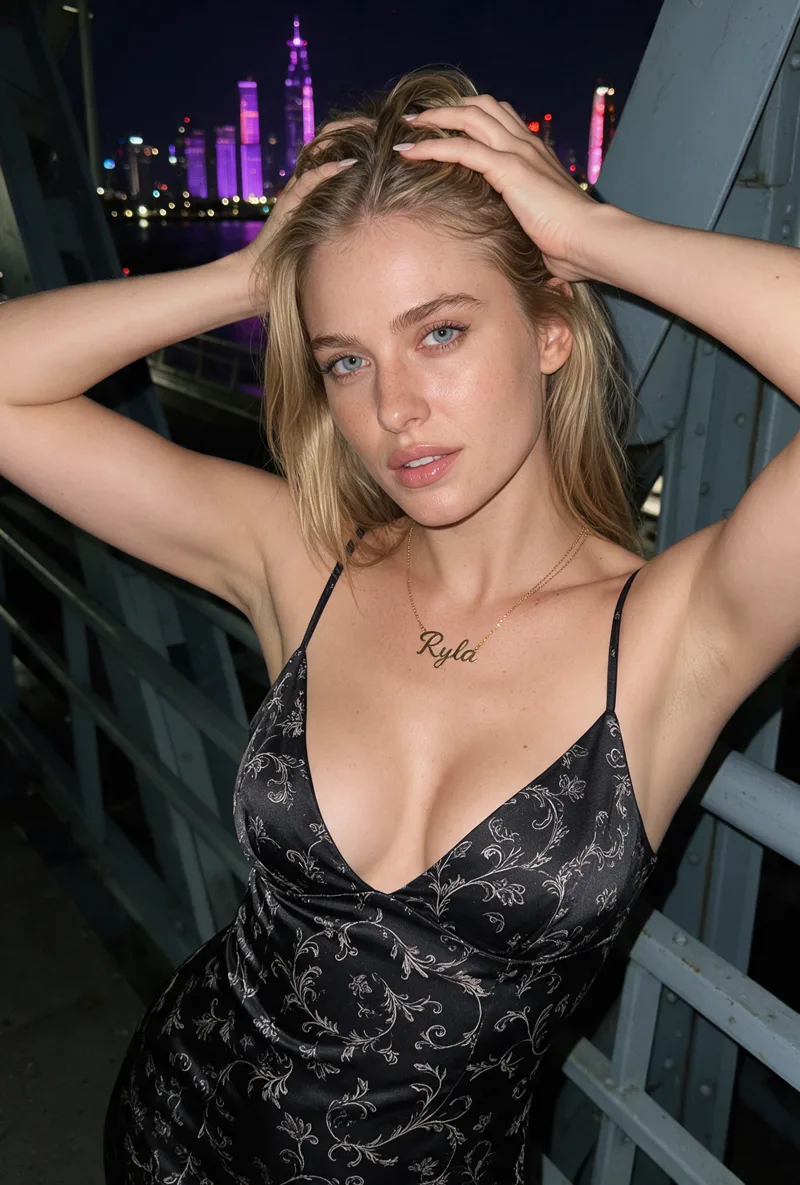
Here is one RYLA character from the showcase on this site, generated in two different scenes:
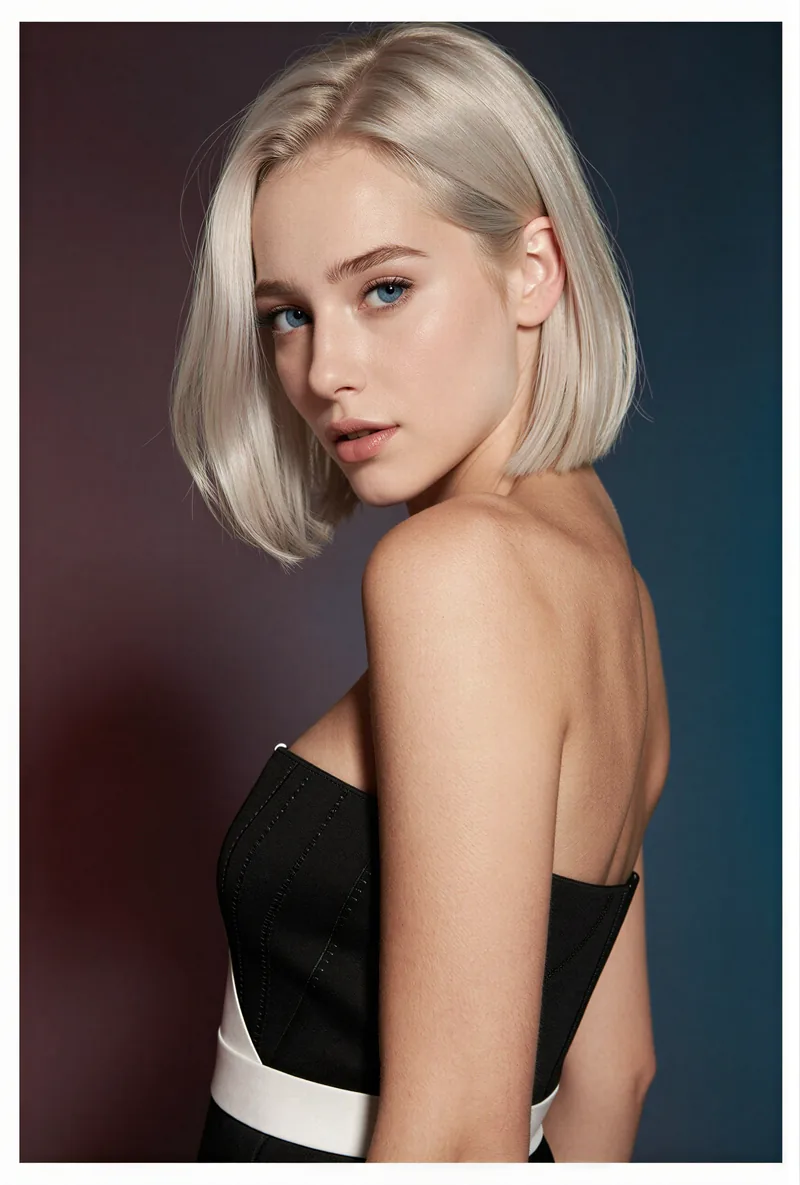
If you already have a face you like from ZenCreator, use it as your brief in step 2. Current plans are on the pricing page.
Verdict
Choose ZenCreator if you want credits that never expire, a choice of video models per shot, virtual try-on, and a large guide library, and you are comfortable combining separate tools yourself. Choose RYLA if you want to design one character in detail, lock its face in a reference sheet, and generate its photos, video, talking clips, and video swaps in one workspace. RYLA is not affiliated with, endorsed by, or connected to ZenCreator; its name is used on this page only to identify that service.
Common Questions
RYLA vs ZenCreator : un créateur de personnage ou une boîte à outils de générateurs
ZenCreator propose de nombreux outils d'IA séparés et plusieurs familles de modèles vidéo derrière un solde de crédits unique. RYLA suit une voie plus ciblée : un créateur pas à pas fixe un visage dans une fiche de référence, puis réutilise ce même personnage pour les photos, la vidéo et les clips parlants.