
どちらを使うべきか?
you want to design a new character step by step (niche, look, outfit, personality, voice), lock its face in a reference sheet, and generate its photos, video, talking clips, and video swaps in one workspace
you want a broad toolbox in one place (text-to-video, lip sync, upscaling, music and voice tools), a free tier with daily credits to try it, or an API with SDKs for your own app
各プラットフォームが強い点
Magic Hour describes itself as one creative studio for video, images, and audio with 100+ tools. Its homepage lists text-to-video, image-to-video, video-to-video, talking photos, lip sync, face swap for photos and videos, an image generator and editor, music and voice tools, and a REST API with SDKs. It says you can try it free with no card required, and its pricing page lists paid plans (Creator, Pro, Business) that remove the watermark and include commercial use; free-plan video and audio outputs carry a watermark and are limited to personal, non-commercial use. RYLA starts from the character instead: you design a new character in the builder, without uploading photos of anyone, and generate new content from that one character. Facts about Magic Hour come from its public homepage and pricing page, as of 22 October 2026. RYLA plans come from the RYLA pricing page. The table includes the rows where Magic Hour is ahead or equal.
| Feature | RYLAおすすめ | Magic Hour |
|---|---|---|
| Range of tools | Built around one character: photos, image-to-video, talking clips, and video swap. | Lists 100+ tools and models across video, images, and audio, including text-to-video, lip sync, upscalers, and music and voice generators. |
| Paid plans | Monthly plans from Basic at $34.99 a month; credits and character limits are on the pricing page. | Creator, Pro, and Business plans that remove the watermark and include commercial use; current prices are on its pricing page. |
| Free tier | A free way to try the builder is on the RYLA pricing page. | Says it is free to try with no card required; free-plan video and audio outputs carry a watermark and are limited to personal, non-commercial use. |
| API and SDKs | Not compared here. | Offers a REST API with SDKs for Python, Node.js, Go, and Rust. |
| Face swap | Video swap places your designed character into an existing clip. | Lists Face Swap Photo and Face Swap Video. |
| Design a new character from scratch | A step-by-step builder: niche, gender and style, ethnicity, age, skin, eyes, face shape, hair, outfit and scene, personality and name, then a voice. | A step-by-step character builder is not described on its homepage. |
| Keeping one face consistent | 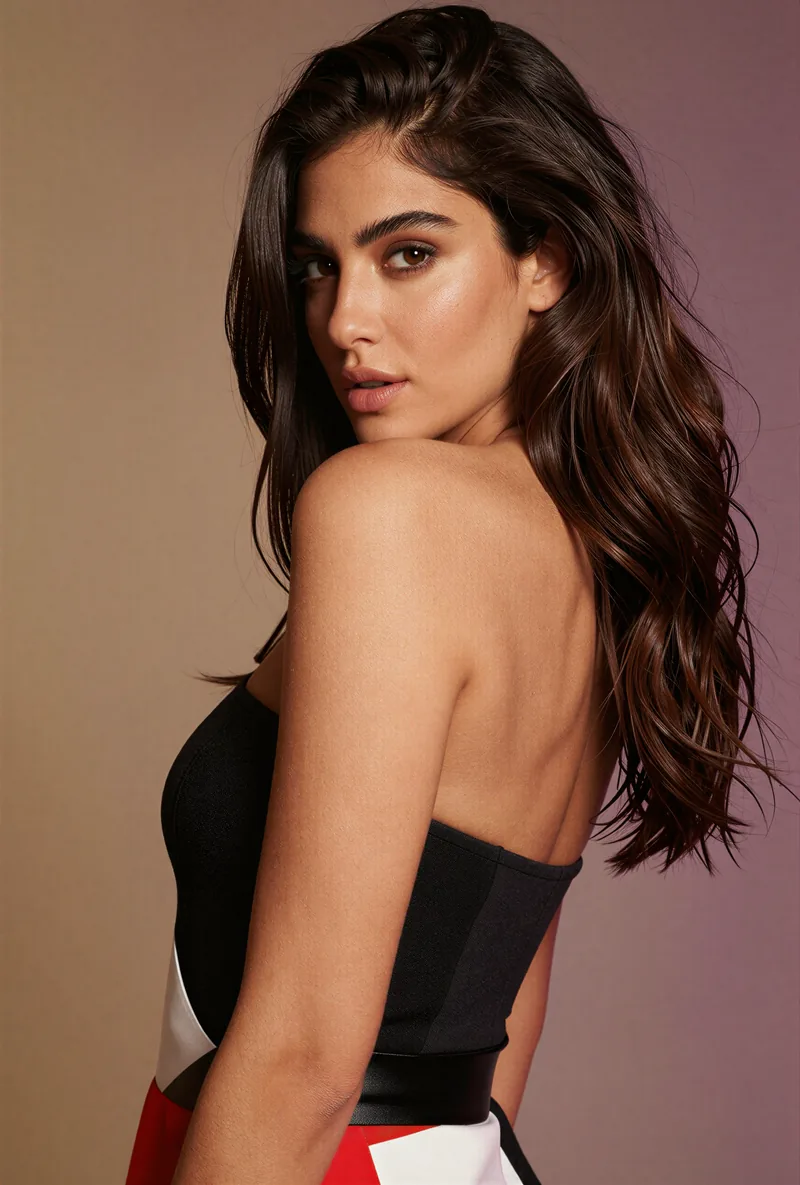 After the builder you pick a base image, and RYLA generates a reference sheet of that face that new content is made from. After the builder you pick a base image, and RYLA generates a reference sheet of that face that new content is made from. | Not compared here. |
| Talking clips | Avatar Video creates talking clips with the voice chosen in the builder. | Lists AI Talking Photo and Lip Sync. |
RYLA の列は、主張するのではなく実際に見せています。価格やポリシーに関する主張の行には、あえて画像を置いていません。
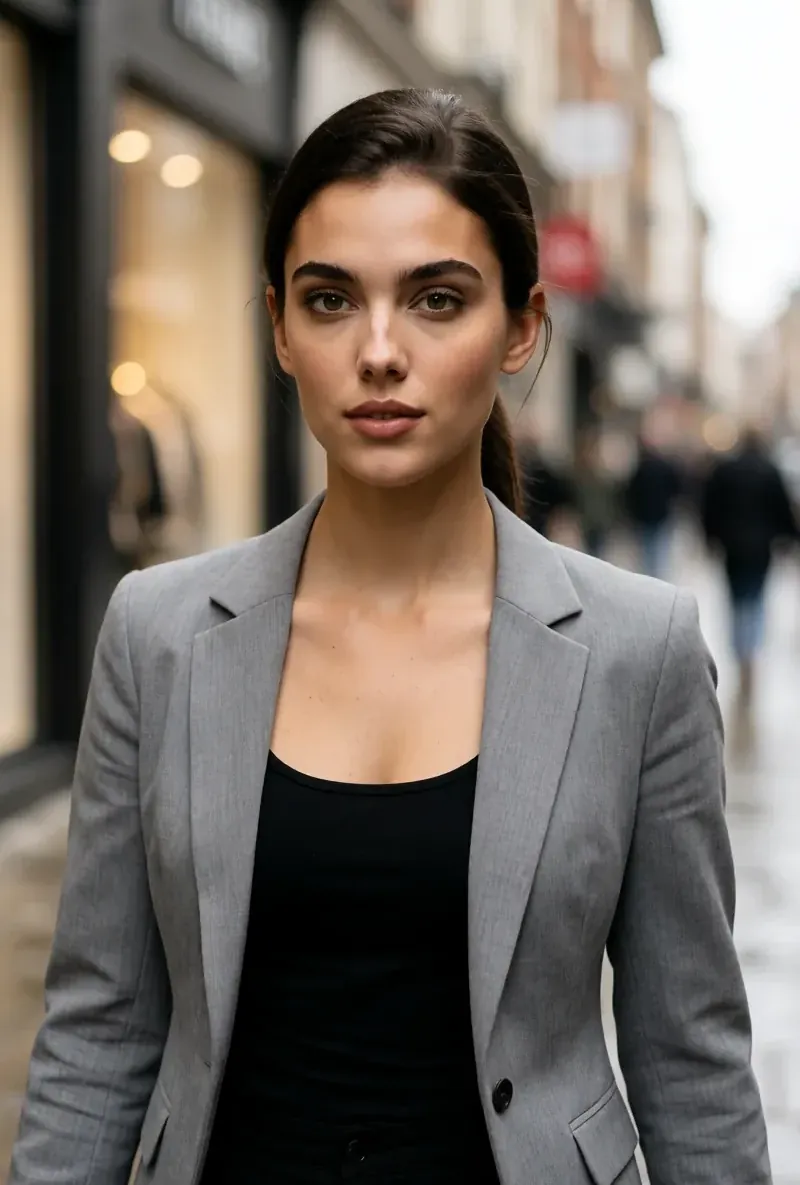
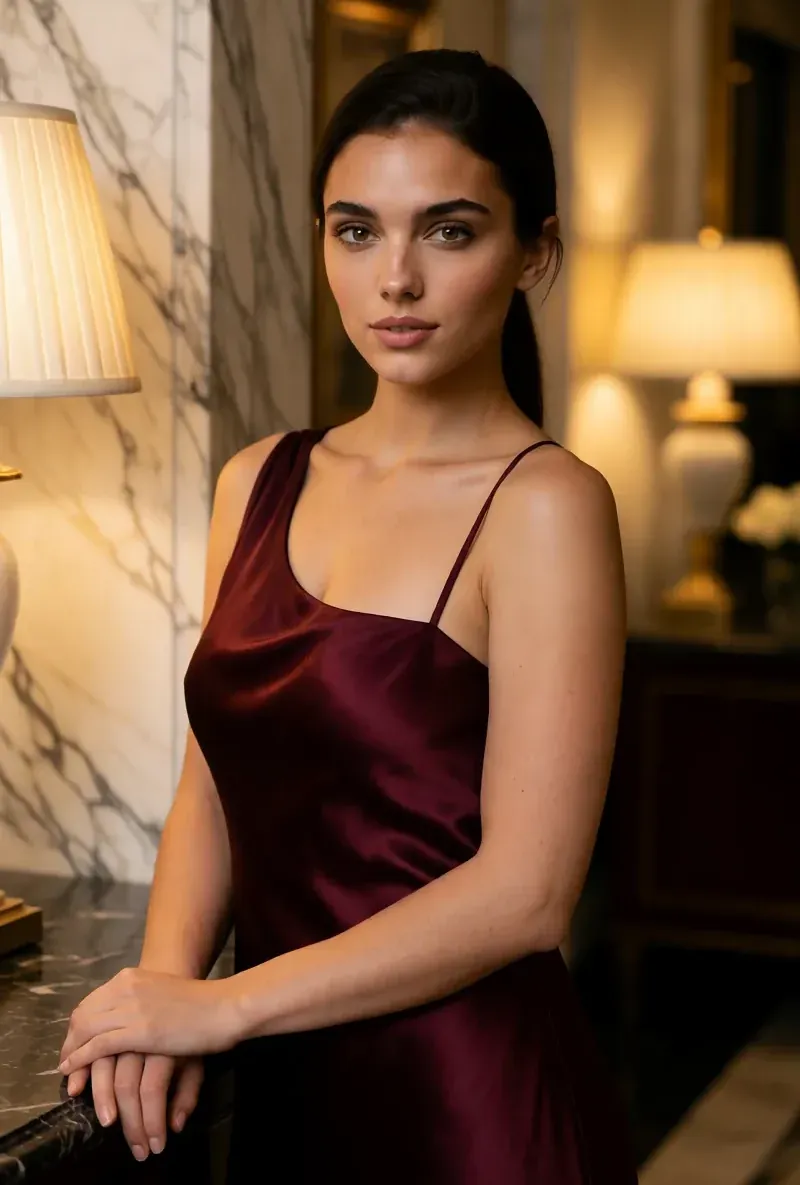
同じ顔、4つの異なるシーン
ここにある画像はすべて RYLA で生成しました。ひとりのキャラクターを4つの異なるシーンに置き、その間に修正は加えていません。

RYLA が勝つ点
自分の写真は不要
RYLAのビルダーは、アップロードした写真からではなく、あなたが設計したキャラクターから始まります。ニッチ、外見、衣装とシーンを選び、次にパーソナリティ、名前、声を選ぶと、RYLAが選べる基本画像を生成します。
参照シートに固定された1つの顔
キャラクターの基本画像を1枚選ぶと、RYLAがその顔の参照シートを生成し、新しい写真とクリップはそのシートから作られます。
1キャラクターの写真、動画、トーキングクリップ
最終化後、Studioがテンプレートから新しい写真を生成し、画像から動画で静止画を動かし、Avatar Videoがビルダーで選んだ声でトーキングクリップを作り、Video Swapが既存のクリップに同じキャラクターを配置します。
不利な点も正直に
Magic HourはRYLAより多くのツールを備え、SDK付きのAPIも提供しています。汎用の動画、音声、画像のツールボックスが必要なら、Magic Hourは今のRYLAより広く対応しています。
Magic Hour がまだ勝る点
Magic Hour is ahead on breadth and developer access. Its homepage lists 100+ tools across video, images, and audio, plus a REST API with SDKs for Python, Node.js, Go, and Rust, and it can be tried free with no card required. If you need text-to-video, upscaling, music, or voice tools in one place, or want to build on an API, Magic Hour fits that job more directly.
Magic Hour から RYLA へ乗り換える
There is no import between the two products, so switching means building your character once in RYLA. This is the actual sequence in the RYLA builder:
- Pick a niche, then gender and style.
- Set the look: ethnicity, age, skin, eyes, face shape, and hair.
- Choose outfit and scene, then personality and a name, then a voice.
- Generate base images and pick the one that becomes your character.
- RYLA generates a reference sheet of that face.
- Finalize, then create new photos in Studio, motion with image-to-video, talking clips in Avatar Video, and swaps in Video Swap.
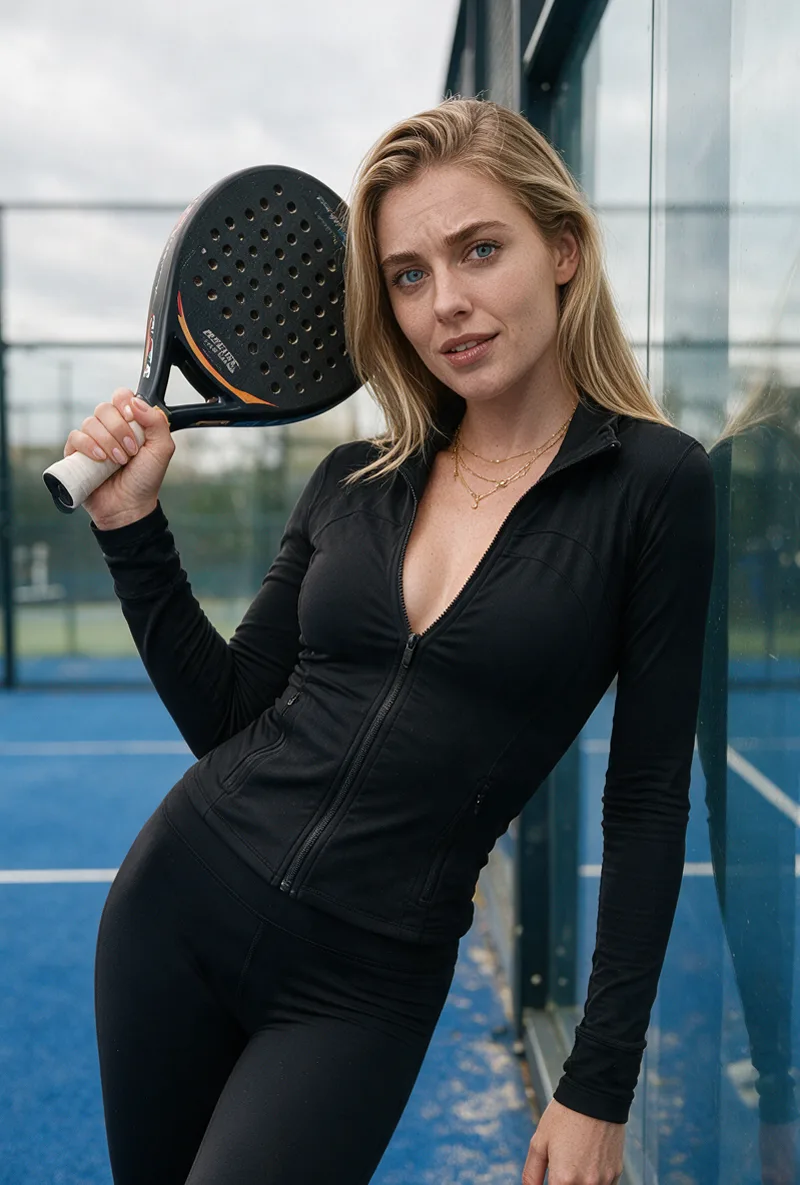
Here is one RYLA character from the showcase on this site, generated in two different scenes:

If you liked a look you made on Magic Hour, use it as your brief in step 2. Current plans are on the pricing page. For other comparisons, see the Eromify alternative and Foxy AI alternative pages.
判定
Choose Magic Hour if you want a broad AI video, image, and audio toolbox, a free tier to try, or an API with SDKs. Choose RYLA if you want to design one new character in detail, lock its face in a reference sheet, and generate its photos, video, talking clips, and video swaps in one workspace. RYLA is not affiliated with, endorsed by, or connected to Magic Hour; the name Magic Hour is used on this page only to identify that service.