
 Varazdat S.
 Janis Tirtey

The Short Answer
A faceless channel still needs someone on screen
A faceless YouTube channel is one where the creator's own face never appears. That does not mean nobody is on screen. The channels that keep viewers coming back usually give them one recurring presenter, a face and a voice they know.
An AI character can fill that role. You design the character once, then reuse the same face and voice in every video, without filming yourself. This guide lists ten formats that work with an AI host, shows the build sequence in RYLA, and covers what YouTube says about AI content.
The host is only the delivery. The idea, the research and the script still have to come from you. For the short-form side, see how to create short videos with an AI influencer.
Ten Formats for an AI Host
What the host does, and what has to stay fixed
Each format below works because the host is the constant and the topic changes. The right column is the part you lock so that viewers recognise the channel after one second.
| Format | What the AI host does | What stays fixed |
|---|---|---|
| Explainer | Walks through one topic per video | Face, outfit, intro line |
| Tutorial | Talks over screen recordings | Voice and pacing |
| Story channel | Narrates short stories as a recurring narrator | Face and tone |
| News recap | Summarises one niche each week | Segment order |
| Tool reviews | Presents tests and findings | Rating scale |
| Language lessons | Teaches one phrase set per video | Level and structure |
| Travel guides | Hosts one city or route per video | Format of each guide |
| Fitness basics | Explains general technique tips | Disclaimer and tone |
| Shorts tips | Gives one tip per Short | Hook line |
| Brand mascot | Fronts a small business channel | Look and sign-off |
Pick the format where you already have material to say. A host cannot replace knowledge of the subject; it only removes the need to be on camera. Two quick tests: can you list 20 video topics in the format, and can you explain each in one sentence? If not, the format is too thin.
Building the Host in RYLA, Step by Step
The real sequence in the character builder
- Write a short persona brief first: niche, audience, voice and three content topics. The persona worksheet gives a template.
- In the RYLA builder, pick a niche, then gender and style.
- Set the look: ethnicity, age, skin, eyes, face shape and hair.
- Choose outfit and scene, then personality and a name, then a voice.
- Generate base images and pick the one that becomes your host.
- RYLA generates a reference sheet of that face.
- Finalize, then create scene photos and thumbnails in Studio, motion clips with image-to-video, and talking clips from your script in Avatar Video.
- Edit in your video editor, keep the intro line identical, and add YouTube's AI label where it applies.
Here is one RYLA character from the showcase on this site, generated in two different scenes:
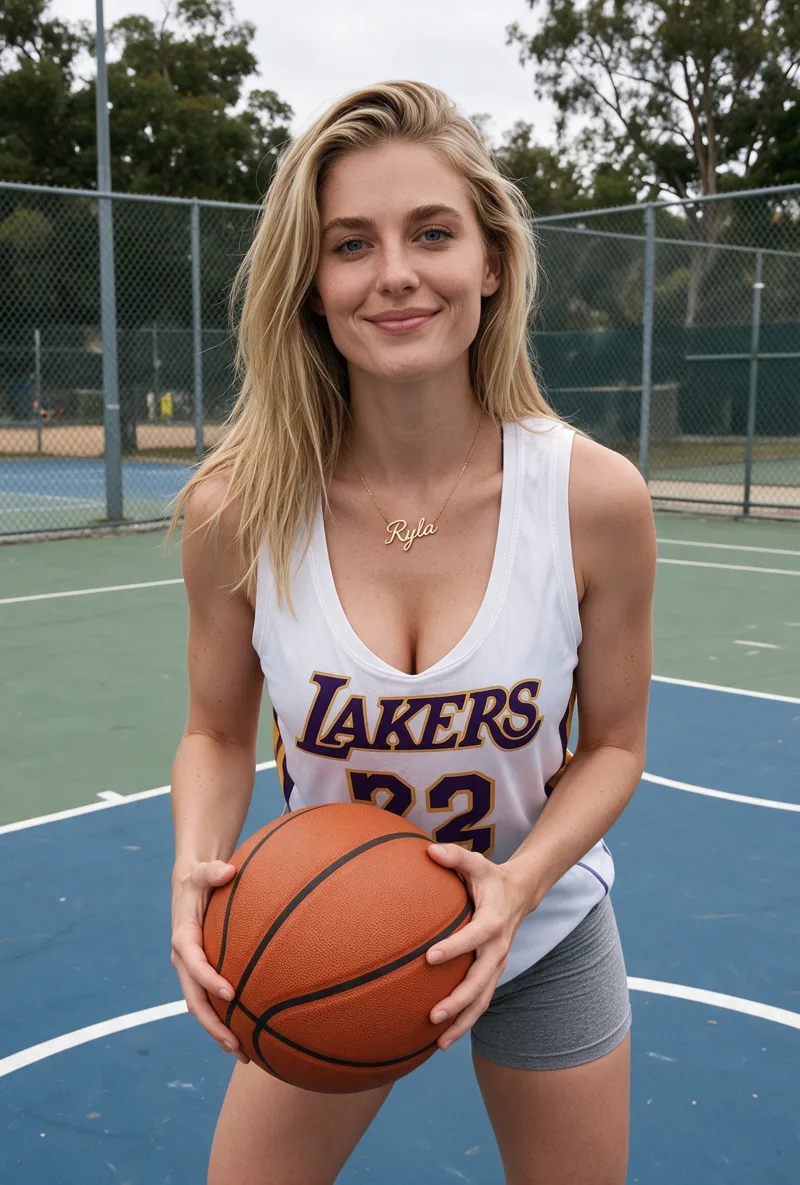
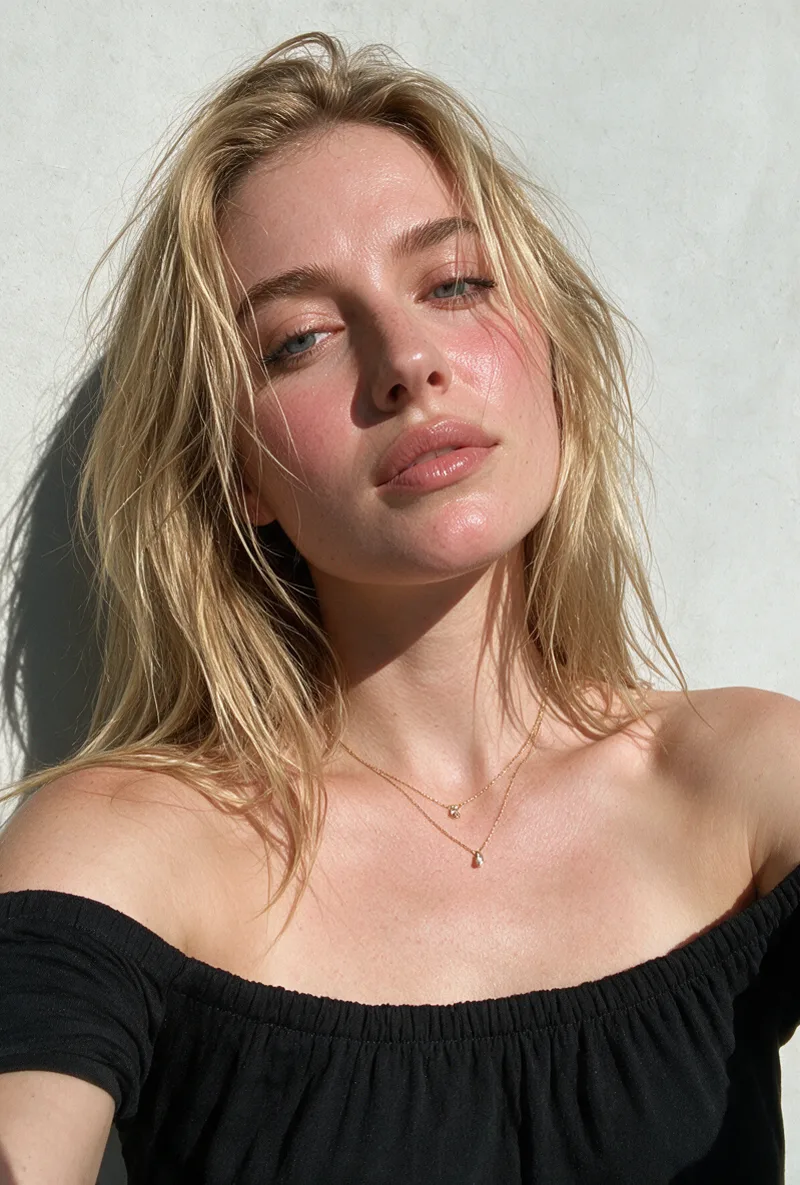
For the full build, read how to create an AI influencer. To keep the face identical across videos, see AI influencer consistency. For plans, see the pricing page. RYLA builds fictional characters, and nothing in the builder requires photos of a real person.
What YouTube Says About AI Content
Two rules to plan around from day one
Original value. YouTube's monetization policy requires content that is not mass-produced, generic or repetitive. In July 2025 it renamed its "repetitious content" policy to "inauthentic content" and said this type of content has always been ineligible for monetization. A channel that pushes out near-identical videos from a template is the case it describes. A host with a distinct point of view and real research behind each script is the opposite.
Disclosure. YouTube asks creators to disclose AI-generated or altered content that seems realistic, for example a realistic scene that did not happen, or a real person made to say something they did not say. Clearly unrealistic content made with AI does not need the label, and neither do minor aesthetic edits. Whether a given video needs the label is a judgment you make against YouTube's current wording, so read the help page before you publish and label when in doubt.
Also say in your channel description that the host is an AI character. It keeps you honest with viewers. See AI content disclosure rules for the wider picture.
Common Mistakes
What makes an AI-hosted channel fall flat
Choosing a format before you have material. A host does not create ideas. Without 20 real topics, the channel stalls at video five.
Changing the face between videos. If the host looks slightly different each time, viewers read it as a different channel. Build one character and reuse it.
Template videos with new nouns. Swapping the topic into the same script is the repetitive pattern YouTube's policy describes. Add research, a view or an example in every video.
Skipping the label check. Decide before you upload whether a video needs the AI label, not after a viewer asks.
Impersonating a real person. Use a fictional character. Do not copy a real creator's face or voice.
Sources
- YouTube channel monetization policies, YouTube Help (retrieved 2026-11-06)
- Disclosing use of altered or synthetic content, YouTube Help (retrieved 2026-11-06)