
RYLA vs ZenCreator: un costruttore di personaggi o una cassetta di generatori
ZenCreator offre molti strumenti IA separati e diverse famiglie di modelli video dietro un unico saldo crediti. RYLA segue una strada più stretta: un builder passo passo fissa un volto in un foglio di riferimento, poi usa quello stesso personaggio per foto, video e clip parlanti.
Quale dovresti usare?
you want to design one character step by step, lock its face in a reference sheet, and generate photos, image-to-video, talking clips, and video swap of that same character in one workspace
you want one-time credit packs that never expire, a wide menu of video models (Kling, WAN, and Seedance), virtual try-on, and a large self-serve guide library
Dove vince ciascuna piattaforma
Both platforms can produce an AI influencer, but they are built differently. ZenCreator is a toolbox: face generation, photo shoots, face swapping, image-to-video, lip sync, virtual try-on, and upscaling are separate tools that share one credit balance. RYLA is built around one character: you design it once, lock its face in a reference sheet, and generate new content from it. Facts about ZenCreator below come from its public homepage, pricing page, AI University, and terms, read on 2 October 2026. RYLA plan details come from the RYLA pricing page. The table includes the rows where ZenCreator is ahead.
| Feature | RYLAConsigliato | ZenCreator |
|---|---|---|
| Keeping one face consistent | 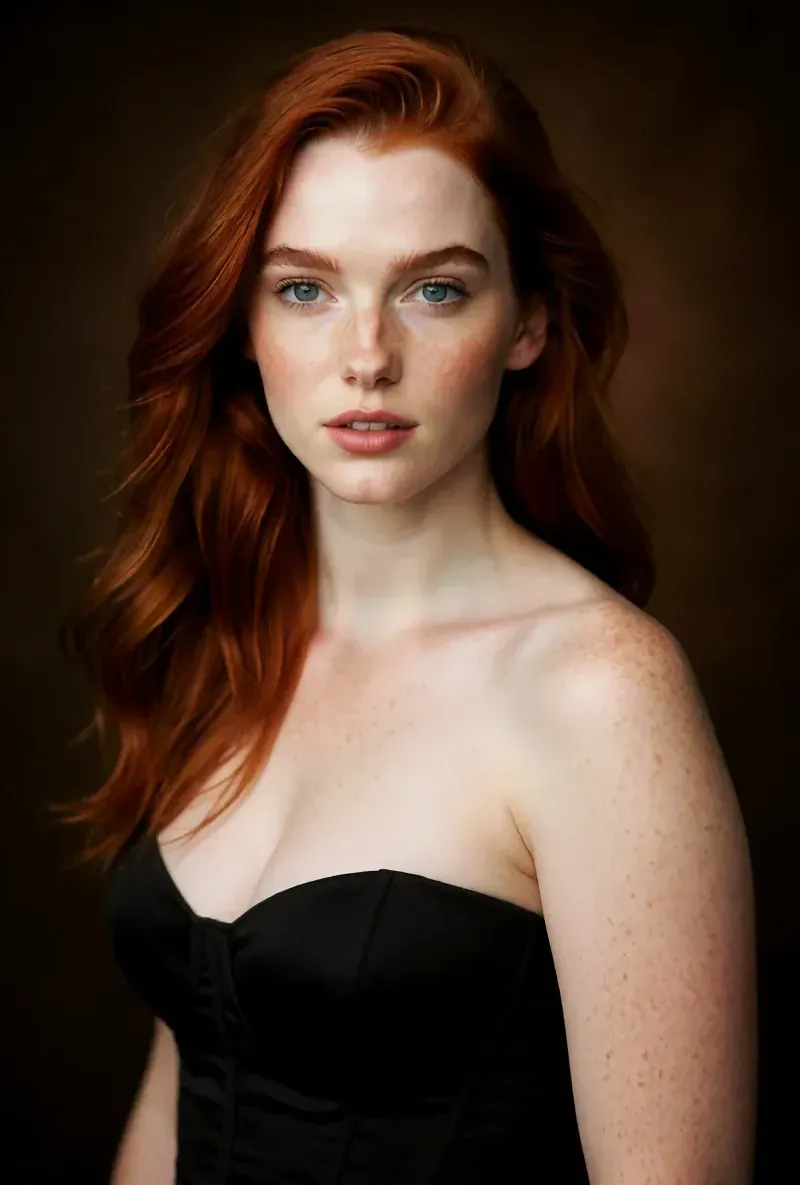 After the builder, you pick one base image and RYLA generates a reference sheet of that face, which new content is generated from. After the builder, you pick one base image and RYLA generates a reference sheet of that face, which new content is generated from. | Separate Face Generation and Face Swapping tools, which its own guides use to build and keep a consistent character face. |
| How content is made | One flow per character: builder, reference sheet, then Studio photos, image-to-video, Avatar Video, and Video Swap. | Many standalone tools (image, video, photo shoot, face swap, lip sync, try-on, upscaling) that you combine yourself. |
| Pricing model | Monthly plans from Basic at $34.99 a month; credits and character limits are on the pricing page. | One-time credit packs: Starter 200 credits for $19.99, Creator 550 for $49.99, Influencer 1,200 for $99, Professional 6,300 for $499. |
| Credit expiry | Plan credits refill each month on a subscription. | States that credits never expire, with no deadlines or resets. |
| Try before you pay | Free plan in the RYLA app: a one-time credit grant at signup and one character, with no monthly refill. | No free tier or free credits are listed on its pricing page. |
| Video model choice |  Image-to-video and talking clips of your character, without a per-model picker. Image-to-video and talking clips of your character, without a per-model picker. | Model pages for Kling (2.1 to 2.6), WAN (2.2 and later), and Seedance (Pro and 2.0), each with different strengths. |
| Virtual try-on | No dedicated garment try-on tool. Video Swap places your character into an existing clip. | Lists an AI Virtual Try-On tool. |
| Learning resources | A blog and a set of comparison pages. | An 'AI University' that lists 72-plus guides and prompt libraries, plus courses. |
| Commercial rights | Under the RYLA terms you keep the commercial rights to your character and the content you generate. | Its terms grant a non-exclusive, worldwide license to use and commercially exploit the output you generate, subject to the terms and payment. |
La colonna RYLA, mostrata invece che affermata. Le righe il cui punto è un prezzo o una policy non hanno immagine di proposito.
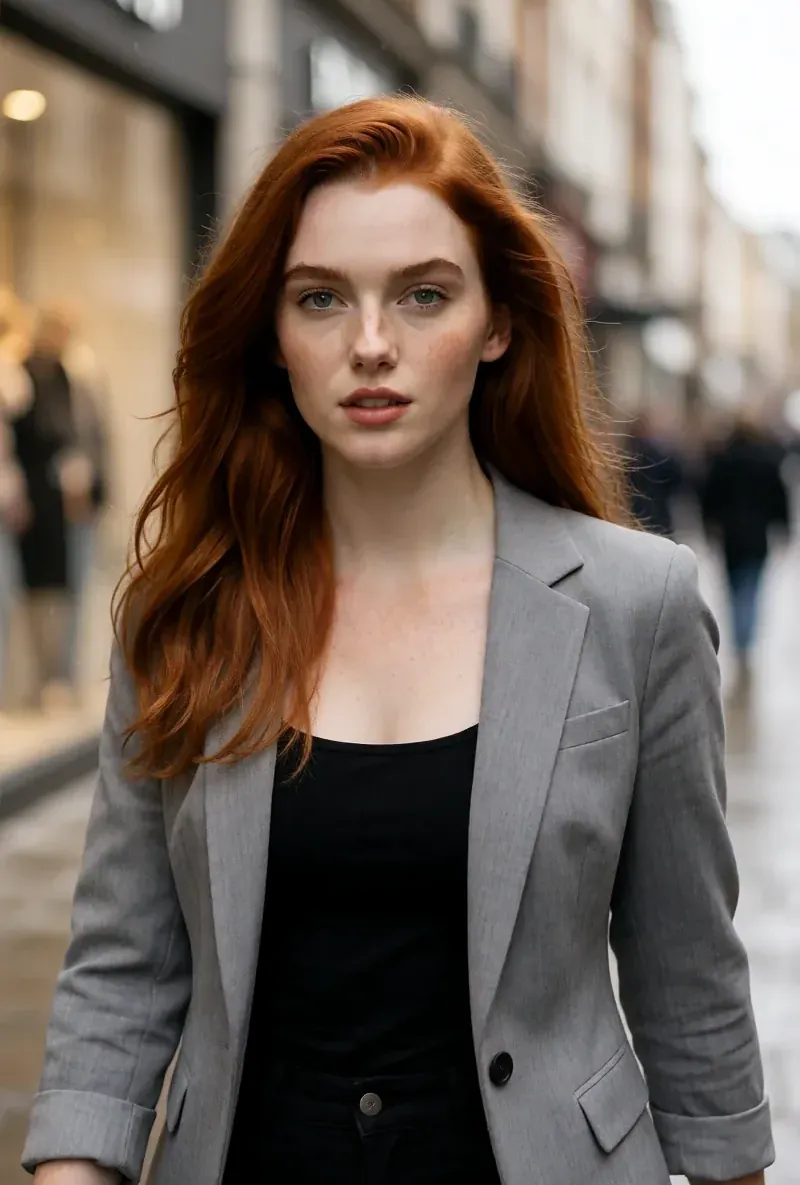
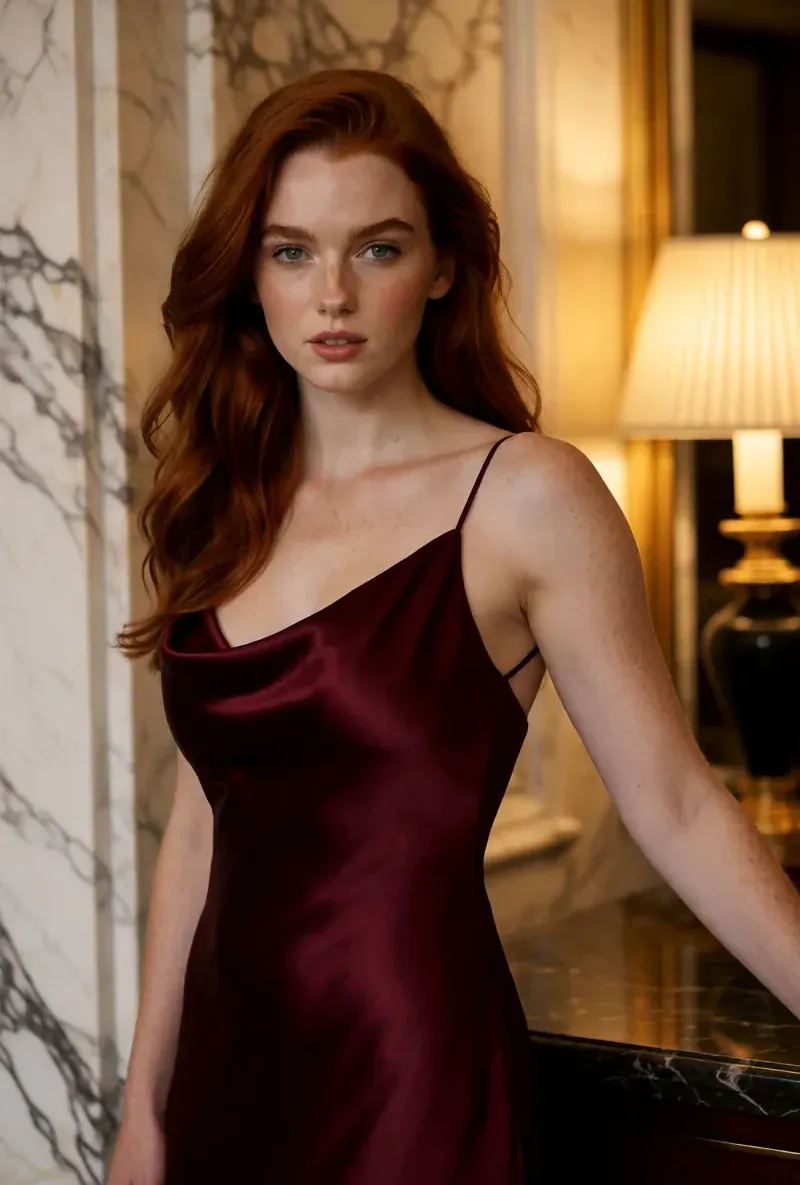
Lo stesso volto in quattro scene diverse
Ogni immagine qui è stata generata con RYLA. Un personaggio, quattro scene diverse, nessun ritocco in mezzo.
Dove vince RYLA
Un volto fissato in un foglio di riferimento
Scegli un’immagine di base del tuo personaggio, RYLA genera un foglio di riferimento di quel volto e nuove foto e clip nascono da lì, invece di rifare un passaggio sul volto per ogni post.
Personalità e voce impostate una volta
Nome, personalità e voce fanno parte del builder. La voce scelta lì è quella che il tuo personaggio usa in seguito nelle clip con avatar parlante.
Foto, video e clip parlanti di un personaggio
Dopo la conferma, Studio genera nuove foto da template, da immagine a video porta un’immagine in movimento, Avatar Video crea clip parlanti e Video Swap inserisce lo stesso personaggio in una clip esistente.
Onesti sul divario
ZenCreator vende crediti che non scadono, ti lascia scegliere tra i modelli video Kling, WAN e Seedance, offre la prova virtuale e pubblica una grande libreria di guide. RYLA non ha un selettore di modelli video né uno strumento di prova.
Dove ZenCreator vince ancora
ZenCreator is ahead on flexibility. Its credit packs are one-time purchases that never expire, its model pages cover Kling, WAN, and Seedance video models, it lists a virtual try-on tool, and its AI University lists 72-plus guides and prompt libraries. If you want to pick a video model per shot or buy credits once and use them slowly, it covers that more directly than RYLA does today.
Passare da ZenCreator a RYLA
There is no import between the two products, so switching means building your character once in RYLA. This is the actual sequence in the RYLA builder:
- Pick a niche, then gender and style.
- Set the look: ethnicity, age, skin, eyes, face shape, and hair.
- Choose outfit and scene, then personality and a name, then a voice.
- Generate base images and pick the one that becomes your character.
- RYLA generates a reference sheet of that face.
- Finalize, then create new photos in Studio, motion with image-to-video, talking clips in Avatar Video, and swaps in Video Swap.
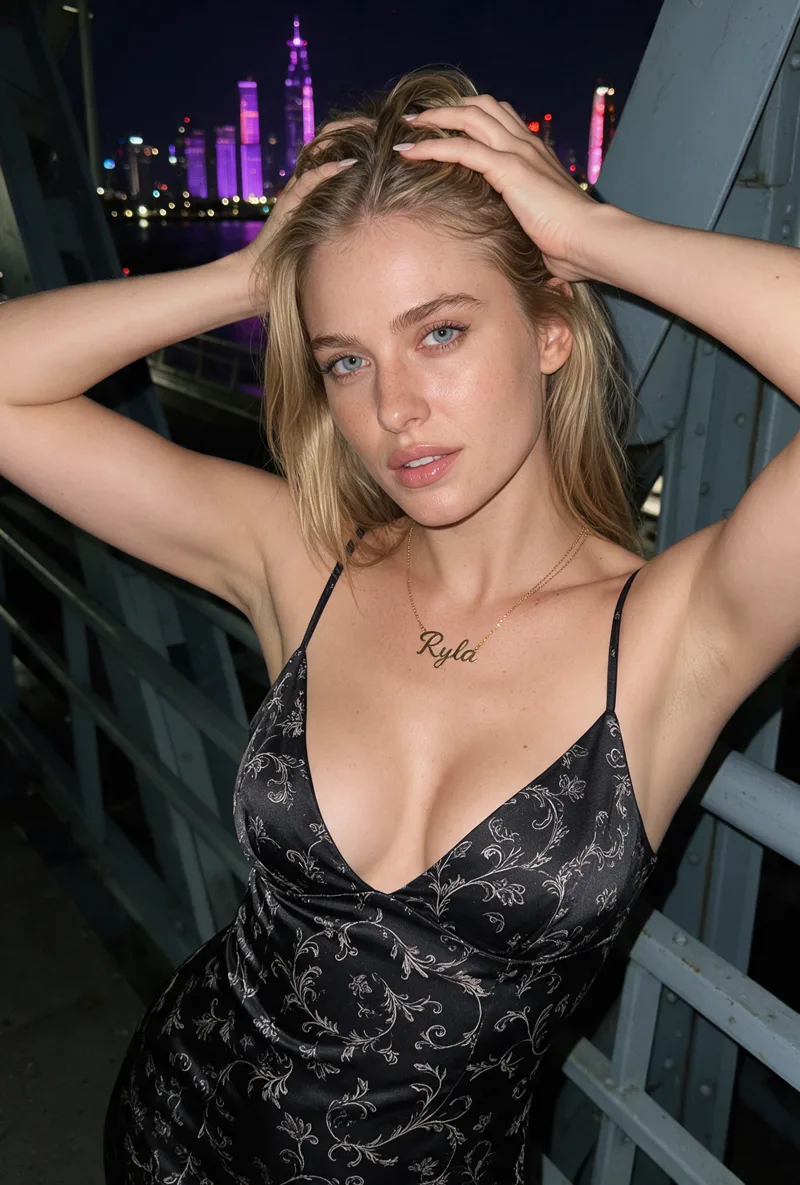
Here is one RYLA character from the showcase on this site, generated in two different scenes:
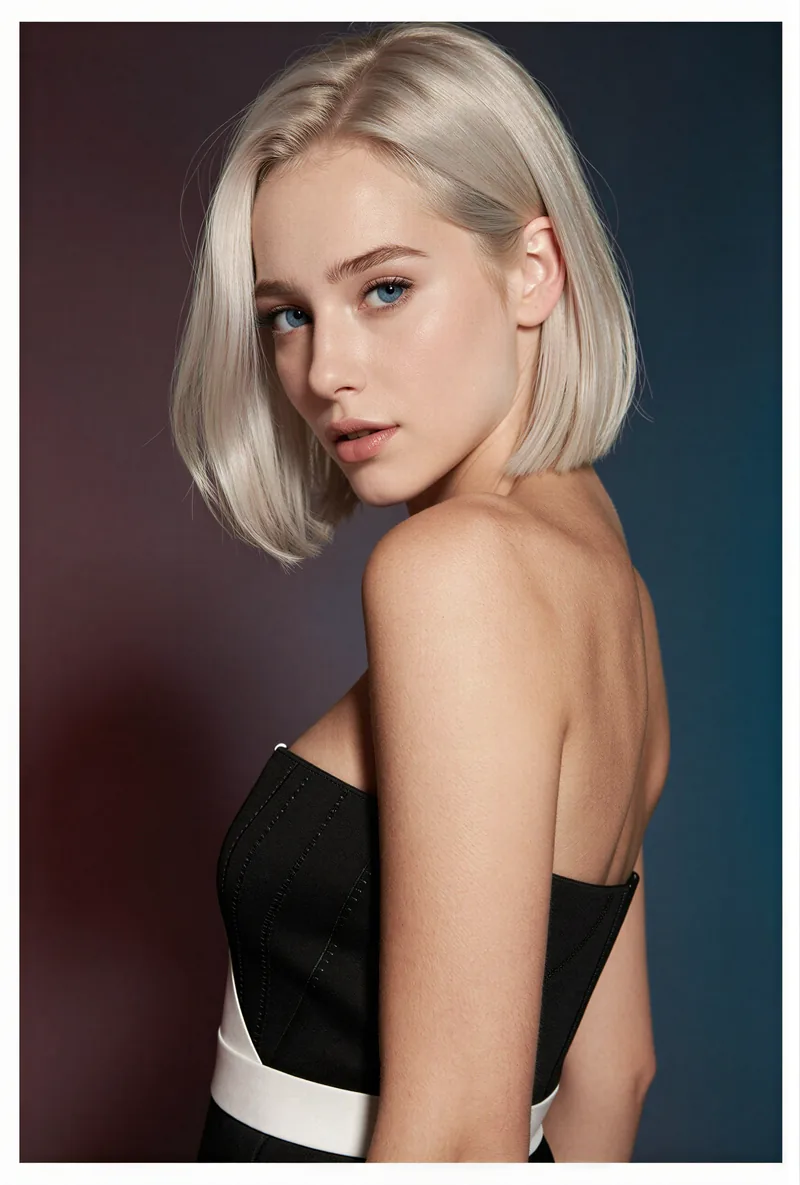
If you already have a face you like from ZenCreator, use it as your brief in step 2. Current plans are on the pricing page.
Verdetto
Choose ZenCreator if you want credits that never expire, a choice of video models per shot, virtual try-on, and a large guide library, and you are comfortable combining separate tools yourself. Choose RYLA if you want to design one character in detail, lock its face in a reference sheet, and generate its photos, video, talking clips, and video swaps in one workspace. RYLA is not affiliated with, endorsed by, or connected to ZenCreator; its name is used on this page only to identify that service.