
どちらを使うべきか?
you want to design one character step by step, lock its face in a reference sheet, and generate photos, image-to-video, talking clips, and video swap of that same character in one workspace
you want one-time credit packs that never expire, a wide menu of video models (Kling, WAN, and Seedance), virtual try-on, and a large self-serve guide library
各プラットフォームが強い点
Both platforms can produce an AI influencer, but they are built differently. ZenCreator is a toolbox: face generation, photo shoots, face swapping, image-to-video, lip sync, virtual try-on, and upscaling are separate tools that share one credit balance. RYLA is built around one character: you design it once, lock its face in a reference sheet, and generate new content from it. Facts about ZenCreator below come from its public homepage, pricing page, AI University, and terms, read on 2 October 2026. RYLA plan details come from the RYLA pricing page. The table includes the rows where ZenCreator is ahead.
| Feature | RYLAおすすめ | ZenCreator |
|---|---|---|
| Keeping one face consistent | 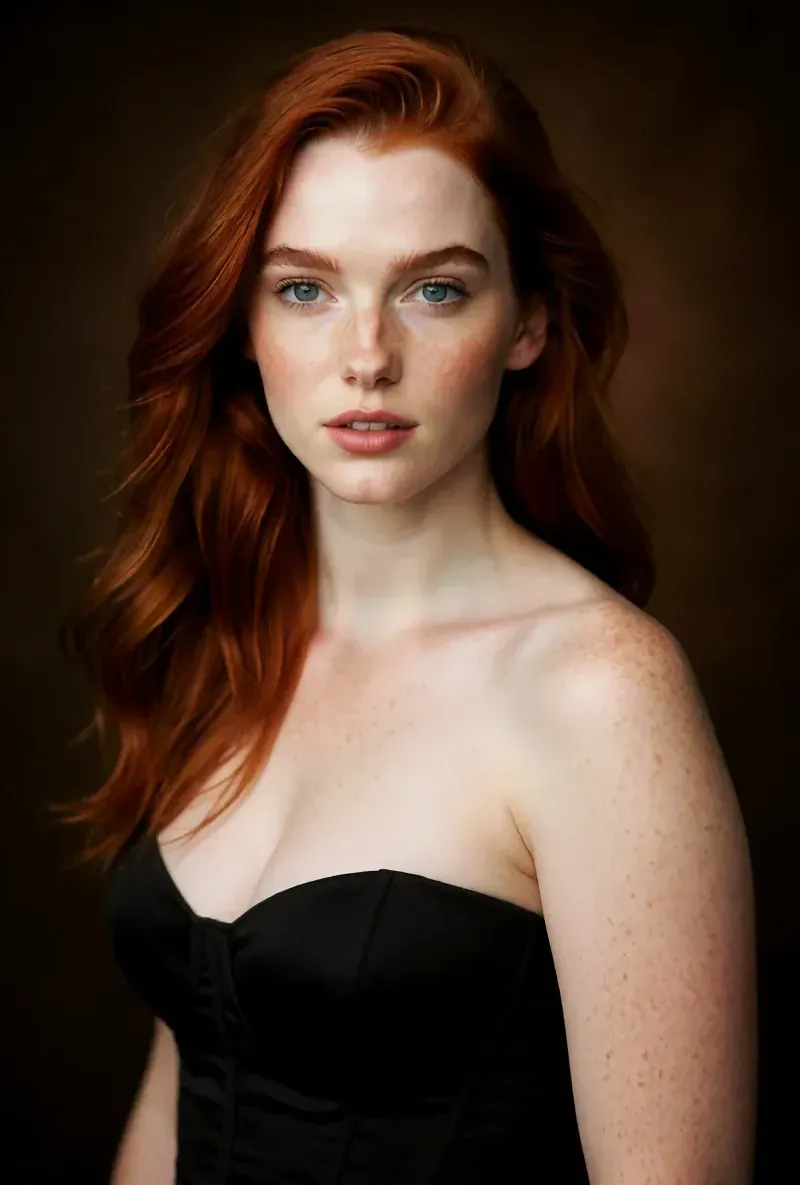 After the builder, you pick one base image and RYLA generates a reference sheet of that face, which new content is generated from. After the builder, you pick one base image and RYLA generates a reference sheet of that face, which new content is generated from. | Separate Face Generation and Face Swapping tools, which its own guides use to build and keep a consistent character face. |
| How content is made | One flow per character: builder, reference sheet, then Studio photos, image-to-video, Avatar Video, and Video Swap. | Many standalone tools (image, video, photo shoot, face swap, lip sync, try-on, upscaling) that you combine yourself. |
| Pricing model | Monthly plans from Basic at $34.99 a month; credits and character limits are on the pricing page. | One-time credit packs: Starter 200 credits for $19.99, Creator 550 for $49.99, Influencer 1,200 for $99, Professional 6,300 for $499. |
| Credit expiry | Plan credits refill each month on a subscription. | States that credits never expire, with no deadlines or resets. |
| Try before you pay | Free plan in the RYLA app: a one-time credit grant at signup and one character, with no monthly refill. | No free tier or free credits are listed on its pricing page. |
| Video model choice |  Image-to-video and talking clips of your character, without a per-model picker. Image-to-video and talking clips of your character, without a per-model picker. | Model pages for Kling (2.1 to 2.6), WAN (2.2 and later), and Seedance (Pro and 2.0), each with different strengths. |
| Virtual try-on | No dedicated garment try-on tool. Video Swap places your character into an existing clip. | Lists an AI Virtual Try-On tool. |
| Learning resources | A blog and a set of comparison pages. | An 'AI University' that lists 72-plus guides and prompt libraries, plus courses. |
| Commercial rights | Under the RYLA terms you keep the commercial rights to your character and the content you generate. | Its terms grant a non-exclusive, worldwide license to use and commercially exploit the output you generate, subject to the terms and payment. |
RYLA の列は、主張するのではなく実際に見せています。価格やポリシーに関する主張の行には、あえて画像を置いていません。
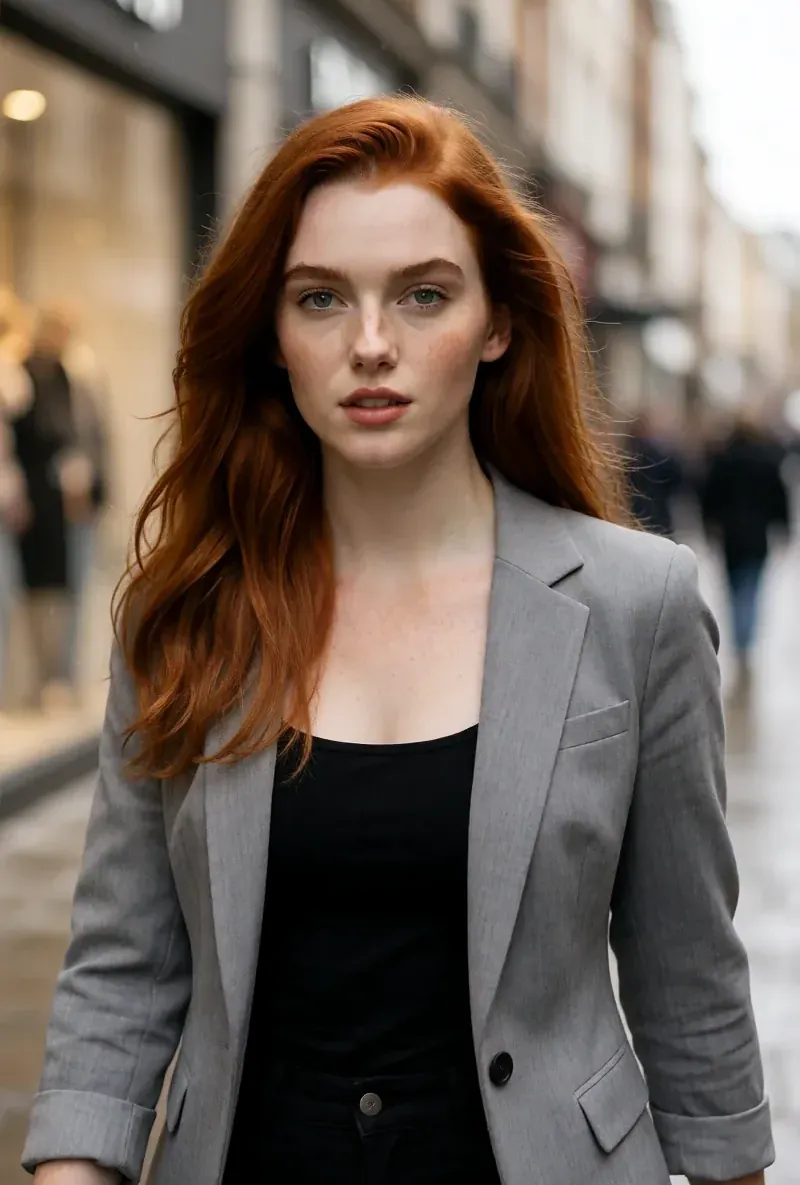
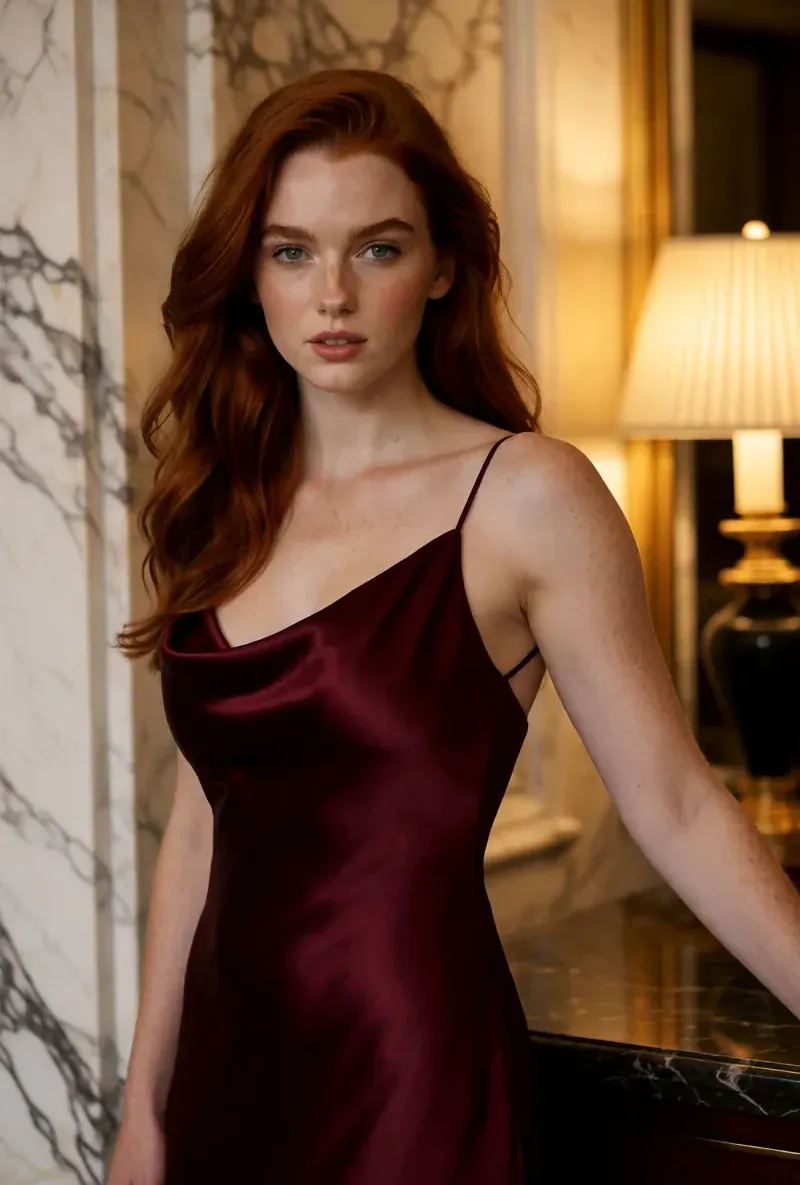
同じ顔、4つの異なるシーン
ここにある画像はすべて RYLA で生成しました。ひとりのキャラクターを4つの異なるシーンに置き、その間に修正は加えていません。
RYLA が勝つ点
参照シートに固定された顔
キャラクターのベース画像を一枚選ぶと、RYLAがその顔のリファレンスシートを生成し、新しい写真やクリップはそこから作られます。投稿ごとに顔の工程をやり直す必要はありません。
性格と声は一度設定
名前、性格、声はビルダーの一部です。そこで選んだ声が、後でしゃべるアバターのクリップでキャラクターが使う声になります。
一人のキャラクターの写真、動画、しゃべるクリップ
確定後、Studioはテンプレートから新しい写真を生成し、画像から動画への変換は静止画を動かし、Avatar Videoはしゃべるクリップを作り、Video Swapは同じキャラクターを既存のクリップに配置します。
差について正直に
ZenCreatorは期限のないクレジットを販売し、Kling、WAN、Seedanceの動画モデルから選べるようにし、バーチャル試着を提供し、大規模なガイドライブラリを公開しています。RYLAには、モデルごとの動画の選択画面も試着ツールもありません。
ZenCreator がまだ勝る点
ZenCreator is ahead on flexibility. Its credit packs are one-time purchases that never expire, its model pages cover Kling, WAN, and Seedance video models, it lists a virtual try-on tool, and its AI University lists 72-plus guides and prompt libraries. If you want to pick a video model per shot or buy credits once and use them slowly, it covers that more directly than RYLA does today.
ZenCreator から RYLA へ乗り換える
There is no import between the two products, so switching means building your character once in RYLA. This is the actual sequence in the RYLA builder:
- Pick a niche, then gender and style.
- Set the look: ethnicity, age, skin, eyes, face shape, and hair.
- Choose outfit and scene, then personality and a name, then a voice.
- Generate base images and pick the one that becomes your character.
- RYLA generates a reference sheet of that face.
- Finalize, then create new photos in Studio, motion with image-to-video, talking clips in Avatar Video, and swaps in Video Swap.
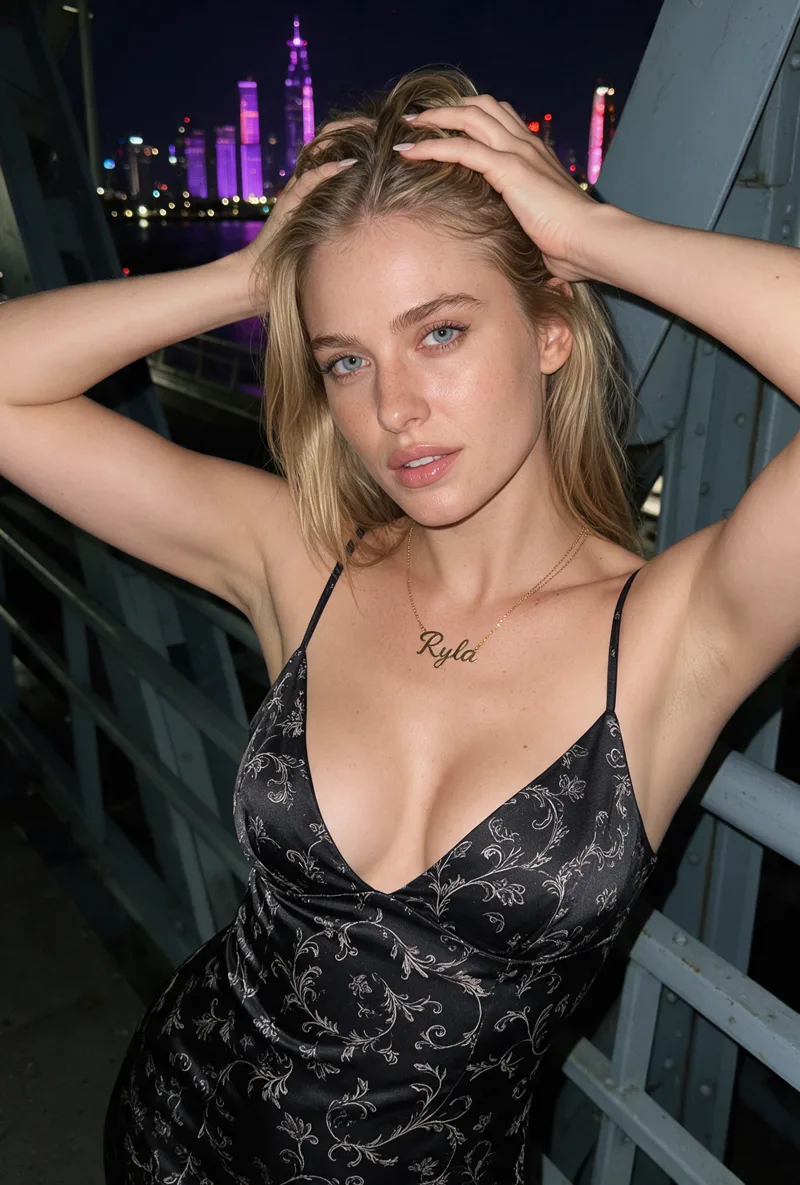
Here is one RYLA character from the showcase on this site, generated in two different scenes:
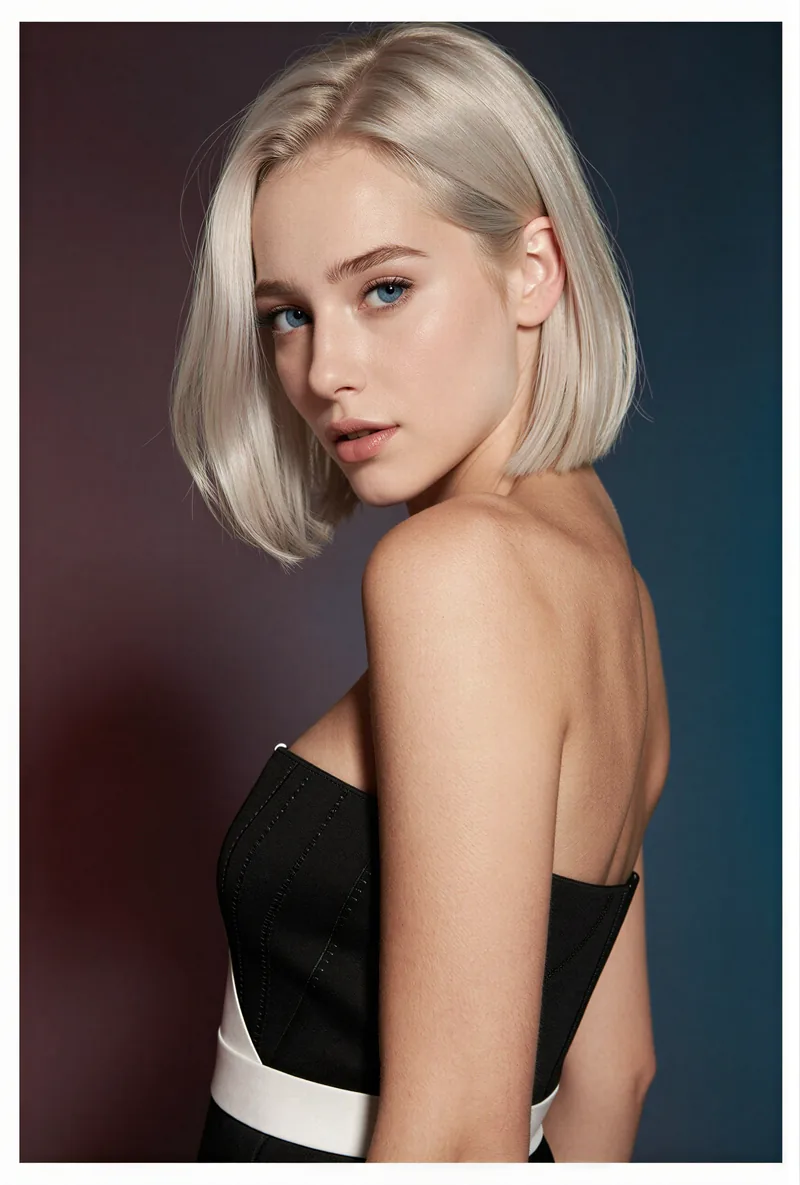
If you already have a face you like from ZenCreator, use it as your brief in step 2. Current plans are on the pricing page.
判定
Choose ZenCreator if you want credits that never expire, a choice of video models per shot, virtual try-on, and a large guide library, and you are comfortable combining separate tools yourself. Choose RYLA if you want to design one character in detail, lock its face in a reference sheet, and generate its photos, video, talking clips, and video swaps in one workspace. RYLA is not affiliated with, endorsed by, or connected to ZenCreator; its name is used on this page only to identify that service.