
AI Face Swap: Put Your Character on Any Photo
Swap your AI character's face onto a photo with one click. Photo swaps use credits, and swapping faces in videos is part of the Pro plan.
Create in a Few Simple Steps
Upload Your Photo
Upload the photo that should receive the new face. A clear, front-facing shot works best.
Select Your AI Character
Choose the character whose face should be swapped in. The character is your fixed reference for every swap.
Generate
Start the generation. Photo swaps are billed in credits per image, and the cost is shown before you start.
Review & Download
Check the result for edges, skin tone and lighting, then download it. Re-run the swap if a detail looks wrong.
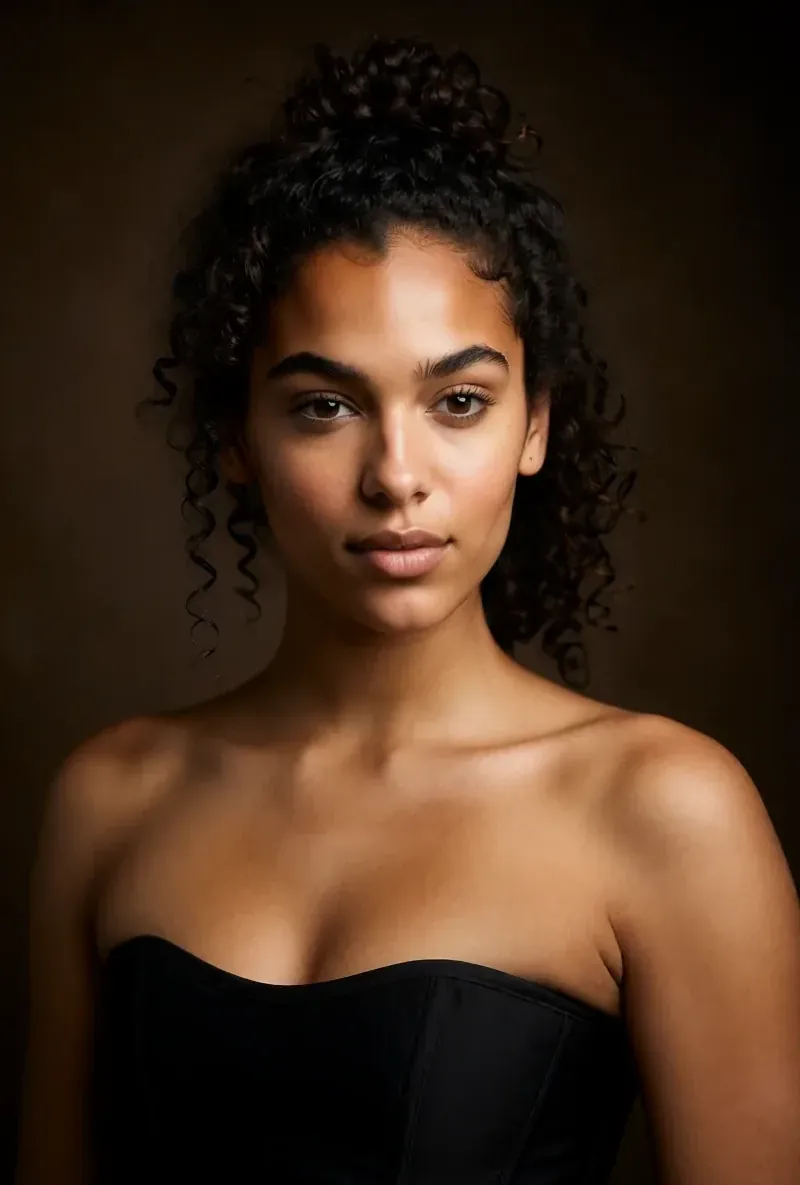
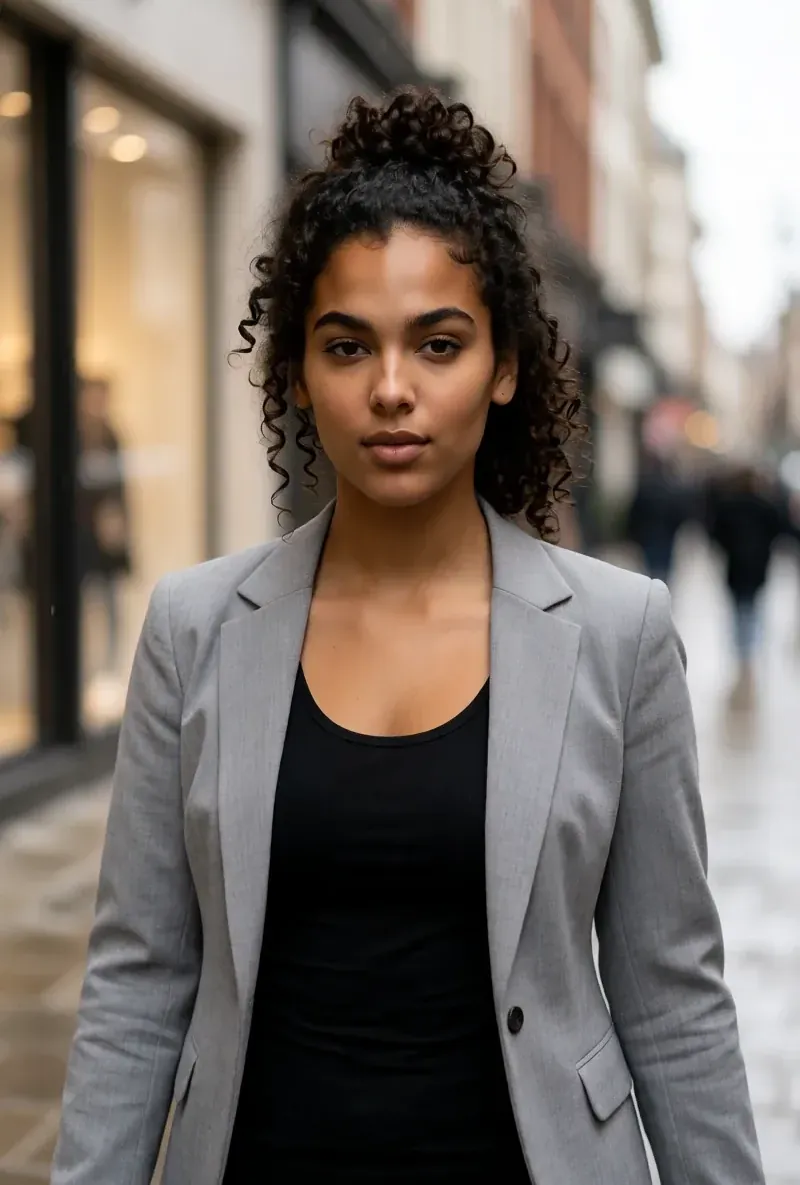
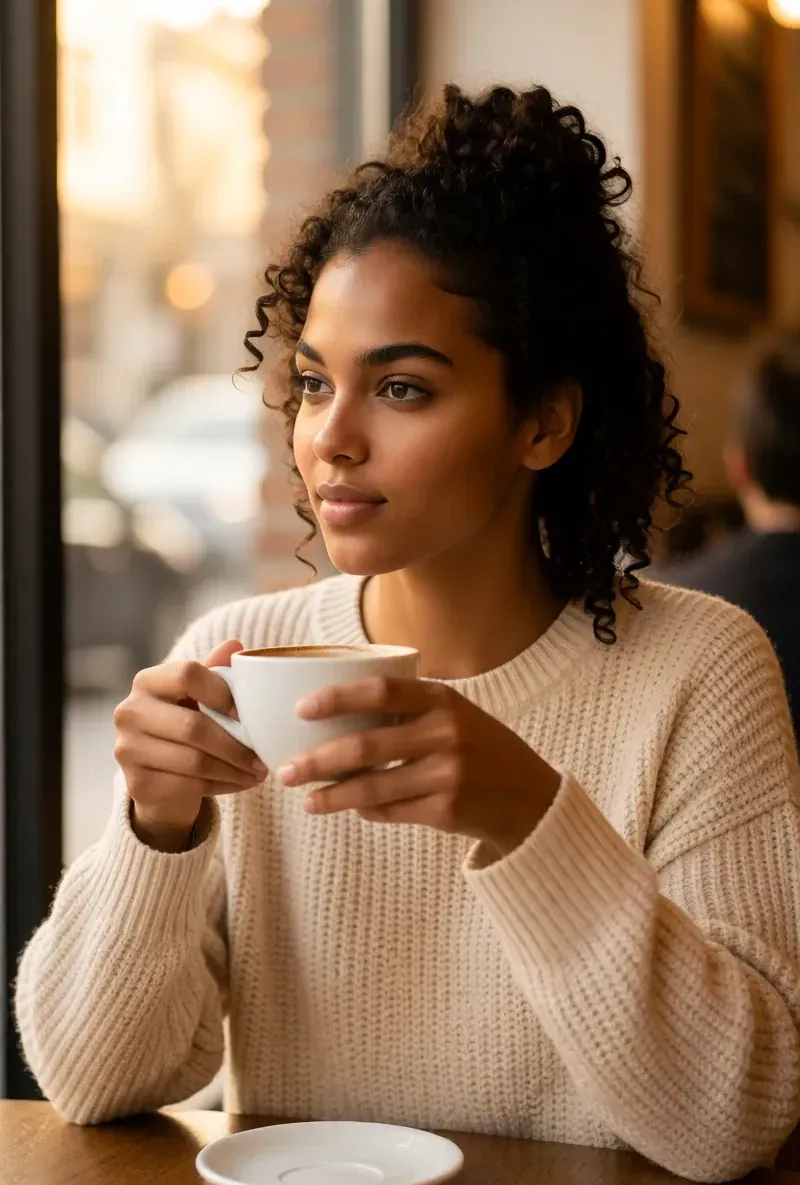
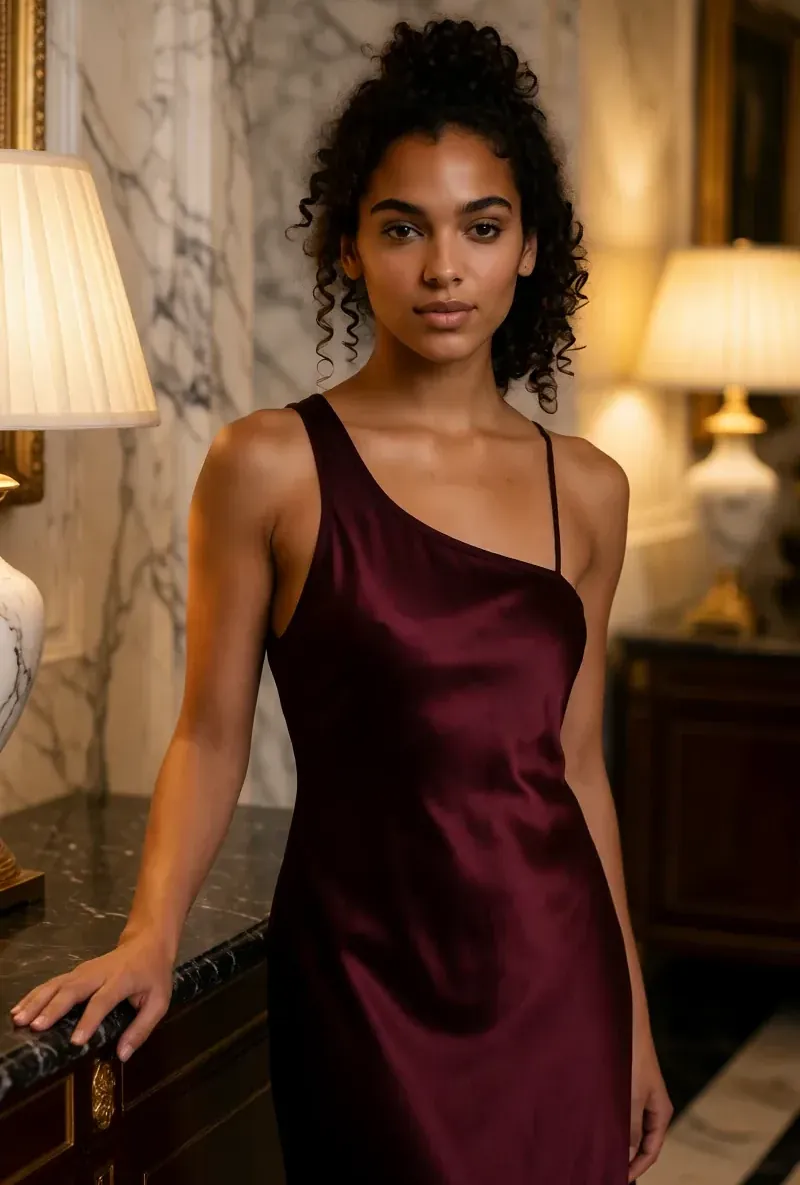
The Same Face in Four Different Scenes
Every image here was generated with RYLA. One character, four different scenes, nothing retouched in between.
Built for Consistent, Studio-Quality Results
Your Character as Reference
The face comes from your saved character, and the photo supplies pose, light and setting. Results depend on angle and resolution.
Photo Swaps With Credits
Each photo swap uses a fixed amount of credits. Start with the credits you get on signup and check the cost before each run.
Video Swaps on Pro
Face swaps on existing videos are part of the Pro plan and are billed by clip length.
Works for Everyone
Social Media Content
Put your AI character into existing scenes instead of building every image from scratch.
Video Production
Swap faces in short videos for trend formats and reaction clips on the Pro plan.
Consistent Branding
Use the same character across many scenes, and review each result, since small details can still vary.