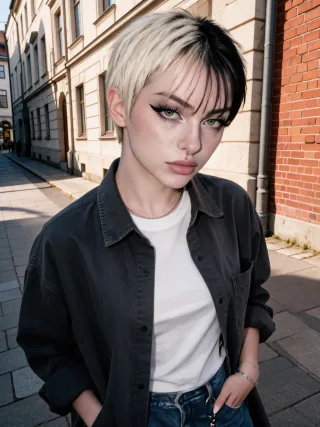
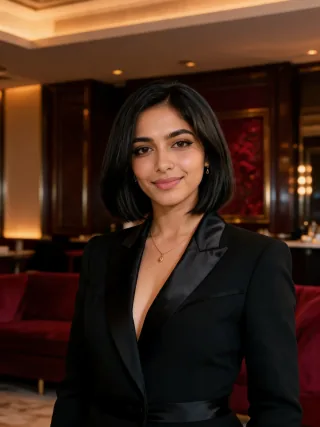
One character. A whole photo series.
Plan a coherent shoot before you generate. Keep the same fictional character at the center while you move through scenes, outfits and moods.
Last updated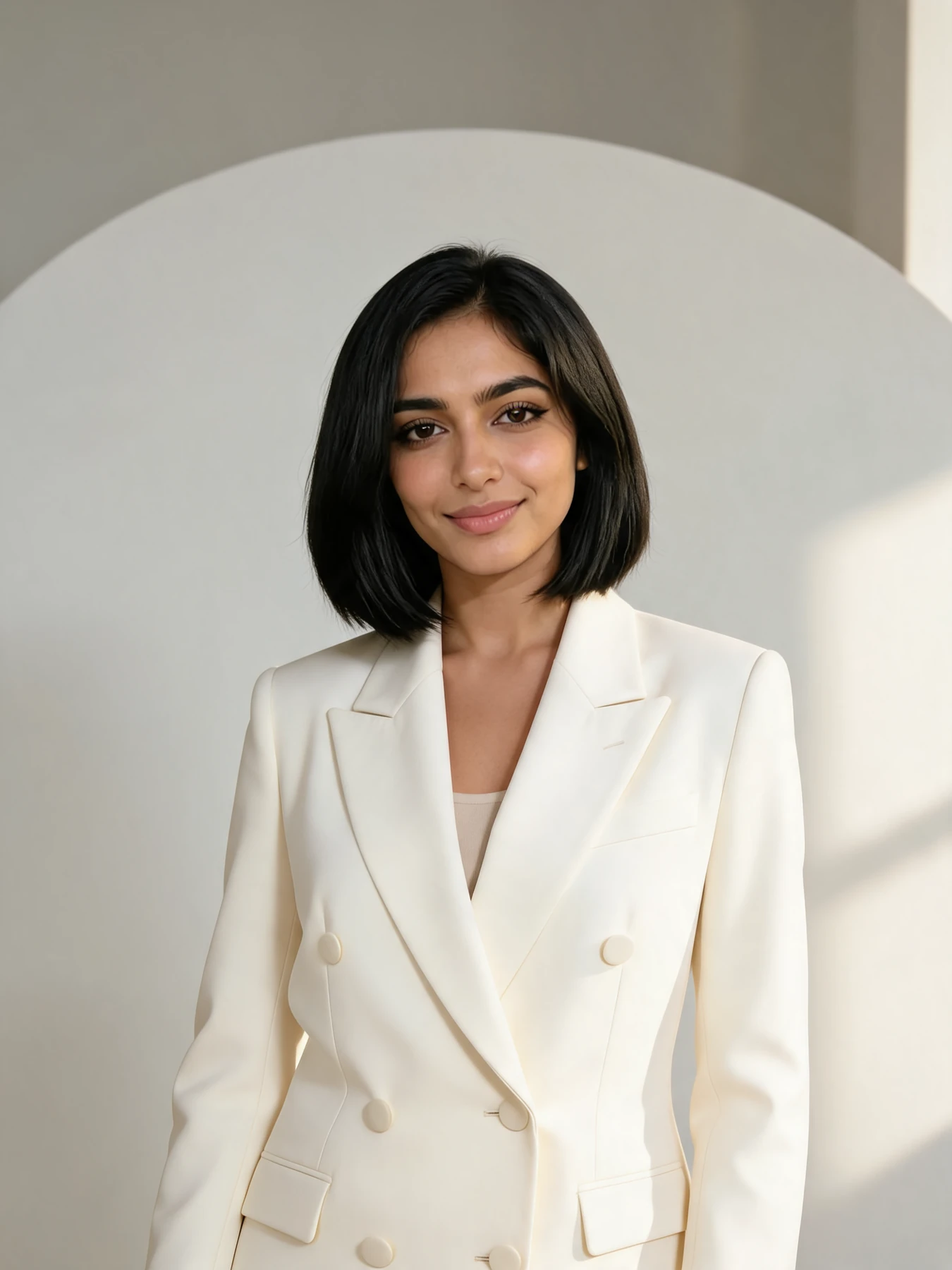
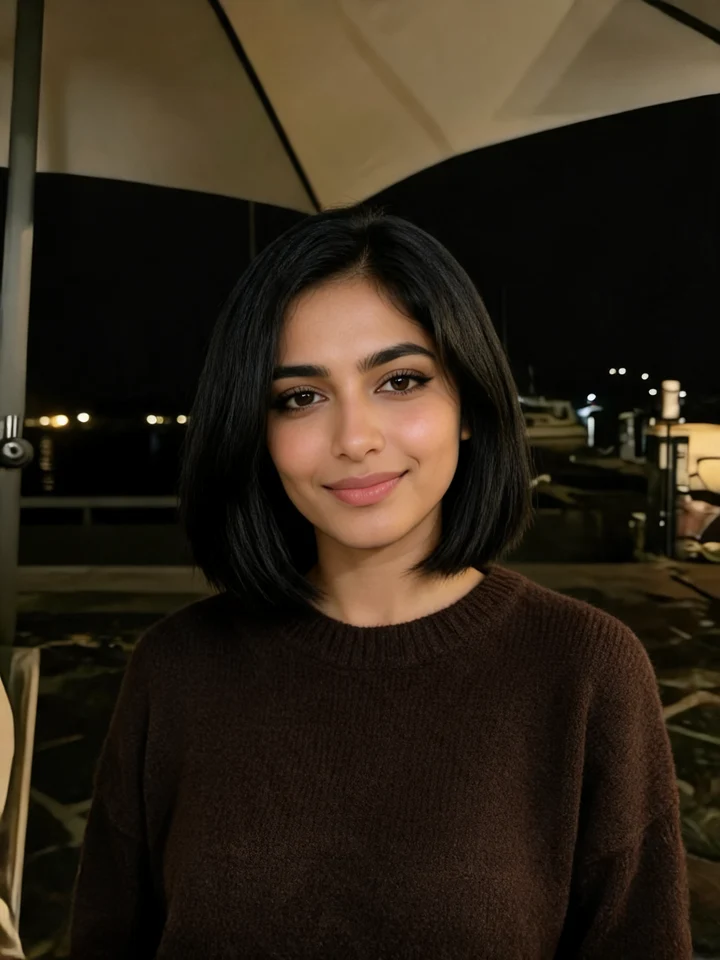
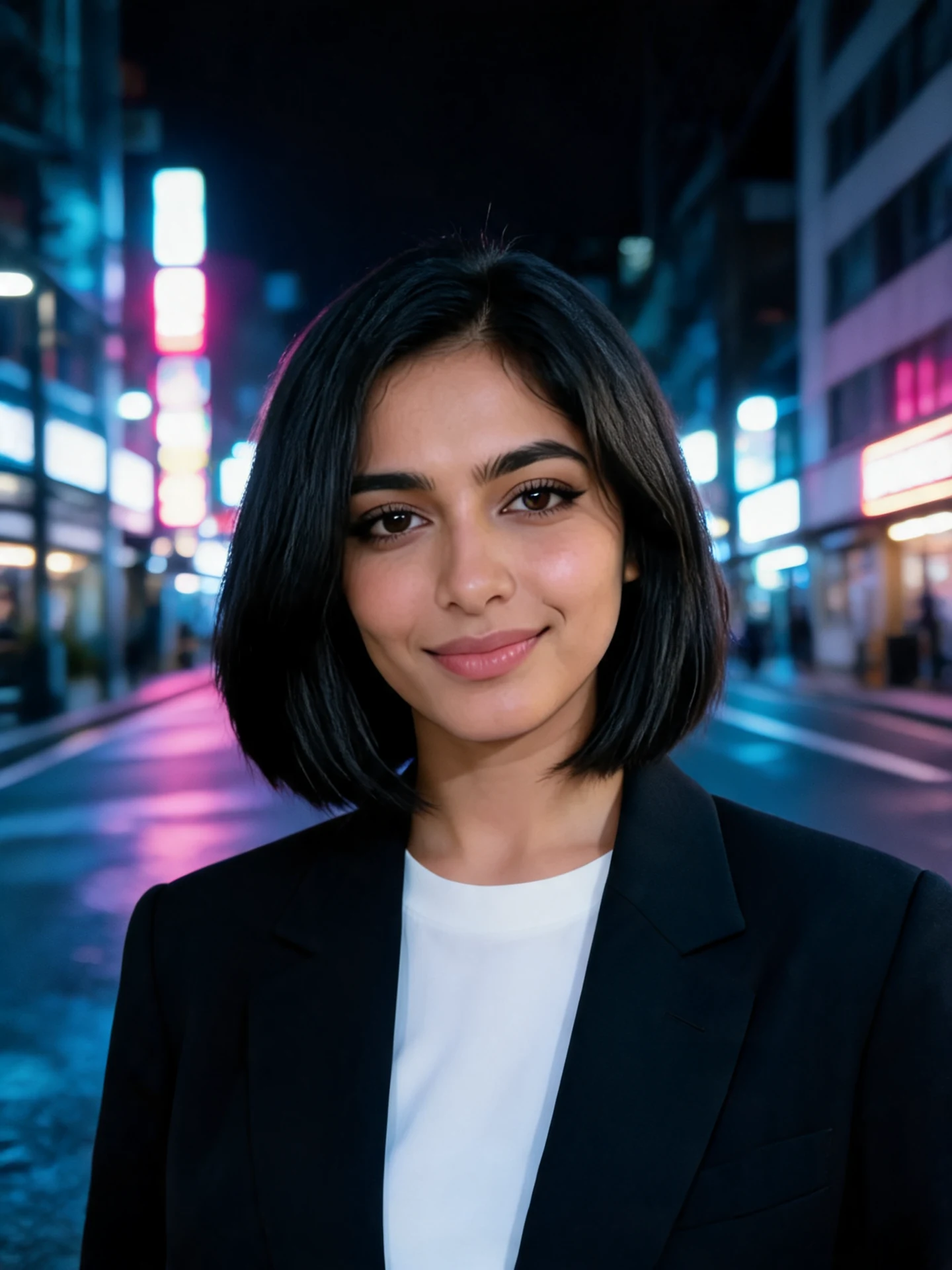
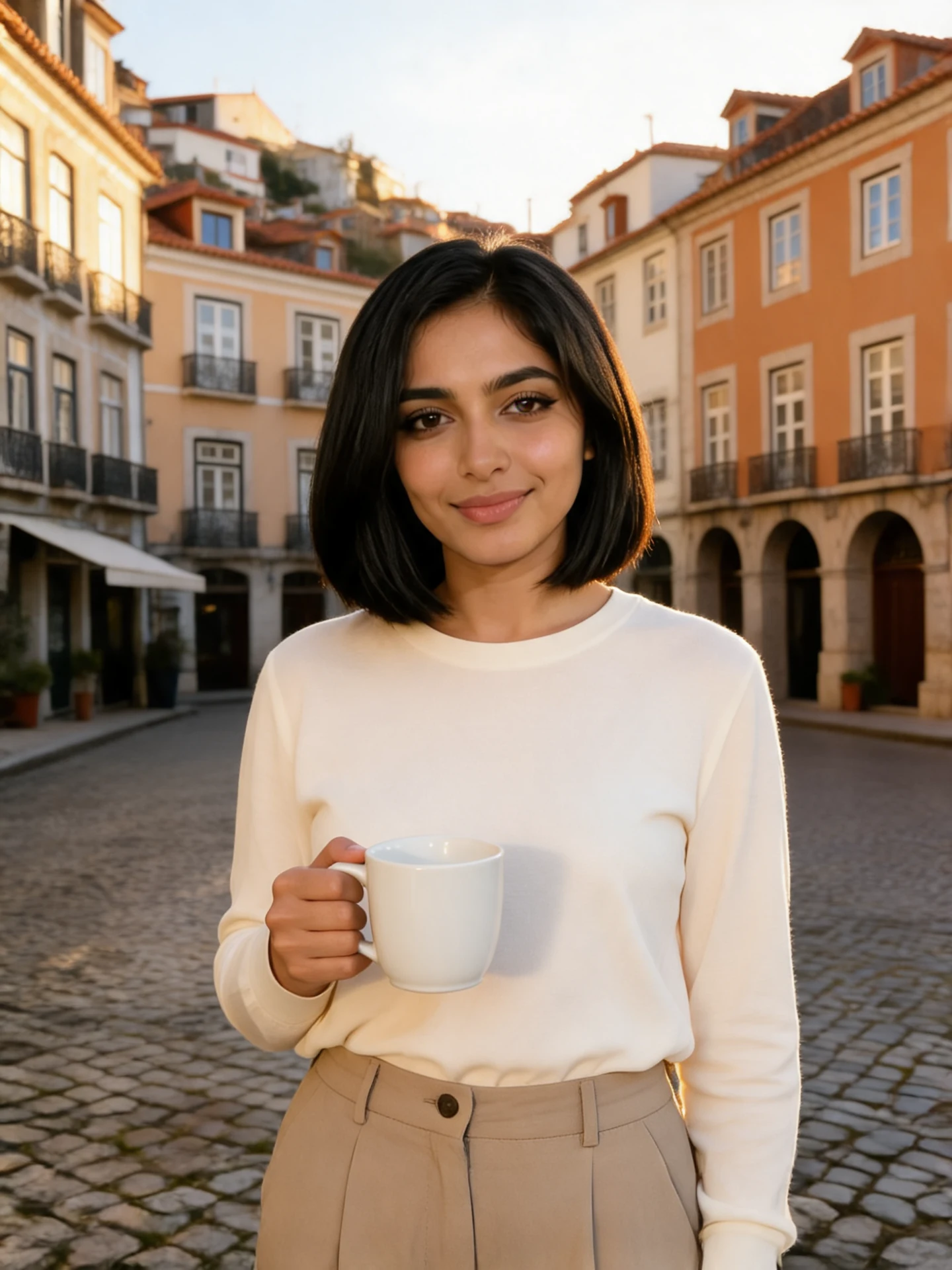
Three contexts. One recognizable identity.
Choose a direction to preview how the same character can carry a planned series. These are curated examples, not live results from this page.
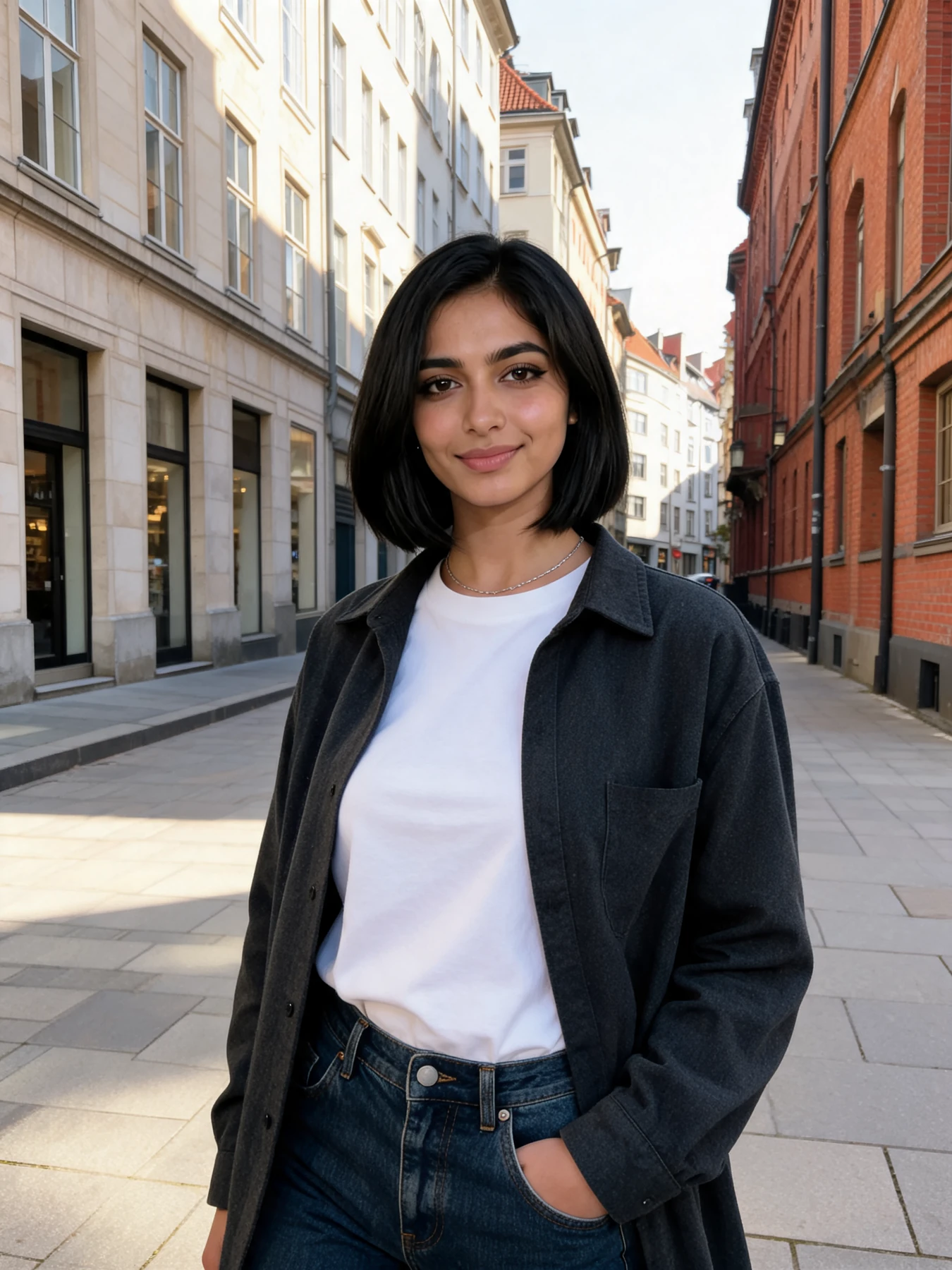
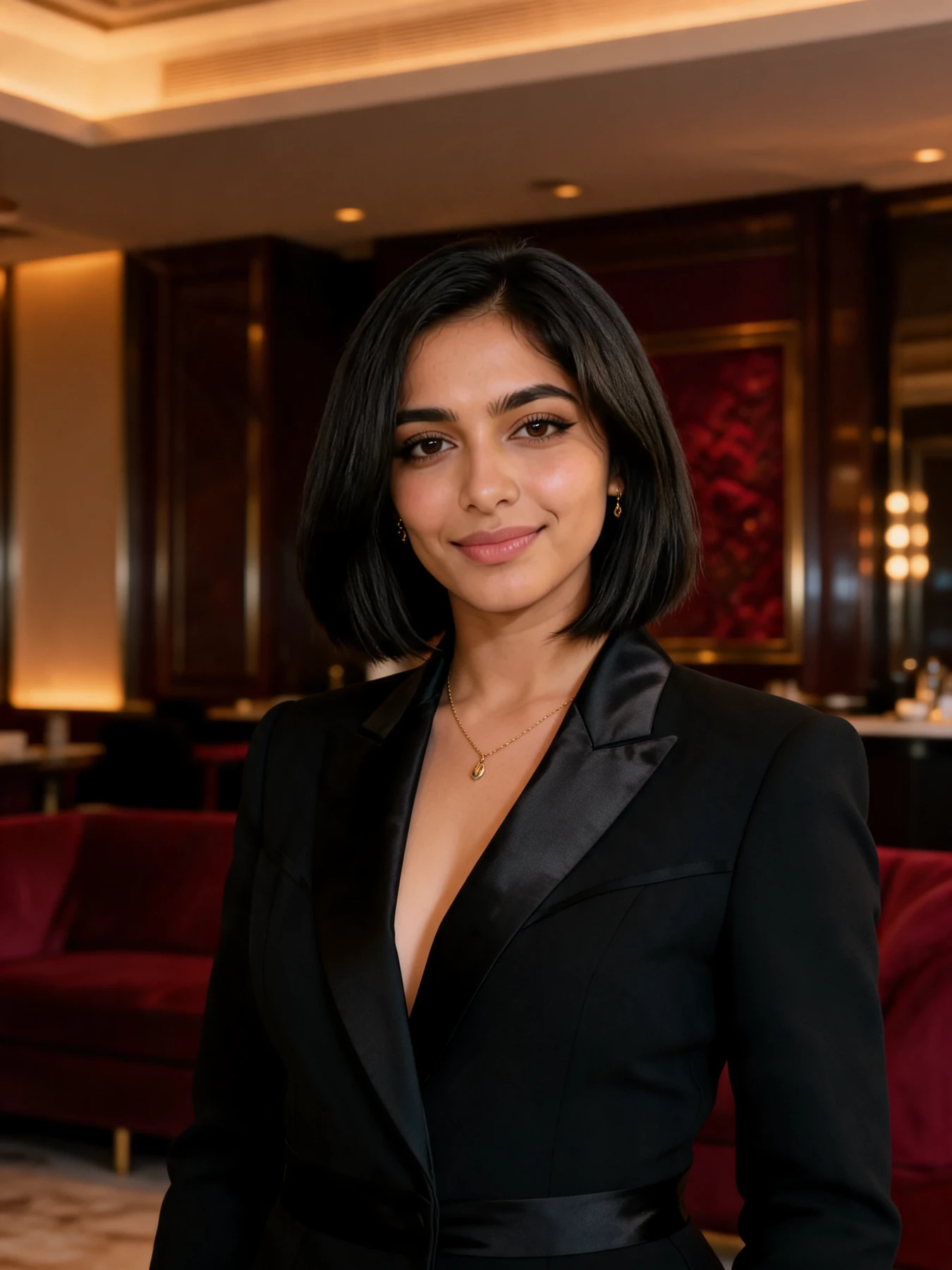
This example could not load. Please try again.
Direct the shoot one image at a time.
- 01
Fix the identity
Start with a saved character and decide which facial features, hair and overall presence must stay recognizable.
- 02
Write the series brief
Choose the purpose, scene sequence, wardrobe palette and light. Change one clear chapter at a time.
- 03
Generate and review
Create each image in Studio, inspect identity and details, then keep only the frames that belong together.
Consistency comes from review.
An AI photoshoot is a directed sequence of individual generations, not a one-click batch. Compare every frame with the character reference and the rest of the series.
- 01Face shape, eyes and hair
- 02Wardrobe and color continuity
- 03Hands, edges and background details
AI photoshoot questions
Turn one character into a considered series.
Take the scene direction into Studio, generate one frame, review it, then build the next chapter.
Open RYLA Studio