
RYLA vs OpenArt: One Recurring Character, Not a General Creative Suite
OpenArt is a broad creative suite for AI images and video, and it includes a Character Builder and an AI influencer generator. RYLA is narrower on purpose: one step-by-step builder for a recurring character, then photos, video, and talking clips of that same character.
Which One Should You Use?
Choose RYLA if the job is one recurring AI character: a guided builder, a locked reference sheet of its face, and photos, video, talking clips, and video swaps of that character in one workspace.
Choose OpenArt if you want a broad creative suite: many image and video models, editing tools, a free trial, and a lower entry price, with characters as one feature among many.
Where Each Platform Wins
OpenArt and RYLA overlap more than a quick look suggests: OpenArt also offers reusable characters and an AI influencer generator. The difference is scope. OpenArt is a wide creative suite with many models and editing tools; RYLA is one pipeline built around one character. Facts about OpenArt come from its public pricing page, home page, and AI influencer page, as of 10 October 2026. RYLA plans come from the RYLA pricing page. The table includes the rows where OpenArt is ahead.
| Feature | RYLARecommended | OpenArt |
|---|---|---|
| Scope | One pipeline built around a recurring character. | A broad suite: image and video generation, upscaling, video editing tools, audio, and more, plus character and AI influencer features. |
| Reusable character | You pick one base image, RYLA generates a reference sheet of that face, and new content is made from that sheet. | A Character Builder for reusable characters across images and videos; its pricing page lists about 13 consistent characters on Starter, rising to about 353 on Wonder. |
| Designing a new character | A step-by-step builder: niche, gender and style, ethnicity, age, skin, eyes, face shape, hair, outfit and scene, personality and name, then a voice. | Its AI influencer page describes shaping facial features, style, and mood. We did not test it, so the two builders are not compared here. |
| Speaking clips | Avatar Video creates talking clips of your character with the voice chosen in the builder. | Its home page lists AI voiceovers in 30+ languages with lip-sync. Output quality is not compared here. |
| Free start | Paid plans; current plans and credits are on the pricing page. | Its home page describes a free trial plan with daily credits and no credit card required. |
| Entry paid plan | Basic at $34.99 a month; credits and character limits are on the pricing page. | Starter at $14 a month with 4,000 monthly credits; Plus at $34 a month (first month $29) with 12,000 credits. |
| Model and tool breadth | Focused on one character: Studio photos, image-to-video, talking clips, and video swap. | A wide range of image and video models plus tools such as Motion Sync, Smart Shot, relighting, background replacement, and 3D World. |
| Commercial use | You keep the commercial rights to the character and content you generate, per RYLA terms. | Its pricing page lists commercial use rights on Plus, Pro, and Wonder; it is not listed on Starter. |
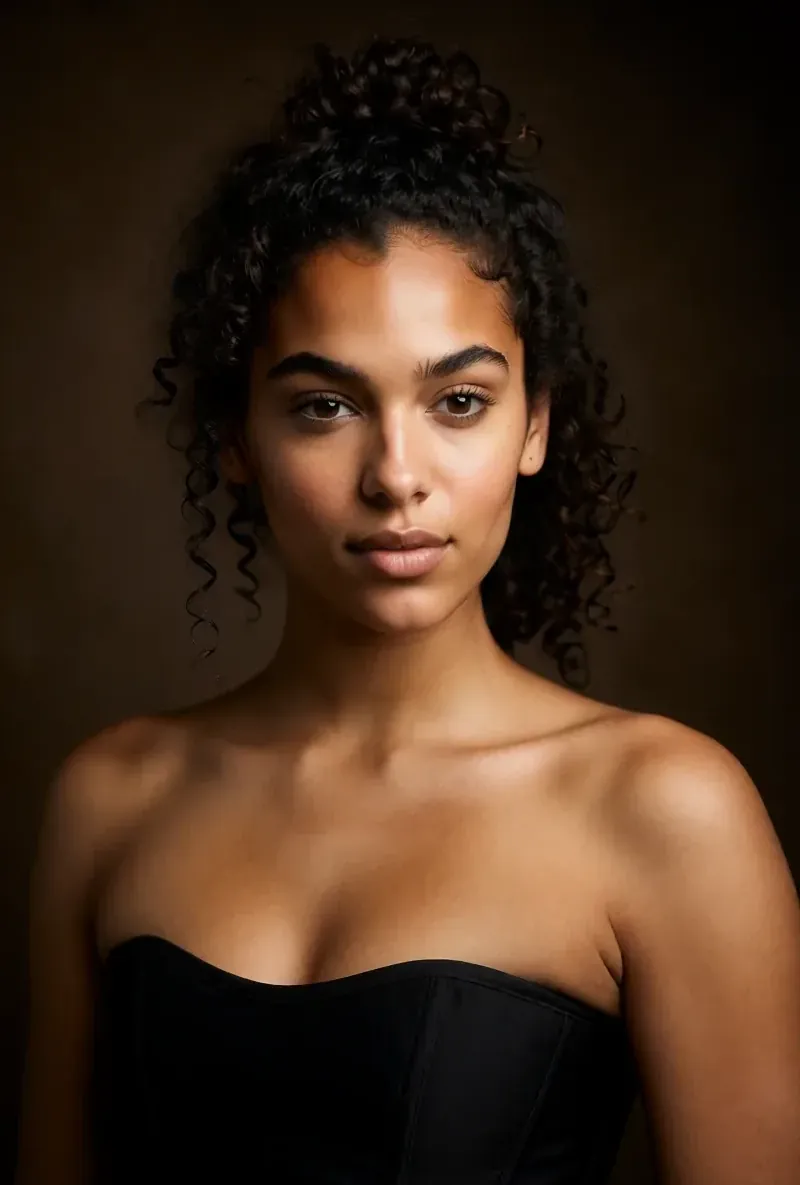
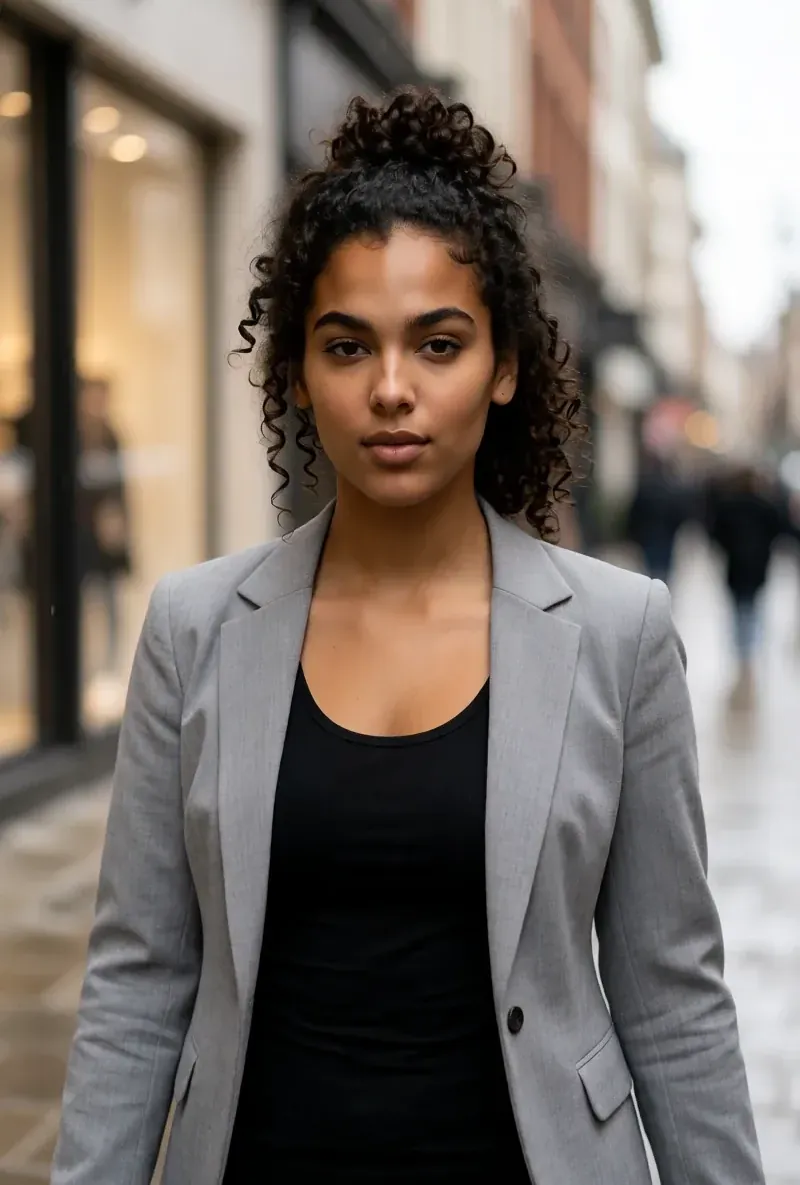
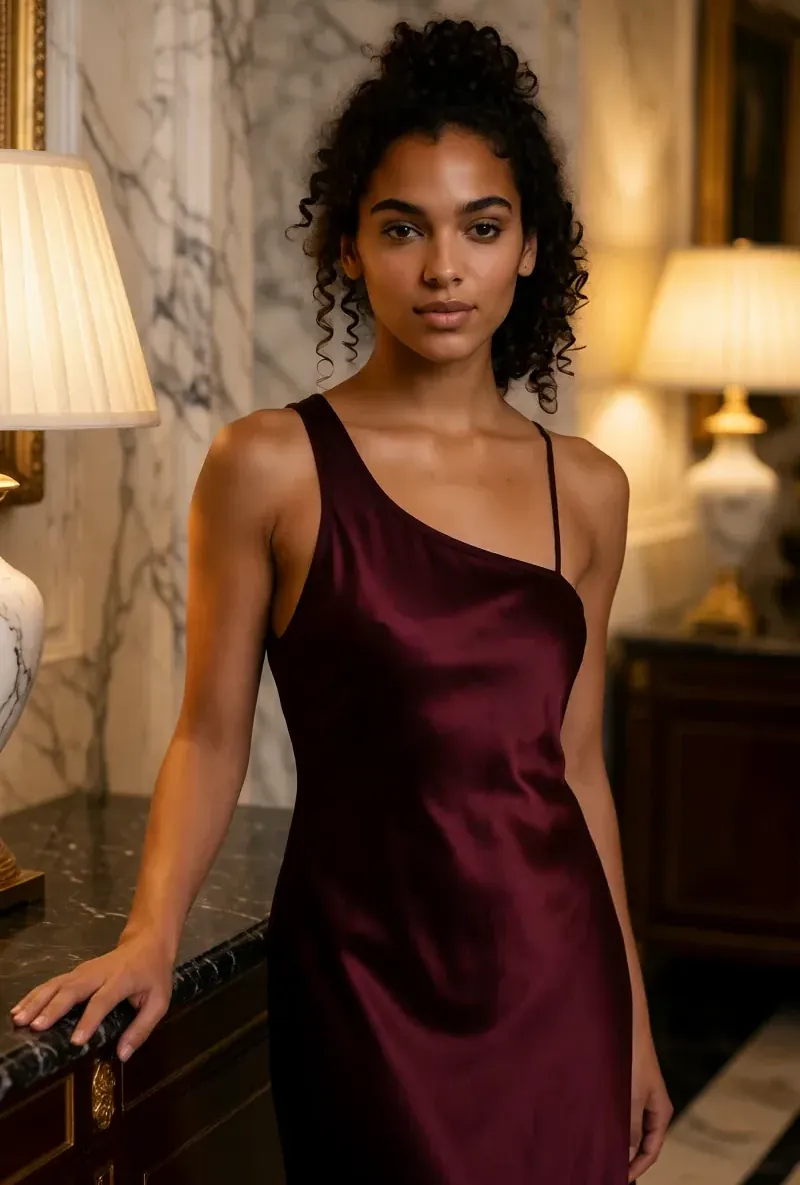
The RYLA column, shown rather than claimed. Rows whose claim is a price or a policy carry no image on purpose.
The Same Face in Four Different Scenes
Every image here was generated with RYLA. One character, four different scenes, nothing retouched in between.

Where RYLA Wins
One Character From the First Step
OpenArt's characters live inside a much larger creative suite. RYLA starts with the character: you build it step by step (niche, look, outfit and scene, personality, name, voice) and every later output starts from it.
One Face, Locked in a Reference Sheet
You pick one base image of your character, RYLA generates a reference sheet of that face, and new photos and clips are made from that sheet.
Photos, Video, and Talking Clips of One Character
After finalizing, Studio generates new photos from templates, image-to-video puts a still in motion, Avatar Video creates talking clips with the voice chosen in the builder, and video swap places the same character into an existing clip.
Honest About the Gap
OpenArt has a free trial, a lower entry price, and far more models and editing tools. RYLA has none of that breadth and no free plan. If you want a general creative toolbox, OpenArt covers more.
Where OpenArt Still Wins
OpenArt is a strong general creative platform, and it is ahead on breadth and on price of entry. Its Starter plan was $14 a month on 10 October 2026, its home page describes a free trial with daily credits, and it lists many image and video models plus editing tools like Motion Sync, Smart Shot, and video relighting. It also has its own Character Builder and AI influencer generator. If your work spans general AI art, experiments, and many projects, OpenArt's range is the better fit.
Switching from OpenArt to RYLA
There is no import from OpenArt into RYLA, so you rebuild the character once in RYLA's builder. Reference images and a description from OpenArt are useful as your brief. This is the actual sequence in the RYLA builder:
- Pick a niche, then gender and style.
- Set the look: ethnicity, age, skin, eyes, face shape, and hair.
- Choose outfit and scene, then personality and a name, then a voice.
- Generate base images and pick the one that becomes your character.
- RYLA generates a reference sheet of that face.
- Finalize, then create new photos in Studio, motion with image-to-video, talking clips in Avatar Video, and swaps in Video Swap.
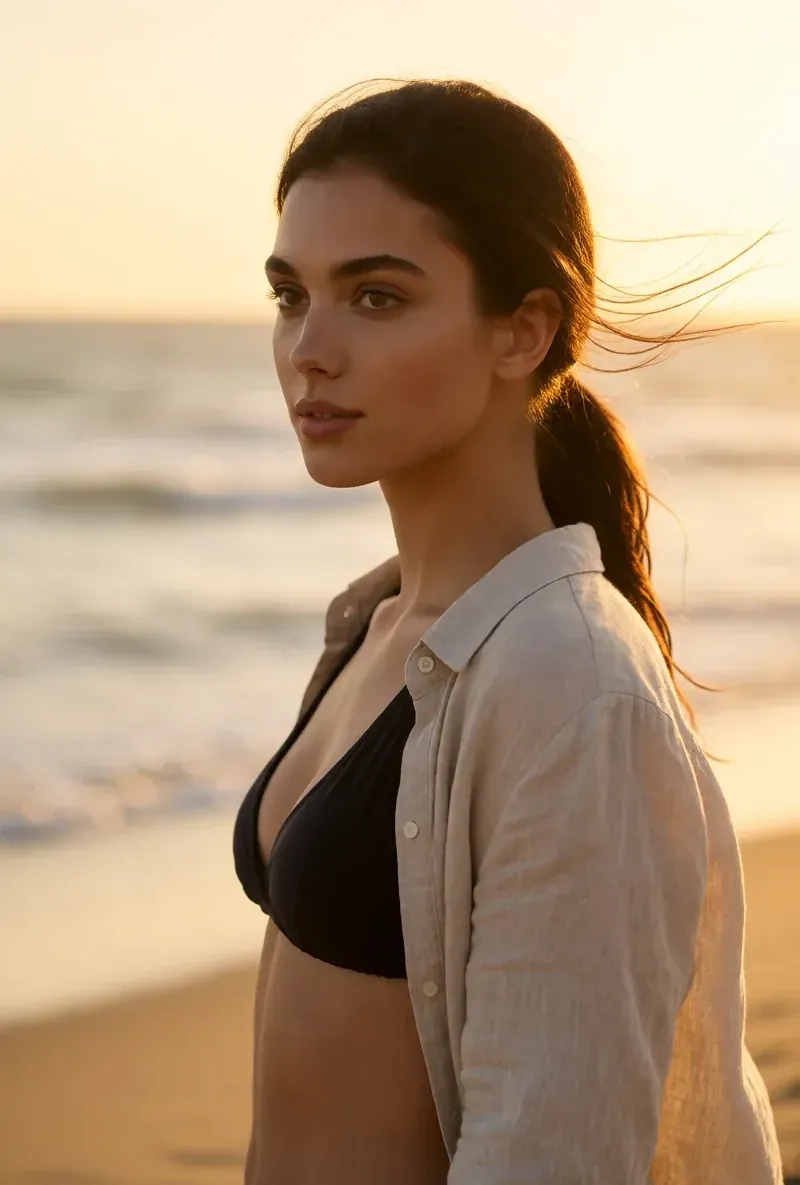
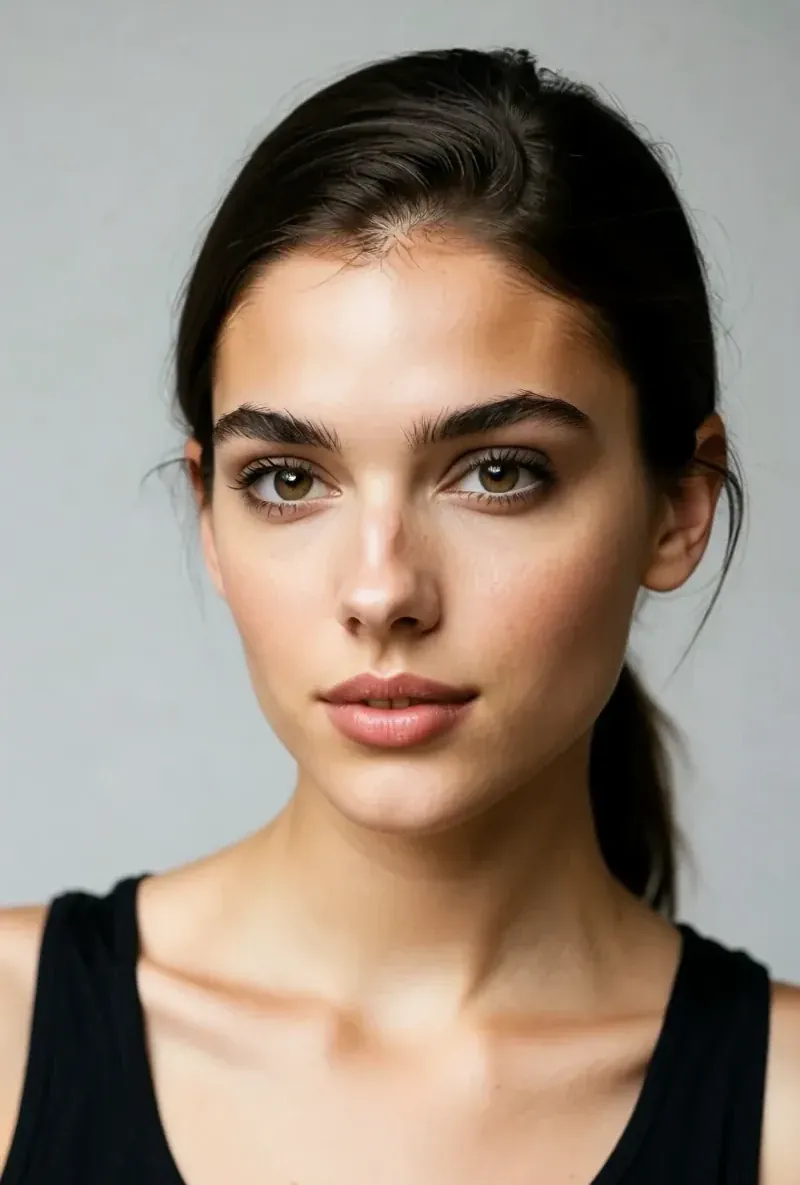
Here is one RYLA character from the showcase on this site, generated in two different scenes:
Current plans are on the pricing page.
Verdict
Pick OpenArt if you want a broad creative suite: many image and video models, editing tools, a free trial, a lower entry price, and character features as part of a larger toolbox. Pick RYLA if the job is one recurring AI character: you design it step by step, lock its face in a reference sheet, and generate its photos, video, talking clips, and video swaps in one workspace. Some creators reasonably use both. RYLA is not affiliated with, endorsed by, or connected to OpenArt; the name OpenArt is used on this page only to identify that service.
Common Questions
RYLA vs OpenArt: One Recurring Character, Not a General Creative Suite
OpenArt is a broad creative suite for AI images and video, and it includes a Character Builder and an AI influencer generator. RYLA is narrower on purpose: one step-by-step builder for a recurring character, then photos, video, and talking clips of that same character.