
OpusClip Alternative
Looking for an OpusClip Alternative? Create One Character Instead of Cutting Clips
OpusClip (opus.pro) is an AI video editing and clipping tool that cuts footage you already have into short clips. RYLA takes a different route: you design one new character in a step-by-step builder, lock its face in a reference sheet, and generate that same character across photos, video, and talking clips.
Last updated
AI-generated creative direction
Which One Should You Use?
you want to create a new recurring character (niche, look, outfit, personality, voice), lock its face in a reference sheet, and generate its photos, video, and talking clips in one workspace
you already have long videos, such as podcasts, streams, or interviews, and want them cut into captioned short clips, resized for each platform, and scheduled to your social accounts
Where Each Platform Wins
OpusClip describes itself as an AI video editing and clipping tool: you paste a link or upload a raw video, and it clips, captions, resizes, and publishes short clips to social platforms. Its pricing page lists a Free plan, Starter, Pro, and a custom Business plan, and its menu includes ClipAnything, AI Reframe, animated captions, a social scheduler, AI B-Roll, video dubbing, an API, and an MCP for AI agents. RYLA starts from a different place: instead of cutting footage you already have, you design a new character in the builder, without uploading photos of anyone, and generate new photos, video, and talking clips from that one character. These are different jobs, so the table shows where each fits rather than declaring one better overall. Facts about OpusClip come from its public homepage and pricing page, as of 16 November 2026. RYLA plans come from the RYLA pricing page. The table includes the rows where OpusClip is ahead.
| Feature | RYLARecommended | OpusClip |
|---|---|---|
| Plans | Monthly plans from Basic at $34.99 a month; credits and character limits are on the pricing page. | A Free plan with 60 credits a month and a watermark; Starter is listed at $15 a month for 150 credits, and Pro at $29 a month ($14.50 a month billed annually) (as of 16 November 2026). |
| Turning long videos into short clips | 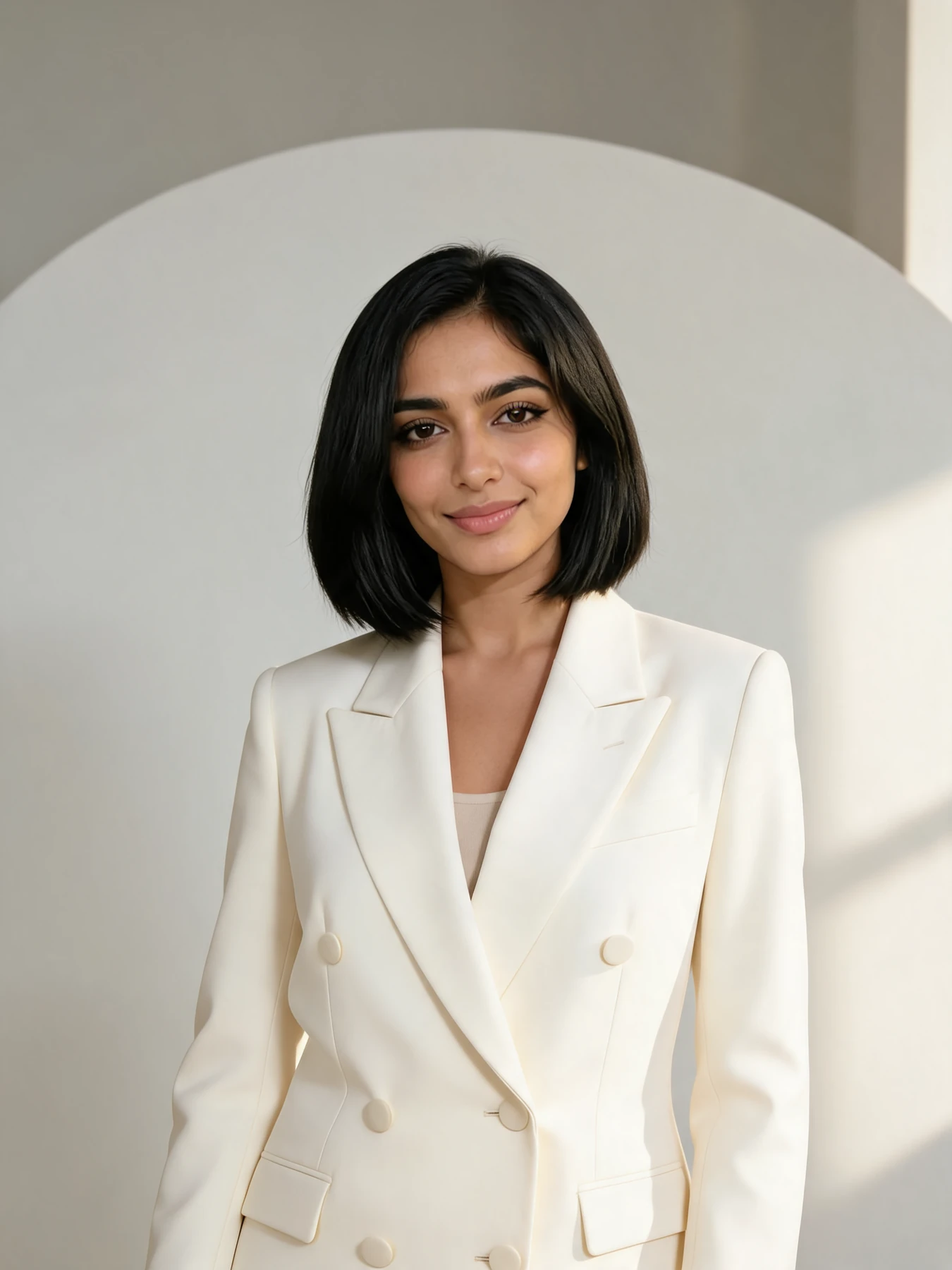 RYLA does not cut existing footage into clips; it generates new content of a character you design. | Its homepage presents ClipAnything, which turns a pasted link or uploaded video into short clips, and a Virality Score on its plans. |
| Captions, reframing, and publishing | Captions, reframing, and scheduling are not what RYLA is built for; it focuses on creating the character content itself. | Animated captions in 20+ languages, AI reframe, brand templates, auto posting to YouTube Shorts, TikTok, and Instagram Reels, and a social scheduler on Pro. |
| Developer access | Use through the web app and the RYLA MCP server. | Limited API access on Pro, custom API and integrations on Business, and an MCP for AI agent workflows. |
| Design a new character from scratch | A step-by-step builder: niche, gender and style, ethnicity, age, skin, eyes, face shape, hair, outfit and scene, personality and name, then a voice. | A character builder is not described on its homepage. |
| Keeping one face consistent | 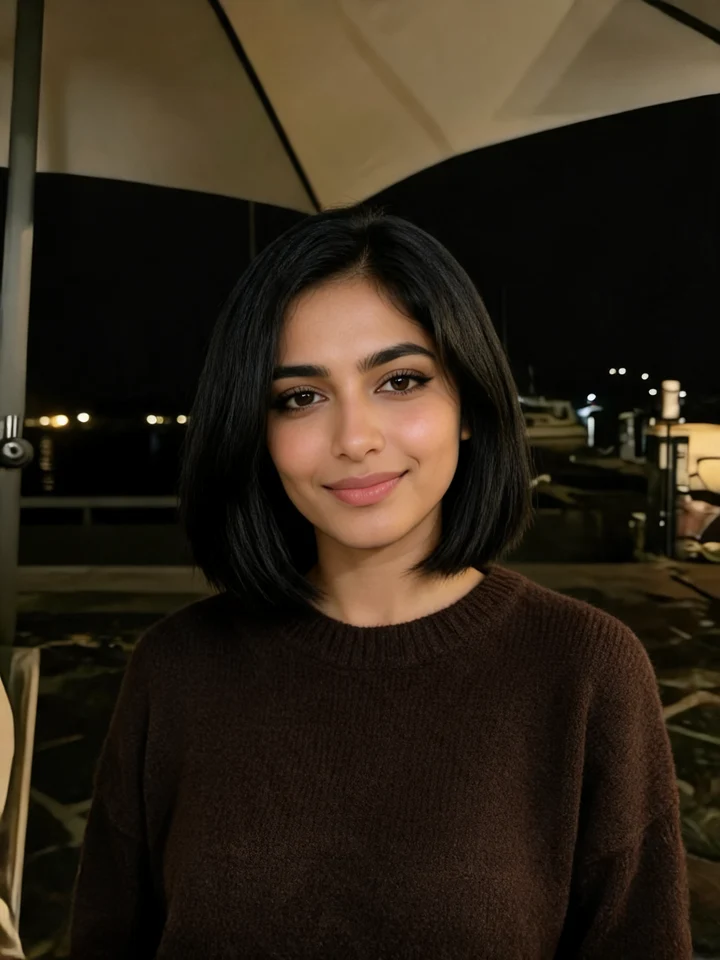 After the builder you pick a base image, and RYLA generates a reference sheet of that face that new content is made from. | It clips footage you supply, so the people on screen are those in your source video; a character face is not compared here. |
The RYLA column, shown rather than claimed. Rows whose claim is a price or a policy carry no image on purpose.
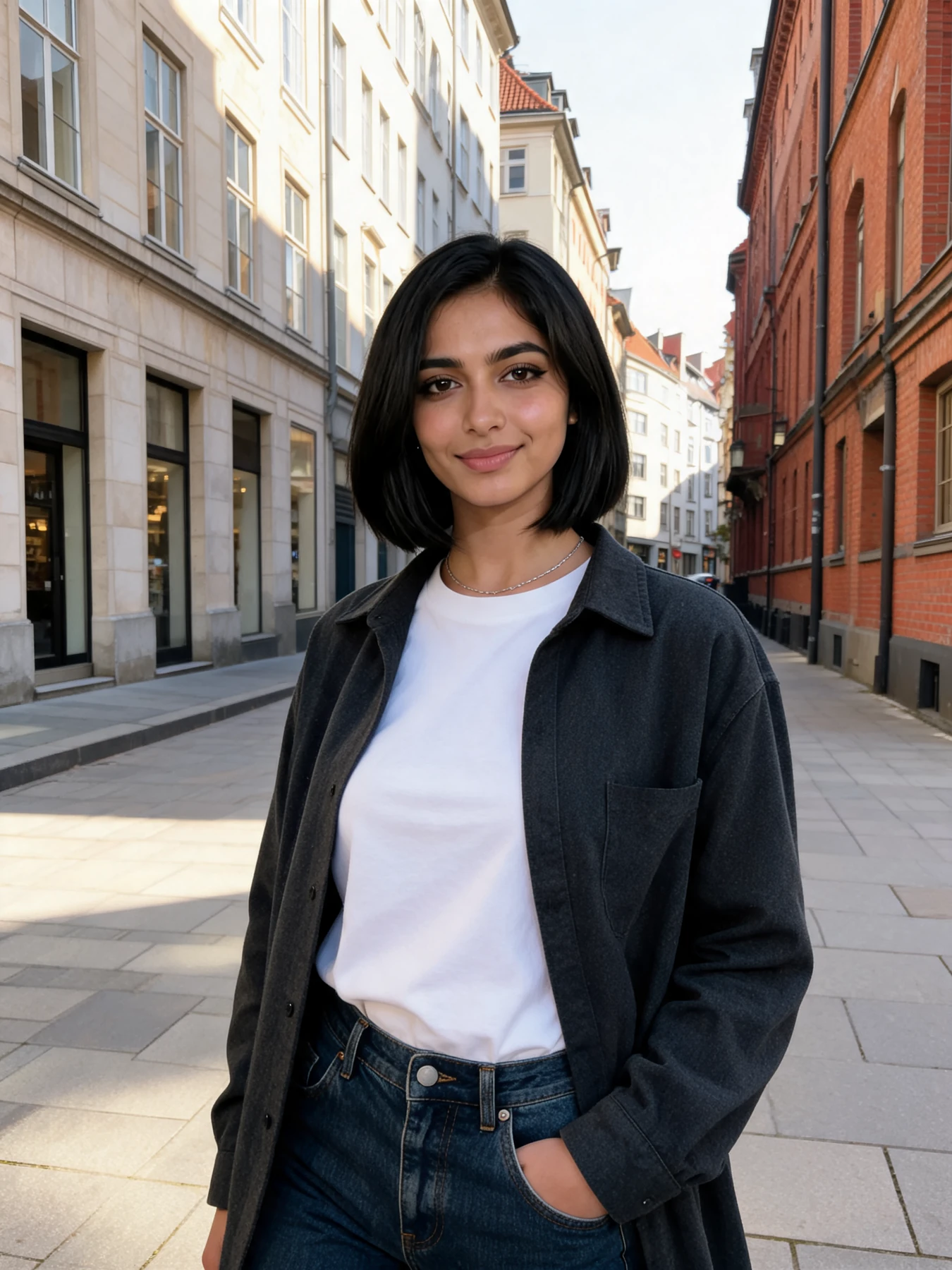
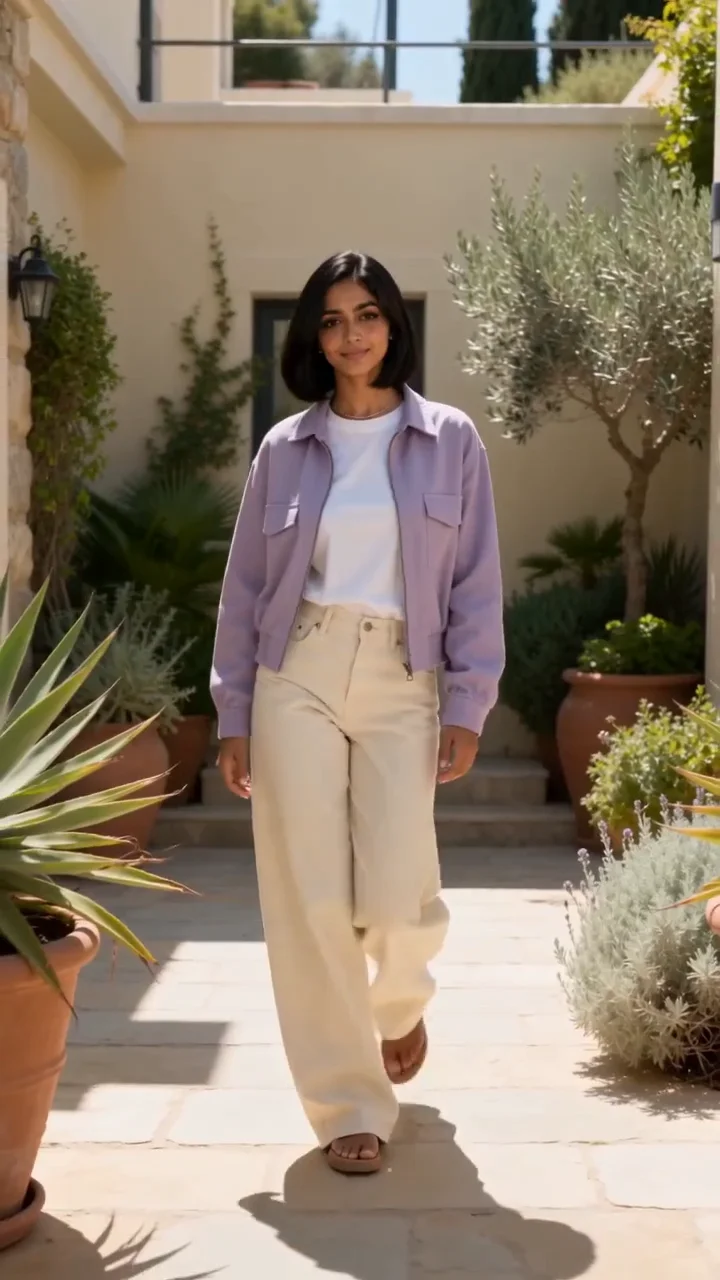
The Same Face in Four Different Scenes
Every image here was generated with RYLA. One character, four different scenes, nothing retouched in between.

Where RYLA Wins
No Source Footage Needed
RYLA's builder starts from a character you design, not from a video you upload. You choose niche, look, outfit and scene, then personality, name, and voice, and RYLA generates base images to pick from.
One Face, Locked in a Reference Sheet
You pick one base image of your character, RYLA generates a reference sheet of that face, and new photos and clips are made from that sheet.
Photos, Video, and Talking Clips of One Character
After finalizing, Studio generates new photos from templates, image-to-video puts a still in motion, Avatar Video creates talking clips with the voice chosen in the builder, and video swap places the same character into an existing clip.
Honest About the Gap
OpusClip is a dedicated tool for turning long videos into short clips with captions, reframing, and scheduling. If that is the job, it covers it far more directly than RYLA does.
Where OpusClip Still Wins
OpusClip is ahead on repurposing existing video. Its homepage presents ClipAnything, AI Reframe, animated captions, and a social scheduler, and RYLA is not built to clip long videos, caption them, or schedule posts. If you have a podcast or stream and want short clips for every platform, OpusClip fits that job more directly.
Switching from OpusClip to RYLA
There is nothing to import from OpusClip, because RYLA does not edit footage you already have; switching means building a character once in RYLA. This is the actual sequence in the RYLA builder:
- Pick a niche, then gender and style.
- Set the look: ethnicity, age, skin, eyes, face shape, and hair.
- Choose outfit and scene, then personality and a name, then a voice.
- Generate base images and pick the one that becomes your character.
- RYLA generates a reference sheet of that face.
- Finalize, then create new photos in Studio, motion with image-to-video, talking clips in Avatar Video, and swaps in Video Swap.
Here is one RYLA character from the showcase on this site, generated in two different scenes:
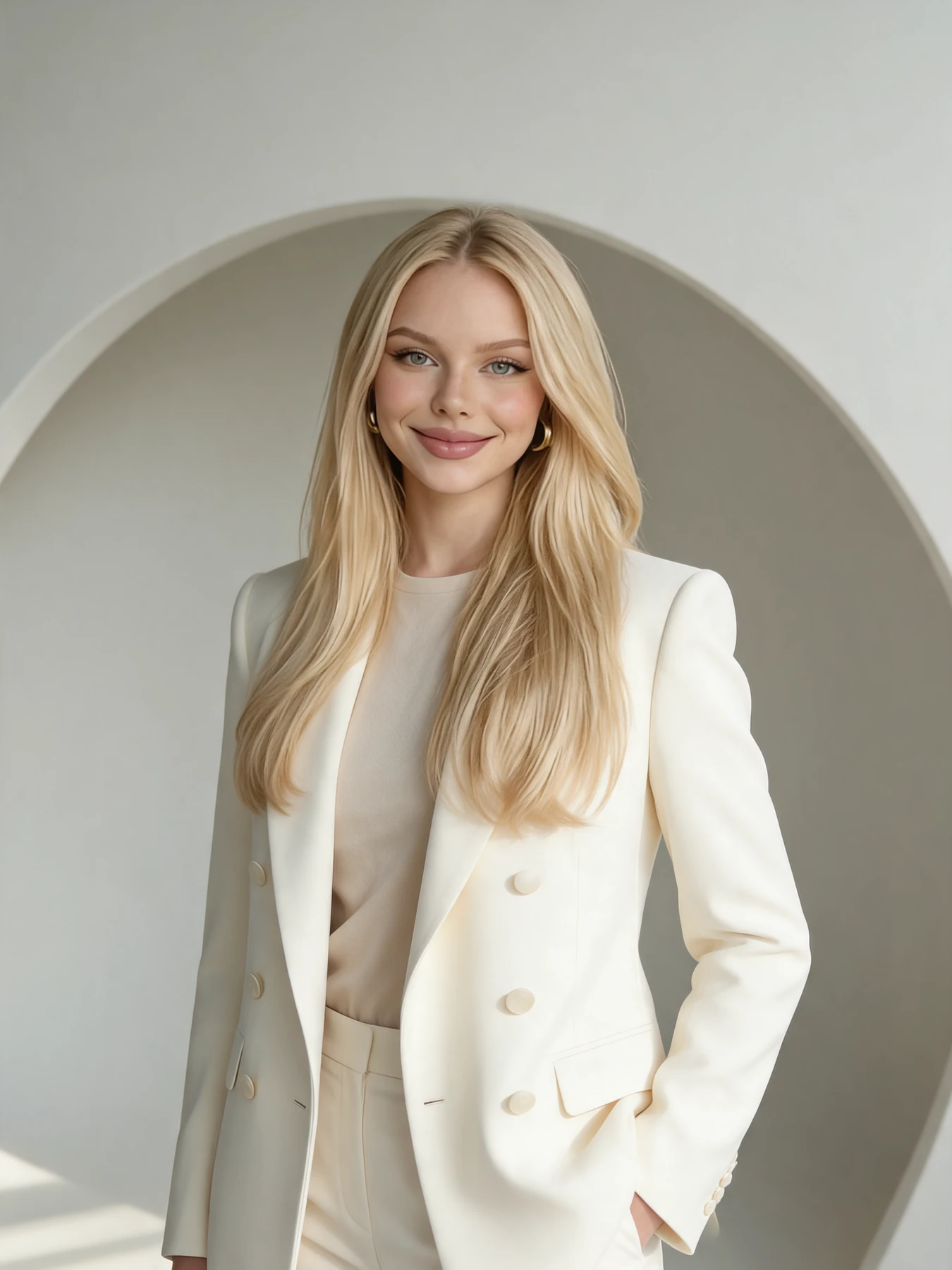
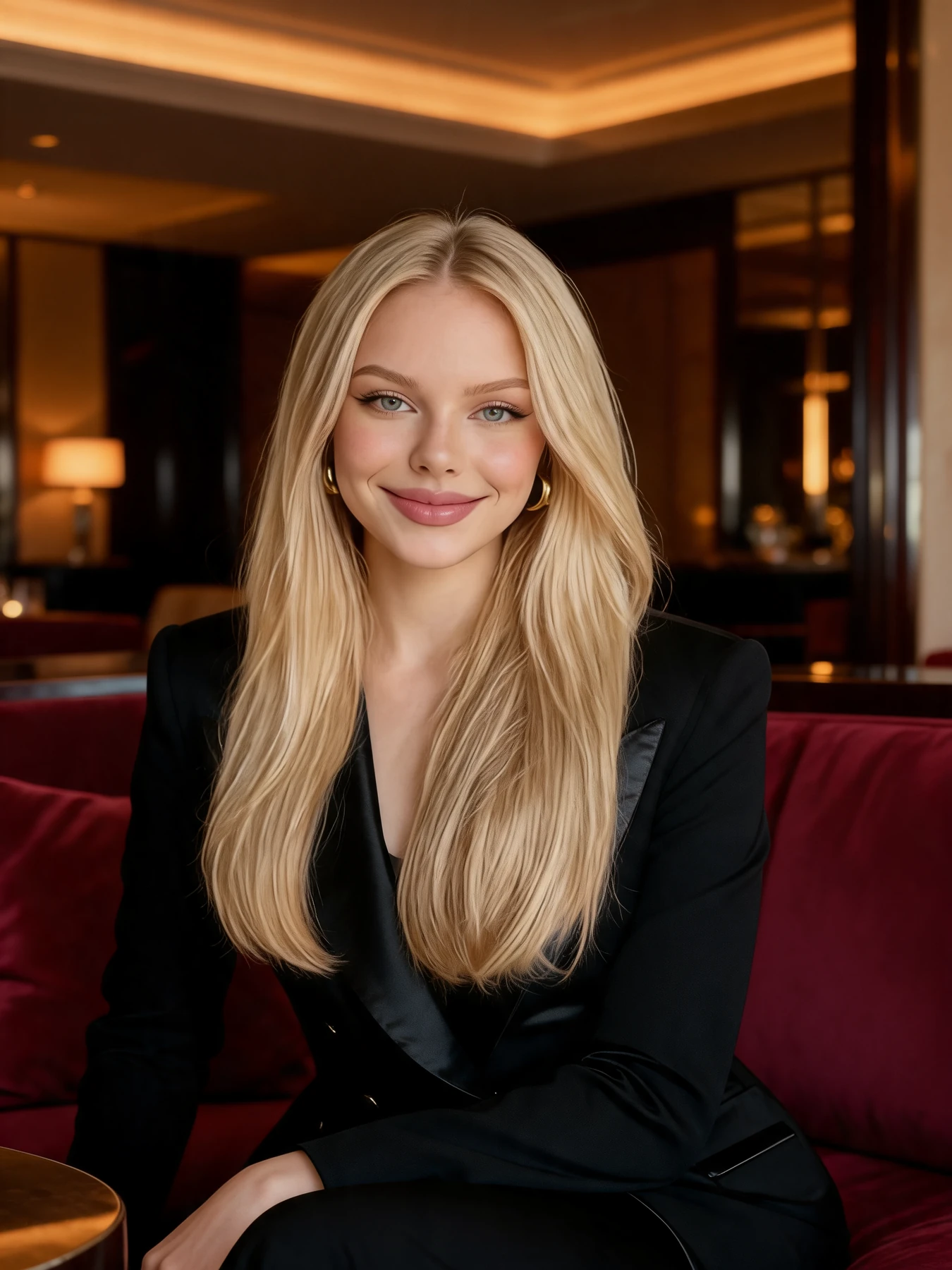
If you want a character for your short-form content, use your niche as your brief in step 1. Current plans are on the pricing page. For other comparisons, see the Viggle AI alternative and CapCut alternative pages.
Verdict
Choose OpusClip if you have long videos to cut into captioned short clips, resize for each platform, and publish on a schedule. Choose RYLA if you want to design one new character, lock its face in a reference sheet, and generate its photos, video, and talking clips in one workspace. RYLA is not affiliated with, endorsed by, or connected to OpusClip; the name OpusClip is used on this page only to identify that service.