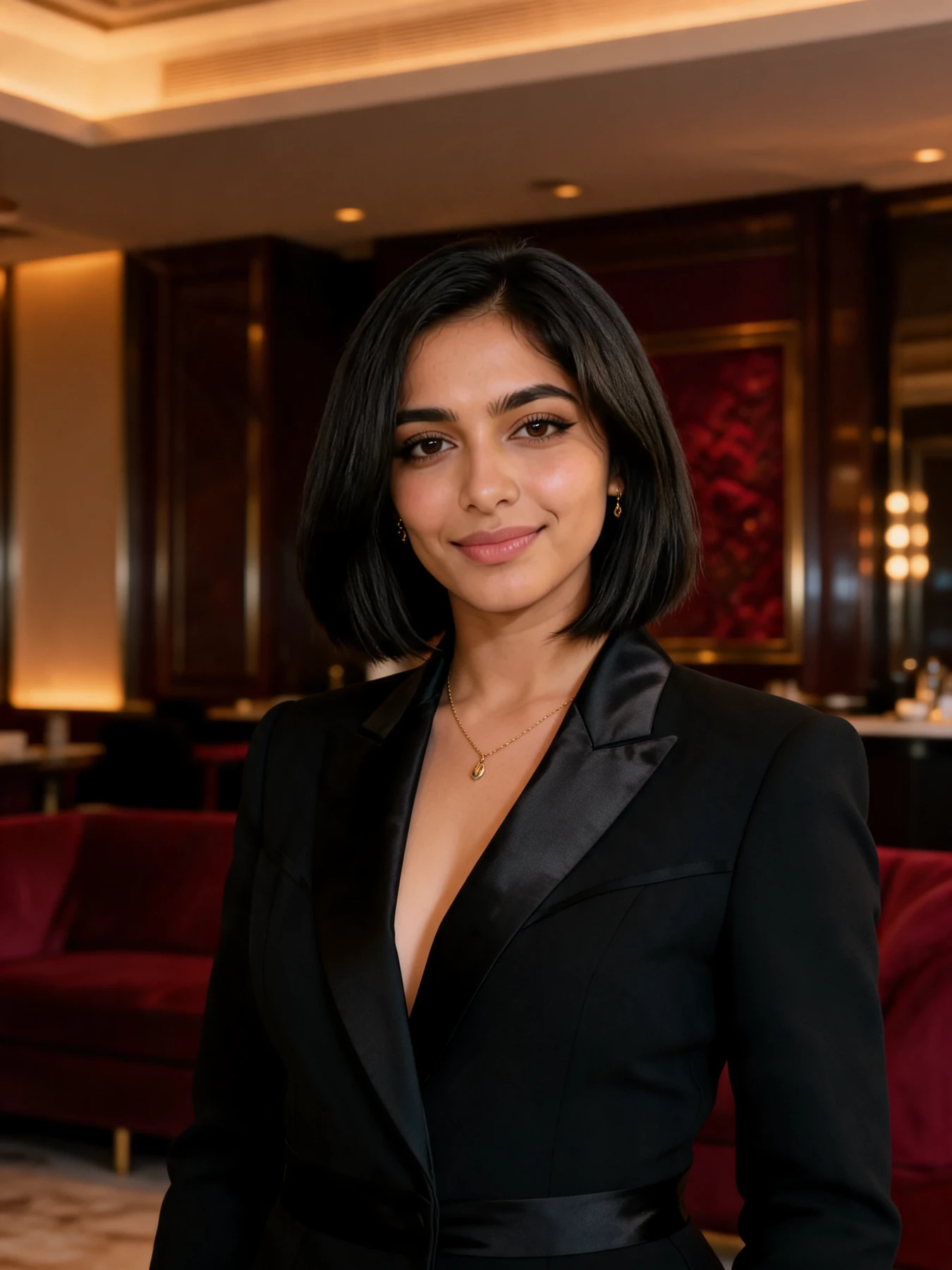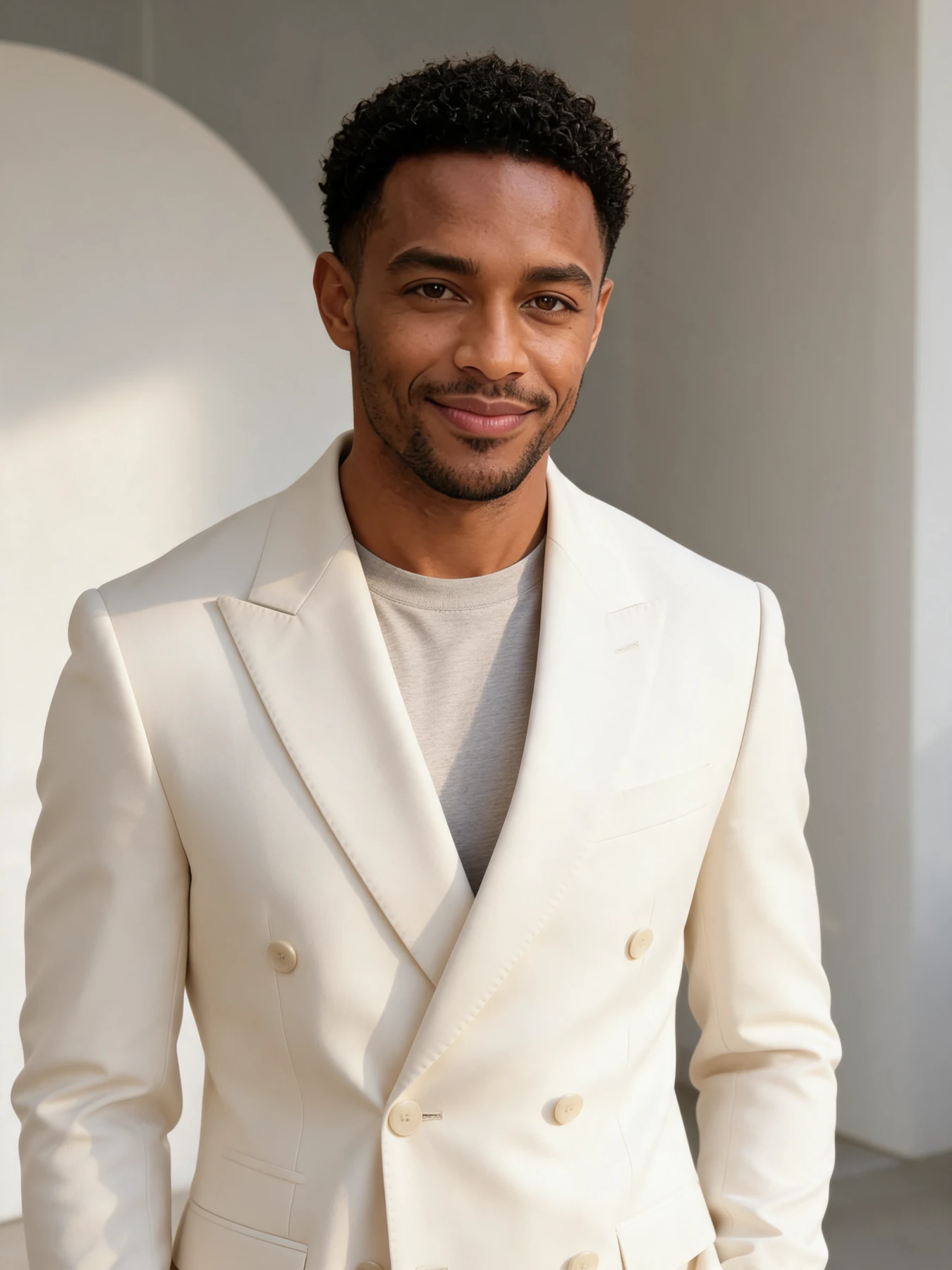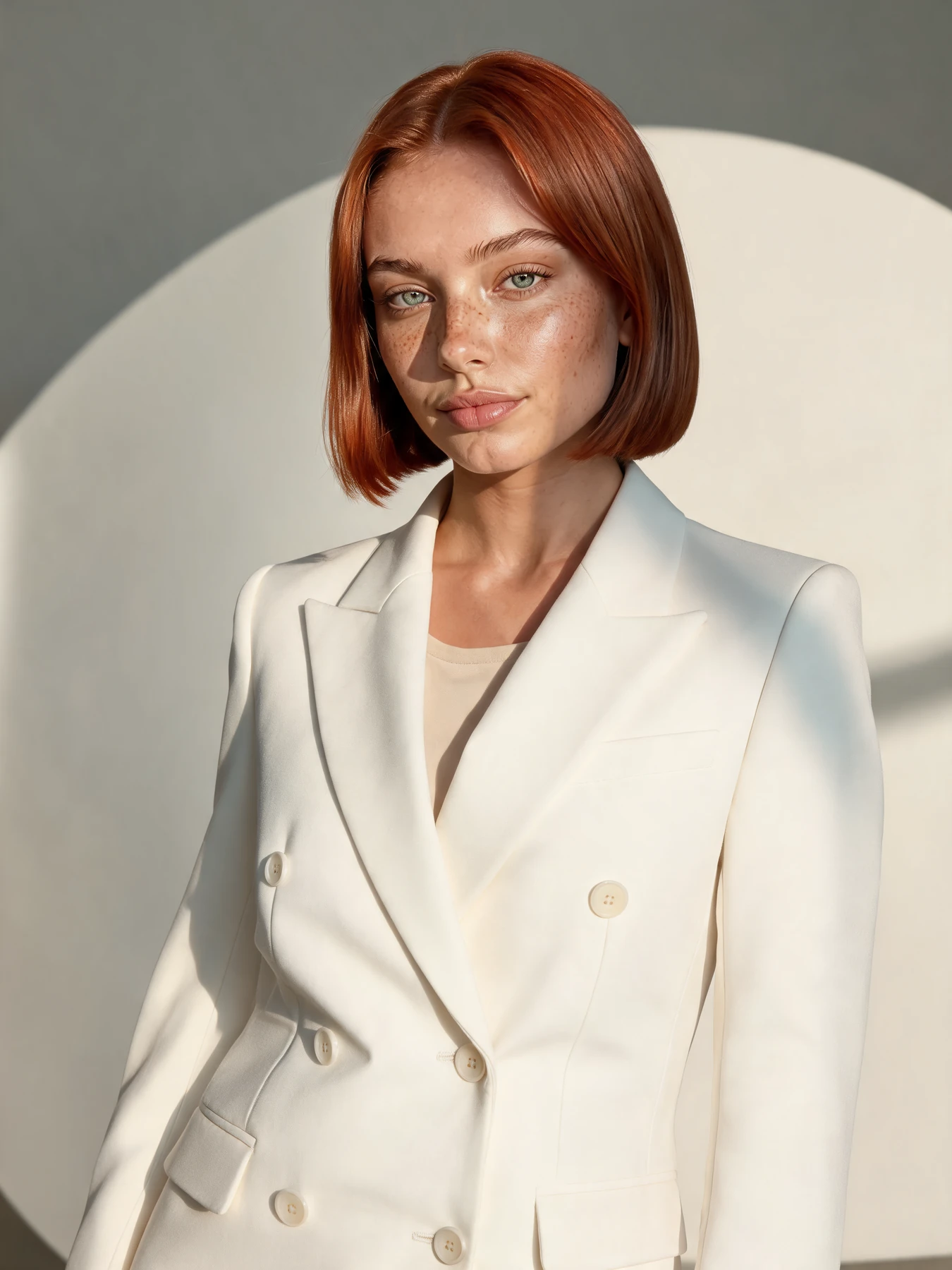
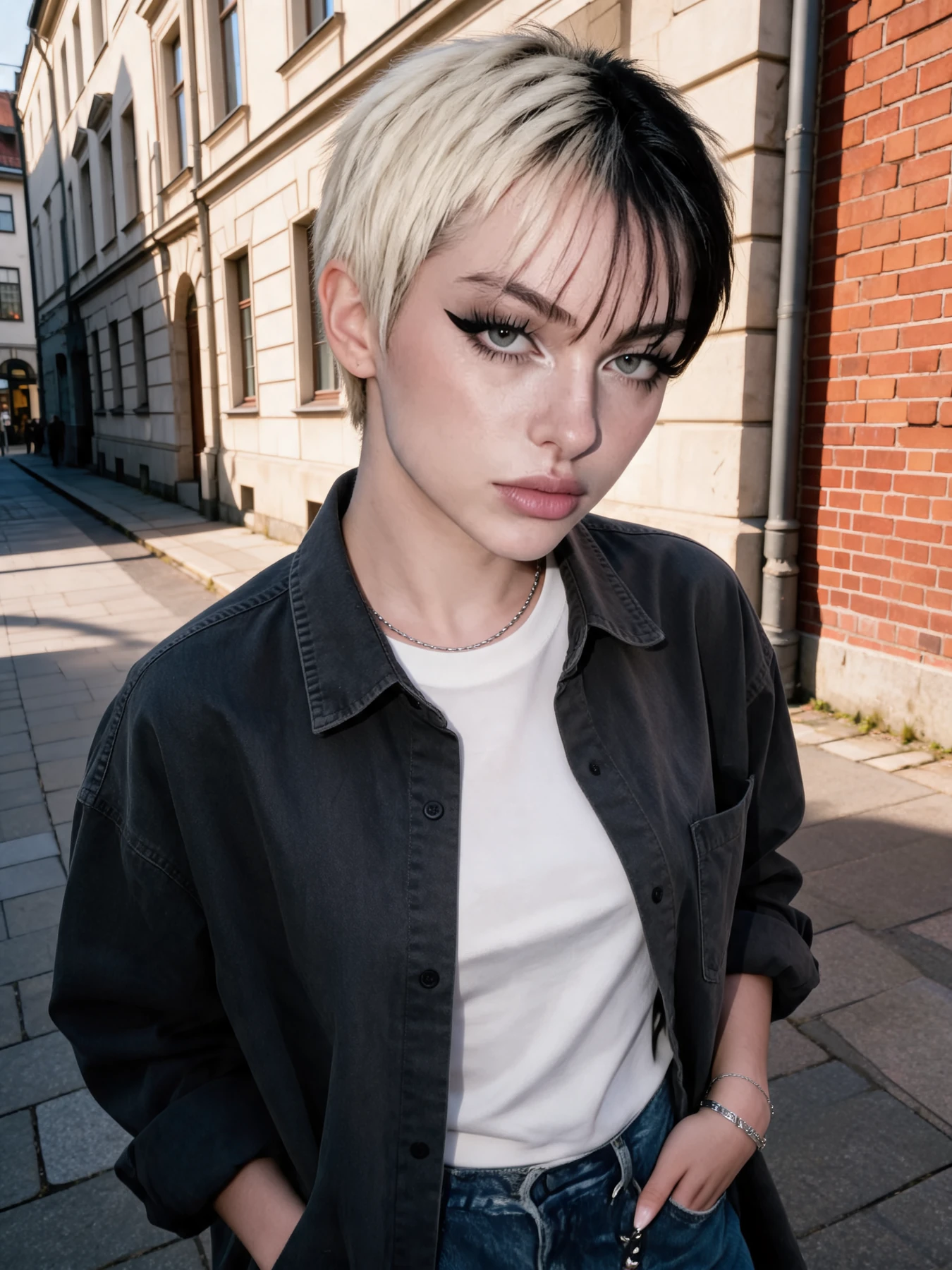
The look changes.The identity stays yours.
Build fashion editorials around an original character. Explore silhouette, setting and attitude before choosing the frames for your story.
Last updatedRomy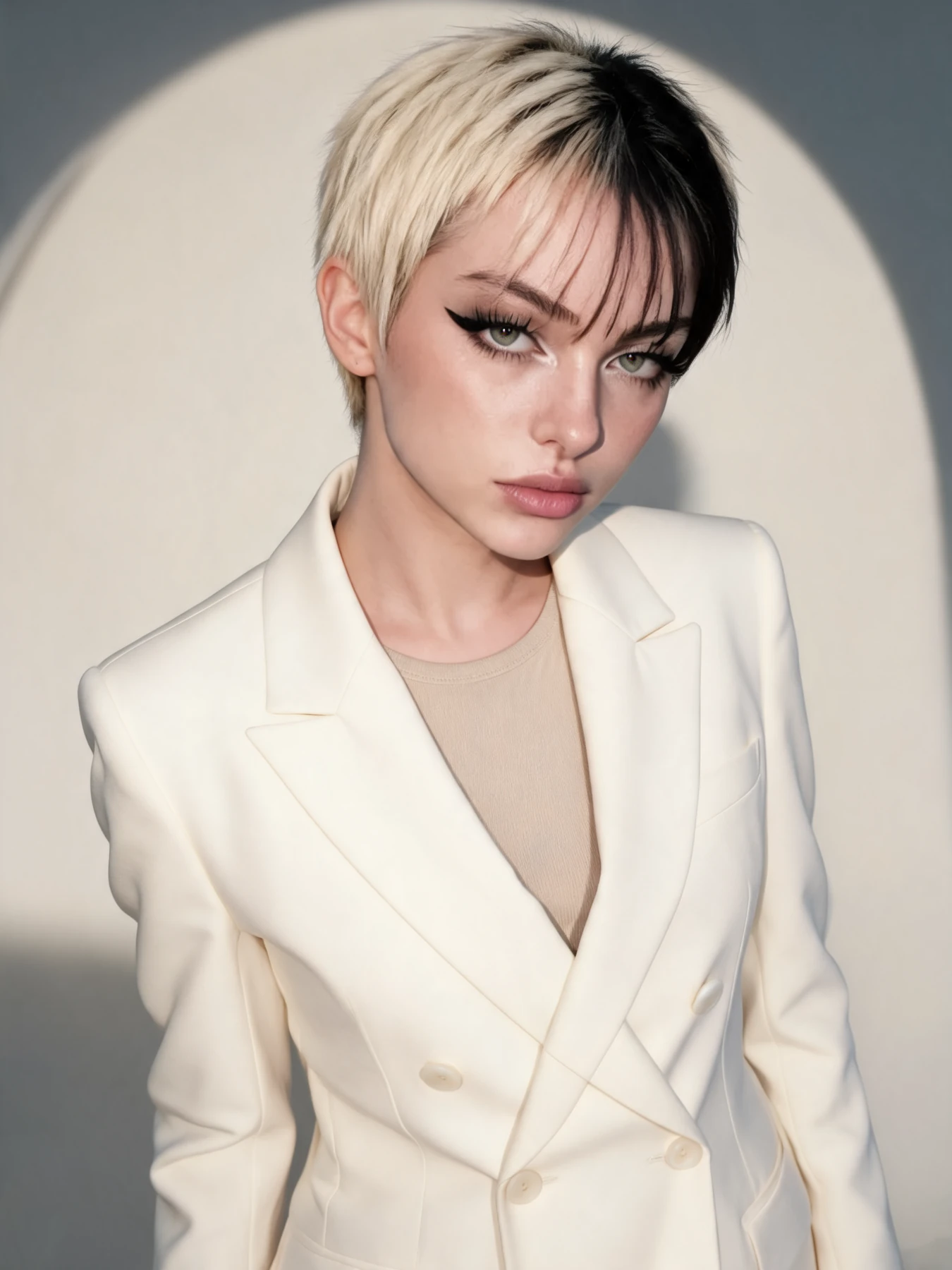
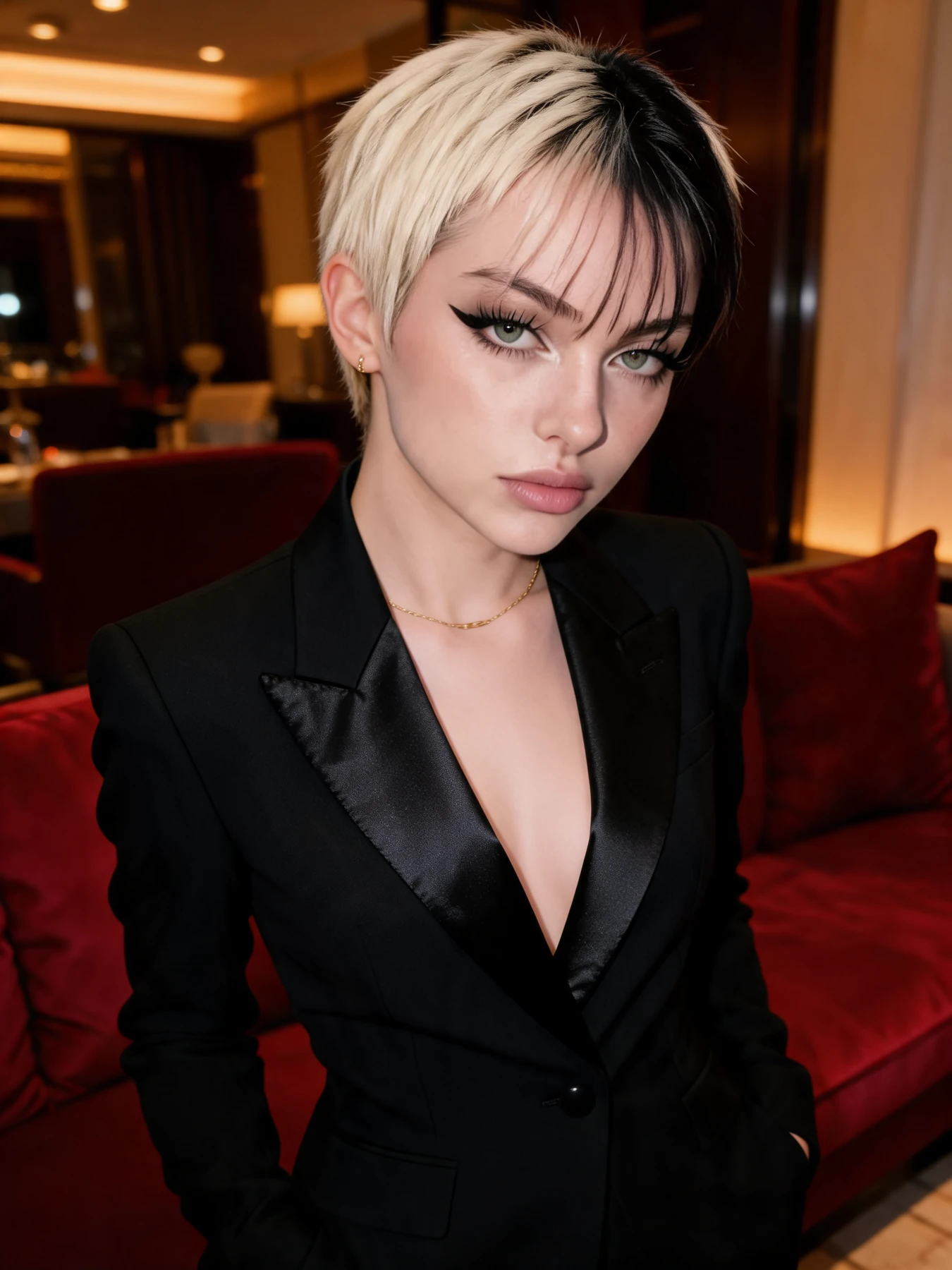
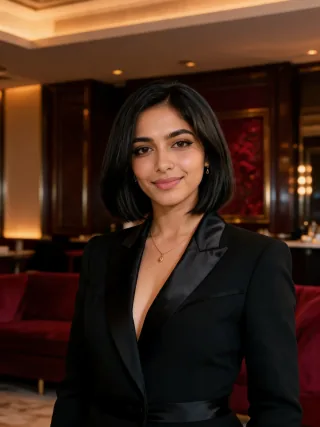
One model. Three editorial moods.
Create in RYLA StudioQuiet tailoring
Evening edit
Prepared AI examples
The example could not load. Your current image is still available.
Give the editorial a point of view.
Define the story
Choose a palette, mood and intended format before writing the first direction.
Direct the frame
Name the silhouette, setting, camera distance and light. Generate with your saved character.
Check what matters
Compare anatomy, fabric and identity across the selected images. Export your edited selection.
Fashion concepts, with a clear boundary.
Use this workflow for editorial ideas and creator styling. It is not a verified virtual fitting room or an exact product-photo replacement.
- Inspect prints, seams and accessories
- Do not assume exact garment or logo fidelity
- Review rights before commercial publication
Your questions, answered.
No. RYLA generates a new character image from your direction. It does not measure fit or guarantee that a specific garment, print or logo will be reproduced exactly.
Yes. Use an original fictional character as the face of the editorial, and represent AI-generated content honestly where you publish it.
You can use a selected image in RYLA’s image-to-video workflow. Video generation is a separate step with its own settings and credit cost.
Check the face, hands, body proportions, fabric edges and any product details. Confirm you have the rights needed for the intended use.