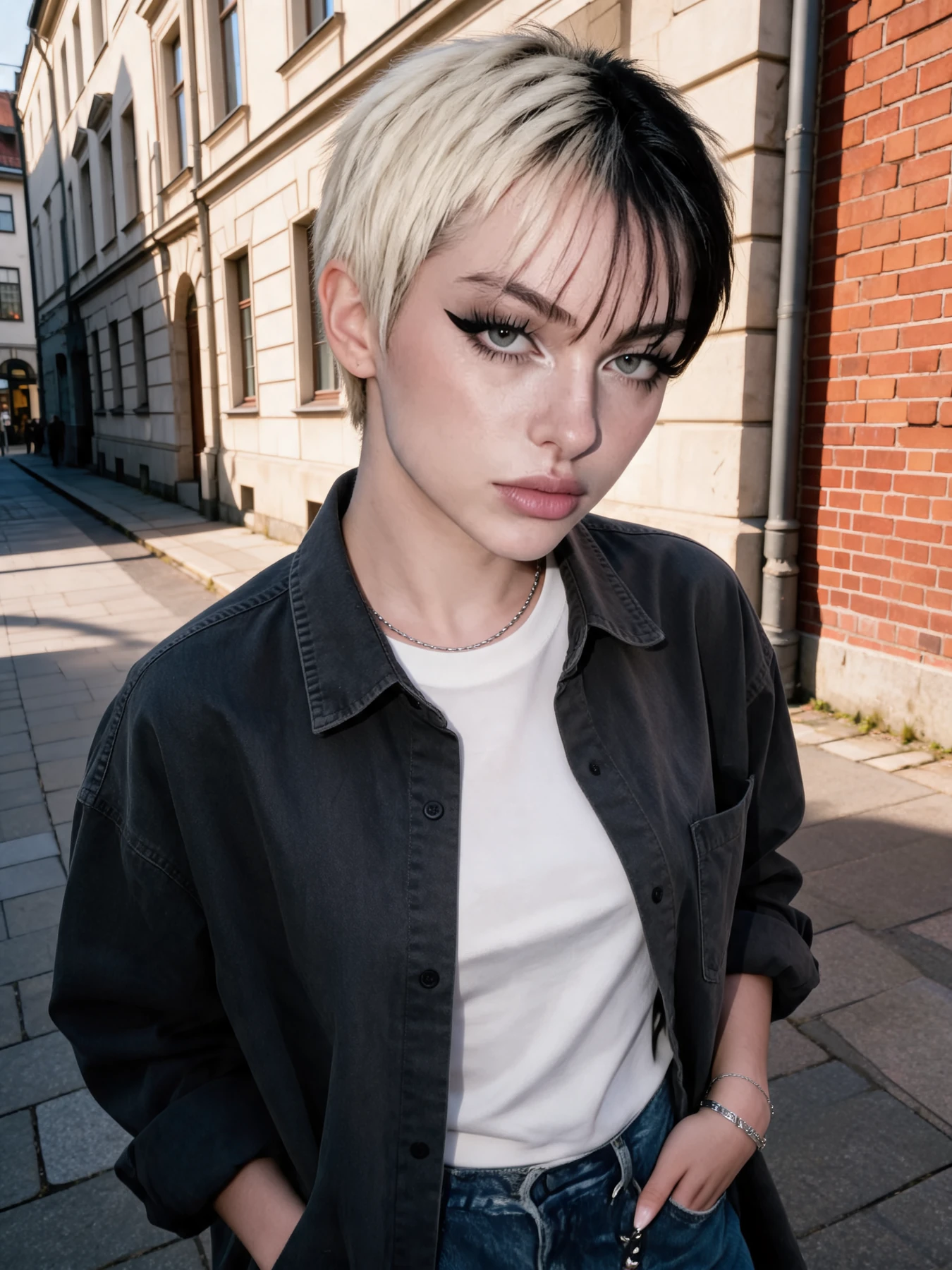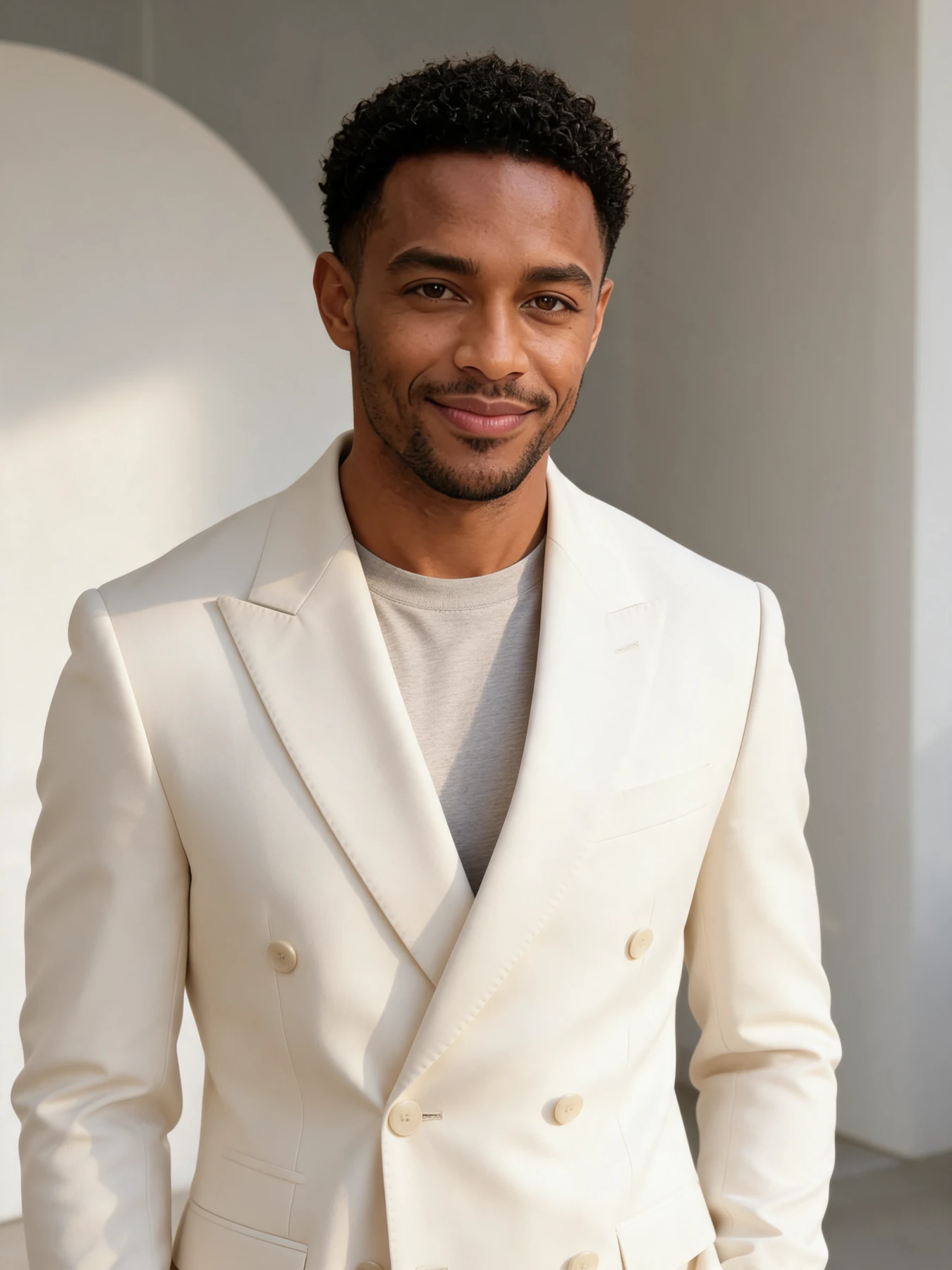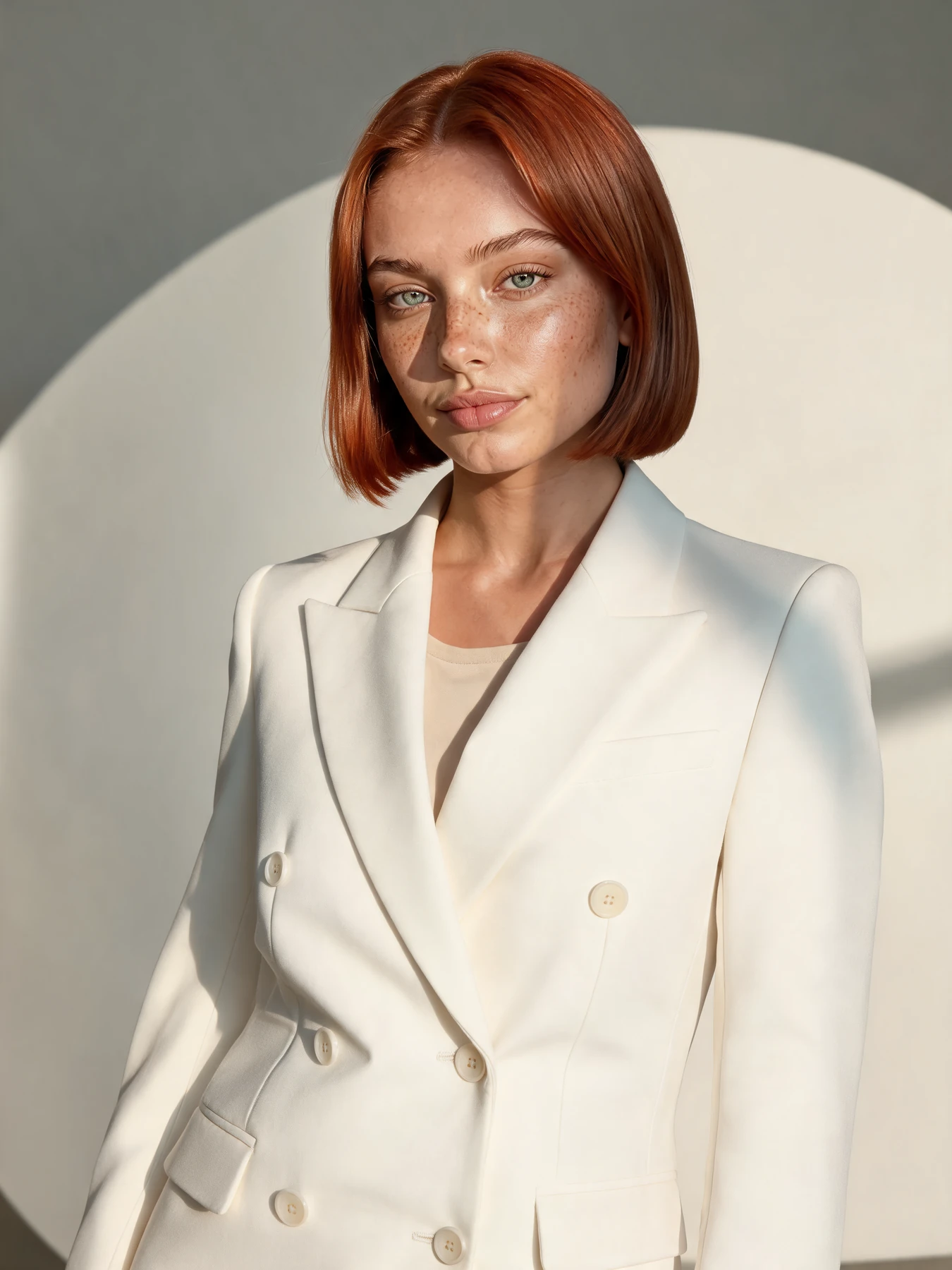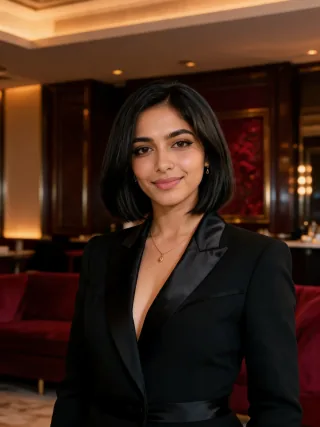
A little drama.An unmistakable character.
Direct a polished glamour photoshoot through wardrobe, light and expression. Build fully clothed portraits around your own fictional adult character.
Last updatedMira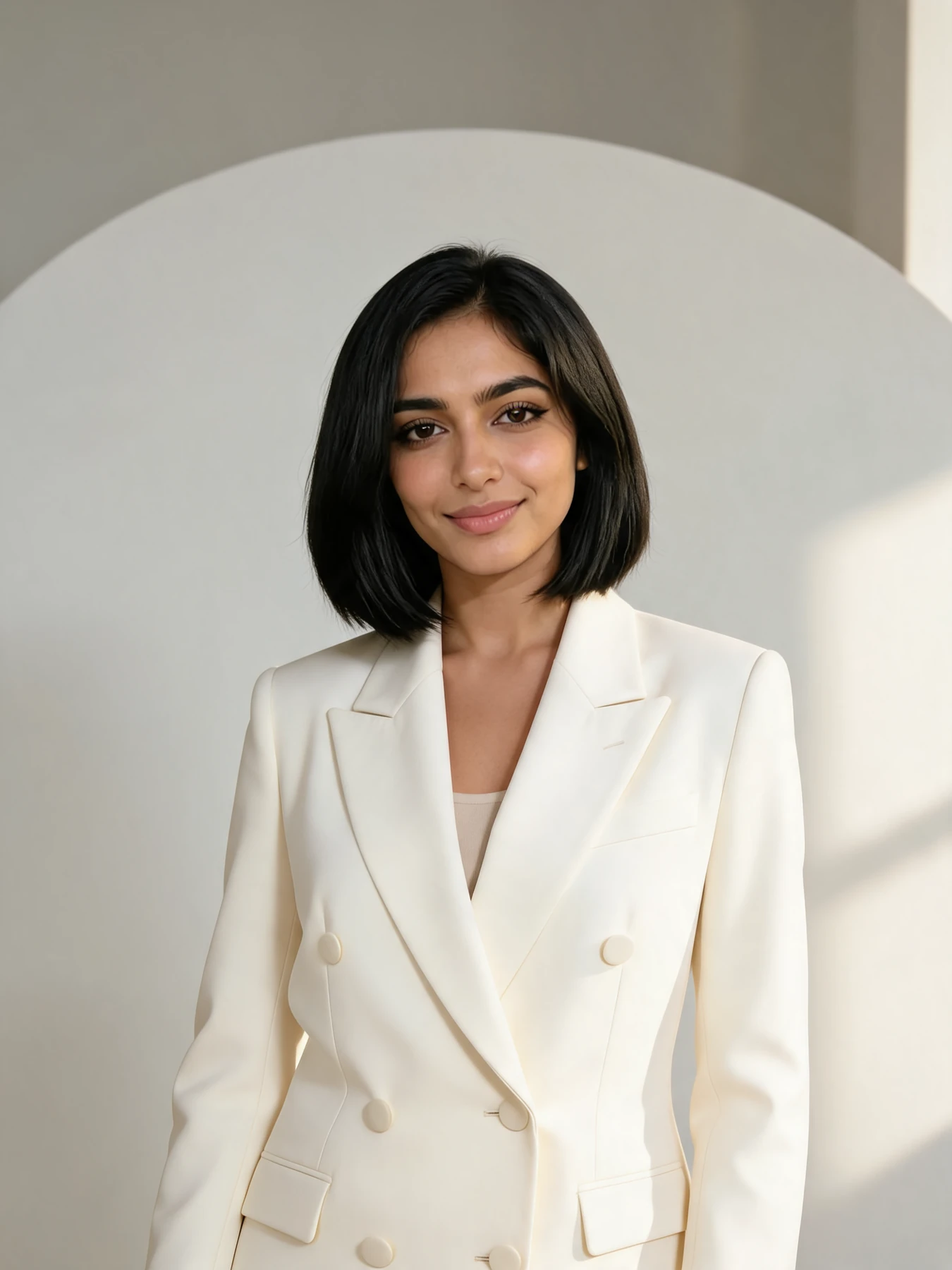
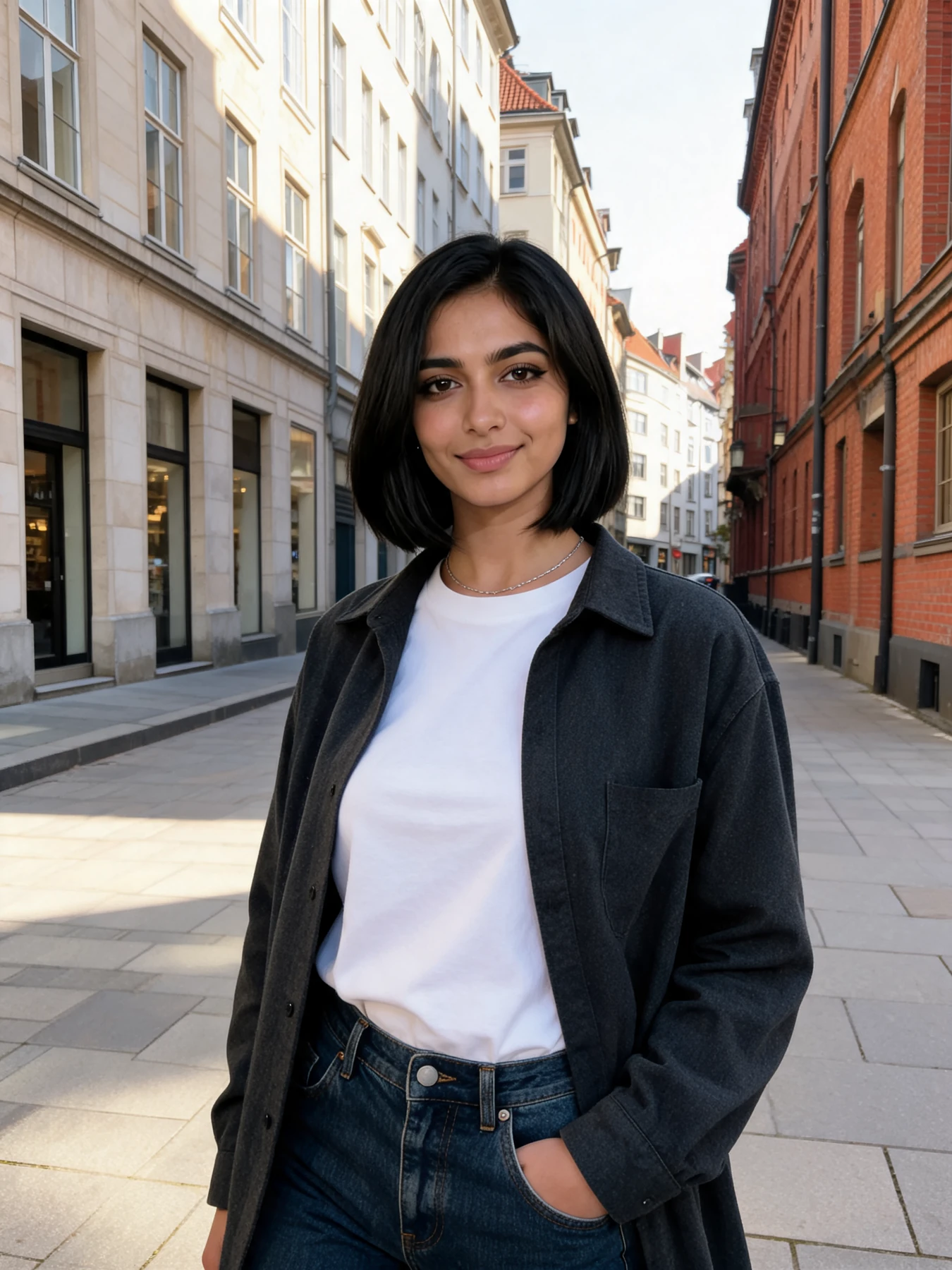
Glamour is in the direction.
Create in RYLA StudioTailored light
Everyday polish
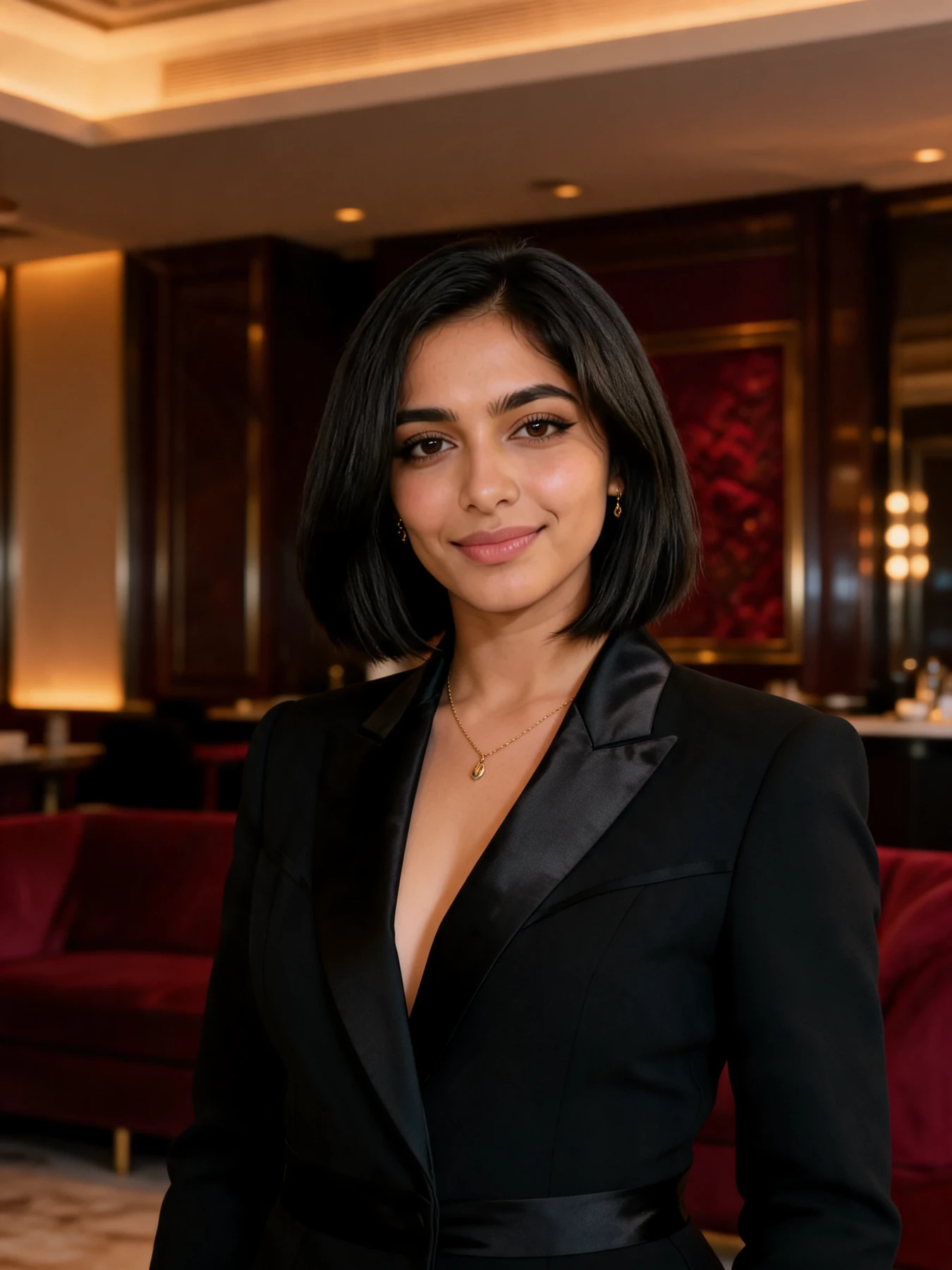
Prepared AI examples
The example could not load. Your current image is still available.
Style it. Light it. Make it yours.
Choose an adult character
Start with your saved fictional identity and a recognizable face.
Set wardrobe and light
Specify the outfit, framing and light source. Keep the direction focused.
Curate the portrait
Review the face, hands and clothing edges. Keep the strongest frame before making another.
Elegant, without overworking it.
A glamour portrait is a styling choice, not a promise of flawless skin or an identical face in every generation. Inspect the image at full size before sharing.
- Believable skin and eye detail
- Clear clothing edges and jewelry
- A crop that works on a small screen
Your questions, answered.
Fully clothed evening portraits, tailored studio images and polished lifestyle scenes featuring your fictional adult character. This page focuses on non-explicit portrait photography.
Yes. Select the same saved character in Studio, change the direction and review each output for identity consistency. Details can vary between generations.
No. The look changes a prepared example and your editable direction. You sign in and confirm generation settings in RYLA Studio.
Generation uses the credits and features available on your RYLA plan. Check the displayed cost before creating an image.