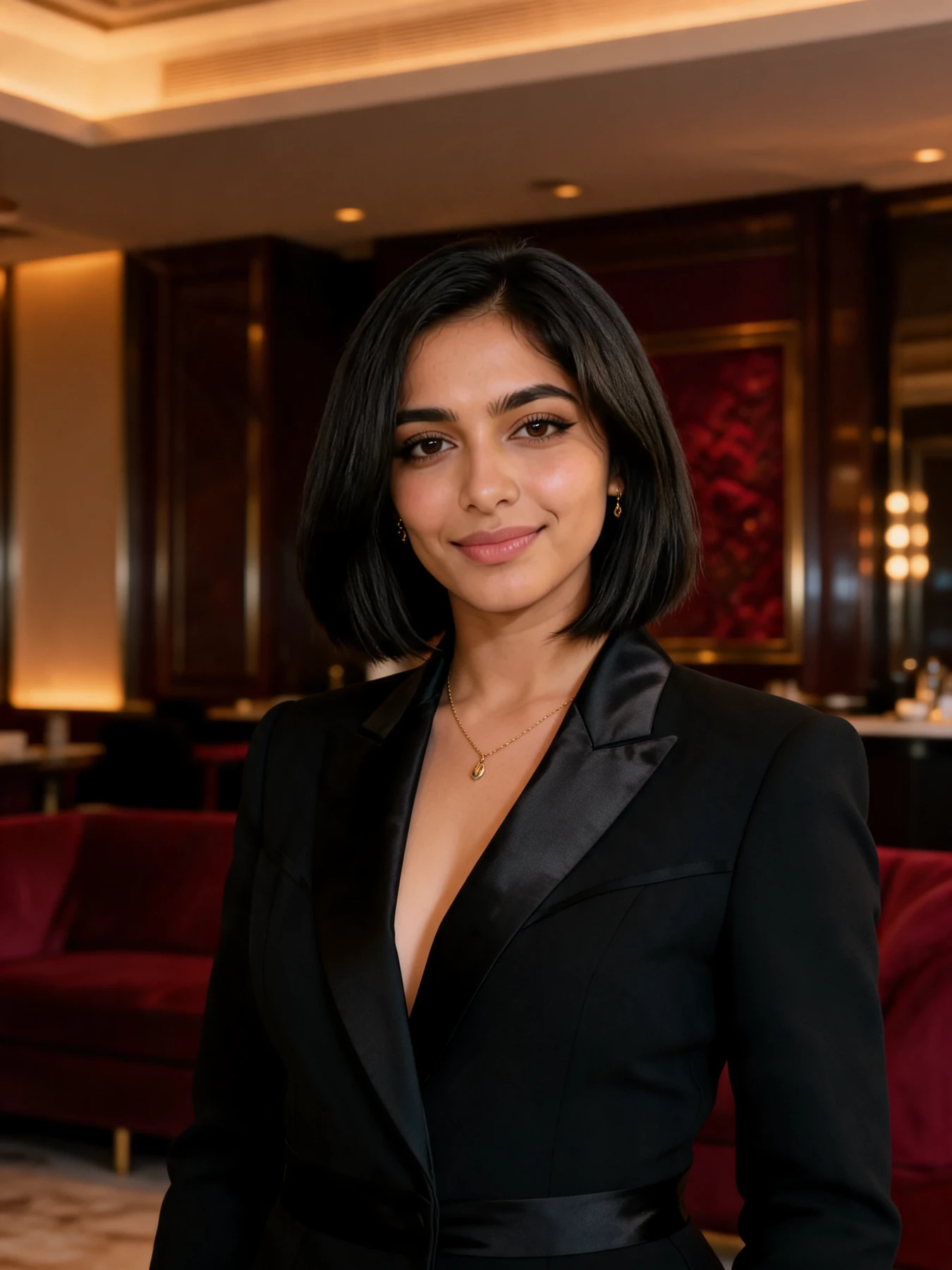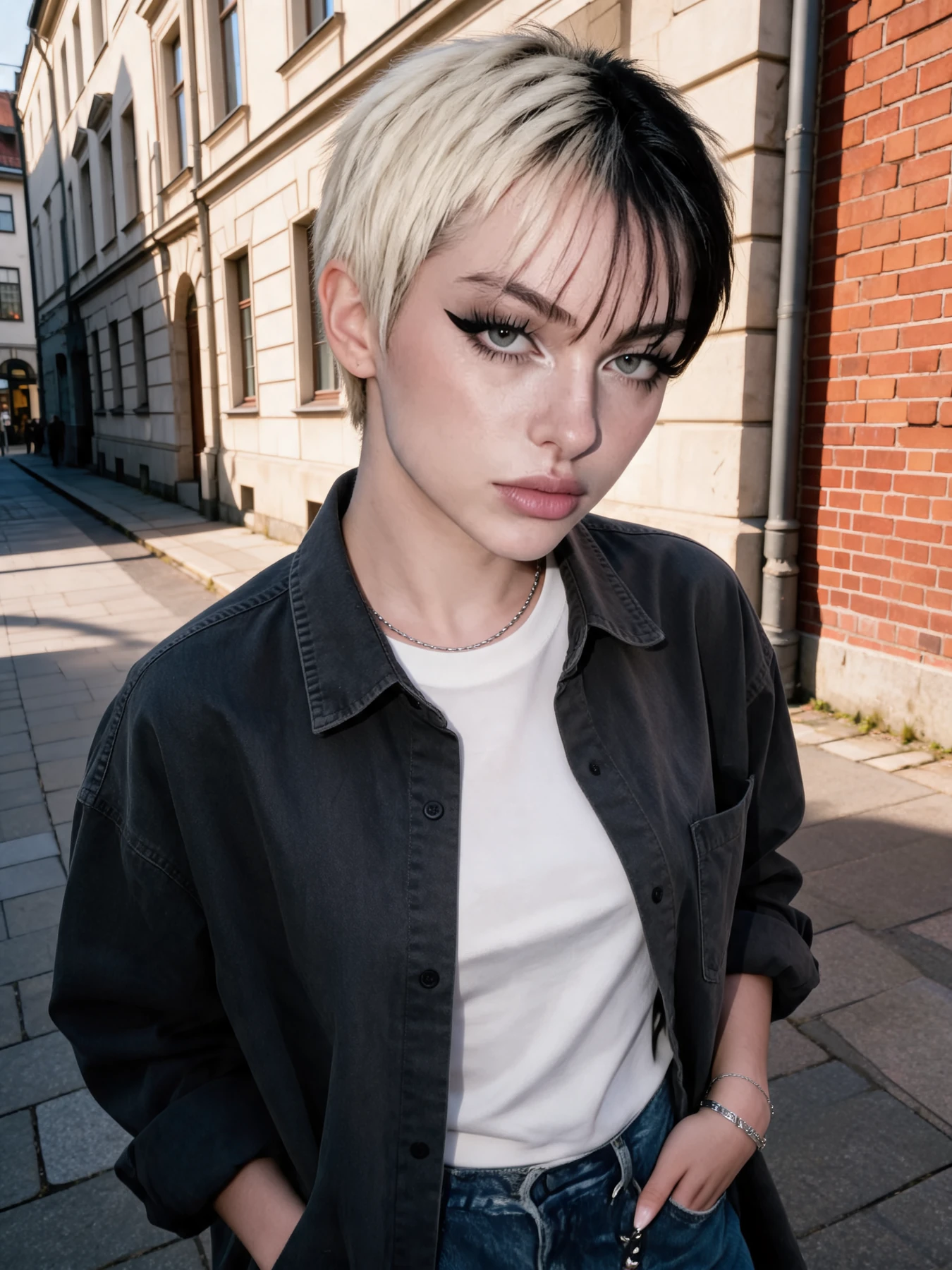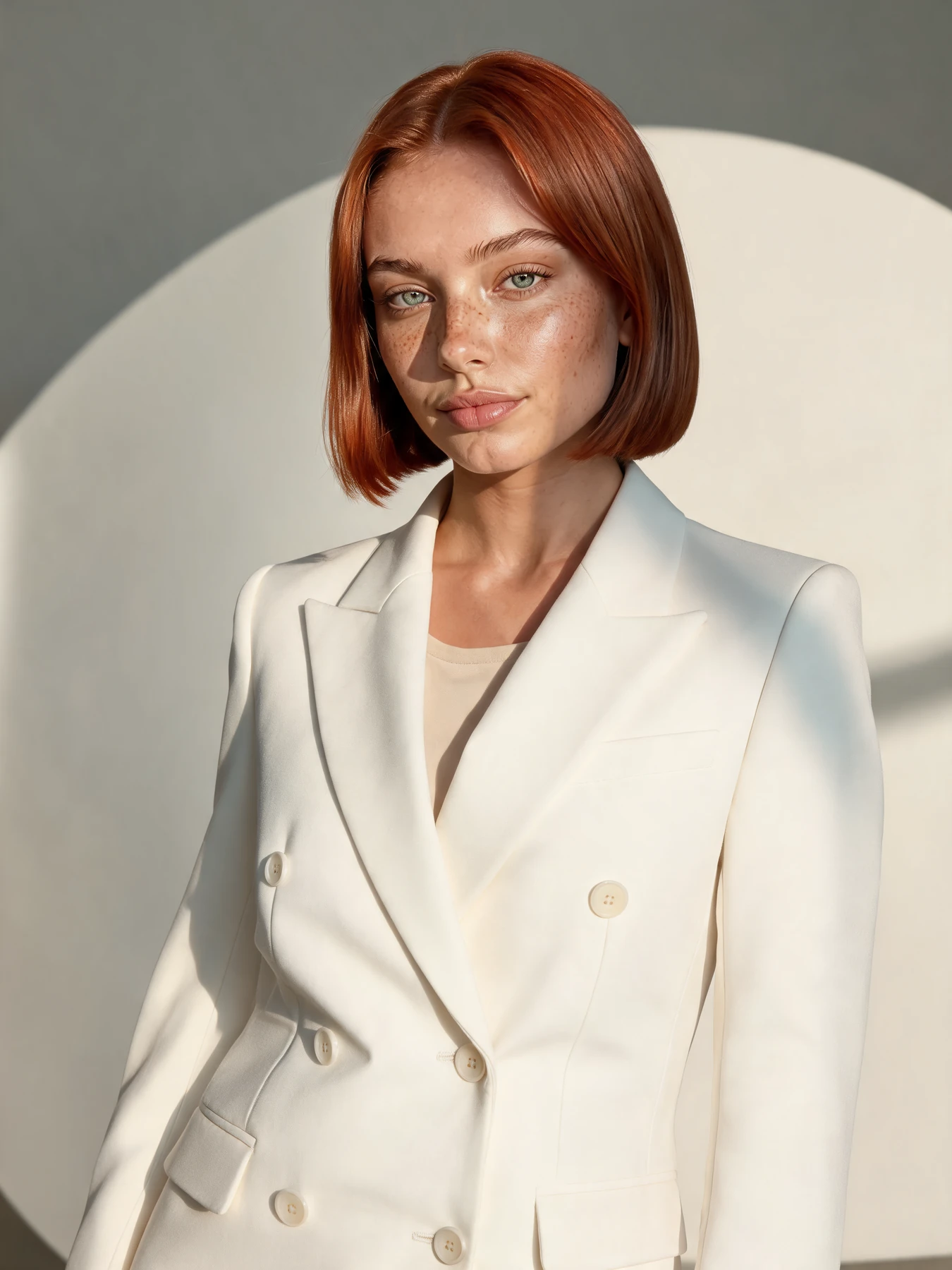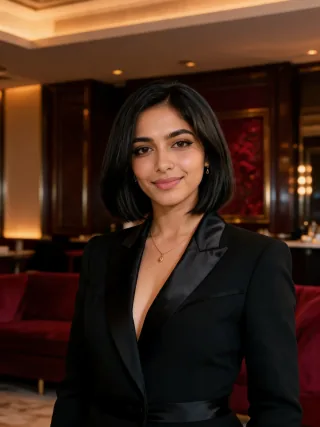
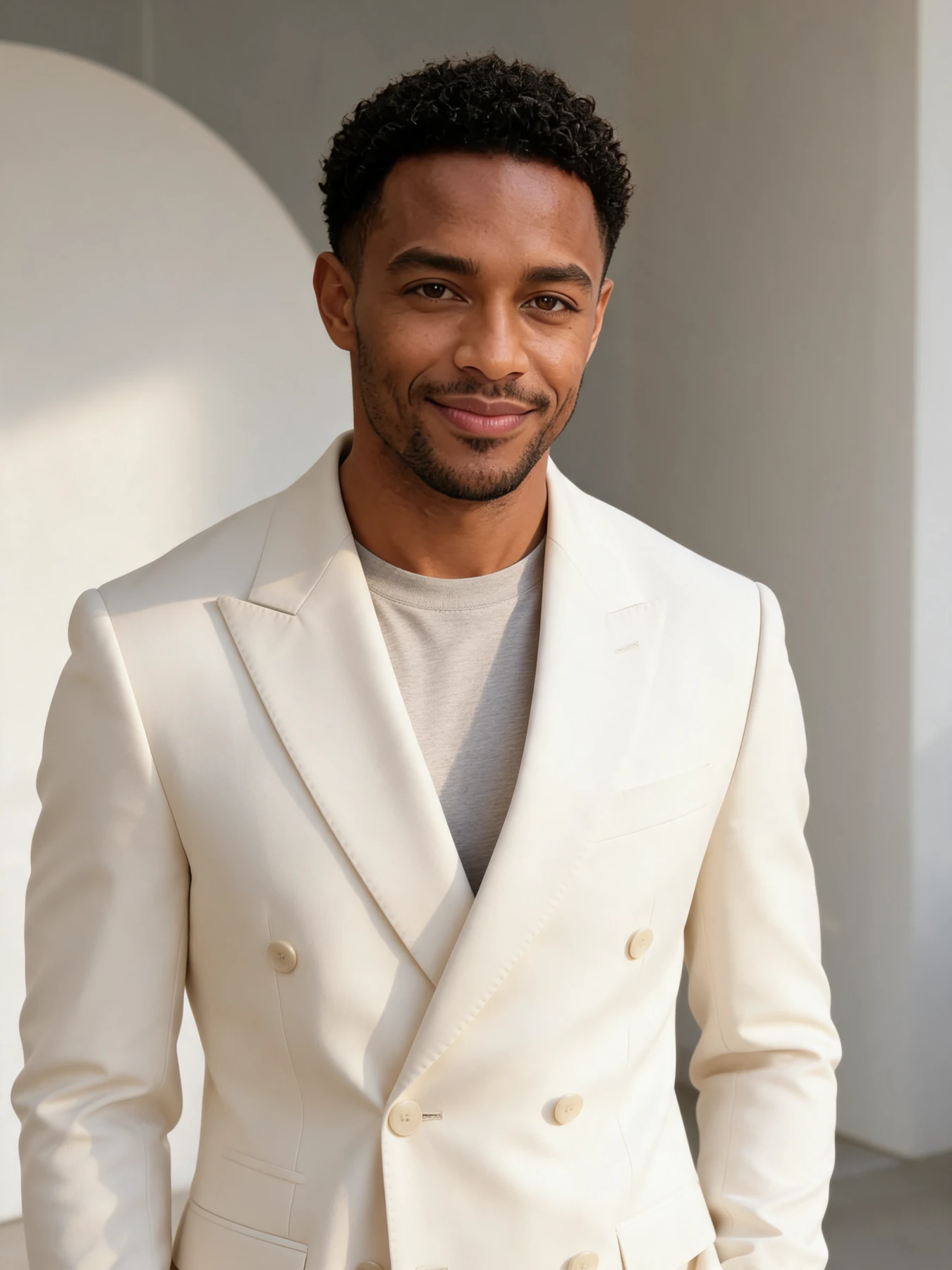
Different looks.One coherent collection.
Turn a styling idea into a lookbook sequence. Keep the character familiar and give every outfit a place in the collection.
Last updatedJules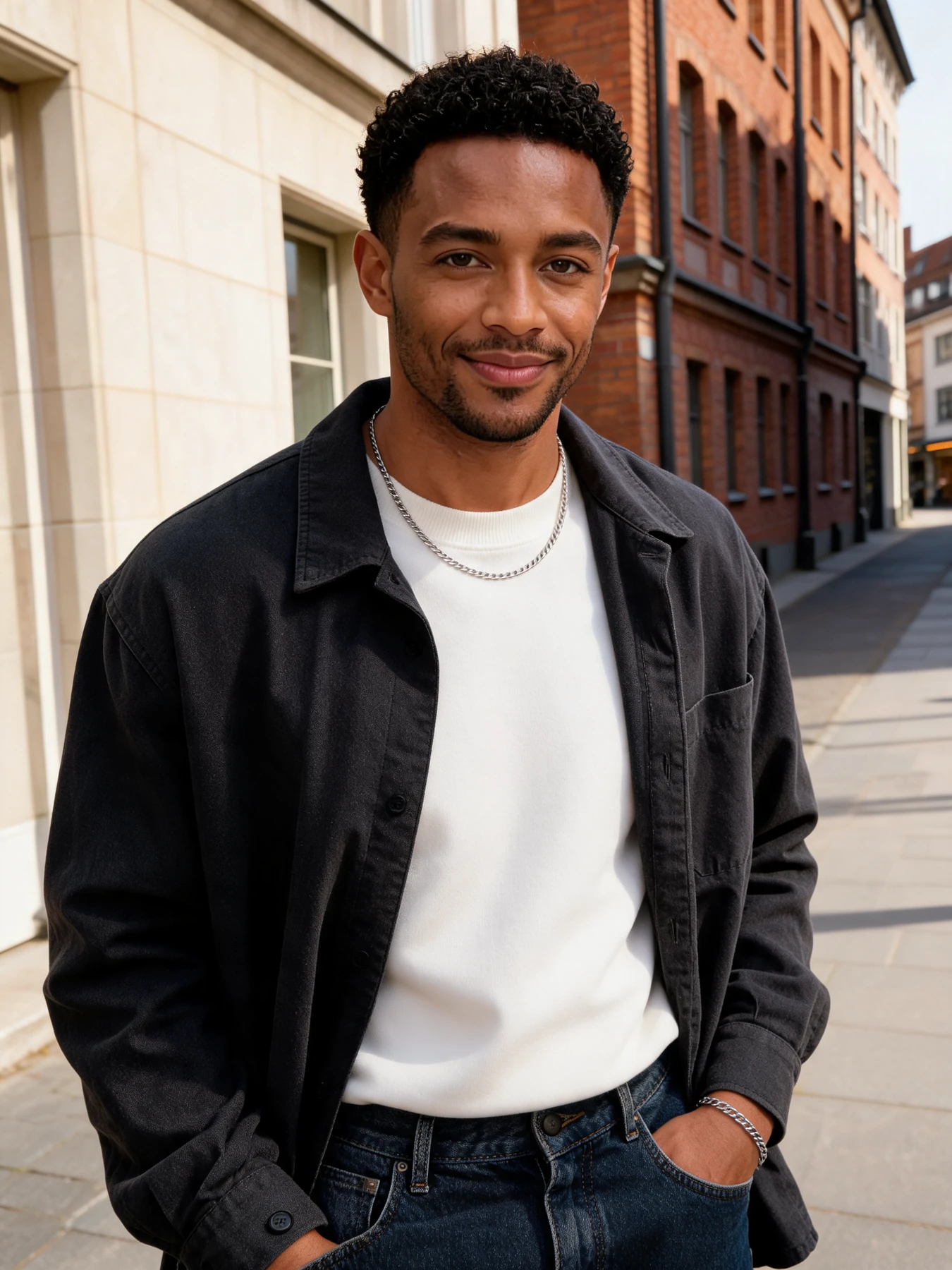
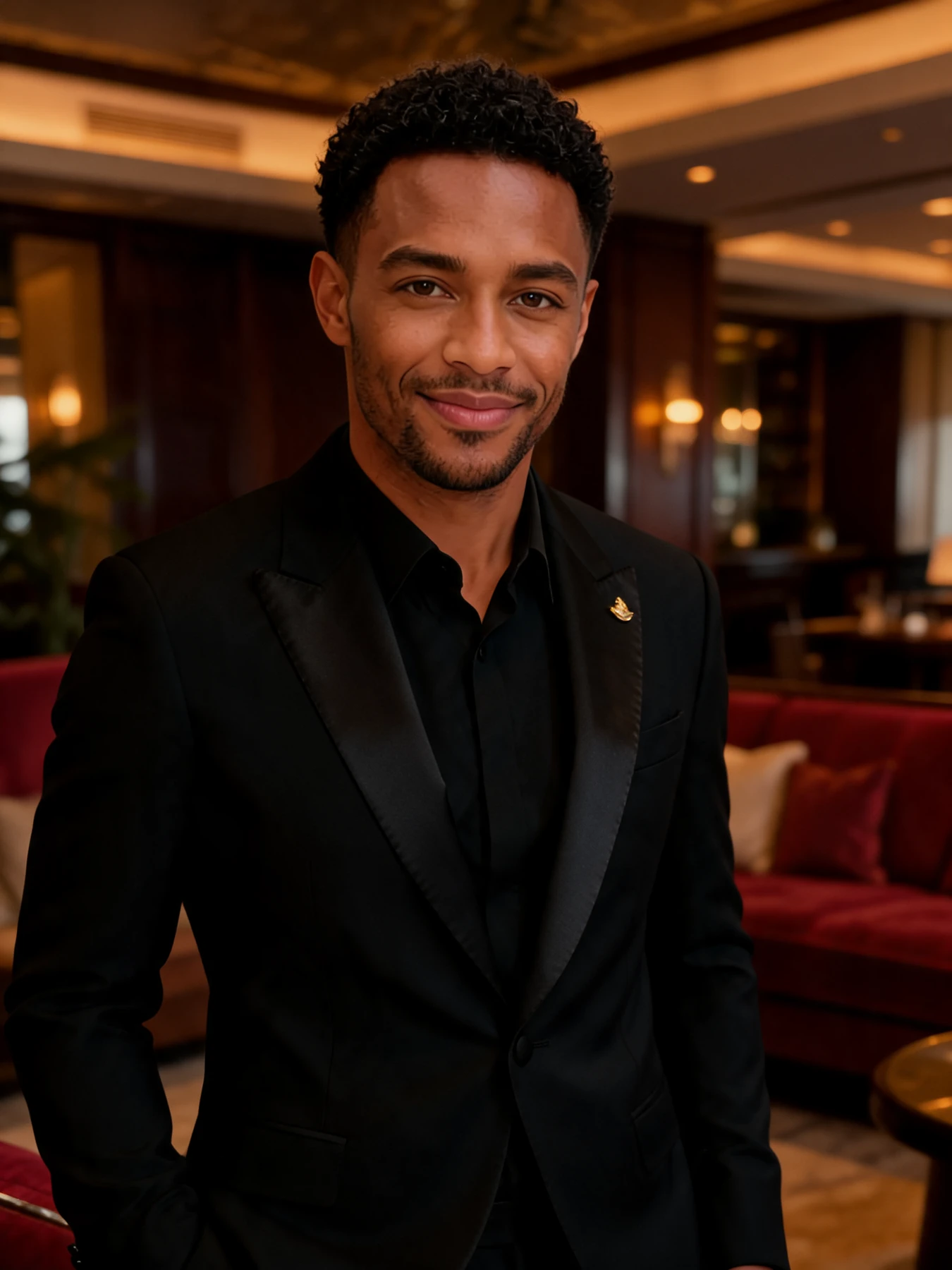
Build a sequence, not a pile of images.
Create in RYLA StudioThe everyday chapter
The closer
Prepared AI examples
The example could not load. Your current image is still available.
A collection starts with a simple brief.
Choose a visual rule
Decide on one identity, a small palette and a consistent crop.
Create each look
Change the styling direction one frame at a time and compare it with your previous selection.
Arrange the collection
Export your chosen images and assemble the final lookbook in your preferred layout tool.
Keep the collection intentional.
RYLA helps create the images. It does not automatically build a finished PDF, apply garment measurements or guarantee identical product details.
- Use the same character across the sequence
- Keep framing and color choices deliberate
- Review each outfit before arranging the final pages
Your questions, answered.
No. You generate and review individual character images in Studio, then arrange your selection in your preferred design or publishing tool.
A lookbook is a deliberate sequence. Its identity, palette, framing and progression help the images feel like one collection.
This workflow is for character styling and fashion concepts. It does not guarantee exact garment reproduction, fit, print placement or logo accuracy.
Yes. The examples use Jules, but you choose your own saved character after entering Studio. The example character is not imported automatically.