
Looking for a Synthesia Alternative? Build One AI Character, Not Just a Presenter
Synthesia (synthesia.io) is an AI video platform for business, with stock avatars, personal avatars, voice cloning, and dubbing in 140+ languages. RYLA is built for a different job: you design one new AI character in a step-by-step builder, lock its face in a reference sheet, and generate that same character across photos, video, and talking clips.
Which One Should You Use?
you want to design a new AI character step by step (niche, look, outfit, personality, voice), lock its face in a reference sheet, and generate its photos, video, talking clips, and video swaps in one workspace
you want presenter-style business videos with stock or personal avatars, dubbed or translated into many languages, with brand kits, team editing, analytics, and a free plan
Where Each Platform Wins
Synthesia and RYLA both make avatar video, but they start from different places. Synthesia describes an AI video platform for businesses: you describe a video or start from a document or link, pick one of its stock avatars or make a personal avatar from a photo or short video, and publish it by link, embed, or LMS export. Its pricing page lists a free Basic plan, Starter, Pro, and a custom Enterprise plan, with a shared pool of monthly credits. RYLA starts from a character you design: you build one new face step by step, without filming anyone, and generate photos, video, and talking clips of that one character. Facts about Synthesia come from its public pricing page and homepage, as of 28 October 2026. RYLA plans come from the RYLA pricing page. The table includes the rows where Synthesia is ahead.
| Feature | RYLARecommended | Synthesia |
|---|---|---|
| Primary job | 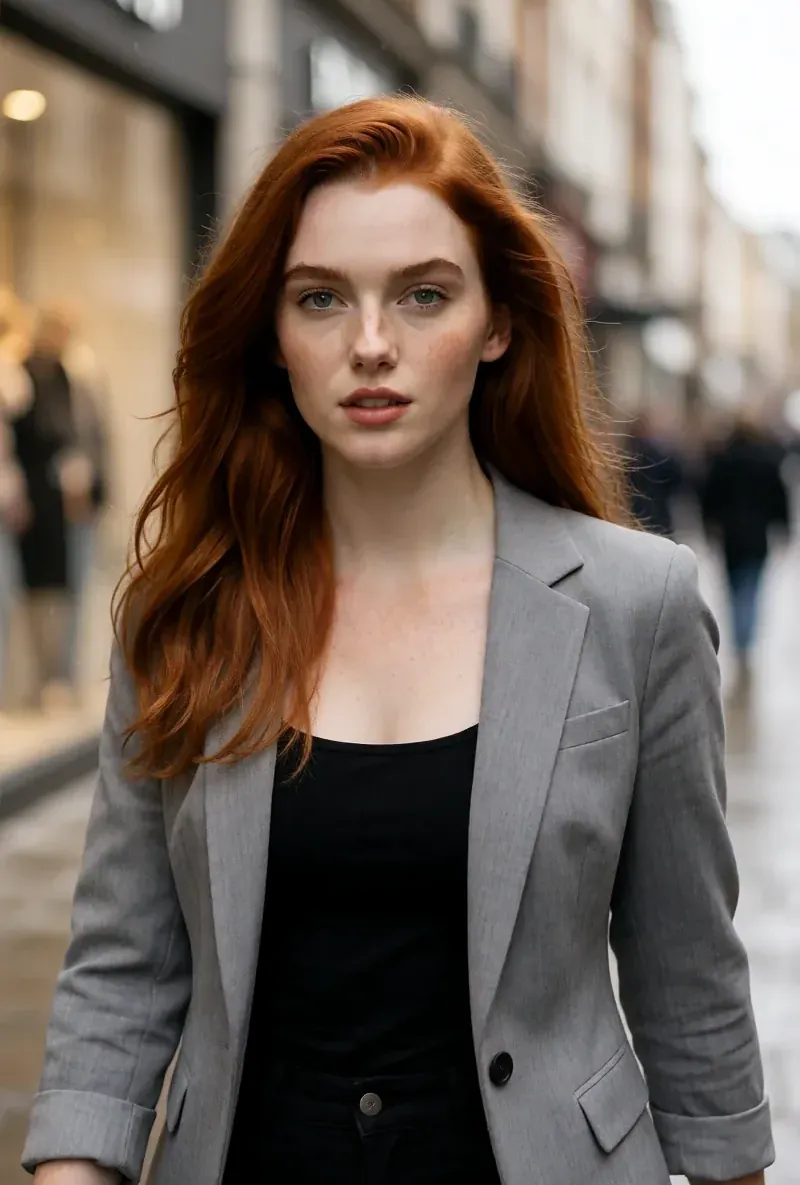 Design one recurring AI character and generate its photos, video, and talking clips. Design one recurring AI character and generate its photos, video, and talking clips. | AI presenter video for business: training, explainers, and communications, with an assistant that drafts a script and scenes. |
| Free plan | Paid plans; current plans and credits are on the pricing page. | A free Basic plan with 500 credits a month, enough for about 10 minutes of video; Basic videos carry a Synthesia watermark. |
| Paid plans | Monthly plans from Basic at $34.99 a month; credits and character limits are on the pricing page. | Starter at $19 a month and Pro at $89 a month when billed monthly (lower per month when billed yearly), plus a custom Enterprise plan. |
| Avatar of yourself |  The builder designs a new character; making an avatar of yourself from a recording is not part of it. The builder designs a new character; making an avatar of yourself from a recording is not part of it. | Personal avatars from a single photo or a short video, with voice cloning and an on-camera consent recording; its pricing page lists 5 personal avatars on Pro. |
| Languages and dubbing | Not offered as a translation or dubbing feature; talking clips use the voice chosen in the builder. | Videos in 140+ languages, 1-click translation, and AI dubbing that keeps the original speaker's voice. |
| Design a new character from scratch | A step-by-step builder: niche, gender and style, ethnicity, age, skin, eyes, face shape, hair, outfit and scene, personality and name, then a voice. | Its homepage describes choosing from hundreds of stock avatars and changing an avatar's outfit or scene, or designing a custom one with Avatar Builder. |
| One face across photos and video | After the builder you pick a base image, and RYLA generates a reference sheet of that face; Studio photos, image-to-video, and talking clips are made from it. | Video-first; photo generation of one recurring character is not described on its homepage or pricing page. |
| Teams, analytics, and publishing | Not compared here; current plan features are on the pricing page. | Its homepage lists brand kits, live collaboration, view and drop-off analytics, SCORM export for LMS courses, an API, and SOC 2 Type II and ISO 27001 certifications. |
The RYLA column, shown rather than claimed. Rows whose claim is a price or a policy carry no image on purpose.
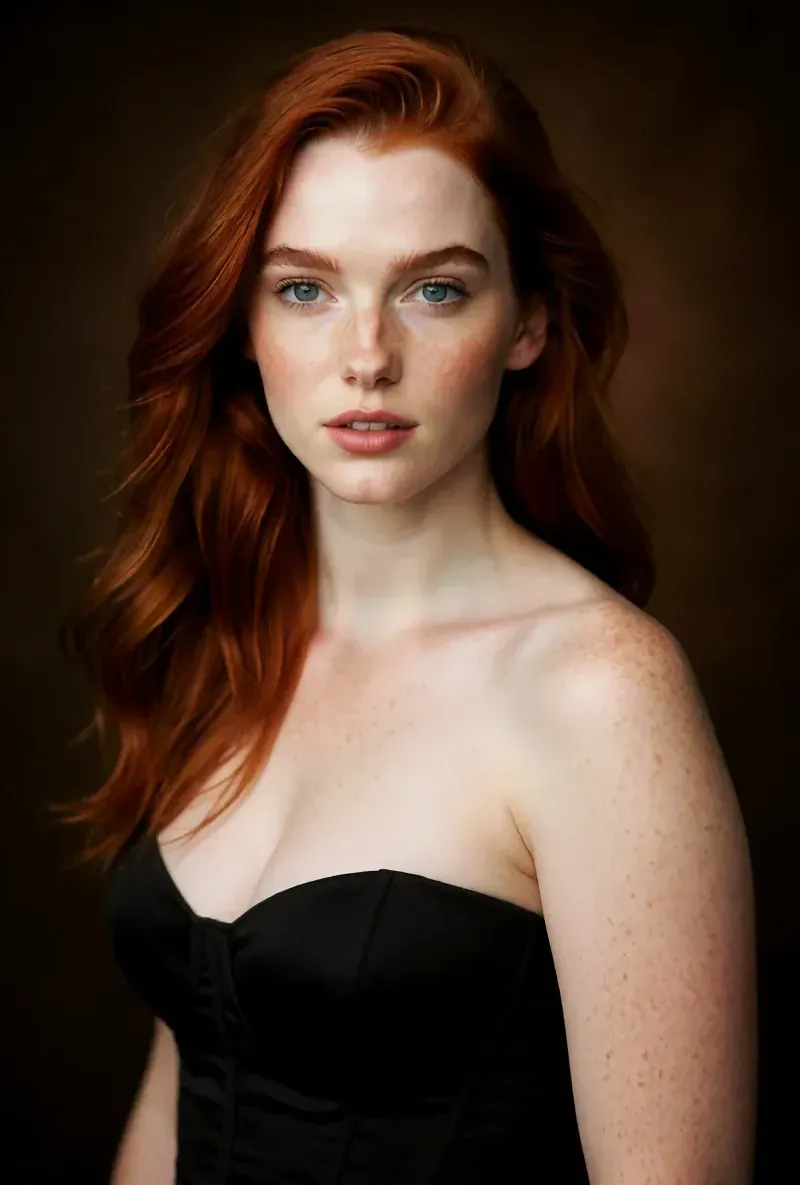
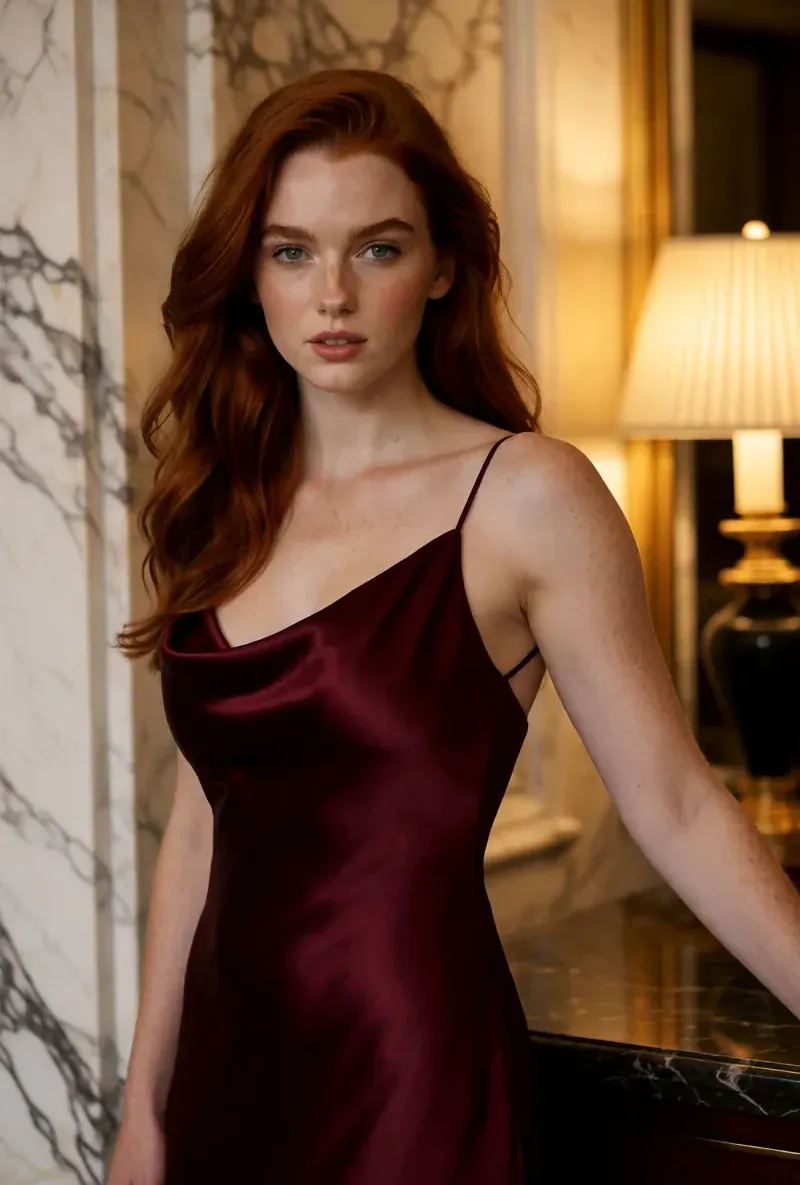
The Same Face in Four Different Scenes
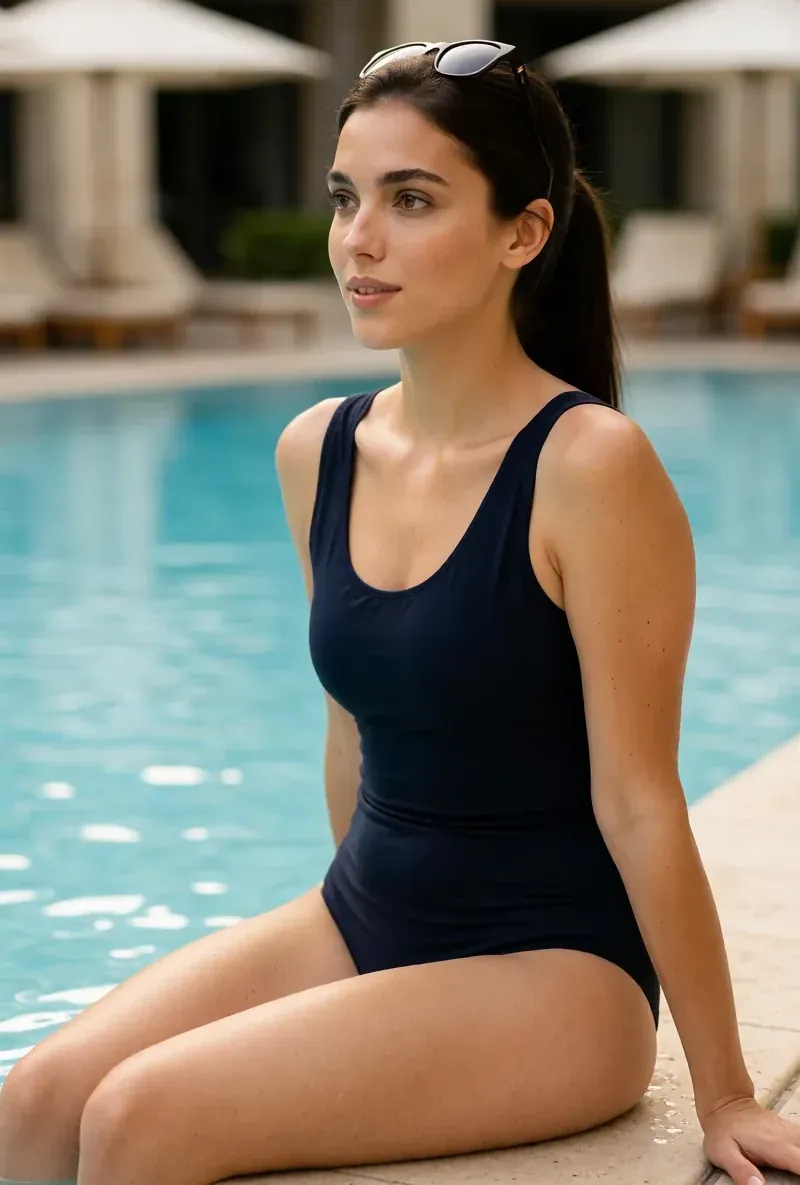
Every image here was generated with RYLA. One character, four different scenes, nothing retouched in between.
Where RYLA Wins
No Recording of Anyone Needed
RYLA's builder starts from a character you design, not from a photo or video of a real person. You choose niche, look, outfit and scene, then personality, name, and voice, and RYLA generates base images to pick from.
One Face, Locked in a Reference Sheet
You pick one base image of your character, RYLA generates a reference sheet of that face, and new photos and clips are made from that sheet.
Photos, Video, and Talking Clips of One Character
After finalizing, Studio generates new photos from templates, image-to-video puts a still in motion, Avatar Video creates talking clips with the voice chosen in the builder, and video swap places the same character into an existing clip.
Honest About the Gap
Synthesia offers a free plan, personal avatars with voice cloning, dubbing in many languages, and business features such as brand kits, analytics, and SCORM export. RYLA does not offer those. If that is the job, Synthesia covers it more directly.
Where Synthesia Still Wins
Synthesia is ahead for training, explainer, and corporate communication video, and it is worth saying so plainly. It makes a personal avatar from a photo or short video, clones a voice, dubs and translates videos into many languages, and adds brand kits, team editing, analytics, SCORM export, and security certifications, with a free plan to start. RYLA does not offer any of those. If you need a localized onboarding course or a company update presented by you or a stock presenter, Synthesia is built for it and RYLA is not.
Switching from Synthesia to RYLA
There is no import between the two products. If you use Synthesia for presenter videos and also want one recurring AI character for a social feed, you build that character once in RYLA. This is the actual sequence in the RYLA builder:
- Pick a niche, then gender and style.
- Set the look: ethnicity, age, skin, eyes, face shape, and hair.
- Choose outfit and scene, then personality and a name, then a voice.
- Generate base images and pick the one that becomes your character.
- RYLA generates a reference sheet of that face.
- Finalize, then create new photos in Studio, motion with image-to-video, talking clips in Avatar Video, and swaps in Video Swap.
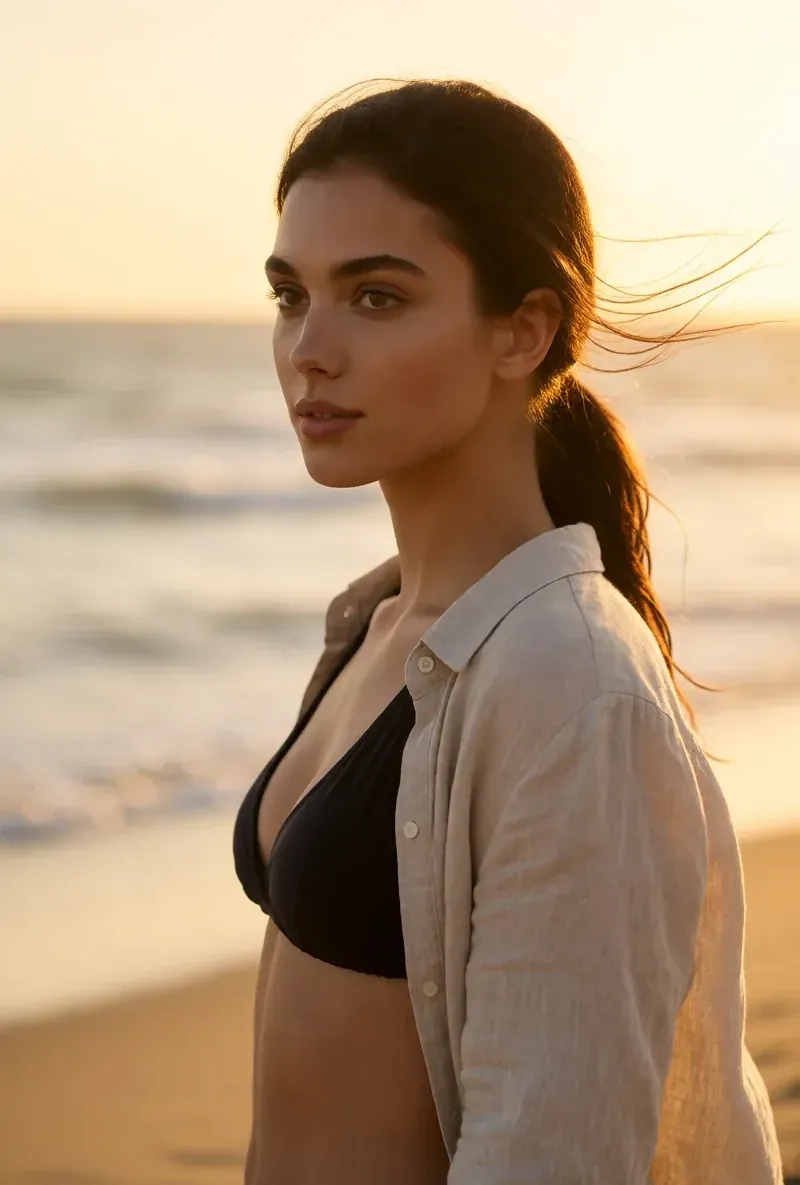
Here is one RYLA character from the showcase on this site, generated in two different scenes:
Current plans are on the pricing page. For other comparisons, see the HeyGen alternative and Tavus alternative pages, or the talking avatar page.
Verdict
Choose Synthesia if you want presenter-style business video with stock or personal avatars, dubbing and translation into many languages, brand kits, team editing, analytics, or a free plan. That is its product, and RYLA does not offer those. Choose RYLA if you want one new AI character that you design step by step, with its face locked in a reference sheet and its photos, video, talking clips, and video swaps made in one workspace. Some creators reasonably use both. RYLA is not affiliated with, endorsed by, or connected to Synthesia; the name Synthesia is used on this page only to identify that service.