
Uncensored AI Video Generator: Animate Your Character With Fewer Filters
Create AI videos without unnecessary restrictions. Start from an image of your character, add motion and generate a short vertical, square or widescreen video in about 30 to 90 seconds.
Credit-based, not unlimited: HQ and longer clips cost more credits. Unrestricted Fan Content video needs the Pro plan and a one-time age confirmation for adults. Hard limits always apply.
How to Make Uncensored AI Videos in Four Steps
Start From Your Character
Create your character image in RYLA. The video starts from this picture, so the face stays the same.
Choose Motion and Length
Choose the motion, the video length and a Draft or HQ quality.
Generate Your Video
Click generate. Most videos are ready in about 30 to 90 seconds. Not happy? Change one thing and generate again.
Download and Post
Download in vertical 9:16, square or widescreen and post to TikTok, Instagram or YouTube. Unrestricted Fan Content video is available on the Pro plan for adults who confirm their age once.
Real Clips From the RYLA AI Video Generator
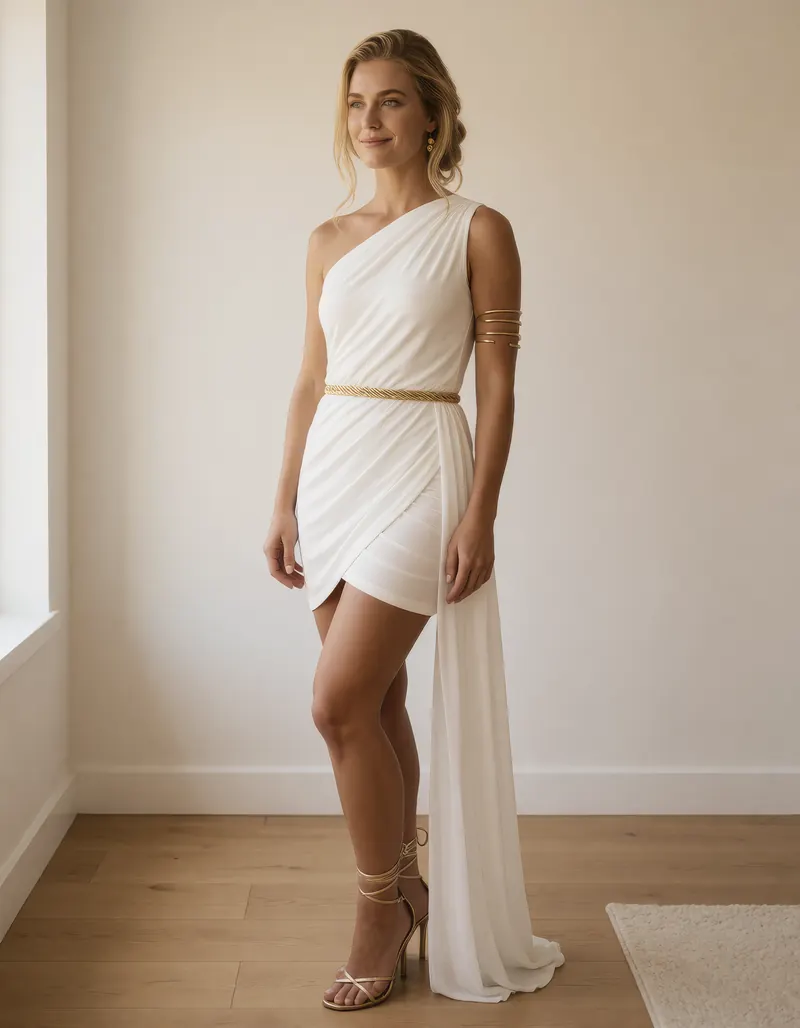
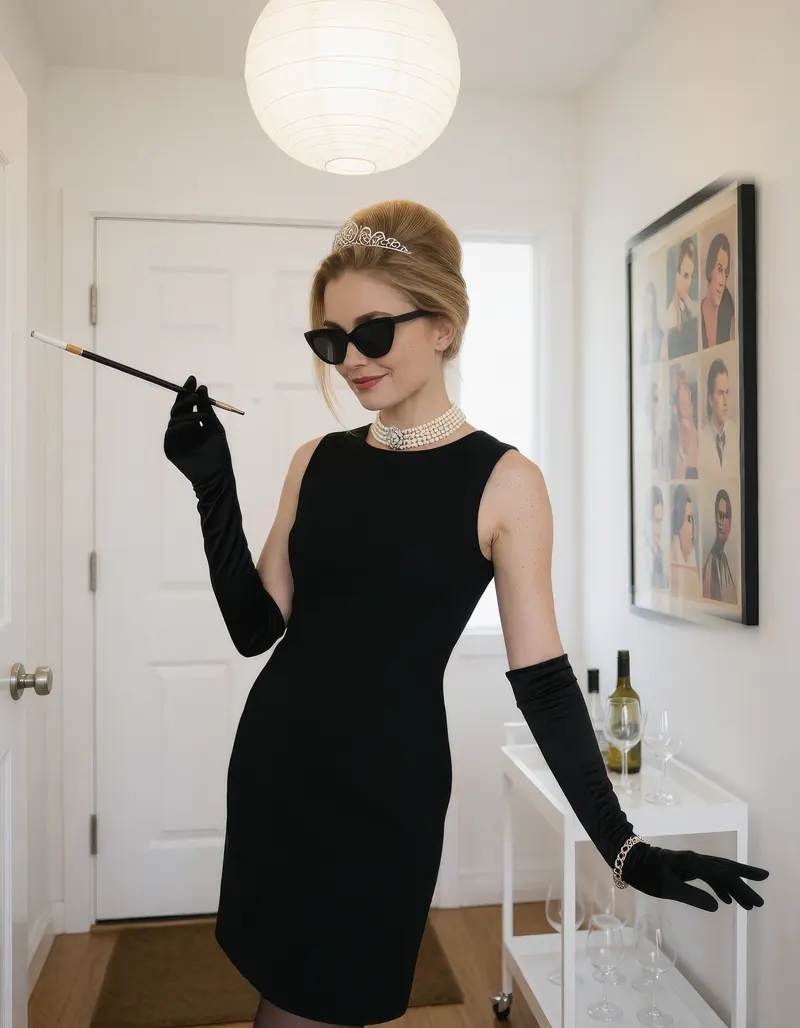
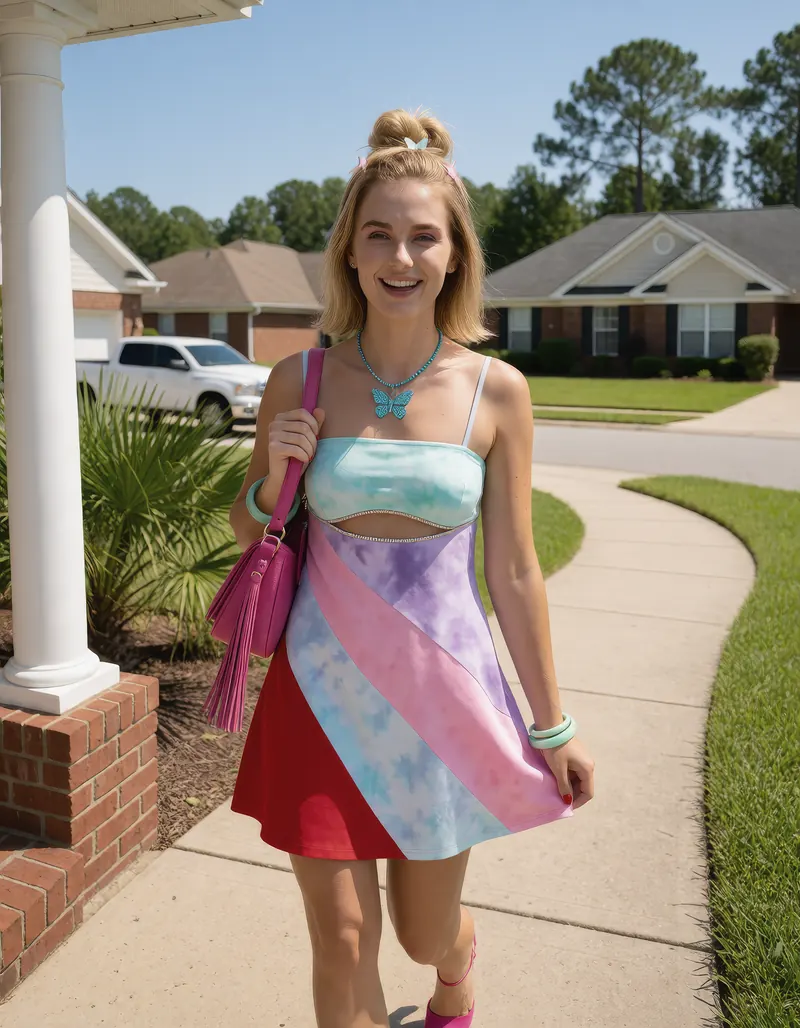
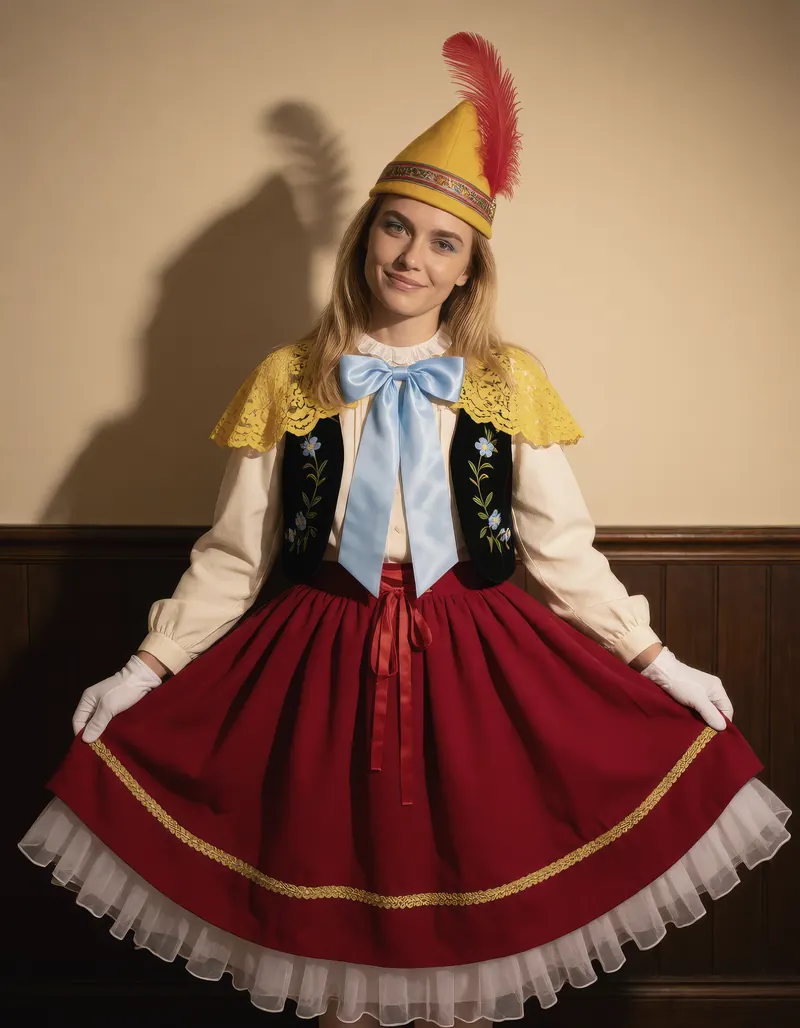
One Character, Four Scenes Ready for Video
Every image here was generated with RYLA. One character, four different scenes, nothing retouched in between.
Why Creators Pick an AI Video Generator Without Unnecessary Limits
Creative Freedom for Motion, Within Clear Rules
Animate the characters and scenes you have in mind. A few hard limits always apply: no minors, nothing illegal, no real person without consent.
More Options on the Pro Plan
On the Pro plan, adults who confirm their age once on their account can generate Unrestricted Fan Content video with fewer limits.
Talking Avatars and Video Face Swap
Go beyond motion: make a character talk with lip sync on the Starter plan and up, or swap a face into your own video.
Your Character Stays Recognizable
Because every video starts from your character image, the face carries into the motion. Strong consistency, not a mathematical guarantee.
Short Videos From One Image
Generate a clip from your character image in Draft or HQ quality.
Every Format You Post In
Vertical 9:16 for Reels and TikTok, square for feeds and widescreen for YouTube. Pick the format when you generate.
What You Can Make With an Uncensored AI Video Creator
Short-Form Content
Turn one image into many TikTok, Reels and Shorts clips without filming anything.
Creator and Fan Platforms
Add motion to your character content to keep subscribers engaged.
Stories and Characters
Animate characters for stories, fan projects and trailers while keeping their look.
Brand Videos
Show a consistent brand face moving through different scenes and formats.