Перейти к содержимому

Image to image AI. Start from something you love.

Keep a saved character photo as your starting point. Describe the next version, then refine it in Studio.

Последнее обновление:

Review in Studio. Nothing is generated yet.

Image to Image — Подготовленный ИИ-пример
Подготовленный ИИ-пример

One starting point. Different directions.

A reference gives you something concrete to work from. Keep the details that matter and make your next change specific.

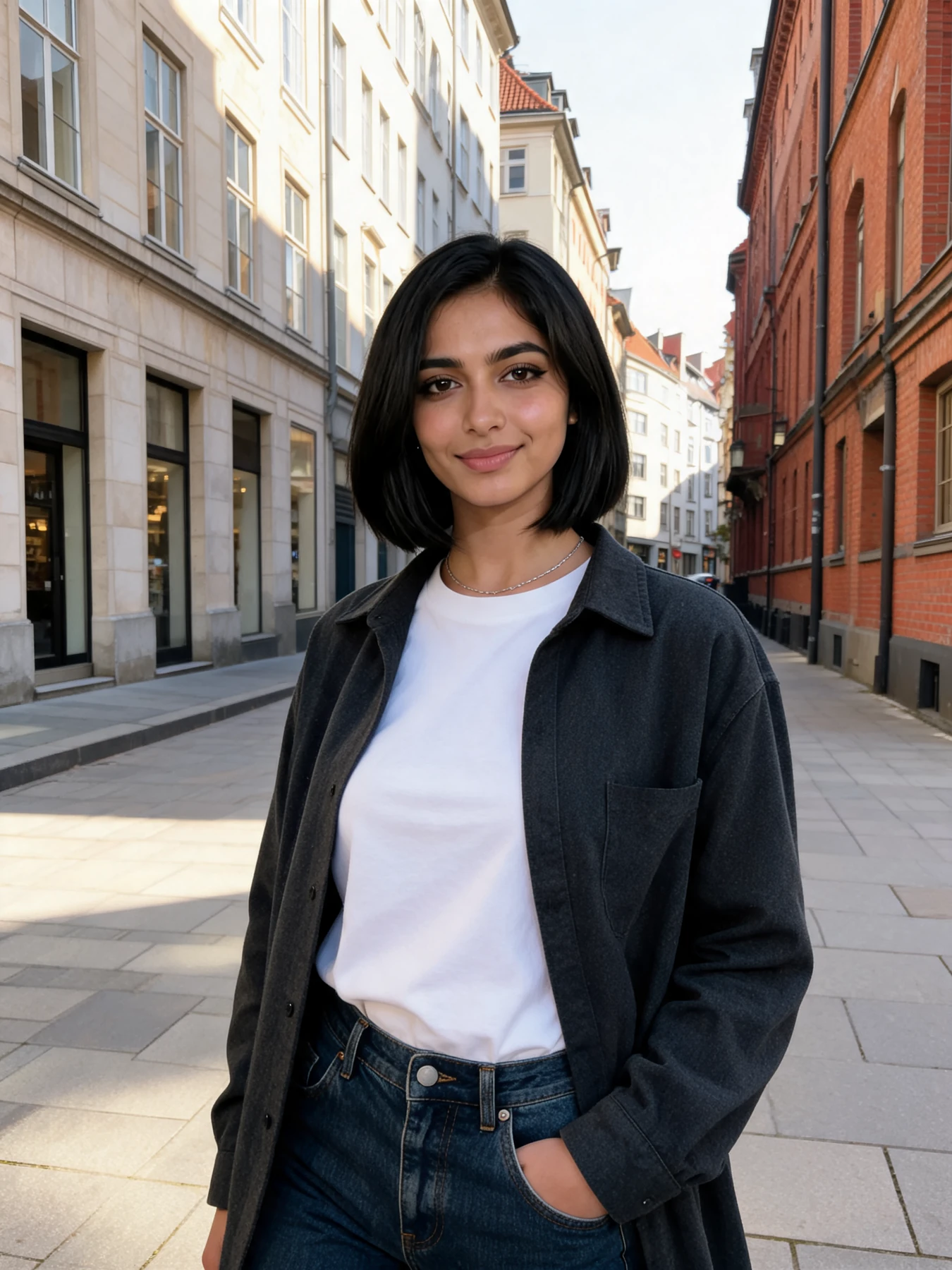
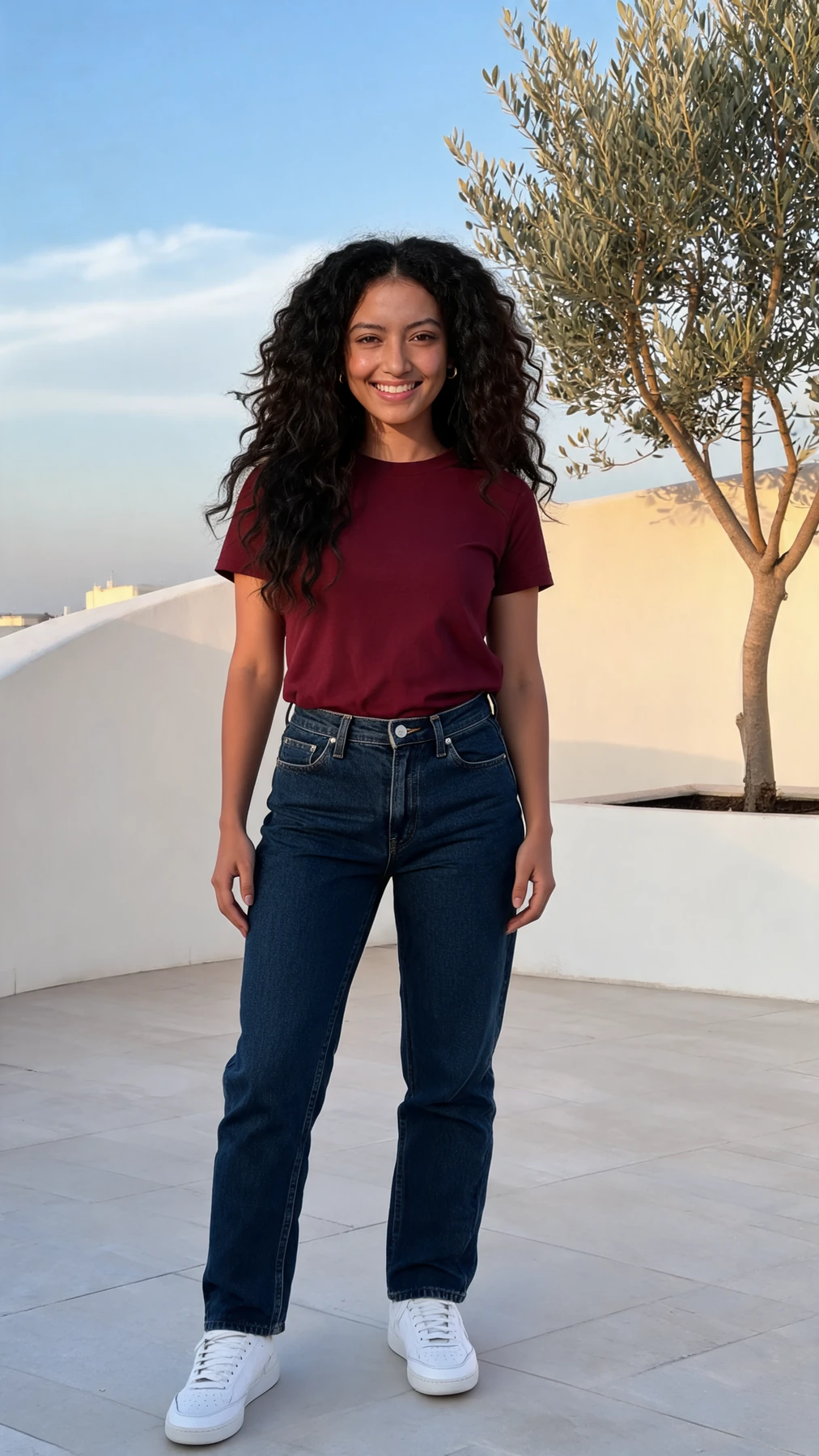
Mira — starting image
Starting image
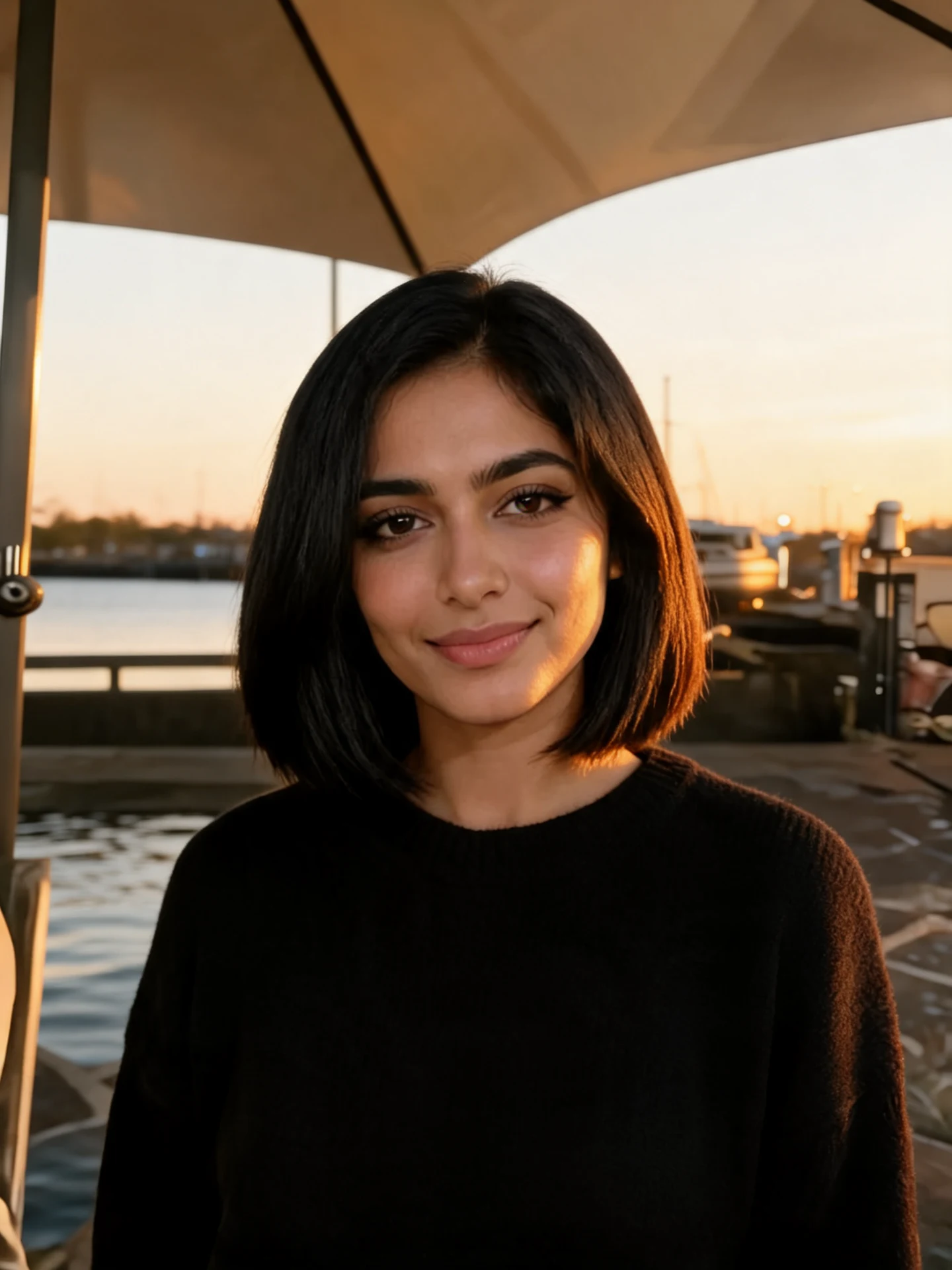
Mira — new light direction
New light direction

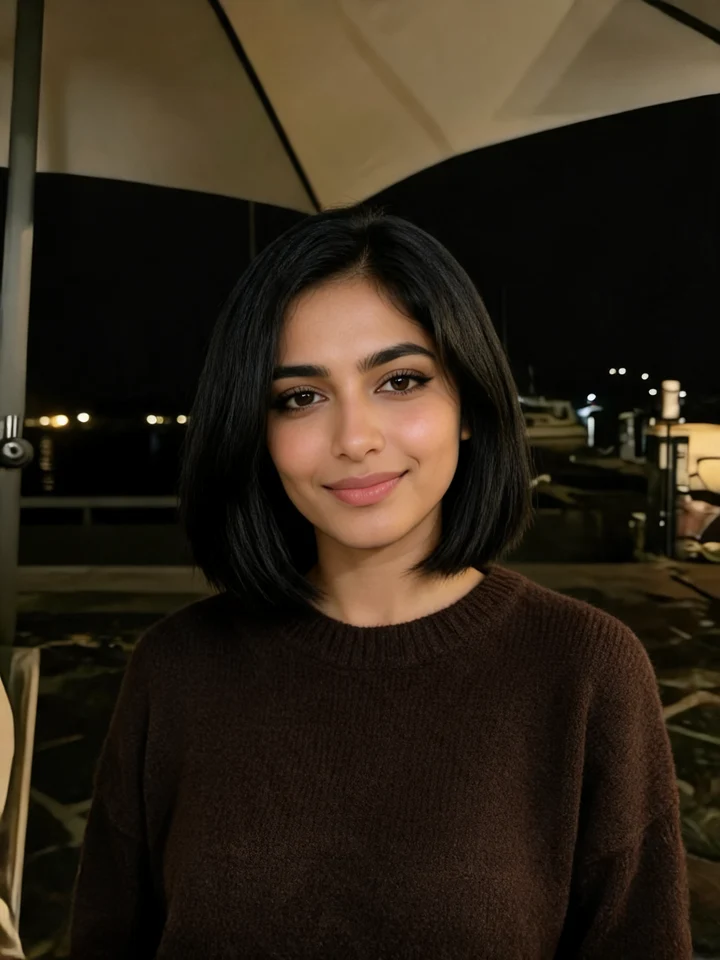
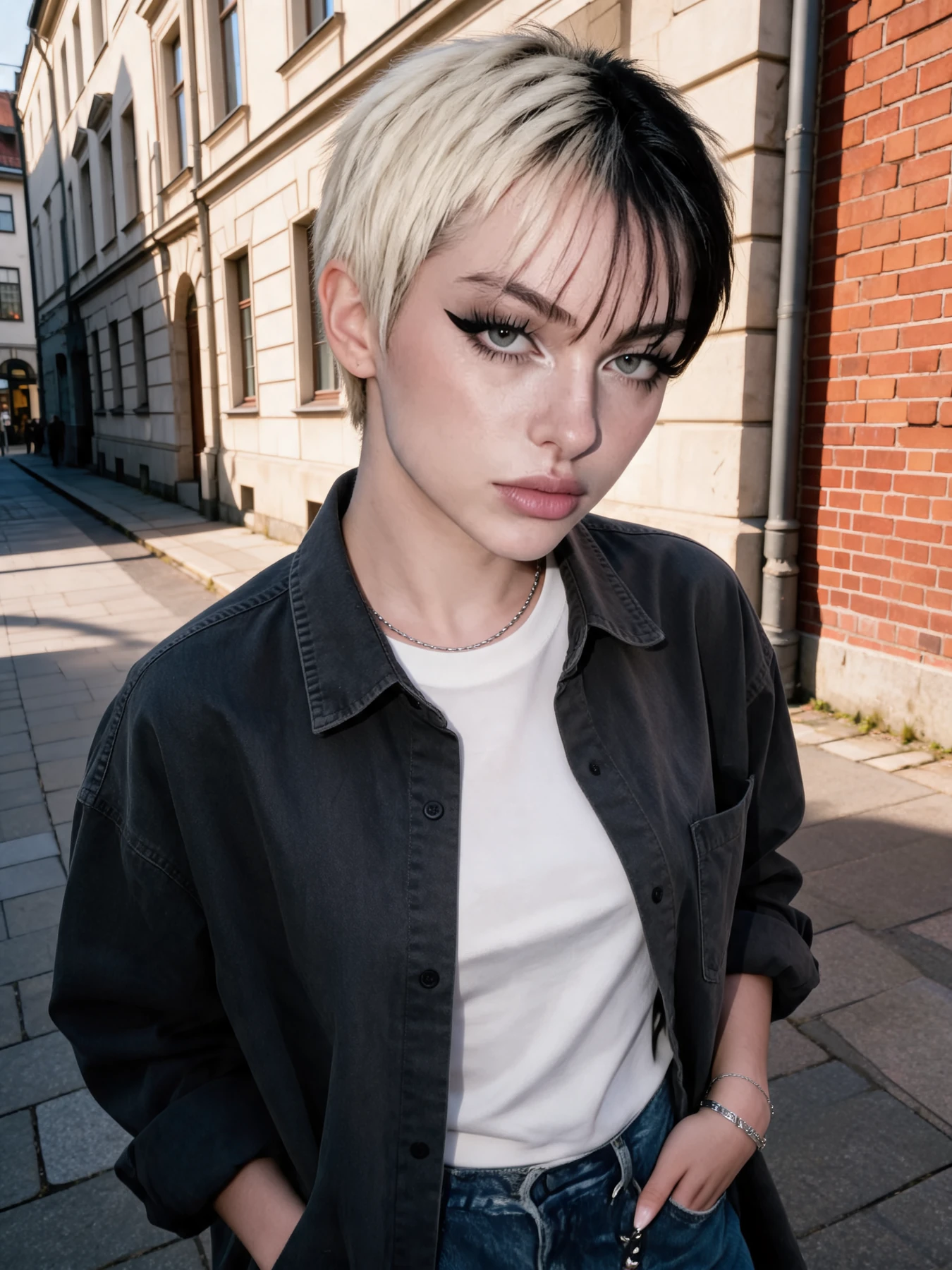
Prepared AI editing example using the same fictional character. Results vary by image and settings.

Make the direction your own.

A new scene

Describe the environment and ask to preserve the character’s recognizable features.

A new outfit

Name the garments, materials and colors. This creates a new image, not a guaranteed garment fitting.

A different mood

Change the light or atmosphere while asking to retain the composition.

From your character to your next image.

Open Studio
  1. Choose a saved image

    Open Studio and select the character photo you want to work from.

  2. Give it a direction

    Choose Edit. Describe what should change and what should remain.

  3. Review the variation

    Compare the face and important details, then keep your preferred result.

Your questions, answered.

It uses an existing image plus a written direction to create a new version. In RYLA, this is part of the Studio image-editing workflow.

Text-to-image starts with a written idea. Image-to-image starts from a saved visual reference that gives the edit an existing character and composition.

No. This page carries your written direction into Studio. Image selection happens in the app after sign-in.

Describe a specific change and what should remain. Available controls are shown in Studio; this page does not promise a universal strength slider or pixel-exact preservation.

Inspect facial identity, hands, clothing edges and any important text or objects. An AI variation can alter unintended details.

Keep a result you like, then make another focused edit or use the image as the starting point for a video. Each generation uses the credits shown in Studio.

Keep creating.

35 инструменты и процессыВсе инструментыИзображения · Видео · Персонажи · Редактирование и детали