
AI Avatar Generator: Realistic Profile and Brand Images
Create a realistic AI avatar from your own reference photos or a written description, then use the same face for profile, brand and social visuals.
RYLA makes photo-real characters, not cartoon or 3D game avatars. Talking avatars are a separate Pro feature (Avatar Video). Use only your own photos or ones you have consent for. Credit-based, not unlimited.
How to Make a Realistic AI Avatar in Four Steps
Start From Photos or Words
Upload your own reference photos, or describe the face, hair, age range and style of a character you want to invent.
Review the Avatar
RYLA builds a realistic character and shows you the result. If a feature is off, change the description and generate again.
Use It Anywhere
Place the avatar in new scenes, outfits and poses. Pick HD or 4K per image (4K is on Pro). The face stays recognizable from picture to picture.
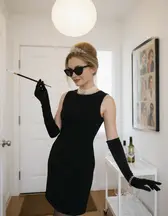
Animate the Best Shots
Turn a finished image into a short video clip, available from the Basic plan. Each generation uses credits, so change one thing per try and animate only the keepers.
- 2ways to start: your own photos or a written description
- 2quality tiers per image: HD and 4K (4K on Pro)
- Creditsevery generation uses credits, nothing is unlimited
Avatars Made With RYLA: Different Faces, Ages and Styles
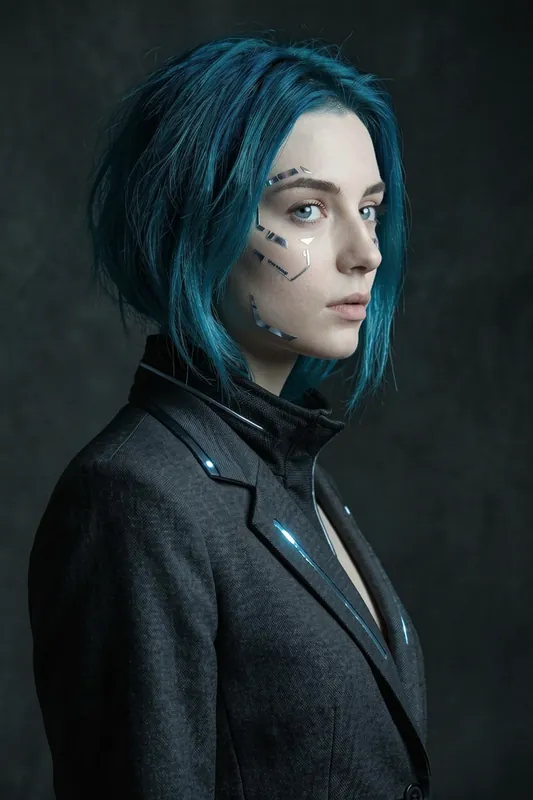
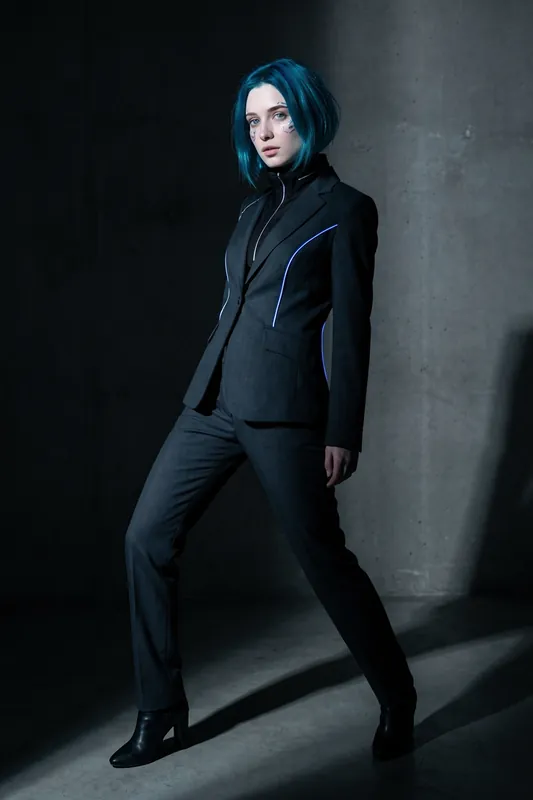
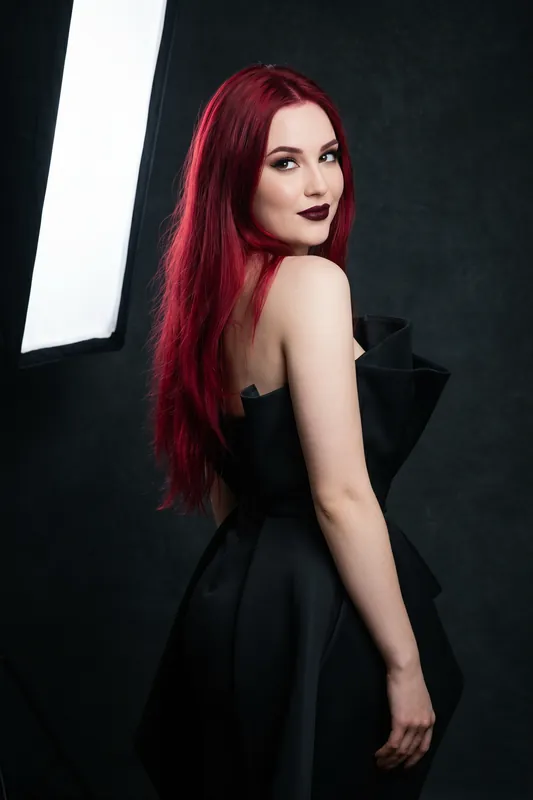
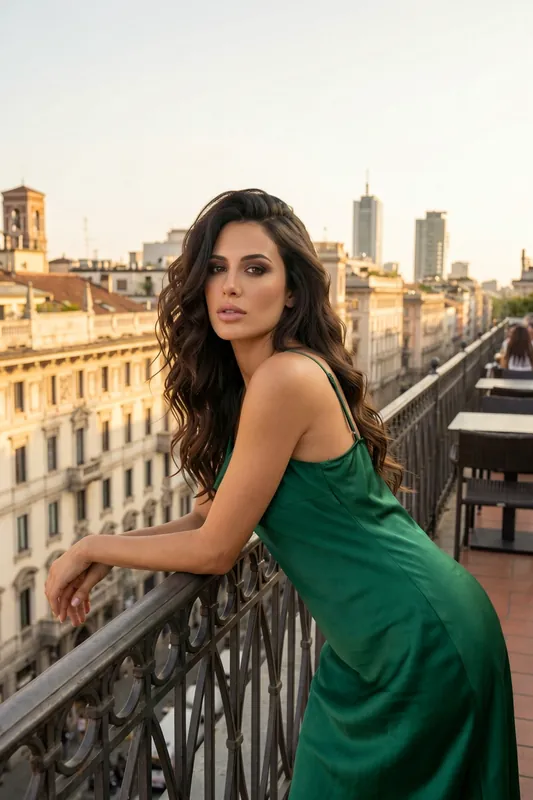
Six AI characters created with RYLA. Every face is fictional. This is the photo-real look the avatar generator produces, not a cartoon style.
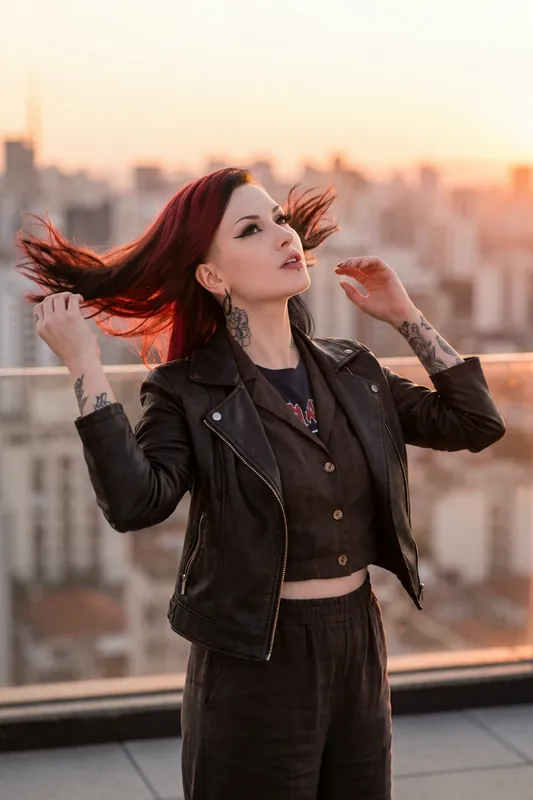
Rooftop at sunset 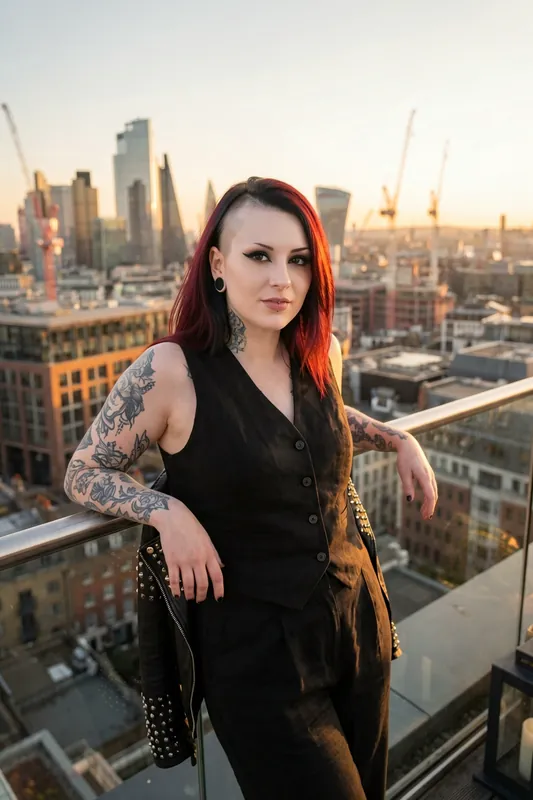
The same character, new scene 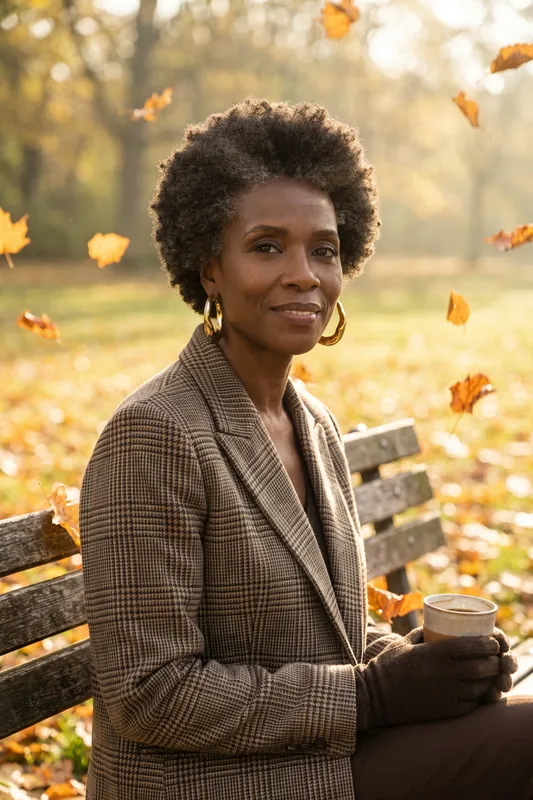
An older face on a park bench 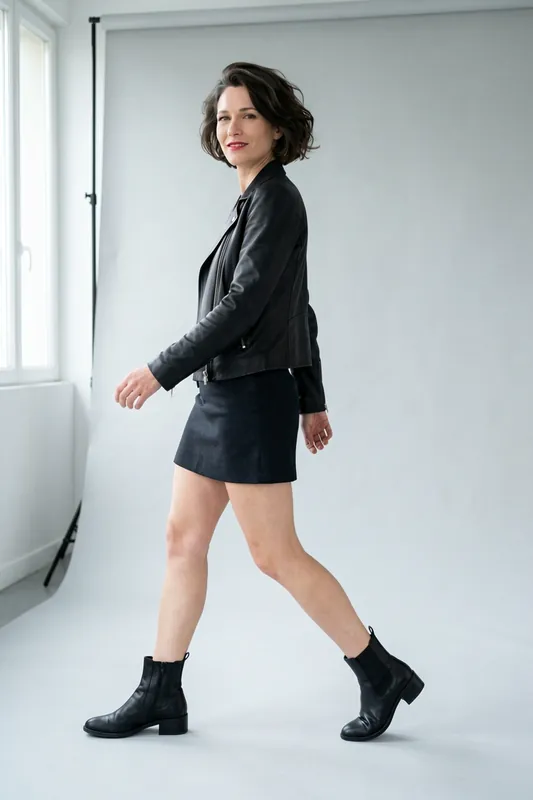
Short dark hair, studio walk 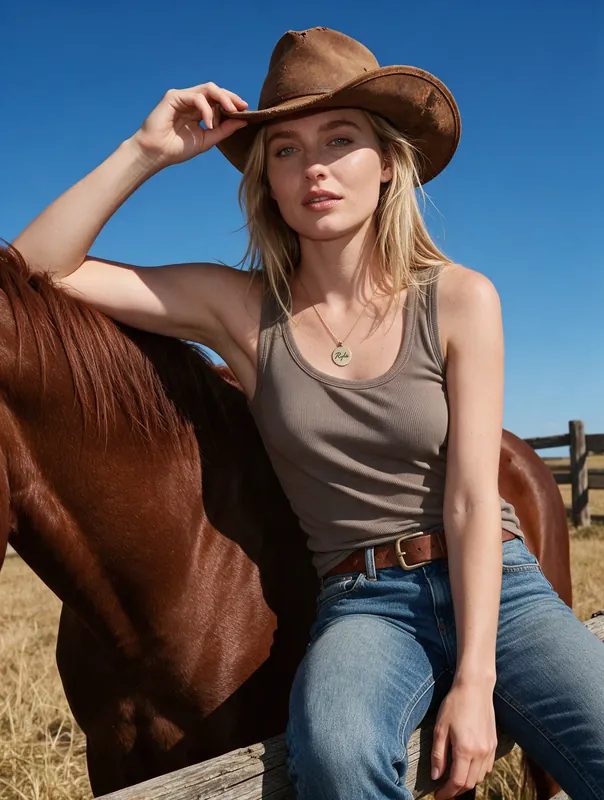
Outdoor ranch look 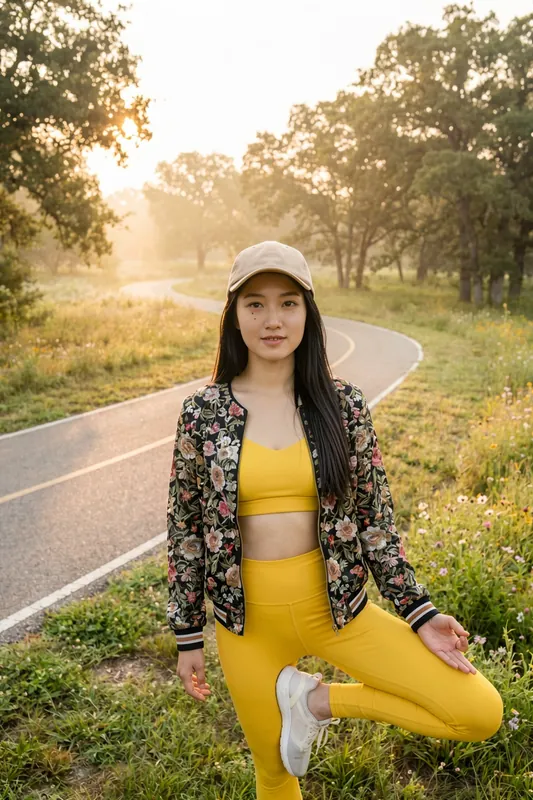
Sunrise in the park
What "AI Avatar" Means Here, and What It Does Not
Most people who search for an AI avatar want one face for a profile, a brand, a creator page or a team directory. The phrase can still mean four things: a cartoon or 3D figure for a game, a stylised picture, a talking presenter on video, or a realistic still image of a person. RYLA makes the last one, as still images.
RYLA is an AI avatar generator for photo-real characters. You build a character from your own reference photos or from a description, and then you generate new images and short clips with the same face. It does not make cartoon avatars, it does not make 3D game rigs, and it is not a talking-head video tool. If you want your avatar to speak to camera, RYLA does that with Avatar Video on the Pro plan: clips of 5 or 10 seconds, with audio up to 15 seconds that you upload, take from a saved voice note or generate from typed text. It is a separate feature, so this page stays with creating the avatar itself; the AI talking photo page covers it. If you need a realistic face that you can reuse across many images, read on.
Create an AI Avatar From a Description or Photos
Start in the AI influencer generator and choose to build a character. Either describe the person you want or add your own reference images. After the first result you refine it: change the hair, the age range, the mood or the clothes, and generate again.
For the photo path, the quality of the input matters. Turning photos into a full named character is covered on the AI character generator from photo page. Use clear, well lit photos where the face is not covered, with a few different angles and expressions. Avoid heavy filters, sunglasses and group shots. A single blurry picture gives the model little to hold on to, and the avatar will drift more. Use only photos of yourself or of someone who gave consent; RYLA is not meant for copying other people.
For the description path, name concrete features instead of a vibe: face shape, hair colour and length, skin tone, approximate age, a distinctive detail such as freckles or glasses. Concrete words give a more stable face than a word like "attractive".
Keeping the Face the Same in Every Image
A single nice portrait is easy. The hard part is the second, third and tenth image. RYLA is built to keep the face recognizable when you move the character into a new outfit, location or angle, and in short video made from stills. Consistency is strong, not a mathematical guarantee. Hair, light and age impressions can shift a little, especially with extreme angles or very busy scenes.
A simple routine keeps quality up: approve one first image, compare every later face against it, and render only the winners in 4K. If the face drifts, make the prompt simpler rather than longer, and regenerate. Browse the template gallery for ready-made scenes and apply them to your avatar instead of writing every scene from zero.
Is It the Best AI Avatar Generator?
No tool is best for everyone, and we will not hand you an invented ranking. Decide by what you need. If you want cartoons or stylised art, pick a cartoon avatar tool. If you want a talking presenter, pick a talking avatar tool. If you want a realistic character you can place into many photos and short clips with a recognizable face, an AI avatar generator like RYLA fits.
The honest limits: results vary from image to image, you will sometimes regenerate, and every generation uses credits. An HD image costs 180 credits and a 4K image 360; the free plan's 500 credits cover about two HD images. See the plans and pricing for current amounts. RYLA creates fictional or consented characters only, adults only, and never creates content involving minors. For a wider look at image creation, start with the AI photo generator.
Example Avatar Descriptions to Start With
Copy one, change the details to make it yours and generate. Results vary, so treat the first result as a starting point.
- Clean profile picture
Woman in her late twenties, shoulder-length chestnut hair, light freckles, soft smile, plain grey backdrop, even daylight, head and shoulders
- Creator or brand face
Man in his thirties, short dark hair, trimmed beard, round glasses, olive sweater, bright home office, relaxed look to camera
- Story character
Woman with a silver bob and sharp green eyes, dark long coat, rainy city street at night, cinematic light
- Older character
Woman in her sixties, short white hair, warm laugh lines, linen shirt, sunny garden, natural light
- From your own photos
Use my reference photos, keep my face, place me in a navy blazer in a bright studio, neutral expression
Avatar Video: Make Your Avatar Speak (Pro Plan)
Creating the avatar and making it talk are two separate features. This clip was made with Avatar Video, which is part of the Pro plan; the avatar itself does not need it.
What Kind of AI Avatar RYLA Creates
Photo-Real, Not Cartoon
The avatar looks like a person in a photograph. If you want a cartoon, anime or 3D game figure, this is not the right tool.
From Your Photos or From Scratch
Build the avatar from your own reference images or invent a fictional character by describing them. Both paths end in the same kind of reusable character.
Same Face Across Images
The face carries over into new scenes, outfits and angles. Consistency is strong, not a mathematical guarantee, so check the face on each result and regenerate when it drifts.
HD and 4K Quality
Generate in HD (180 credits per image) and render your best shots in 4K (360 credits, Pro plan).
Short Video From Stills
A finished avatar image can become a short clip with the same account. A character that speaks to camera is a separate feature, Avatar Video, on the Pro plan.
Your Own Photos Only
Reference photos must be of you or of someone who agreed. RYLA is not for copying a stranger, a celebrity or a minor.
What People Use an AI Avatar For
Profile Pictures and Social Accounts
Make a clean, consistent picture for a profile, a creator page or a team directory without a photoshoot.

A Face for Your Brand or Project
Give a channel, newsletter or app a recognizable fictional face that you can reuse in every post.
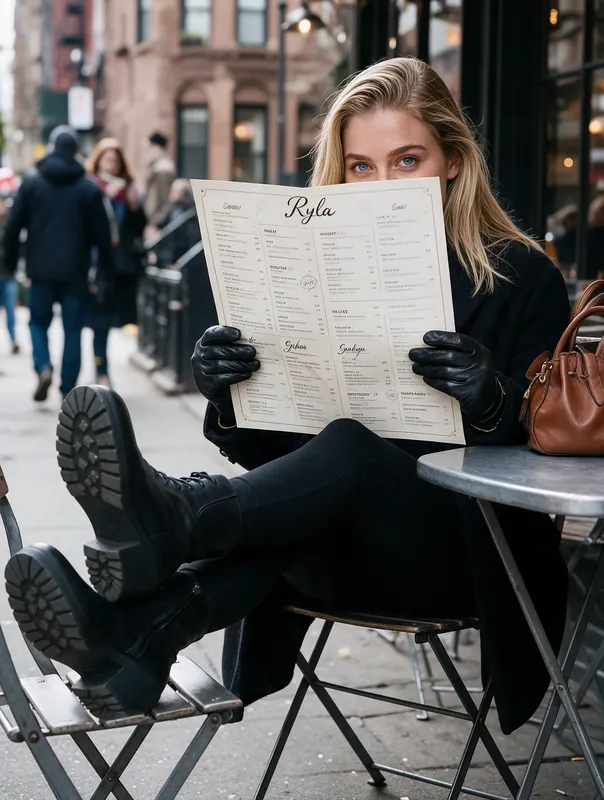
Characters for Stories and Games
Keep one character recognizable across scenes for a story, a visual novel or a tabletop campaign.
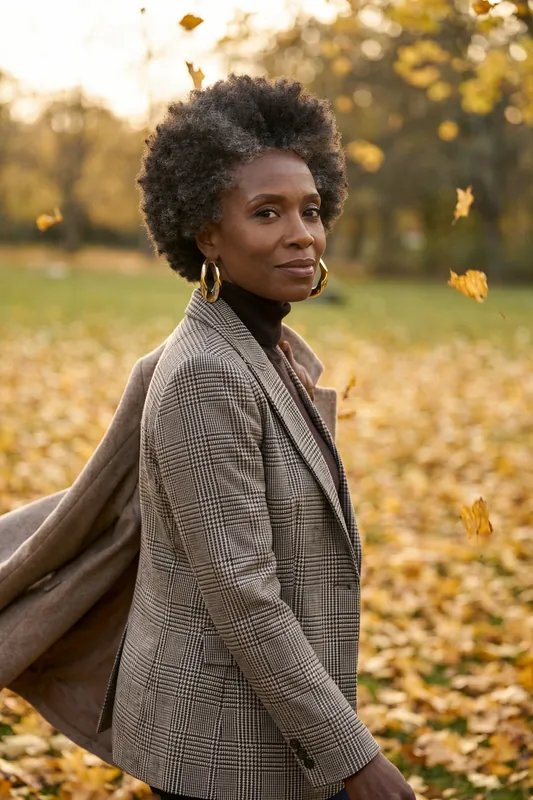
Privacy-Friendly Stand-In
Show an invented person instead of your real face when you want to stay private, with no real person implied.