
AI Profile Picture Generator for Your AI Character
Create square profile pictures of a character you designed. Pick the look and the background, keep the same face on every platform and generate in HD or 4K (4K on Pro).
Credit-based, not unlimited. For fictional AI characters, creator brands and persona accounts. Not for passport, ID or application photos, and it does not retouch your own photo.
How to Make an AI Profile Picture in Four Steps
Pick Your Character
Open a character you already created in RYLA, or build one by describing the face, hair and style. The profile picture shows this character.
Choose Look and Background
Describe the portrait you want, for example a close face shot in a grey blazer against a plain wall, or start from a template look.
Generate a Square Portrait
Pick HD or 4K (4K is part of the Pro plan) and generate a square image. RYLA creates a new portrait of your character in that look.
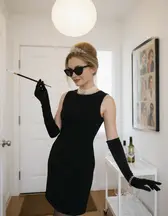
Test the Crop, Then Keep One
Look at the result as a small circle, the way a platform will show it. Keep the best one or change a detail and generate again. Every try uses credits.
- 2quality tiers: HD and 4K
- 4steps from your character to a profile picture
- Creditsevery generation uses credits, nothing is unlimited
Portraits of AI Characters in Different Looks
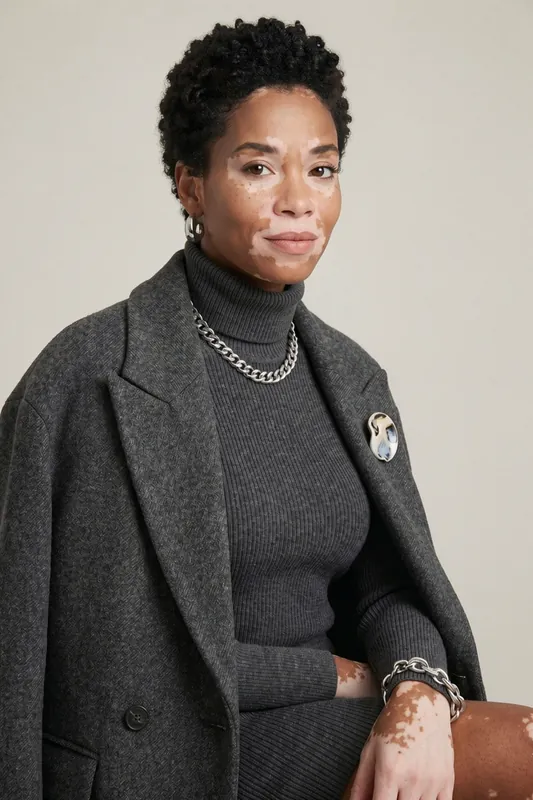
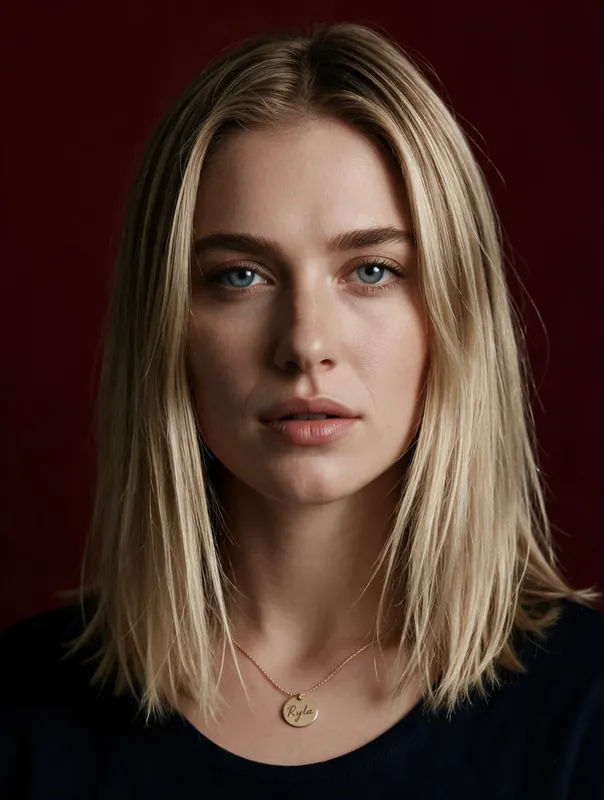
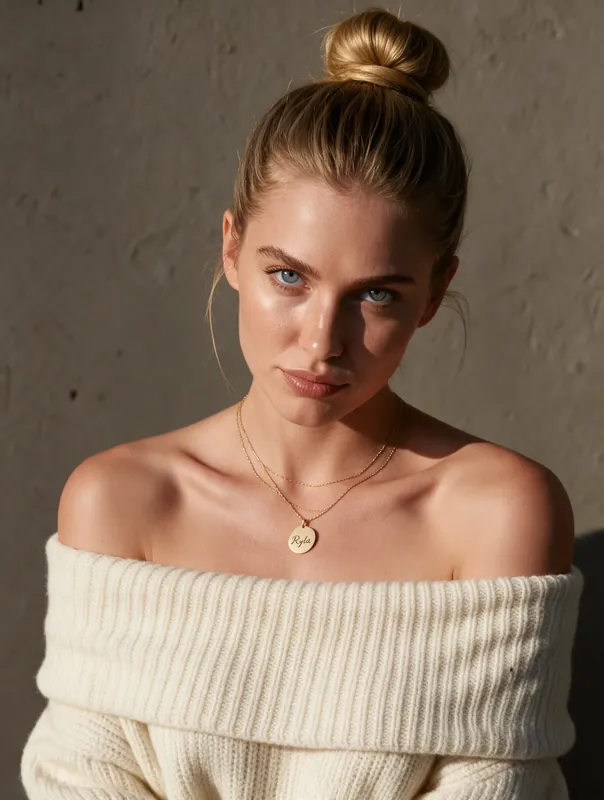
Five portraits of AI characters made with RYLA. Each one shows a different age, hairstyle and setting, which is the range you can ask for when you build a profile picture.
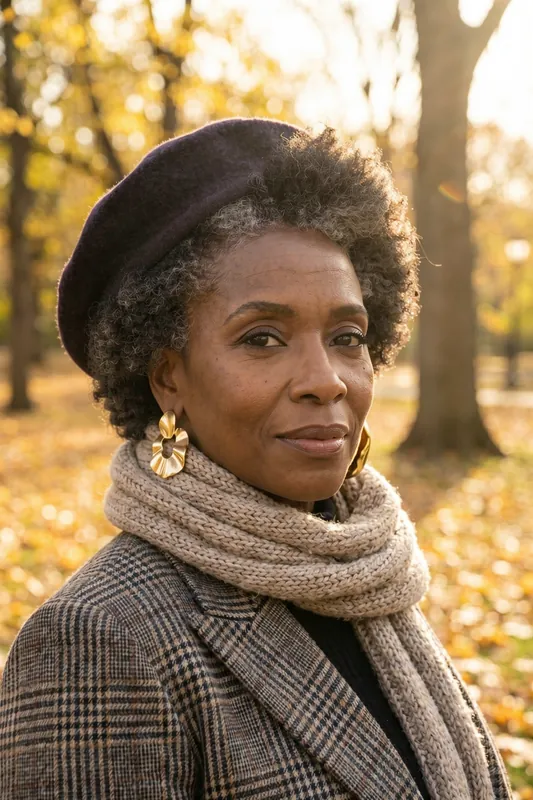
Autumn park, beret and scarf 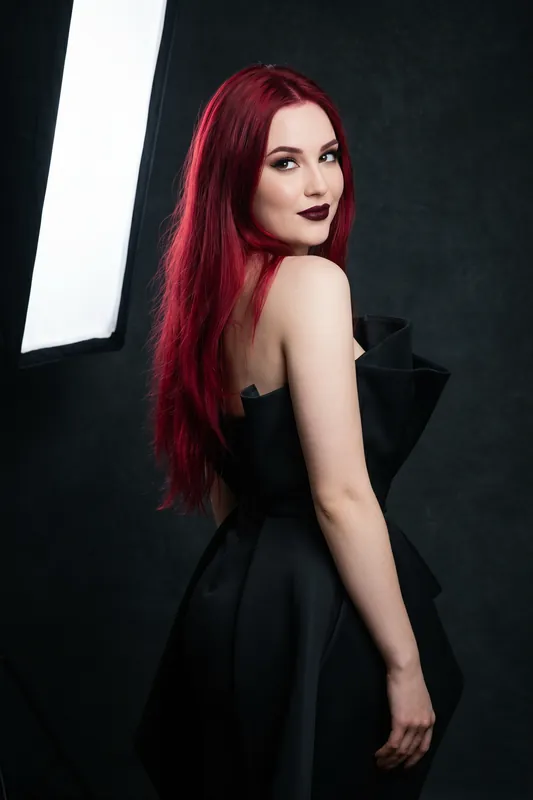
Dark studio with a softbox 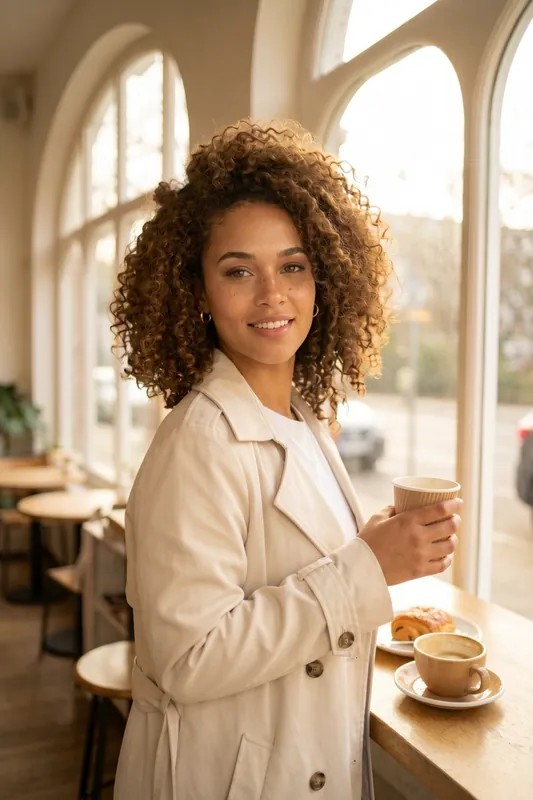
Cafe window, trench coat 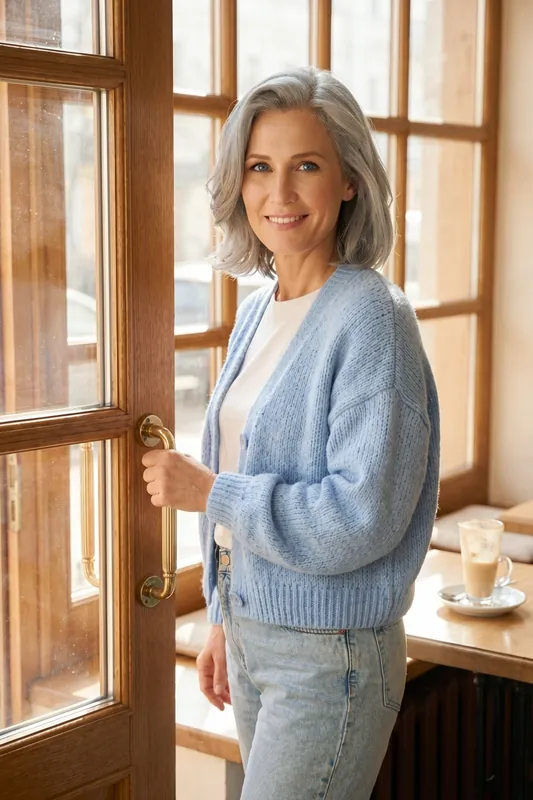
Light cardigan, wooden door 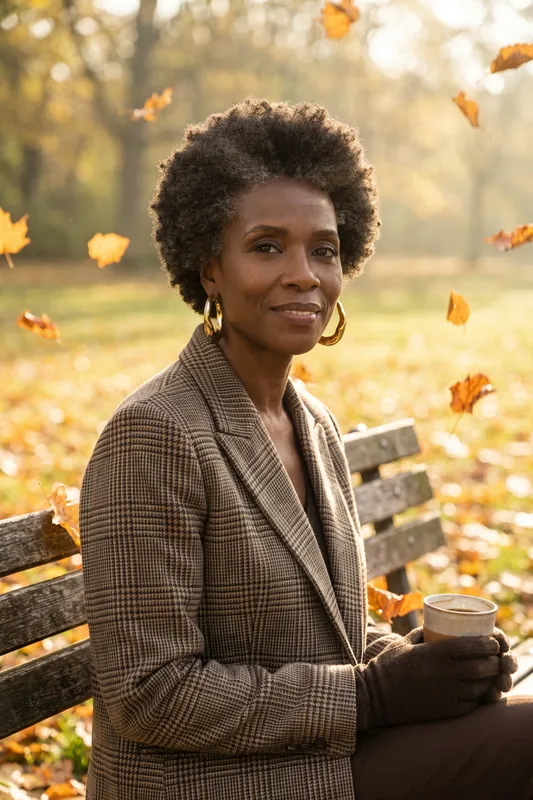
Park bench with autumn leaves
What an AI Profile Picture Generator Does Here, and What It Does Not
An AI profile picture generator creates the small portrait that represents an account: the circle next to your name on a social network, a forum, a game or a chat server. You describe the person and the look, and an image model draws the portrait.
There are two quite different tools behind the same search term. One takes a photo of you and polishes it. The other creates a new person. RYLA is the second kind. It makes realistic portraits of a fictional AI character that you design, so it suits creator brands, persona accounts, mascots, games and stories. It does not retouch your own photo (see the FAQ for the route that uses your own photos), and it is not a tool for passport photos, ID photos or application photos. Those need a real picture of a real person, and an AI portrait is the wrong answer for them.
How RYLA Makes a Profile Picture
You start with a character, either one you built in the AI influencer generator or a new one. In Studio you describe the portrait or pick a look from the template gallery, choose a square format and a quality tier, and generate. RYLA creates a new image of your character and keeps the face and the overall look.
Be precise about what happens: each profile picture is a newly generated image. The character stays recognisable, but light, pose and small details such as jewelry can change from one result to the next. Consistency is strong and not a mathematical guarantee, so check the face on every image and generate again when it drifts. For a wider overview of image creation, see the AI photo generator.
Make a Profile Picture That Survives the Circle Crop
Most platforms show your picture as a small circle, often smaller than a fingernail on a phone. A portrait that looks rich at full size can turn into a smudge at that size. These habits help:
- Frame close. Head and shoulders read better than a full figure. Ask for a close portrait.
- Keep one subject. One face, no crowd, no busy props.
- Use a calm background. A plain wall, soft blur or one colour keeps the face as the main thing.
- Aim for clear light. Even daylight or a soft studio light shows the eyes and the shape of the face.
- Leave a margin. A circle cuts the corners, so do not put anything important there.
- Test it small. Shrink the image to about 48 pixels wide. If you can still tell the face and the mood, it works.
AI PFP Generator: One Face on Every Platform
People also search for an AI PFP generator or an AI PFP maker. PFP is short for profile picture, so it is the same task. The useful part for creators is consistency. A persona that looks like a different person on Instagram and on YouTube loses trust fast.
Build the character once, save its description and use it for every platform. Change the clothes, the background and the mood, not the face. A warm cafe portrait for Instagram, a plain studio portrait for a brand page and a darker look for a gaming account can all show the same character. If you run an AI persona, say so in the account bio. A short note that the person is AI generated protects your audience and your account.
Is There a Free AI Profile Picture Generator?
RYLA has a Free plan with 500 credits and one character, which is enough to try the tool. After that, generation is credit-based and not unlimited. An HD image uses 180 credits and a 4K image 360, and 4K is part of the Pro plan. So the 500 free credits cover about two HD images. A good habit is to change one thing per try and render only the winner in 4K. See plans and pricing for the current numbers.
Rules That Always Apply
RYLA creates images of fictional AI characters. Characters are adults, nothing involving minors is ever created, and no real person's likeness is used without consent. Do not present an AI portrait as a photo of a real person, and follow the rules of each platform about AI generated content.
Example Profile Picture Prompts to Start With
Copy one, swap the details and generate. Results vary from image to image.
- Creator
Close portrait, head and shoulders, warm smile, grey blazer over a black top, soft window light, plain wall, square
- Brand face
Friendly woman in a navy shirt, even studio light, light grey background, relaxed look at the camera, square
- Gaming
Woman with short dark hair and a hooded jacket, cool blue light from one side, dark background, confident look, square
- Cafe
Woman with curly hair in a beige coat, cafe window behind her, soft daylight, natural smile, close crop, square
- Outdoor
Older woman in a plaid blazer and a scarf, autumn park, golden light, calm expression, head and shoulders, square
- Stylised
Illustrated avatar of a woman with long red hair, flat colours, simple background, bold shapes, square
What the AI Profile Picture Generator Gives You
One Face Across Every Platform
The same character can have a profile picture for each platform, in a different look each time. Consistency is strong, not a mathematical guarantee.
Square Crops for Avatar Frames
Square images sit well in the round or rounded frames that most platforms use for a profile picture. Keep the face in the middle and leave some room around it.
Different Looks and Backgrounds
Describe the clothes, the light and the place. A plain studio wall, a cafe or a city street each give the same character a different tone.
Realistic, Not Cartoon
RYLA aims at realistic portraits. If you want a drawn or stylised avatar, say so in your description and check the result before you use it.
HD and 4K Quality Tiers
Generate in HD (180 credits per image) and render your final profile picture in 4K (360 credits, Pro plan).
Made for Fictional Characters
RYLA creates new people who do not exist. It does not retouch a photo of you and it is not a passport, ID or application photo tool.
Where an AI Profile Picture Generator Helps
Creator and Persona Accounts
Give an AI creator a face for Instagram, TikTok, YouTube or X and keep it recognisable across all of them.
Brand Faces and Mascots
Put a fictional spokesperson on a brand page or a support channel, with a clear note that the person is AI generated. Check the terms of service before using generated images commercially.
Gaming, Communities and Servers
Make avatars for characters, roleplay accounts, Discord servers and forums without using a real face.
Stories and Fan Projects
Create portraits of characters in a story, a game or a fan project, each in its own style.