
Consistent Character AI: Keep the Same Face in Every Image
Build a character once, then generate it in new outfits, places and clips. RYLA is built to keep the face recognizable, and this page shows you a real series so you can judge for yourself.
Consistency is strong, not a mathematical guarantee. Check every result and regenerate if the face drifts. Credit-based, for fictional adult AI characters only.
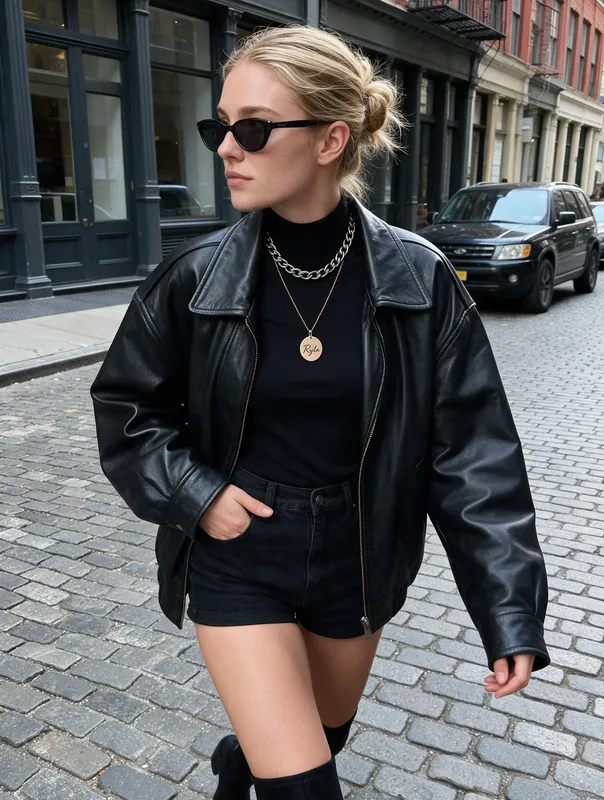
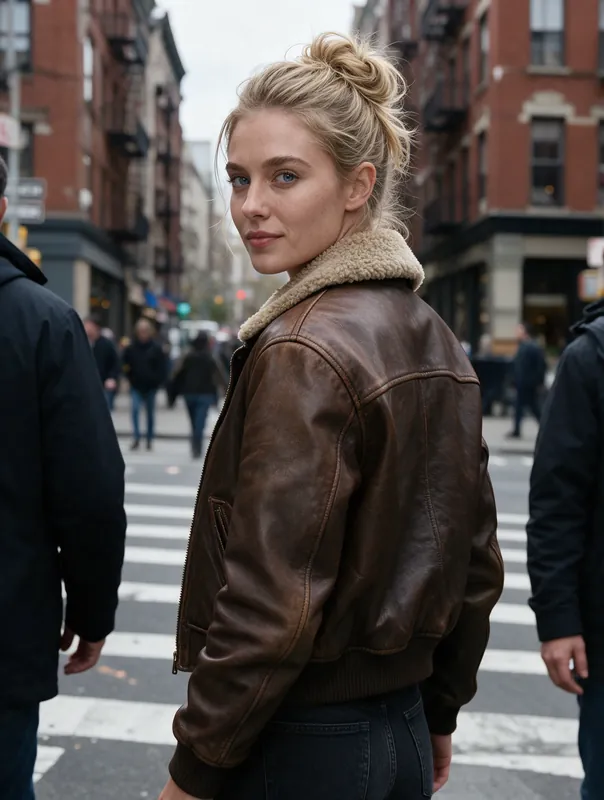
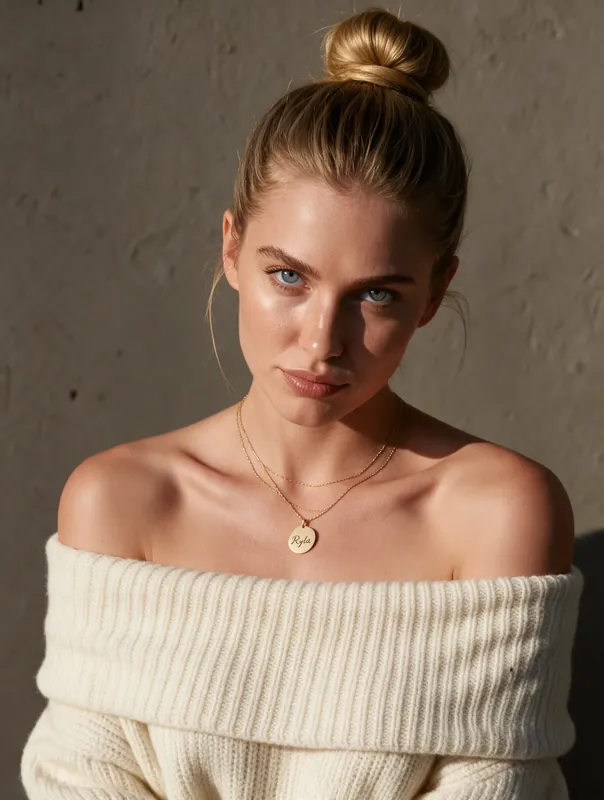
How to Make a Consistent Character With AI in Four Steps
Create the Character Once
Describe the face, hair and style, or start from reference images. This first step defines who your character is, so spend a minute on it.
Generate in New Settings
Pick a template scene or describe the place, outfit and mood. RYLA creates a new image of the same character instead of a new person.
Check the Face
Compare the new result with your earlier ones. Look at eyes, nose, jaw and hair. Consistency is strong but never a mathematical guarantee.
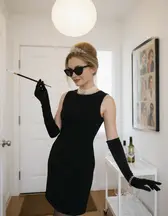
Regenerate or Fix Drift
If the face wandered, generate again or use the fix option with a short note. Keep the images you would post and drop the rest.
- 5separate images of one character on this page for you to compare
- 4steps from a new character to a checked result
- Strongconsistency is strong, not a mathematical guarantee
Same Character, Two Separate Generations
Drag the handle to compare two images of the same character. Look at the face first, then at the hair. Judge it yourself: we show no similarity score because a number would claim more than the pictures can prove.
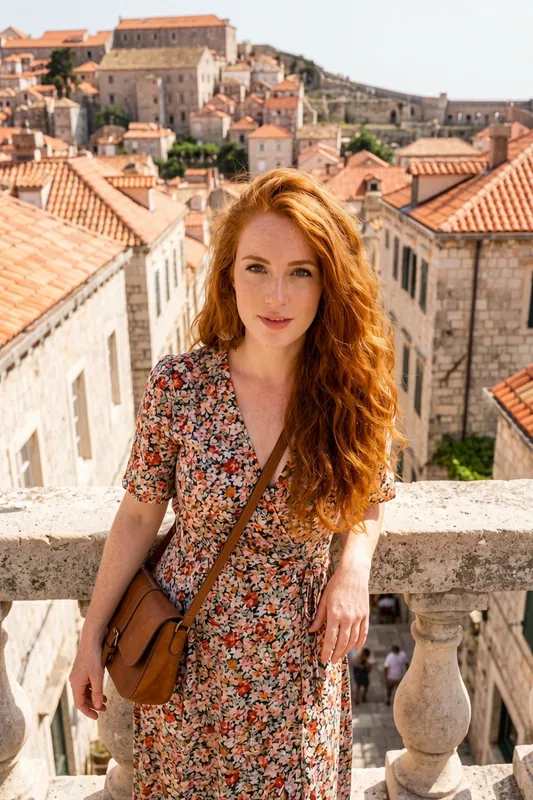
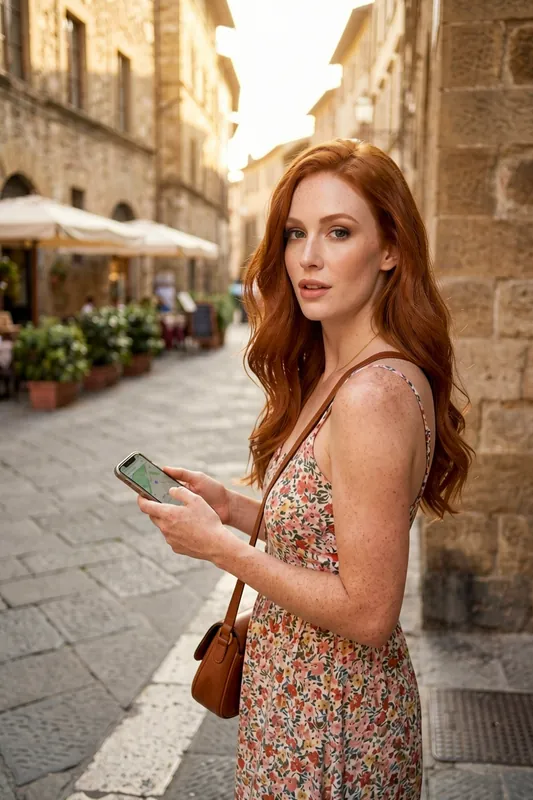
Three More Images of the Same Character
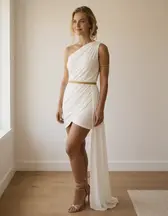
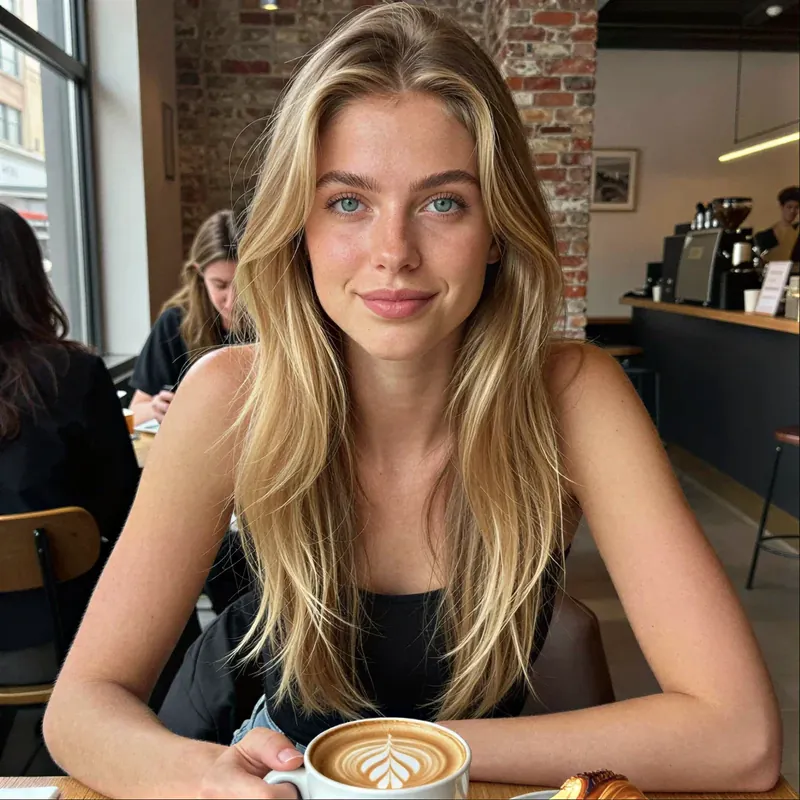
Three further separate generations from the same set, so you can compare the face again in new poses and places. The dress and the city belong to the set; the poses and places differ.
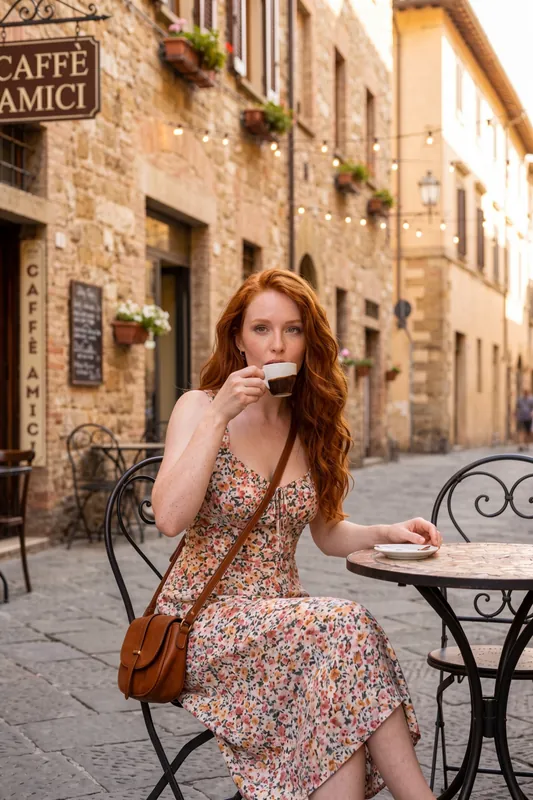
Espresso at a street table 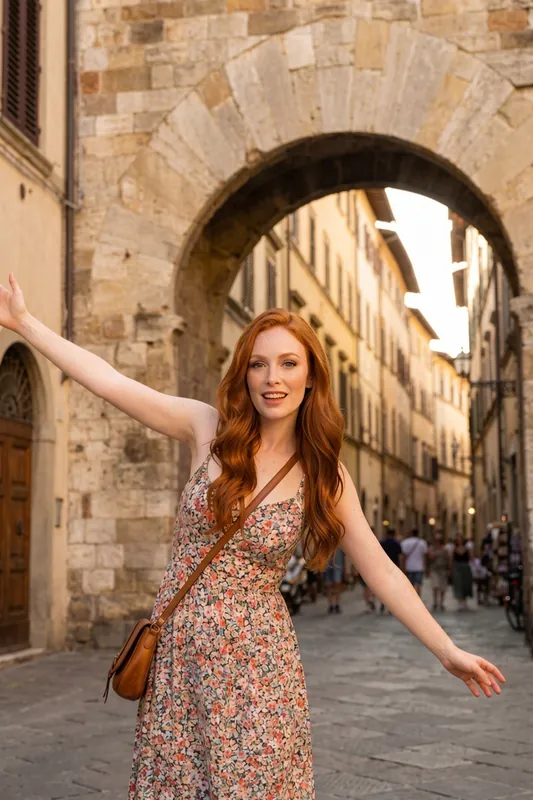
Under a stone arch 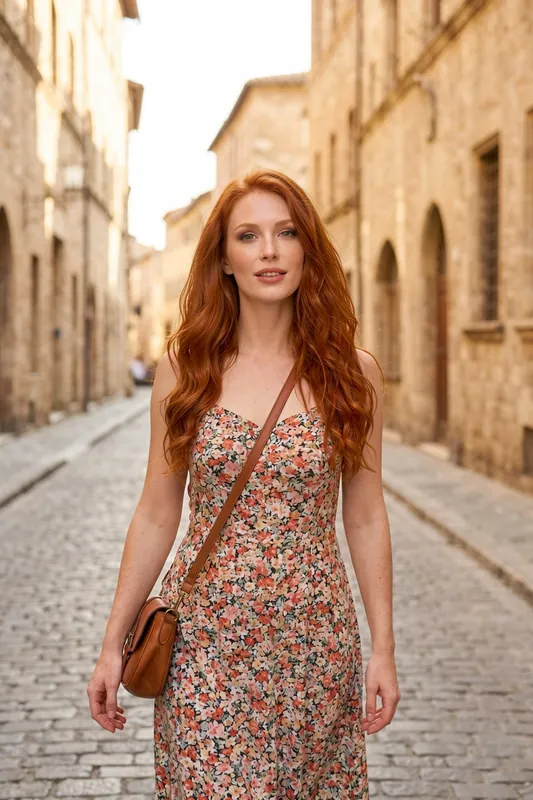
Cobbled lane at dusk
What Consistent Character AI Means, and Why Faces Drift
Consistent character AI means you get the same invented person back every time you generate, not a new face with similar hair. Most image models have no memory. Each image starts from noise and a text prompt, so "a woman with red hair" gives you a different woman on every try. A consistent AI character generator adds an identity that persists between generations.
Drift still happens, and it helps to know why. Four causes cover most cases:
- A thin description. "Red hair, green eyes" fits thousands of faces. The less your input pins down, the more the model fills in.
- Strong scene changes. Hard side light, sunglasses, a hat or a far-away full-body shot hide or shrink the face, so there is less identity to keep.
- Competing instructions. A prompt that fights the character, for example a very different age or build, pulls the face away.
- Motion. In a clip the face changes from frame to frame, so a video can drift even when the still did not.
No tool removes all of this. RYLA is built to keep a character strongly recognizable, and we call that strong, not a mathematical guarantee. That is why the workflow below includes a check and a regenerate step.
How RYLA Keeps a Character Consistent
You create the character first, either by describing the face, hair and style or from reference images, in the AI influencer generator. The character is saved in your account. Every image you generate afterwards starts from that saved identity, whether you pick a scene from the template gallery or write your own.
When a result drifts, you do not need to rebuild the character. Regenerate the image, or use the fix option and add a short note about what is wrong. Changing pose while keeping the look is partly supported: the character stays recognizable, but small details can shift. How many characters you can keep depends on the plan: one on Free, two on Basic, six on Pro and fifteen on Agency; see the plans and pricing.
One limit to be clear about: RYLA does not promise that tattoos, scars or beauty marks stay fixed from image to image. Treat anything that small as something to check on every result.
A Checklist to Keep the Same Face
These habits make the difference between a character and a lucky run of images.
- Define the face once and in detail. Age range, face shape, eyes, brows, hair length and colour, skin tone. Reuse the same wording afterwards.
- Keep a fixed core prompt. Put the identity words first, then add only the scene: place, outfit, light. Change the scene, not the person.
- Change one thing at a time. New outfit and new place and new pose in one go gives the model many ways to wander.
- Keep the face visible. Front or three-quarter views with the face at a reasonable size keep more identity than tiny full-body shots.
- Compare before you post. Put the new image next to two older ones. Eyes, nose and jaw tell you more than hair or clothes.
- Regenerate early. A drifting image rarely fixes itself with more words. Generate again, or fix it with a note.
- Recheck clips. Look at the first, middle and last second of a clip, not only the poster frame.
Each generation uses credits. An HD image costs 180 credits and a 4K image costs 360 (4K is part of the Pro plan), so change one thing per try and render only the winner in 4K.
Rules That Always Apply
RYLA creates images of fictional AI characters. Characters are adults, nothing involving minors is ever created, and no real person's likeness is used without consent. Use reference images only if they are your own or you have permission. For a wider overview of image creation, start with the AI photo generator.
A Reusable Prompt Pattern for Consistency
Keep the identity block word for word and change only the scene block. Results vary from image to image, so still check the face.
- Identity block
Woman in her late twenties, oval face, warm brown eyes, soft arched brows, shoulder-length wavy copper hair, light freckles
- Scene: cafe
[identity block], sitting at a small cafe table, cream knit sweater, soft window light, three-quarter view
- Scene: city
[identity block], walking on a cobbled street, denim jacket, golden hour, face clearly visible
- Scene: travel
[identity block], leaning on a stone railing above a harbour, linen shirt, bright morning light
- Fix note
Keep the same face as my character, the nose and jaw drifted in the last image
Consistency in Motion
Finished images can become short clips. Watch the face from the first to the last second, because motion is where drift often shows.
What a Consistent AI Character Generator Keeps, and What It Cannot
One Character, Many Images
Your character is saved in your account, so each new image starts from the same identity instead of from scratch.
Start From a Description or References
Create a character from words or from reference images. More consistent input usually gives a more consistent character.
Fix a Result That Drifted
When one image does not look like your character, regenerate it or ask for a fix with a short note instead of starting over.
Pose Changes Are Partial
You can change pose and scene and keep the look, but not pixel for pixel. Small details such as jewelry or a hand position can shift.
Reference Sheet: Face Saved Once
Your character's face is saved once and every new image starts from it, so you do not describe the face again for each picture.
From Images to Short Clips
Finished images can become short clips with the same account. Check the face in the clip as well, motion adds its own drift.
Where Consistent AI Characters Help
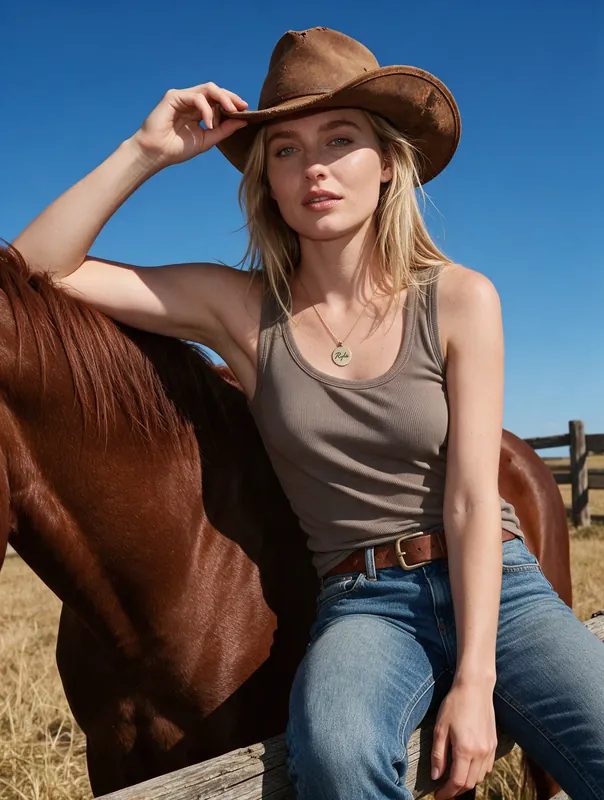
Recurring Social Characters
Post the same fictional character week after week without her face changing from one post to the next.
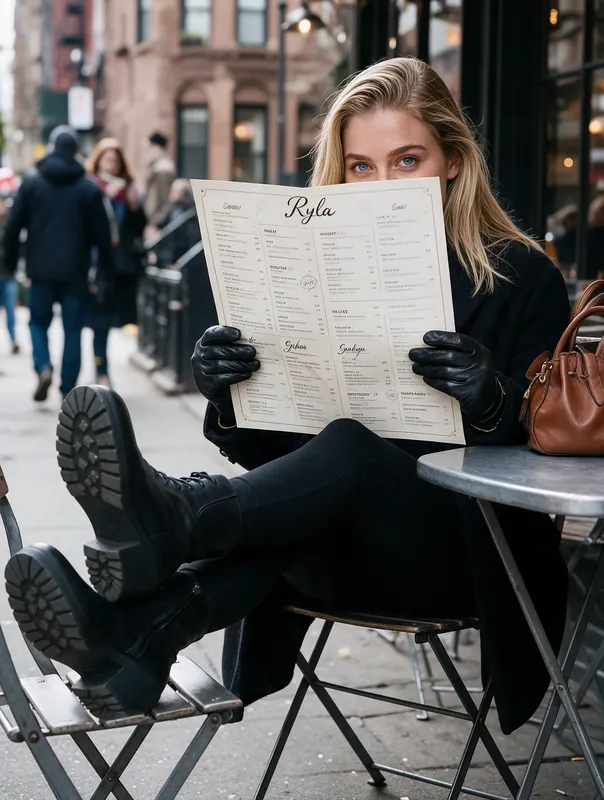
Stories, Comics and Games
Keep a lead character recognizable across scenes, costumes and locations in a story or game project.

Brand Faces and Mascots
Use one invented face across a campaign and change only styling and setting.
Lookbooks and Mood Boards
Test how one character looks in many styles before you commit to a direction.