
AI Character Generator From Photo
Use an AI character generator from photo references to build one reusable, photoreal character. Add a few clear reference photos, generate, then keep the same character across new images and short videos.
Photoreal characters, not cartoons. Your photos guide the look; the result is a new AI character that resembles them, and results vary. Use only your own photos or photos with consent. Adults only. Credit-based, not unlimited.
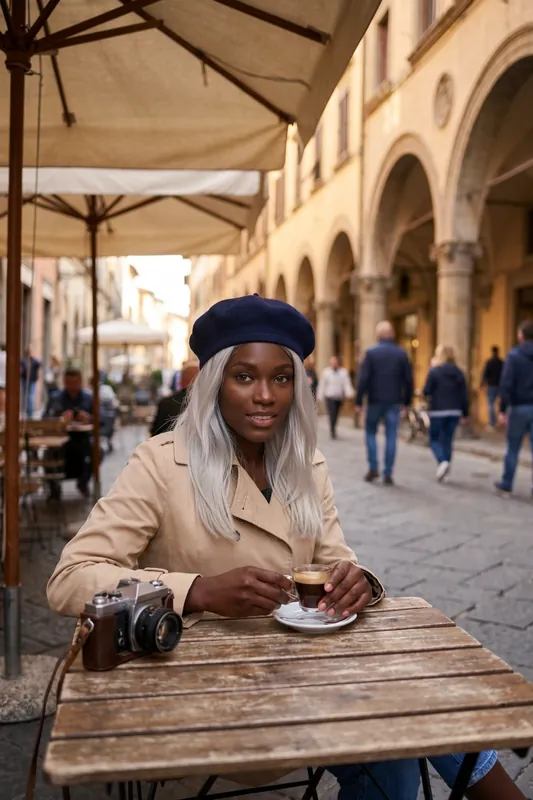
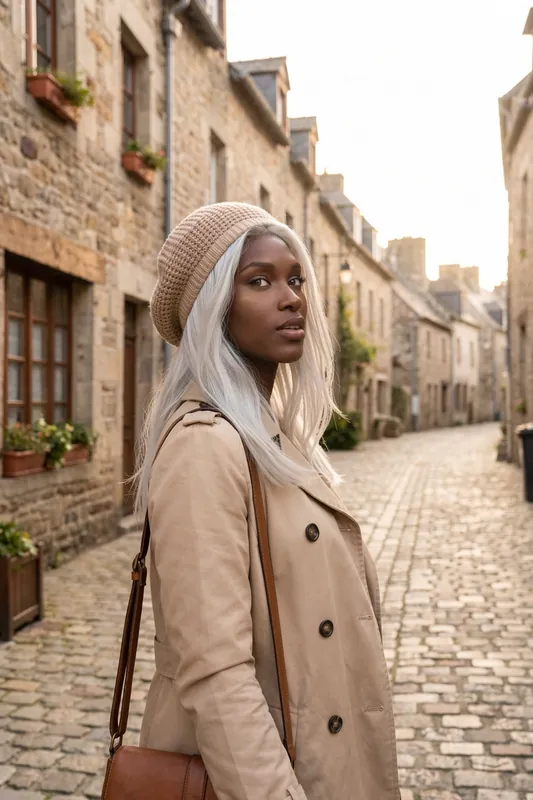
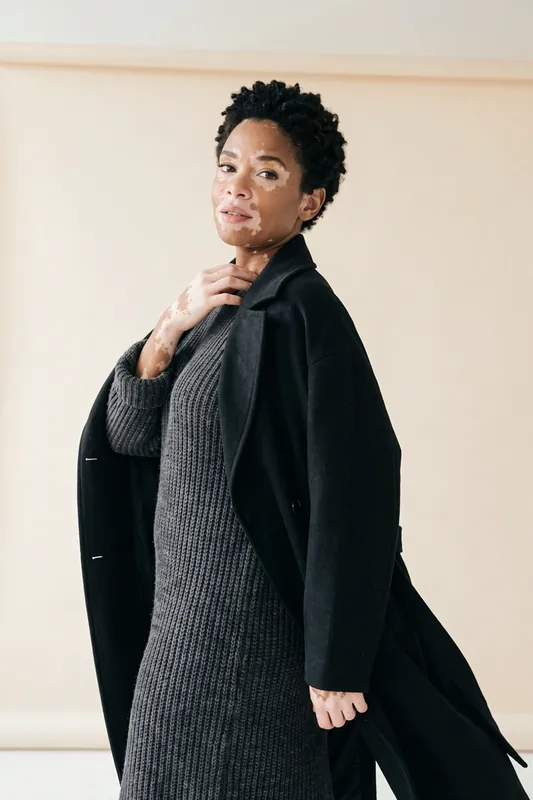
How to Create an AI Character From Photo in Four Steps
Pick Your Reference Photos
Choose clear photos you have the right to use: your own, or photos of someone who has agreed. Good light, an unobstructed face and some variety in angle help most.
Add Them When You Create the Character
In the character wizard, add the photos as references. You can also describe the character in words to guide hair, style and mood.
Generate and Check the Likeness
RYLA creates a new AI character that resembles the references. Look at the face first. If it is not close enough, adjust your photos or description and try again.
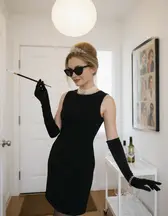
Reuse the Character Everywhere
Once you like the character, use it in Studio for new poses, outfits and scenes, and animate finished images into short clips. Every generation uses credits.
- 4steps from reference photos to a reusable character
- 1character you can reuse in images and short video
- Creditsevery generation uses credits, nothing is unlimited
One Character, Many Scenes
Four images of AI characters made with RYLA from curated template sets. Each woman keeps her face, hair and style from scene to scene, which is what a character built from references is for.
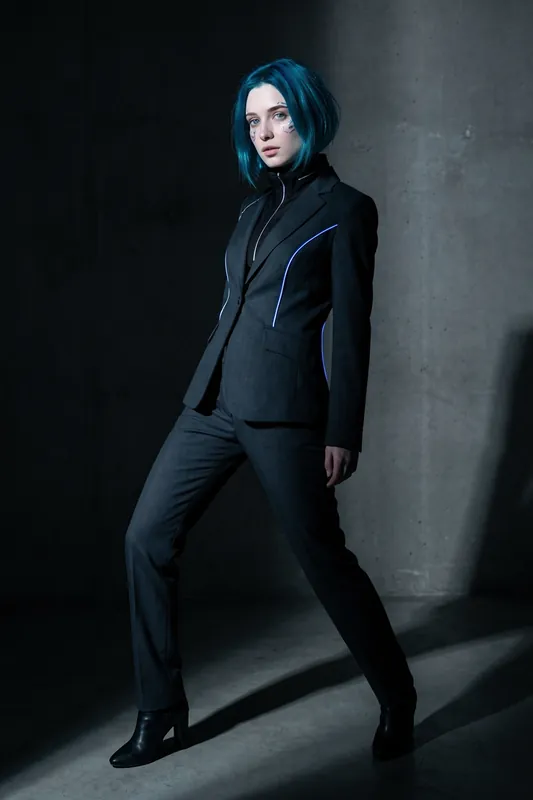
Stylized look, full length 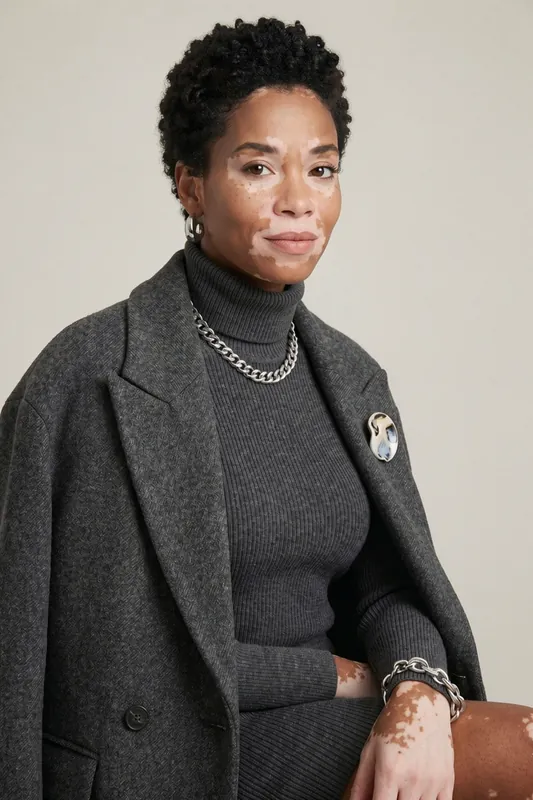
Same face, close portrait 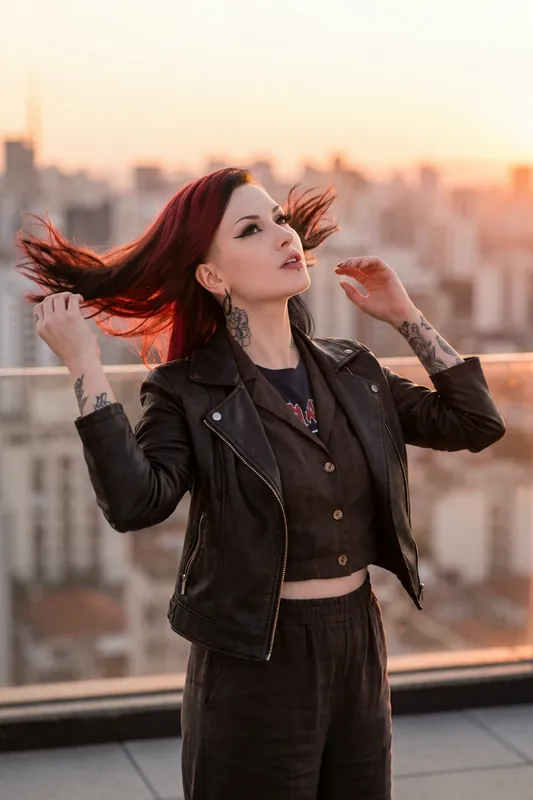
Rooftop at sunset 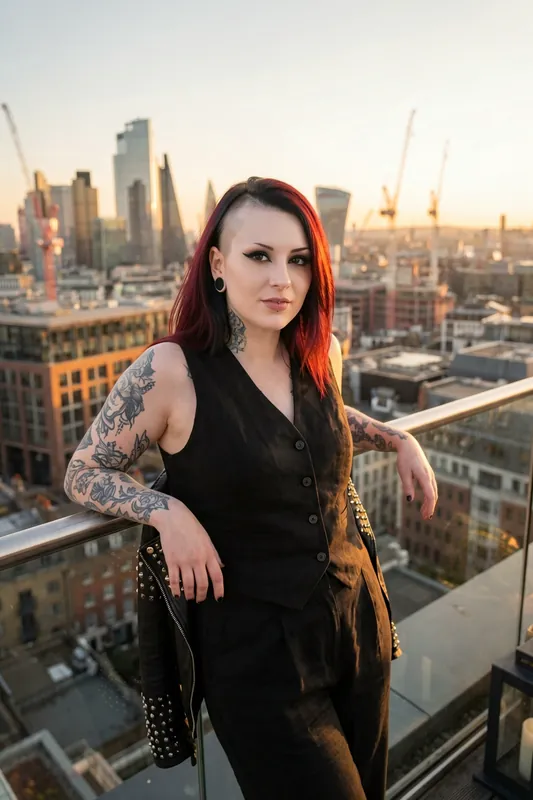
Same character, city balcony
What an AI Character Generator From Photo Does
An AI character generator from photo takes reference images and builds a character that looks like them, so you can reuse that character instead of describing a new face every time. In RYLA the character is the asset: once it exists, you place it in new scenes, outfits and poses, and you can animate finished images.
Two things are worth saying clearly. First, RYLA makes photoreal characters. If you searched for a way to turn a photo into a cartoon, an anime figure or a 3D game avatar, this is not that product. Second, the photos are references, not the output. RYLA does not edit your photo. It creates a new AI character that resembles the references, so the result will not be pixel-identical to any one of them, and two attempts can come out a little differently.
What Your Reference Photos Influence
References shape appearance: the general face structure, hair colour and length, skin tone and the overall impression. They do not decide the clothes you will see later, the places or the poses; those come from your description, a template or the scene you choose in Studio.
They also do not turn the character into a documented copy of a person. That is deliberate. We recommend a fictional character, and we only allow your own photos or photos of someone who has given consent. No real person's likeness is used without consent, and every character is an adult. If you want a character that is clearly not you, start from a loose reference and lean on the description for the rest.
How to Choose Good Reference Photos
The quality of the character follows the quality of the references. A few well chosen photos beat a large pile of weak ones. Here is what helps and what hurts.
Do
- Show the face clearly. Sharp, front-lit, nothing covering the eyes or mouth.
- Vary the angle. One straight-on photo plus one or two slightly turned ones give the model more to work with than three identical shots.
- Use natural, even light. Daylight near a window beats a harsh flash or deep shadow.
- Keep one person per photo. The model should never have to guess which face you mean.
- Match the look you want. If you want long hair in the character, do not mix in photos with a hat pulled low.
Do not
- Use heavy filters or beauty effects. They change the face the model learns from.
- Use sunglasses, masks or strong shadows across the face.
- Use tiny, blurry or heavily compressed images. Details disappear and the likeness drifts.
- Mix several different people in one set. The character will blend them.
- Upload photos you do not have the right to use. That includes anyone who has not agreed.
Keeping the Character Consistent Afterwards
Once the character exists, the aim is to keep the same face while you change everything around it. Change one thing at a time: the outfit, then the setting, then the pose. If you change all three at once and the face drifts, you cannot tell why.
Check the face on every result and regenerate when it moves away from what you want. Consistency across images is strong, but it is not a mathematical guarantee, and a few images in a batch will always be weaker. Pick the best, drop the rest. You can start with a template from the template gallery to see the character in a ready-made scene, or read how the AI influencer generator turns a character into a regular content feed. For a wider look at image creation, see the AI photo generator.
Cost, Limits and Rules That Always Apply
RYLA is credit-based and not unlimited. Creating and generating uses credits, and how many characters you can hold depends on your plan: the Free plan includes one character, Basic two, Pro six and Agency fifteen. See the plans and pricing for the current credit amounts before you start. An HD image costs 180 credits and a 4K image 360; 4K is part of the Pro plan. Change one thing per try and render only the winner in 4K.
Rules that never change: characters are adults, nothing involving minors is ever created, and no real person's likeness is used without consent. Generated images are AI-made and are best labelled as such when you publish them.
The Same Character in Motion
A finished image of your character can become a short clip. This one walks the same woman from the leather-jacket look down a cobblestone street.
What Your Photos Influence and What They Do Not
Photos Guide the Look
Reference photos influence appearance: face shape, hair, skin tone and overall look. They are guidance for a new character, not a file RYLA edits.
A New Character, Not a Copy
The result is a new AI character that resembles your references. It will not be identical to a photo, and two tries can differ. Treat the first result as a draft.
Photoreal, Not Cartoon
RYLA makes realistic characters. If you want a cartoon, anime or 3D game figure from a photo, this is the wrong tool and we would rather say so up front.
Consistent Across Images
After creation, the character stays recognizable in new scenes, outfits and poses. Consistency is strong, not a mathematical guarantee, so check each result.
Describe to Fill the Gaps
Combine photos with words. A description can set the style, setting and mood that a plain portrait photo does not carry.
From Still to Short Video
Turn finished images of your character into short clips with the same account. The clip on this page walks the same character down a street.
Where an AI Character From Photo Helps
A Face for a Content Account
Build one recognizable character and post new images of it regularly instead of starting from scratch every time.
A Fictional Version of Your Own Look
Use your own photos as a starting point for a stylized character that is clearly not you, for a persona or a pen-name brand.
Story, Game and Fan Projects
Give a fictional hero or narrator a consistent face from a handful of references, then place them in many scenes.
Brand Mascots
Design a fictional brand character, or build one from photos of a person who agreed in writing, and keep the same face across campaign visuals. Check the terms of service before using generated images commercially.