
AI Background Changer for Your AI Character
Put the character you built into a new place. Describe the scene or pick a template, keep the same face and generate a fresh image in HD or 4K (4K on Pro).
Not a cut-out or background remover: RYLA Studio has no one-click cut-out tool and does not edit an uploaded photo. A new background is a new generated image, so light and small details can shift. Credit-based. For fictional AI characters only.
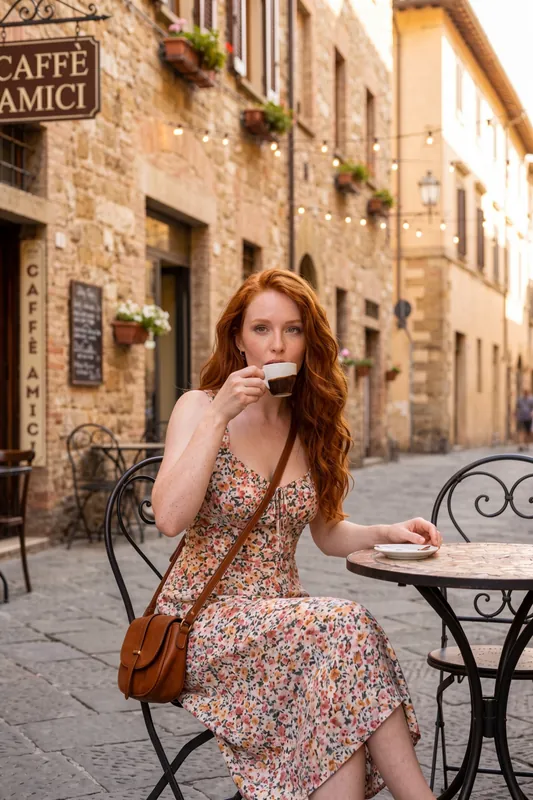
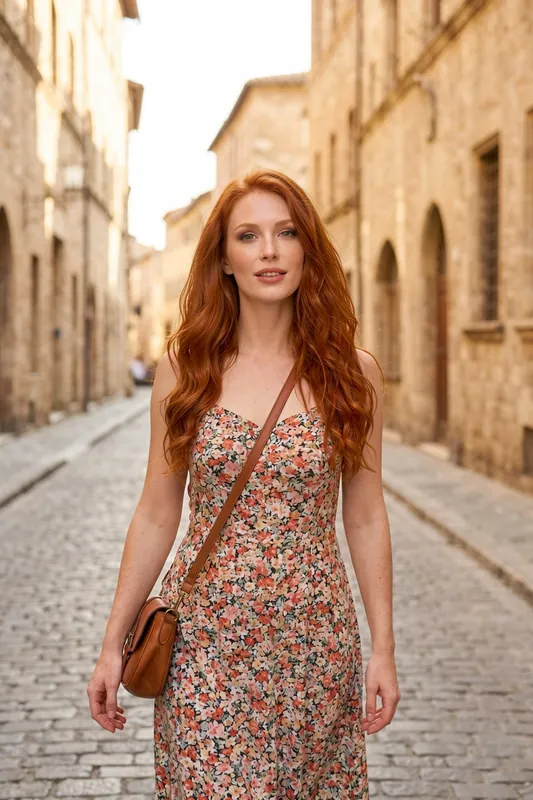
Before and After: One Character, Two Scenes
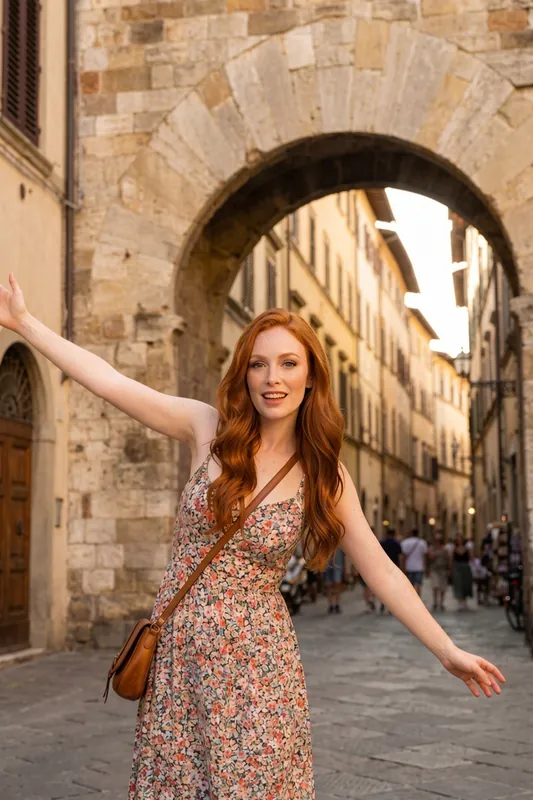
Drag the handle to compare the same character in two places. It is a new image each time, so the pose differs a little while the character, the dress and the bag stay recognizable.
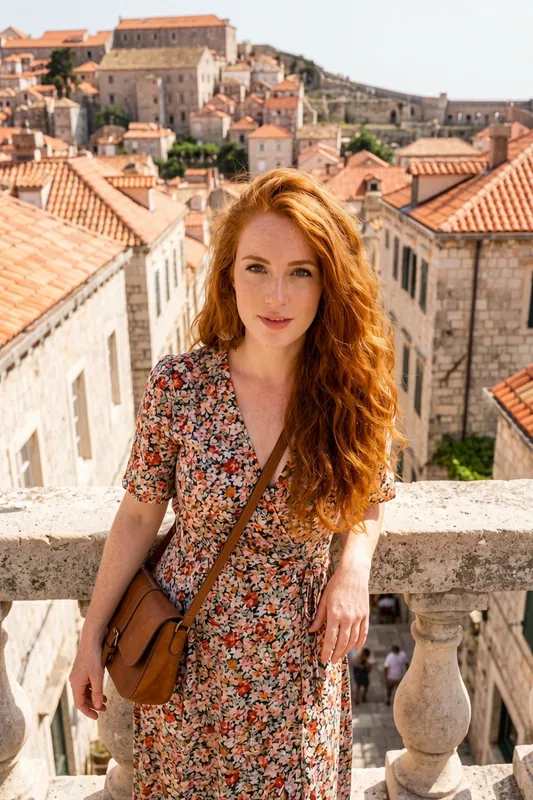
Example Scene Prompts to Start With
Copy one, swap the details and generate. Results vary from image to image.
- Old town
Narrow cobbled lane in a European old town, warm evening light, stone walls, soft depth of field
- Rooftop
Rooftop terrace overlooking red city rooftops at sunset, stone balustrade, warm golden light
- Clean studio
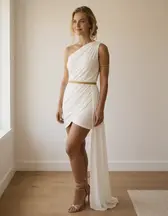
Plain white studio backdrop, soft even light, full body, no props
- Cafe
Small street cafe with a round table and an espresso, morning light, quiet street
- Autumn park
Park path covered in fallen leaves, overcast soft light, trees in warm autumn colours
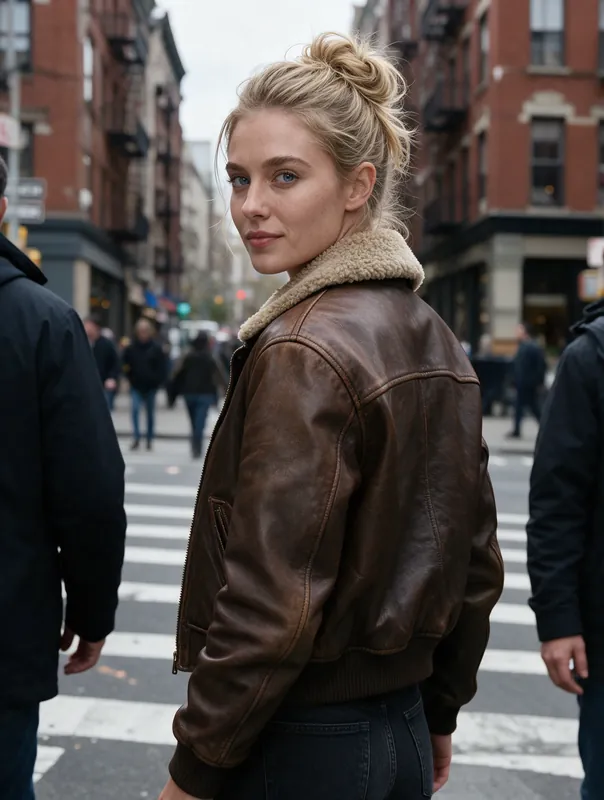
- City crossing
City street crosswalk in daylight, buildings in the background, natural street light
How to Change a Background With AI in Four Steps
Pick Your Character
Open a character you already created in RYLA, or build one by describing the face, hair and style.
Describe the New Scene
Write where the character should be, for example a rooftop terrace at sunset, a quiet cobbled lane or a plain white studio. You can also start from a template scene.
Generate
Pick HD or 4K and generate. RYLA creates a new image of the same character in the new place.
Compare and Refine
Keep the best result, or change one detail such as the time of day or the street and generate again. Every try is a new generation and uses credits.
- 2quality tiers: HD and 4K
- 4steps from your character to a new background
- Creditsevery generation uses credits, so plan your tries
One Character in Many Places
Six scenes of AI characters made with RYLA from curated template sets. Apply a template to your character and it appears in the scene of the template.
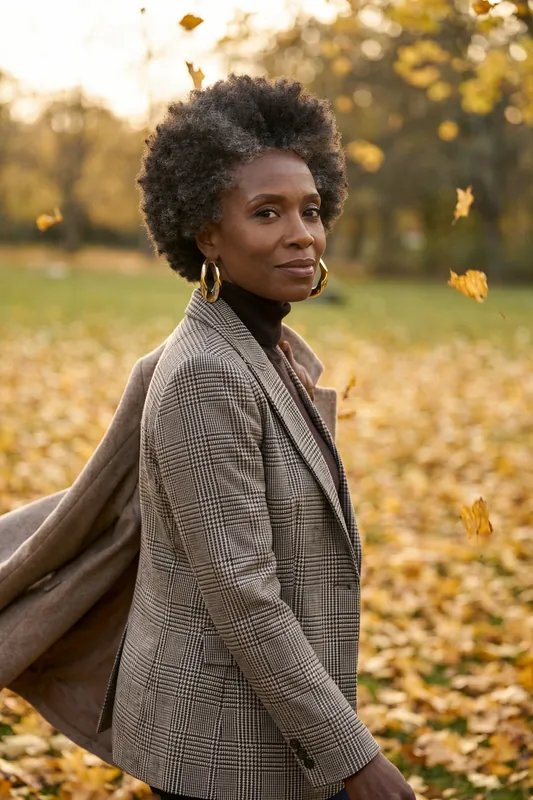
Autumn park path 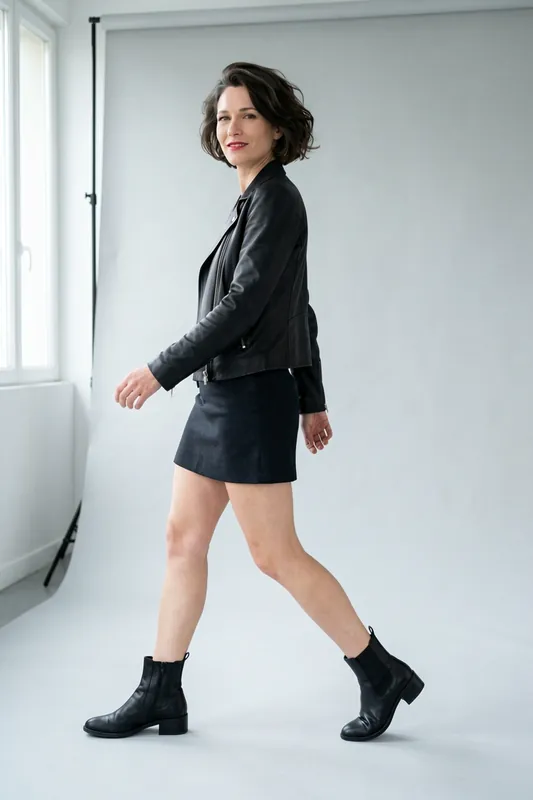
Plain white studio 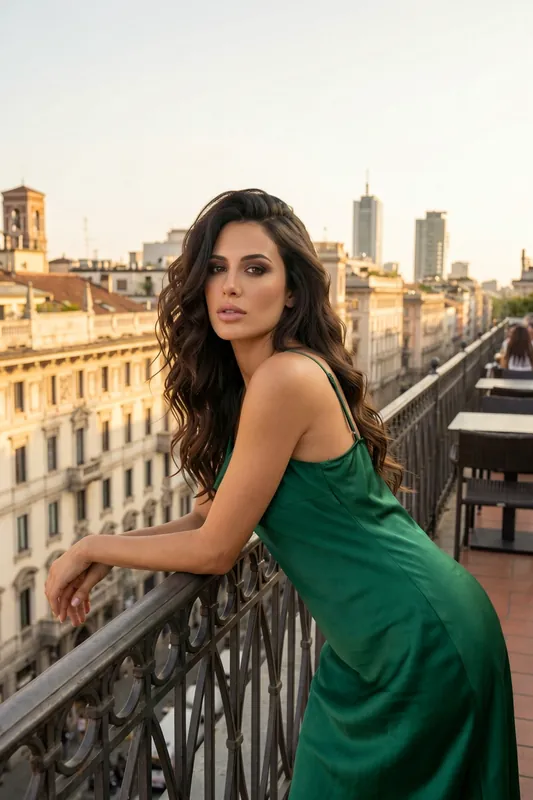
City balcony 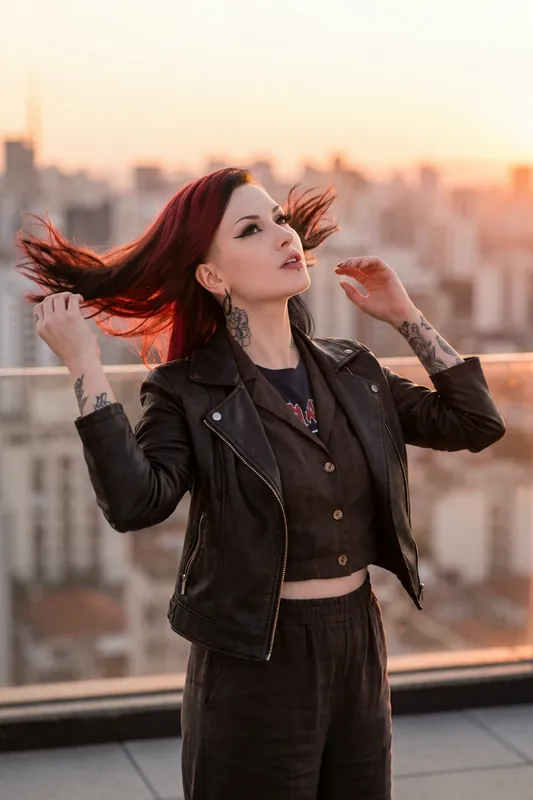
Rooftop at sunset 
Arched cafe window 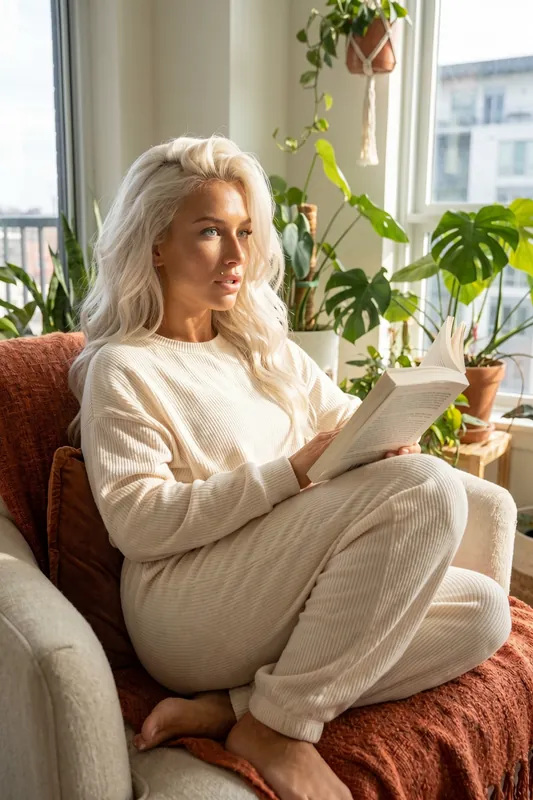
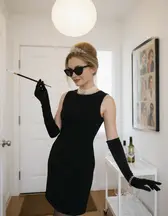
Living room with plants
Background Changer or Scene Generator: Which One Do You Need?
Search for a background changer and you get two kinds of tool. A photo editor takes the picture you already have, separates the person from the backdrop and lets you drop in a new one, or none at all. A scene generator takes a description and draws a fresh picture in which the subject already stands in the new place. RYLA is a scene generator for fictional AI characters that you design.
The difference matters before you spend credits. RYLA Studio has no one-click cut-out tool, no layer export and no pixel-exact edit of a photo you upload. You get a new image, and the lighting or a small detail may differ from one try to the next. If you need a clean cut-out of a product photo, a dedicated background remover is the right tool. If you want a character you own to show up in a believable new place, keep reading.
Change Background AI Without a Cut-Out: How RYLA Does It
Start with a character, either one from the AI influencer generator or a new one, then write the place in your own words. Templates can set a scene for you too; browse the template gallery and apply one to your character.
Scene control is partly supported today. Say what you want and RYLA usually follows it, but there is no dedicated masking tool that locks everything except the backdrop, so treat every result as a new image. What you gain is a match between figure and place: the shadow under the feet, the colour of the light on the face and the depth of field are drawn together, which a pasted cut-out rarely manages. You also need no source photo, which makes the method work as an AI scene generator.
The face holds up well between scenes. Look at each result and generate again when the face drifts.
Writing a Scene: Place, Light, Time of Day
A model cannot use "nice background". It can use "narrow cobbled lane in an old town, warm evening light, shallow depth of field". Build the scene from four parts.
- Place. City street, quiet cafe, rooftop terrace, beach path, plain studio.
- Light and time. Golden hour, overcast morning, neon night. Light decides how real a place feels.
- Crowd. An empty lane and a busy market tell very different stories.
- Lens feel. Wide and airy, or close with a blurred backdrop.
Keep the character and the clothes unchanged and vary only the place, and you can see what the backdrop alone does. A plain studio is a scene like any other, for example "plain white studio backdrop, soft even light". Because every try costs credits, change one element per try and only render the winner in 4K.
Free Tools, Apps and Where RYLA Fits
Searches for a free AI background changer or a background changer app mostly lead to photo cut-out editors, some free within limits. RYLA is not free: every image uses credits and what you can try depends on your plan. The plans and pricing page lists the current options.
RYLA fits when the subject is a character you own and you want many images of it in many places. It does not fit when you must swap the backdrop of an existing photo of a real person. Characters are fictional adults, no real person's likeness is used without consent and nothing involving minors is ever created. For a wider look at image creation, start with the AI photo generator.
What the AI Background Changer Keeps and What It Changes
Same Character, New Place
The face and the overall look of your character carry over, so a new background does not mean a new person. Consistency is strong, not a mathematical guarantee.
A New Image, Not a Cut-Out
RYLA draws the whole picture again with the new scene. Nothing is cut out and pasted, so pose, light and small details such as jewelry can shift a little.
Light That Fits the Place
Because the scene is generated with the character, the light, shadows and colours are drawn together. A sunset terrace gets warm light, an overcast lane gets soft light.
Templates as Scene Starting Points
The template gallery has ready-made scenes for many places and moods. Apply one to your character and see how it fits.
HD and 4K Quality Tiers
Generate in HD (180 credits per image) and render your best shots in 4K (360 credits, Pro plan).
Honest Limits
RYLA Studio has no one-click cut-out tool and no layer export, and an uploaded photo is not edited pixel by pixel. For those jobs, use a background remover and a photo editor.
Where an AI Background Changer Helps
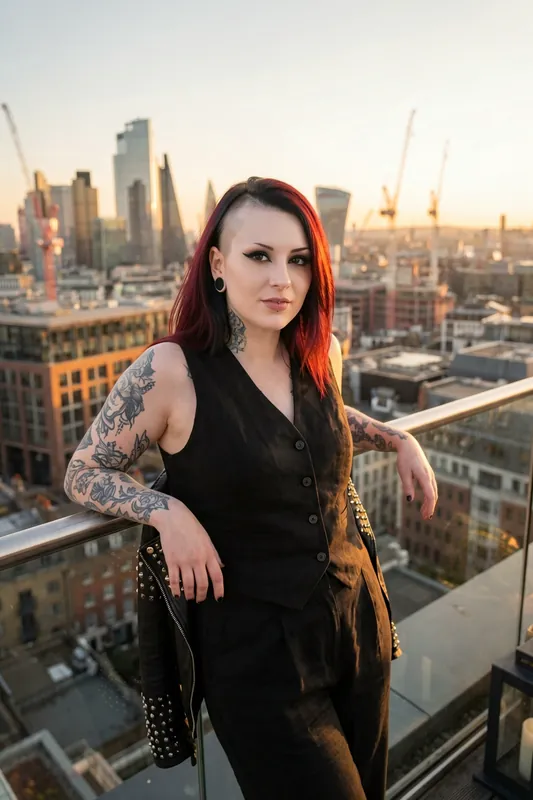
Travel and Location Content
Show the same character in different cities and settings for a feed or a story without booking a single trip.
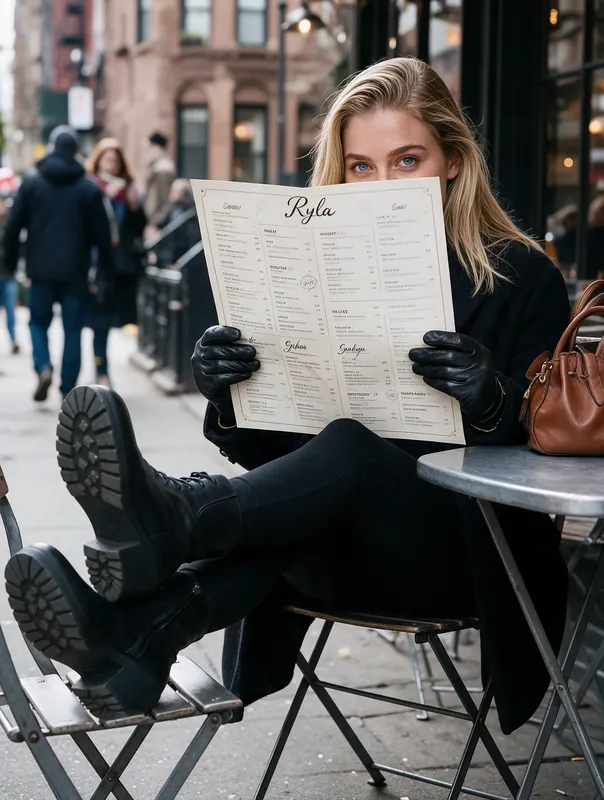
Content Calendars
Vary the setting from post to post so a feed does not repeat one wall or one room for weeks.
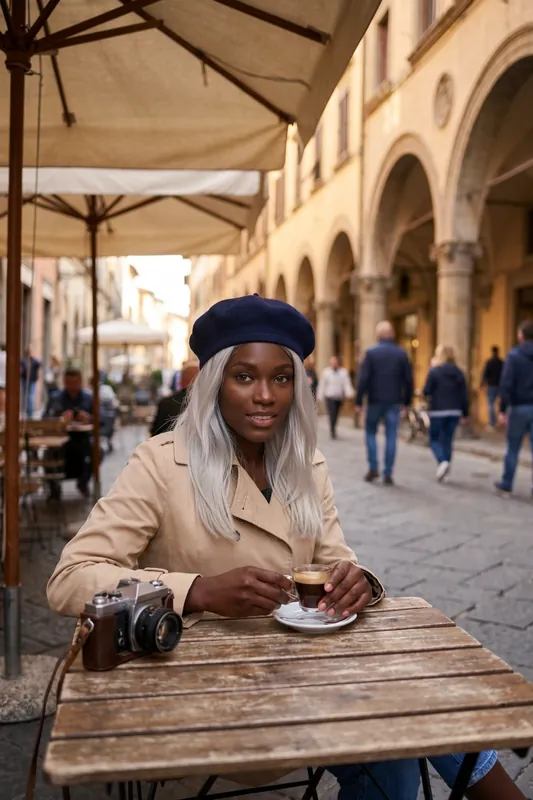
Mood Boards and Concept Art
Try a character in several worlds, from an old town to a clean studio, to find the right look before you commit.
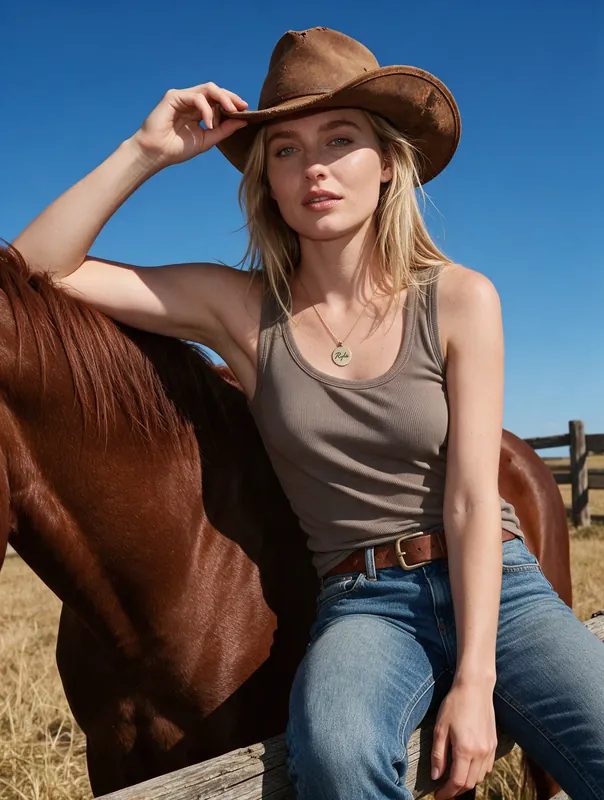
Stories, Games and Brand Faces
Place a recurring character in the scenes of a story, a game or a campaign while the face stays recognizable.