
AI Selfie Generator for Your AI Character
Create natural, phone-style selfies of an AI character you designed. Choose a selfie pose and the lighting, keep the same face from shot to shot and generate in HD or 4K (4K on Pro).
These are selfies of your AI character, not a filter for your own face. Credit-based; the free plan includes 500 credits, about 2 HD images. Fictional adult characters only.
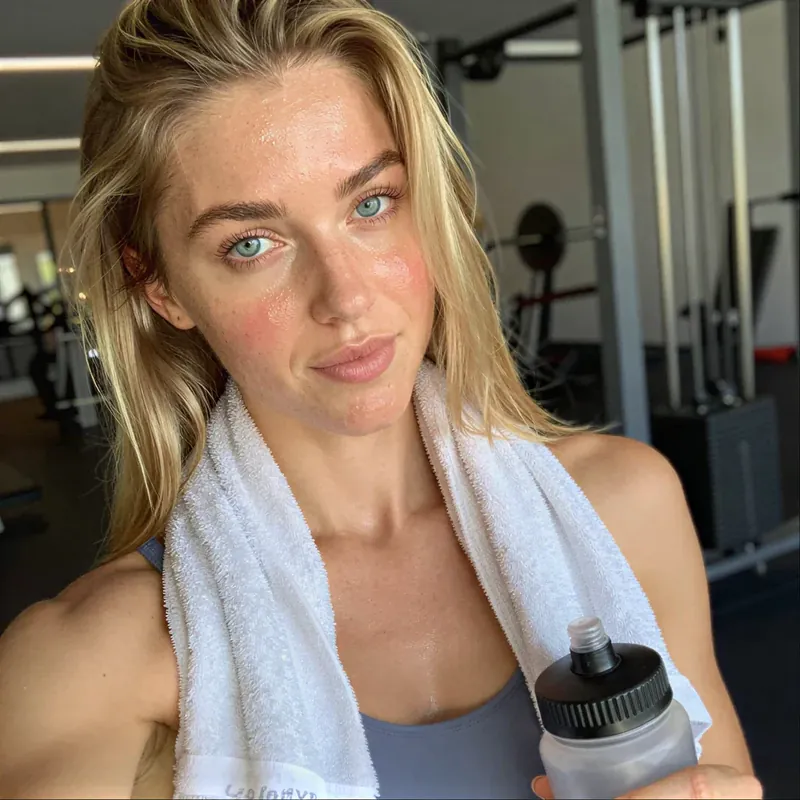
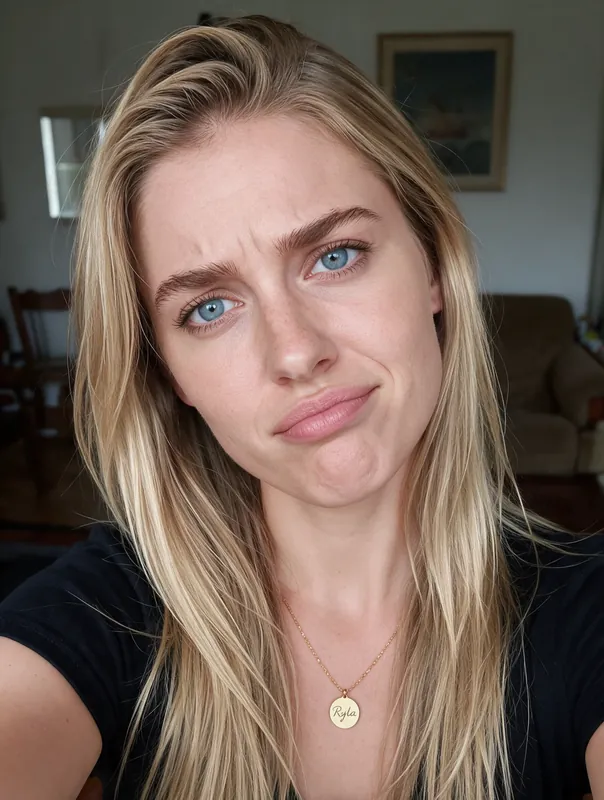
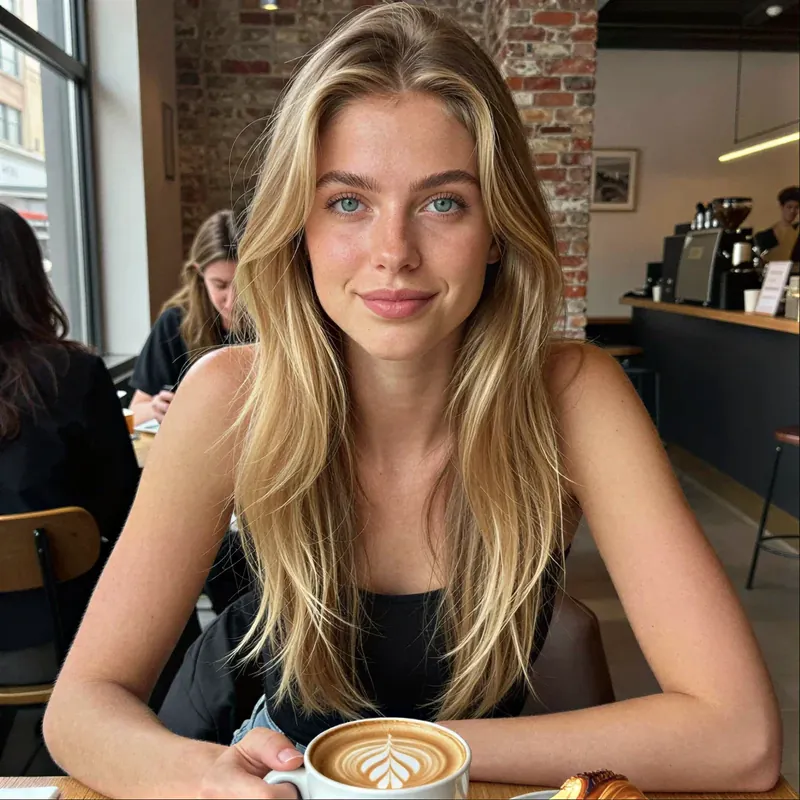
How to Make an AI Selfie in Four Steps
Choose Your Character
Open a character you already made in RYLA or create a new one by describing the face, hair and style.
Pick the Selfie Look
Select the natural selfie pose and a lighting preset in Studio, such as soft daylight by a window. Add a short scene line, for example a car seat, a cafe table or a gym mirror.
Generate the Selfie
Pick HD or 4K (4K is on Pro) and generate. RYLA creates a new selfie-style image of the same character.
Keep, Tweak, Repeat
Keep the best frame or change one detail such as the expression or the background, and generate again. Every try is a new generation and uses credits.
- 2quality tiers for selfies: HD and 4K
- 4steps from character to finished selfie
- 500credits on the free plan, about 2 HD images to try it first
AI Selfie Examples: Casual Moments of AI Characters
Four images of AI characters made with RYLA, shown beyond the opening images: a car selfie, a cafe window and a quiet portrait in warm light. All are generated images, not photos of real people.
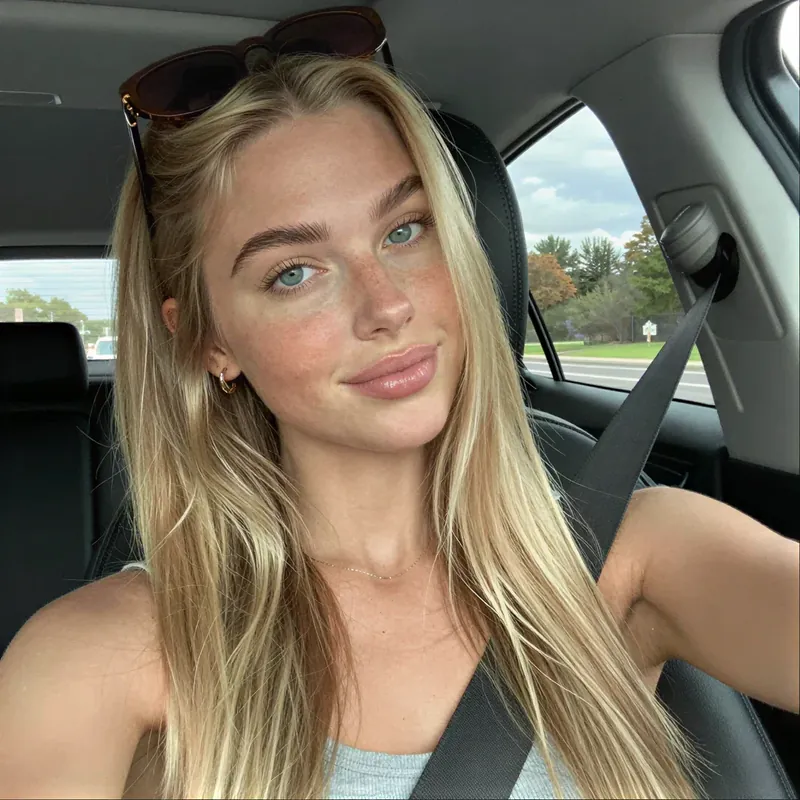
Car selfie in daylight 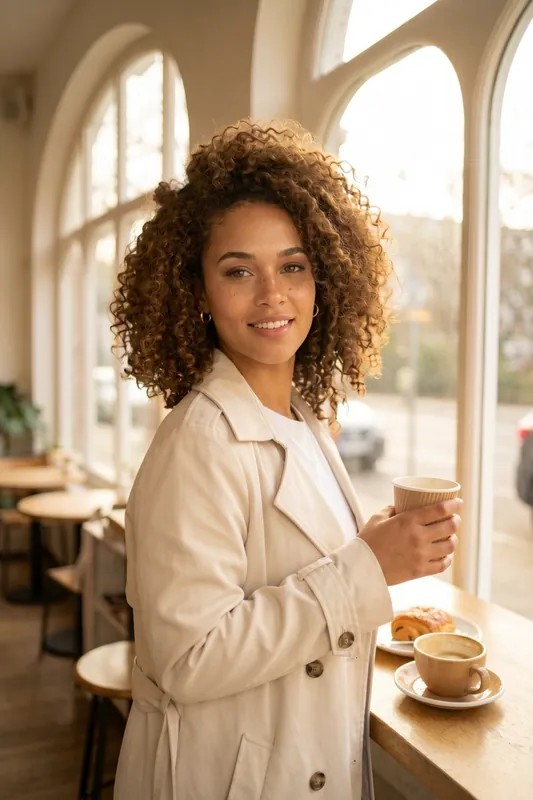
Standing by the cafe window 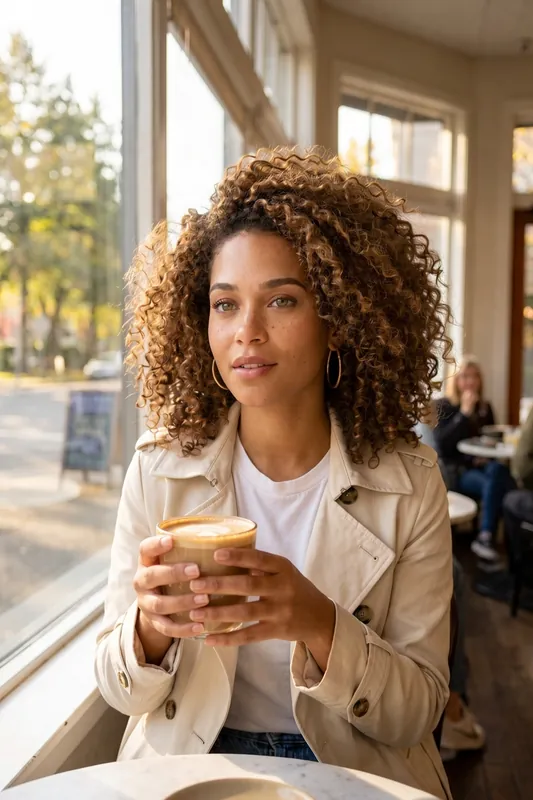
The same character, seated 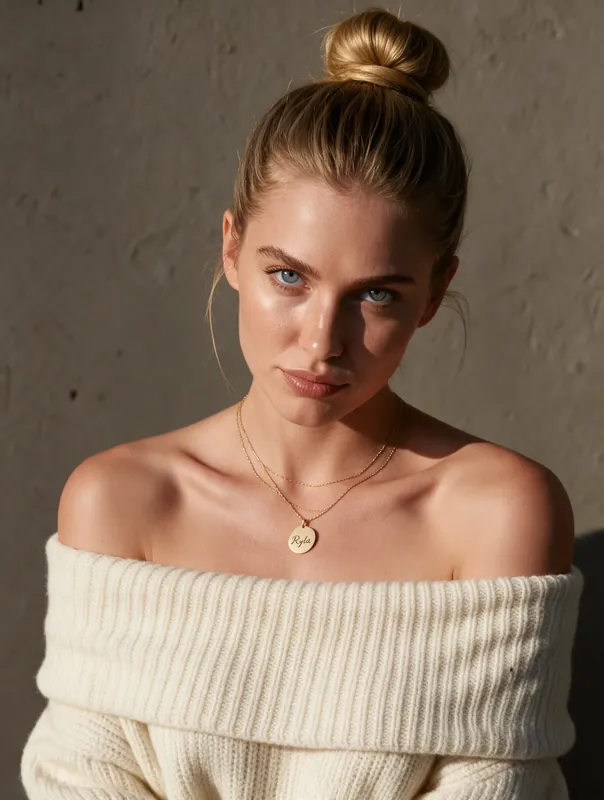
Warm light, knit sweater
What an AI Selfie Generator Does
An AI selfie generator creates an image that looks like a selfie: a person close to the lens, a slightly off-centre frame, everyday light and a relaxed face. No phone, no mirror and no photoshoot are needed. You describe the moment and an image model draws it.
The search term covers two different tools, and it helps to know which one you want. The first kind takes your own photo and restyles it, for example a filter, a new background or a stylised look. The second kind creates new selfie-style pictures of a character. RYLA is the second kind. You build an AI character, and RYLA makes selfies of that character. It does not apply a filter to your own face.
If you want your character to resemble you, you can build it from your own reference photos. Use only your own photos, and only if you are an adult. That is a setup step for the character; this page is about the selfies you make afterwards.
How RYLA Makes an AI Generated Selfie Look Like a Selfie
A selfie has a handful of tells, and Studio has presets for the main ones. The natural selfie pose gives the arm's-length framing, the slightly raised camera and the casual head tilt. The matching lighting preset keeps the light soft and believable, such as daylight from a window instead of studio flash.
You then add the scene. Start from a character you made in the AI influencer generator, choose the selfie look, and write one line about where the character is. RYLA generates a new image and keeps the face recognizable. Consistency is strong, not a mathematical guarantee, so look at the face on each result and regenerate any frame where it has drifted.
Be realistic about the output. This is a generated image, not a camera file. Hands, small text on signs and jewellery are the usual weak spots. If one detail is wrong, change the description a little and generate again. For a wider overview of image creation, see the AI photo generator.
Tips for a More Realistic AI Selfie
People read a picture as a selfie because of small, imperfect details. Perfectly lit, perfectly centred images feel like ads. Aim for the opposite.
- Choose an ordinary place. A car seat, a kitchen, a gym corner or a cafe table beat an empty studio.
- Use daylight. Window light or an overcast street gives skin a natural look. Hard flash looks staged.
- Keep the expression relaxed. A half smile, a squint or a funny face reads as real. A fixed model smile does not.
- Add one prop. A coffee, a towel, sunglasses on the head or a seat belt tells a small story.
- Vary one detail at a time. Swap only the place, then only the light. That way you learn which words actually move the result.
- Spend 4K on keepers. HD is enough to judge a selfie; render a favourite in 4K (Pro) only when you plan to post it large.
The prompts below are a starting point; expect to refine the first result.
Is There a Free AI Selfie Generator? Credits and Limits
RYLA is credit-based. Every generation uses credits, and the amount depends on the quality tier. The free plan includes 500 credits so you can try the workflow; one HD image costs 180 credits, so the free credits cover about 2 HD selfies. Paid plans add more credits and characters. See the plans and pricing for the current numbers before you start.
Two limits matter. First, nothing here is meant for editing photos of other people, and no real person's likeness is used without consent. Second, RYLA creates images of fictional adult characters only; nothing involving minors is ever created. If you post AI selfies, label them as AI where the platform asks for it. Check the terms of service before using generated images commercially.
Example AI Selfie Prompts to Start With
Copy one, swap the place and the details, and generate. Results vary from image to image.
- Morning kitchen
Selfie at arm length, messy bun, oversized grey sweater, mug in hand, kitchen counter, soft morning window light
- Car selfie
Selfie from the driver seat, sunglasses pushed up in the hair, seat belt on, relaxed half smile, daylight through the windshield
- Gym mirror
Close-up selfie after a workout, white towel around the neck, water bottle, light sweat, bright gym light
- Cafe table
Selfie across a small cafe table, latte and croissant, long hair, warm smile, natural light from a side window
- Golden hour walk
Selfie on a city street at golden hour, light jacket, squinting slightly, low sun from behind, blurred background
- Silly face
Living room selfie in a black t-shirt, scrunched wry expression, tilted head, casual lamp light
From a Still Portrait to a Moving Clip
A finished image can become a short clip. This one starts from a still portrait and ends as a few seconds of motion.
What Makes an AI Generated Selfie Look Natural
Selfie Pose and Lighting Presets
Studio has a natural selfie pose and matching lighting, so the arm length, the slight angle and the casual framing look like a phone shot and not like a studio portrait.
The Same Face in Every Selfie
Your character keeps a recognizable face across cars, cafes and gyms. Consistency is strong, not a mathematical guarantee, so check each result and regenerate when the face drifts.
A Real Photo Feel Without a Phone
Everyday settings, natural light and relaxed expressions make the images read as casual snapshots. They are generated images, and small details such as hands can still be off.
Describe the Moment
Write the place, the time of day and the mood. A short, concrete line such as "morning light, kitchen, mug in hand" works better than a vague style word.
HD and 4K Quality
HD costs 180 credits per image and is the right choice for most selfies. Render your best shots in 4K, which costs 360 credits and is part of the Pro plan.
From Selfie to Short Clip
Turn a finished selfie into a short moving clip with the same account. The clip on this page starts from a still portrait.
Where an AI Selfie Generator Helps
Social Feeds That Feel Casual
Fill a content calendar with relaxed, everyday selfies of one character instead of only polished shots.
Creator and Persona Accounts
Give a fictional creator a daily life: morning coffee, a drive, a workout, a night out. Label the account as AI where the platform asks for it.
Stories, Games and Fan Projects
Show a character as a snapshot from their own phone to make a story or a game world feel lived in.
Mockups and Concept Tests
Test how a persona looks in casual photos before you build a brand around it or plan a real shoot.