
AI Pose Changer: A New Pose for Your Character
Your AI pose changer and pose generator in one place. Show the character you built sitting, leaning or walking, keep Face consistency on so the look carries over, then pick HD or 4K.
Every render uses credits. A new pose is a new image, so the result varies from try to try. For fictional AI characters only, never for photos of real people.
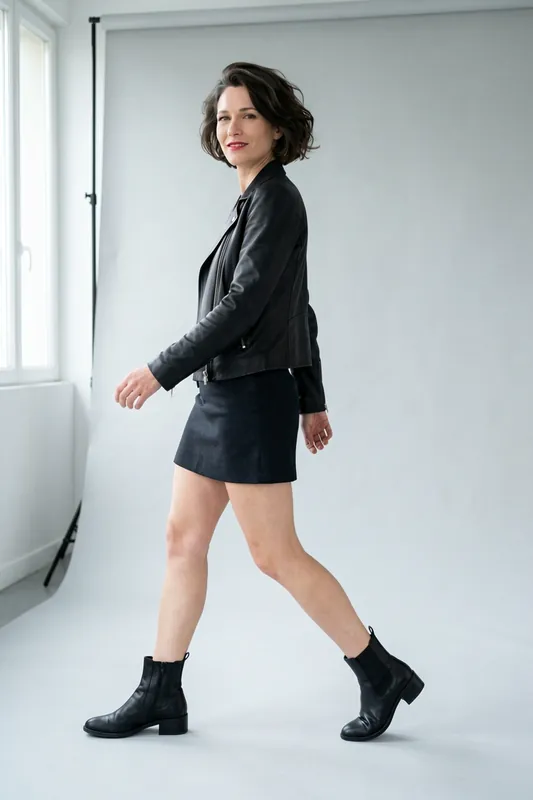
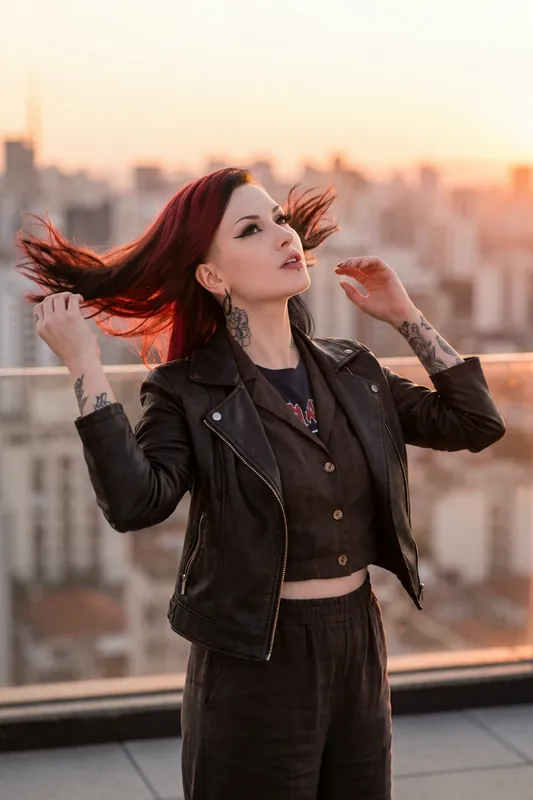
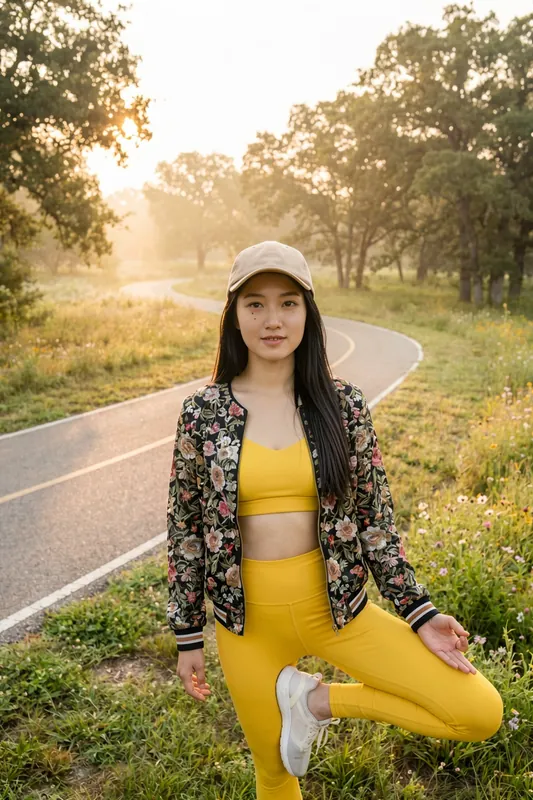
Standing or Seated: One Character, Two Poses
Move the divider to set the standing frame against the seated one. Each is a separate render, so the crop shifts a little while the character stays recognizable.
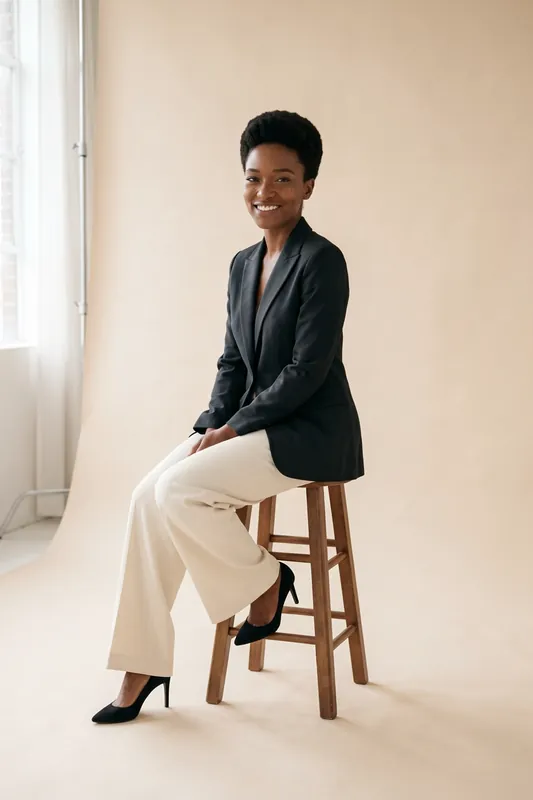
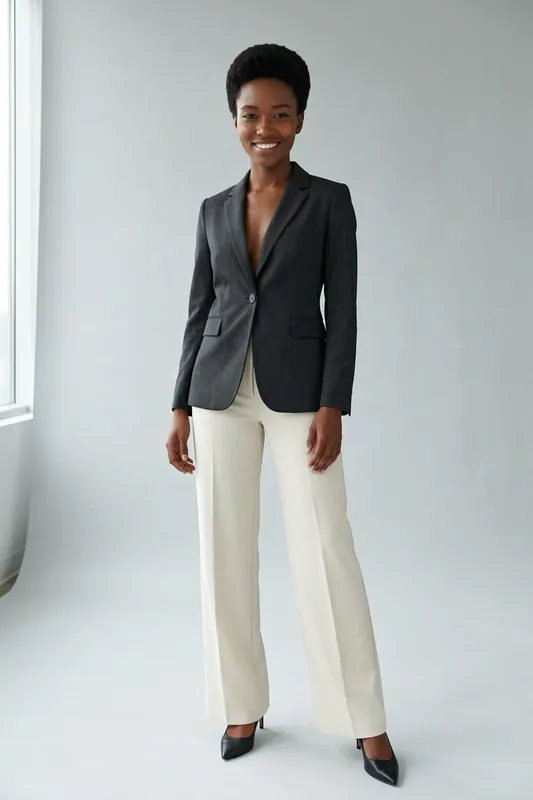
Example Pose Prompts to Start With
Copy one, swap the place and the details, and generate. Results vary from image to image.
- Seated
Sitting on a wooden stool, one leg crossed over the other, hands resting on the knee, looking at the camera, bright studio
- Leaning
Leaning forward on a stone balustrade, arms folded on top, looking out over red rooftops, full length from the side
- Walking
Mid-step on a cobblestone street, one hand holding a phone, looking down at the screen, shot from the front
- Open arms
Standing under a stone arch with both arms spread wide, head tilted up, laughing, soft daylight
- Cafe
Sitting at a small street cafe table, reading a menu, one boot resting on the spare chair, waist-up framing
- Over the shoulder
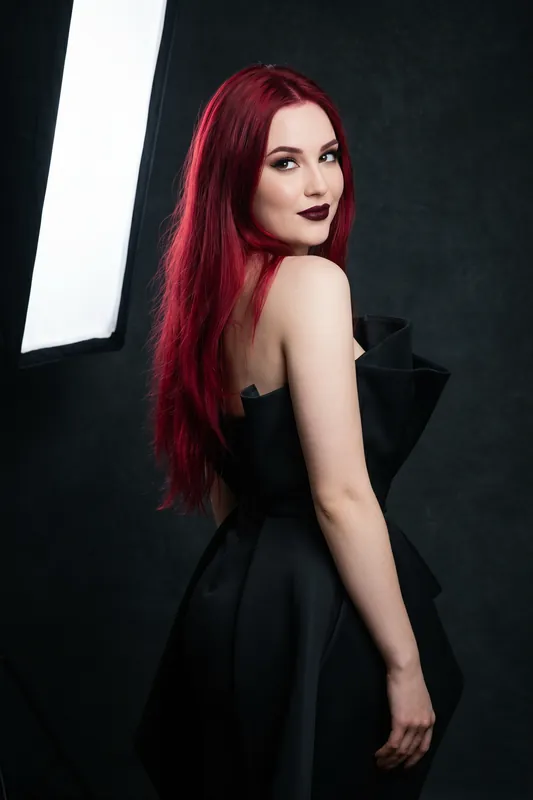
Standing with her back half turned, looking over her shoulder at the camera, hands in jacket pockets, sunset rooftop
How to Change a Pose With AI in Four Steps
Open the Character
Start from a character in your account, or describe a new one with face, hair and style.
Select or Write the Pose
Pick a pose in Studio, or put it in words: seated on a stool with one leg crossed, or leaning on a railing with folded arms.
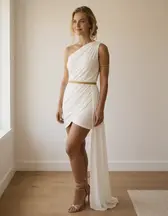
Keep Face Consistency On
Face consistency keeps the character recognizable in the new frame. Set the quality tier, then start the run.
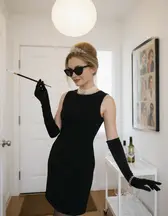
Review the Hands and the Face
Look at hands, feet and the face first. If one of them slipped, reword the pose and generate again. Every regeneration is billed in credits, so check the first result before you retry.
- 2image quality tiers to render poses: HD and 4K
- 4steps from your character to a new pose
- Creditsevery generation uses credits, nothing is unlimited
Poses From the Template Gallery
Six AI characters made with RYLA from curated template sets, each with its own body language. A template brings its pose with the scene.
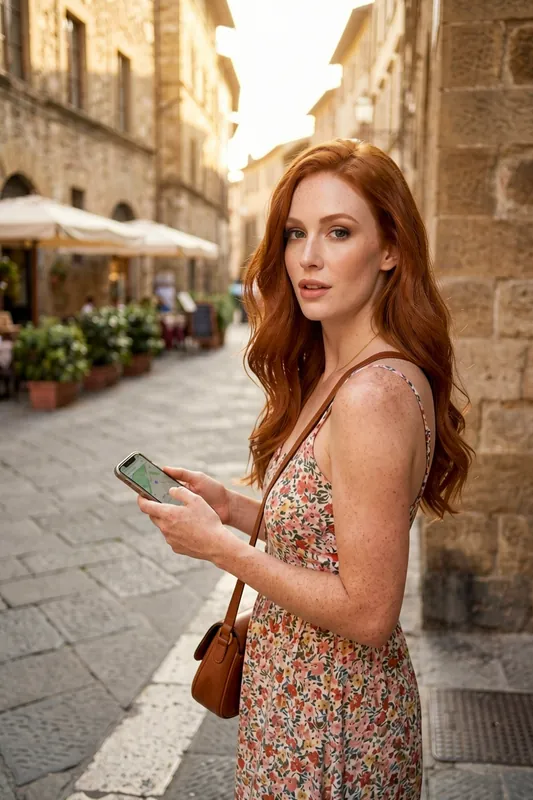
Standing with a phone 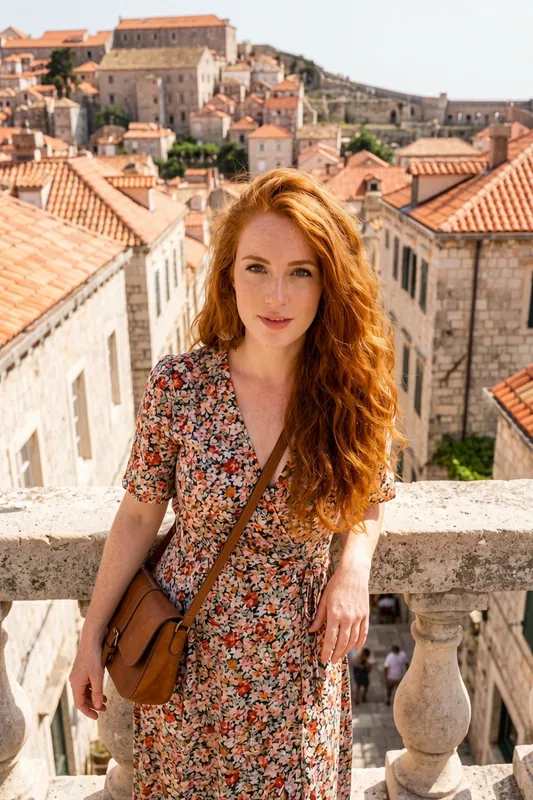
Leaning on a balustrade 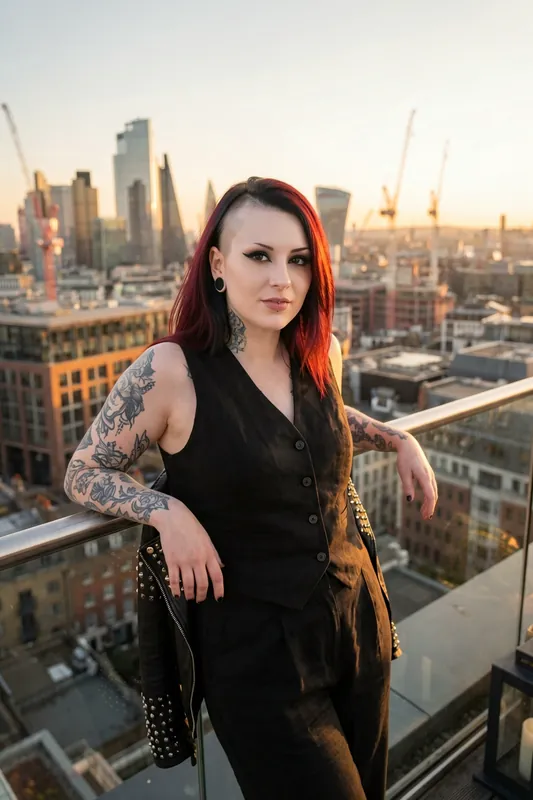
Leaning on a glass railing 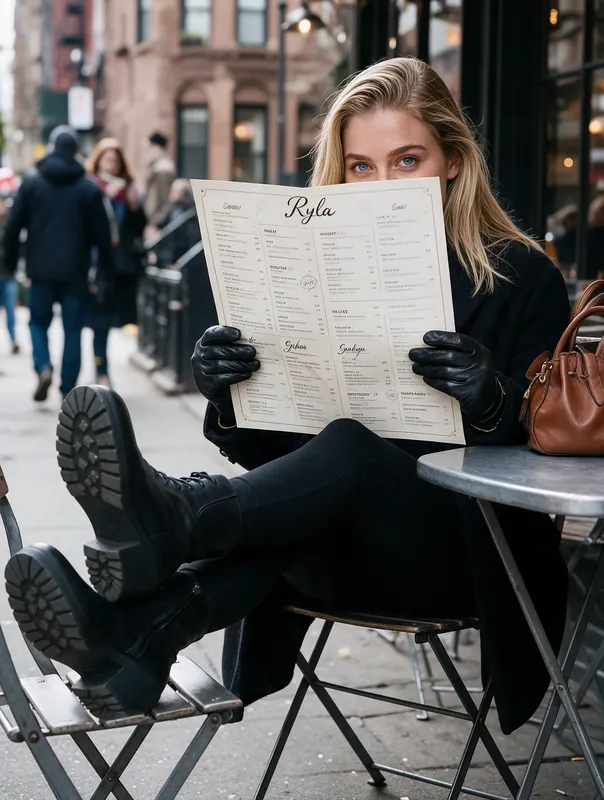
Seated at a cafe table 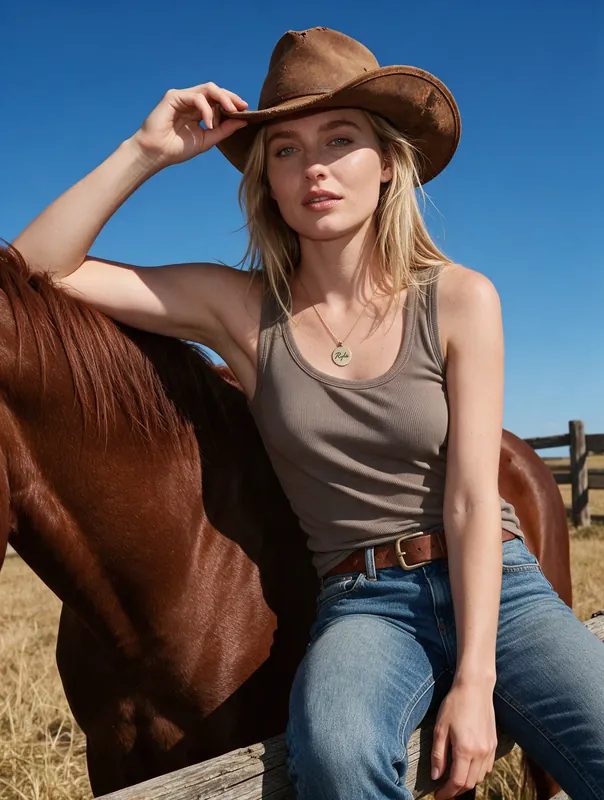
Leaning on a horse 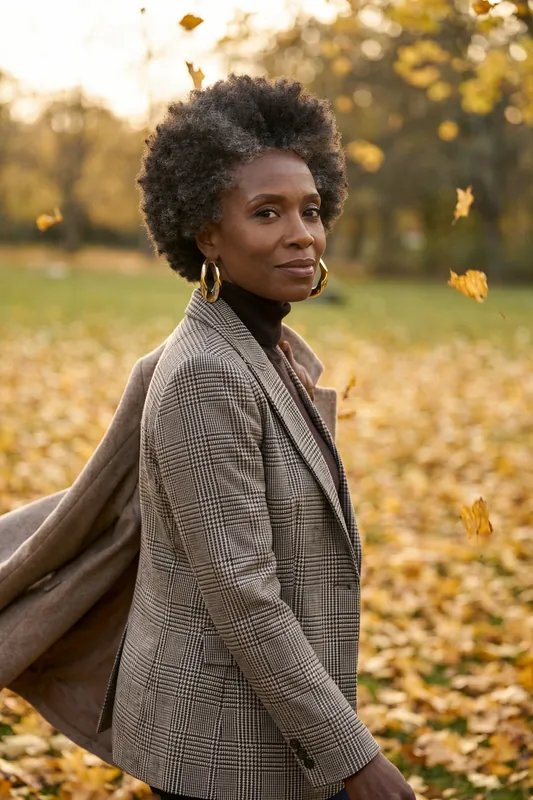
Walking through leaves
A Pose in Motion
Finished images can become short clips. This one shows a character walking down a cobblestone street.
AI Pose Changer or Pose Generator: Which One Is This?
People search for an AI pose changer and an AI pose generator and mean two different things. One group wants stick figures and posed mannequins to draw from. That is a pose reference tool, and RYLA is not one. The other group has a character and wants to see that same character in another posture. That is what this page is about.
So the job here is narrow and practical: you have a character, you want it seated instead of standing, leaning instead of facing the camera, mid-step instead of still. You describe or select the posture, and the image comes back with the same person in it. If you want a body study to sketch from, a drawing app fits better.
What Happens When You Change a Pose in Studio
Start with a character from the AI influencer generator, or a template from the template gallery, which brings its own posture and scene. In Studio you choose the pose and leave Face consistency on. RYLA then generates a fresh image: the character's face is carried over, and everything else is drawn new.
That last part is the limit to know about. Pose change is partly supported. You do not bend an arm on a skeleton, and you cannot hand over a reference photo and have its posture copied. What you get is the model's reading of your pose, so two tries of the same wording can differ in the angle of the head, the position of the feet and the small details such as a bracelet. Treat face consistency as strong but not certain, and regenerate when the face drifts.
Wording That Makes a Pose Land
"Sitting" could be a chair, a curb or the floor. The model needs a few anchors, and each one removes a guess.
- Anchor the weight. On a stool, against a railing, mid-step on a street.
- Give the hands a job. Folded on the knee, holding a phone, in jacket pockets. A hand with a task is drawn better than a hand left to chance.
- Pick the crop. Full length, waist up, from the side, slightly from below.
- Aim the eyes. At the lens, down at a menu, over the shoulder.
- One change per try. Altering pose, place and light together hides which change helped.
- Check the free-plan math. 500 credits cover about two HD images, so write the pose carefully before the first run.
The prompts below are starting points, written as poses first and scenery second.
Limits, Consent and Credits
RYLA is built for fictional adult AI characters. Nothing involving minors is created, no real person's likeness is used without consent, and the pose tools are not for re-posing photos of other people. Credits are charged per render: 180 for HD, and 360 for 4K, a tier reserved for Pro. How many poses fit in a month depends on your plan; the plans and pricing page lists the credits. For the wider picture of image creation, see the AI photo generator.
What the AI Pose Generator Keeps and What It Redraws
One Character, Many Poses
Face consistency keeps the same character recognizable in each new pose. It is strong, not a guarantee.
Regenerated, Not Re-Rigged
The picture is drawn again in the new pose. There are no joints to drag and no reference photo to copy a pose from, so arms, legs and angles are the model's reading of your choice.
Hands Are the Weak Spot
Fingers, feet and crossed limbs are where image models slip most. Give the hands a clear job in your wording and plan on a second try.
Pose Plus Scene Wording
A short note on place, light and camera distance makes a pose land more predictably than the pose word alone.
HD to Test, 4K for Keepers
Test a pose with HD at 180 credits a render. A 4K render (360 credits) needs the Pro plan. The free plan covers roughly two HD renders.
From Pose to Short Video
Animate a finished pose into a short clip in the same account. The clip below shows a character walking down a cobblestone street.
Where an AI Pose Changer Helps
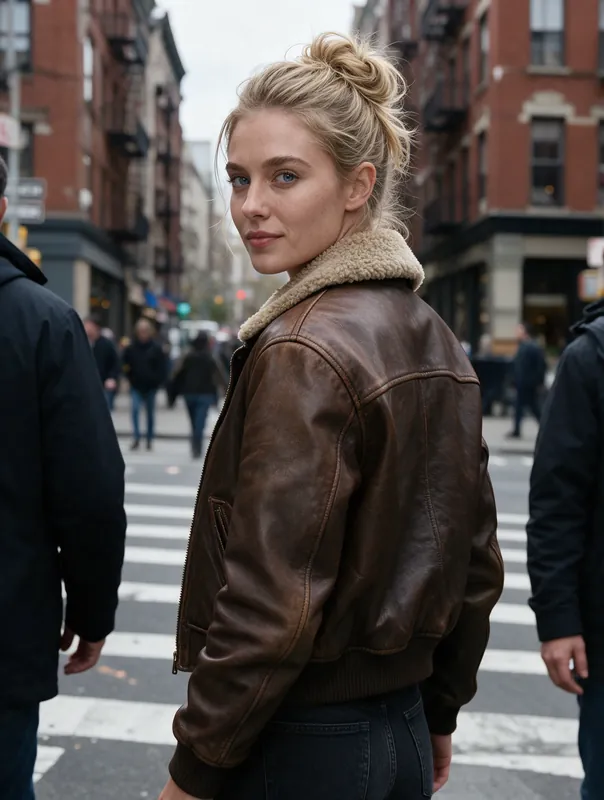
Feeds With Body Language
Alternate a seated frame, a leaning frame and a walking frame so a feed reads like a day, not like one photo copied.
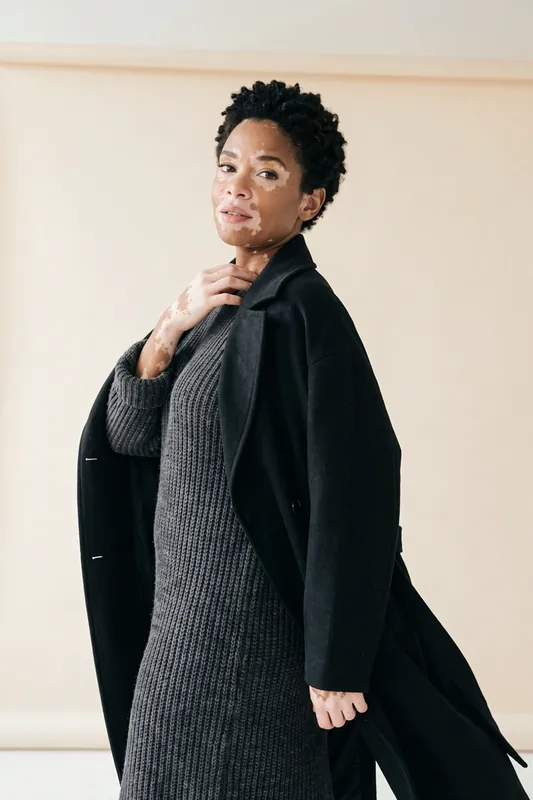
Turnaround-Style Reference Sets
Collect one character in four or five poses to brief an illustrator, a game artist or your own later prompts.
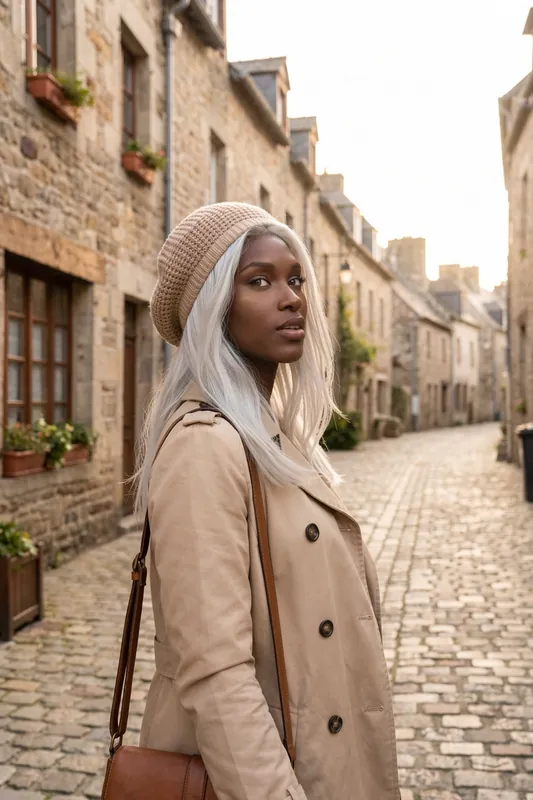
Story Beats
Show a character arriving, pausing and leaving, one pose per beat of a story or a fan project.
Brand Faces
Keep one face across a campaign and vary the posture from shot to shot.