
AI Outfit Changer for Your AI Character
Try a new outfit on the character you built. Pick a template look or describe the clothes in plain words, keep the same face and generate in HD or 4K.
Credit-based, not unlimited. A new outfit is a new generated image, so small details can differ. For fictional AI characters only, not for photos of real people.
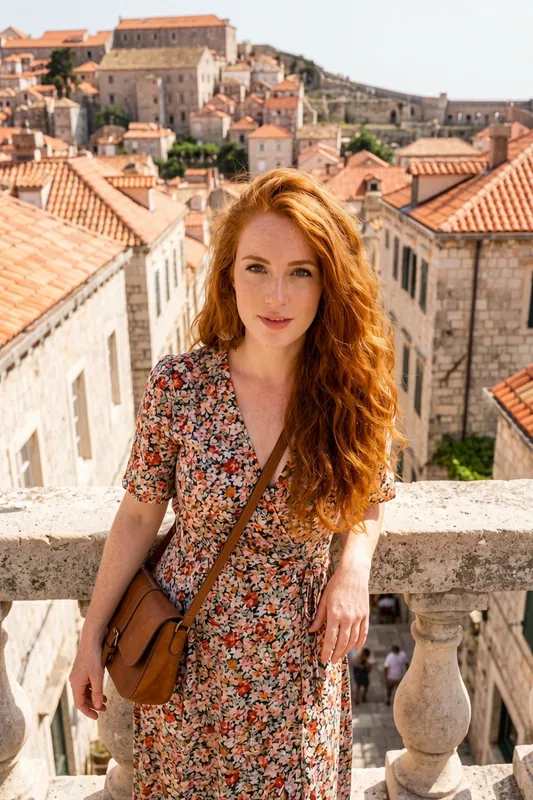
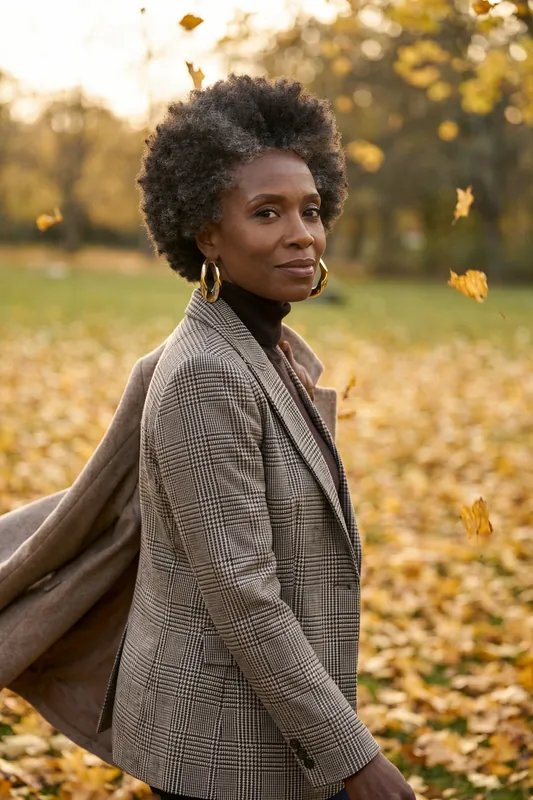
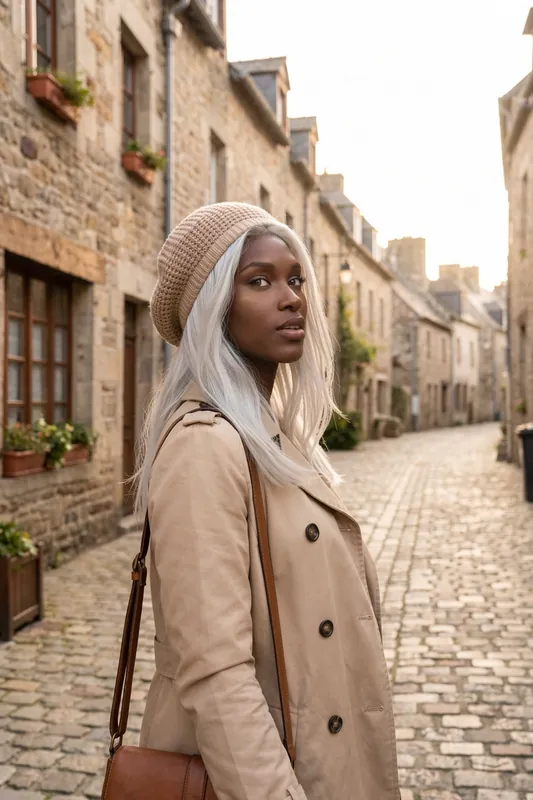
Before and After: One Character, Two Looks
Drag the handle to compare the same character in two outfits. It is a new image each time, so framing and small details differ a little while the character stays recognizable.
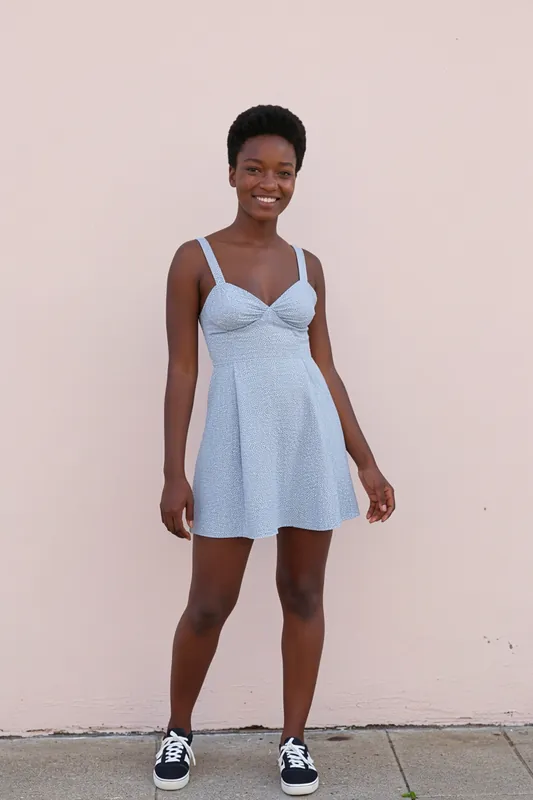
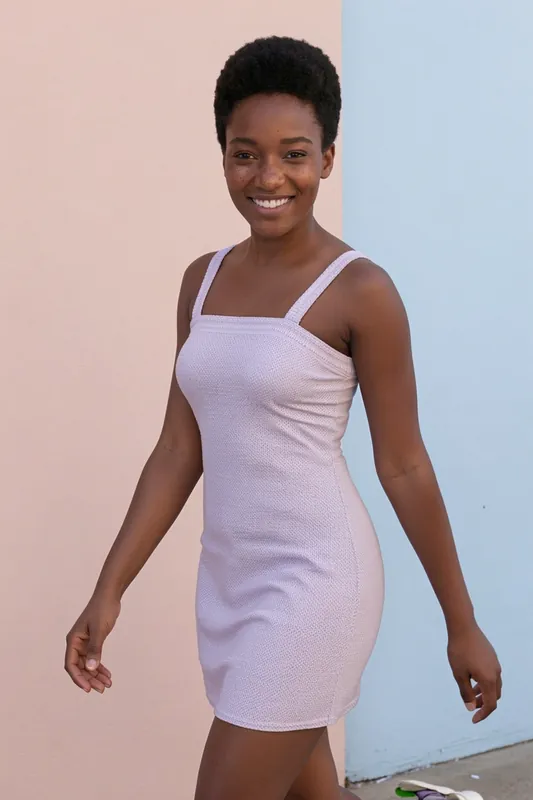
Example Outfit Prompts to Start With
Copy one, swap the colours and pieces, and generate. Results vary from image to image.
- Smart casual
Navy blazer over a white tee, light-wash straight jeans, white sneakers, soft daylight
- Evening
Emerald satin slip dress, small gold earrings, warm restaurant lighting
- Streetwear
Oversized grey hoodie, black cargo trousers, chunky sneakers, city street at dusk
- Athleisure
Matching sage green sports set, white trainers, early morning in a park
- Summer
Cream linen shirt dress, straw hat, golden hour by the sea
- Winter
Camel wool coat, chunky cream scarf, black boots, light snowfall
Outfit Swap Workflow: Four Stages
Pick Your Character
Start with the character you already made in RYLA, or describe a new face, hair and style first.
Choose the Outfit
Pick a look from the template gallery, or type the garments yourself, like a navy blazer, a white tee and straight jeans.
Generate the New Look
Choose a resolution, HD or 4K, then press generate. The result is a fresh picture of your character dressed in the look you set.
Compare, Adjust, Repeat
Keep the strongest image, or alter a single element such as the shade or the footwear, then run it again. Each run draws from your credit balance.
- 2quality tiers for outfit images: HD and 4K (4K on the Pro plan)
- 4stages from picking a character to a finished look
- 180 / 360credits for one HD / 4K image; nothing is unlimited
Outfit Looks From the Template Gallery
Six looks of AI characters made with RYLA from curated template sets. Apply a template to your character and it wears the outfit in the template scene.
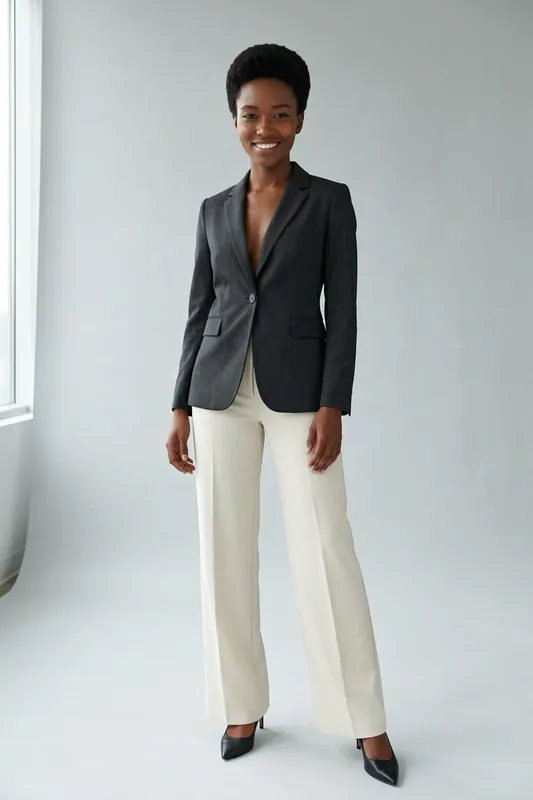
Charcoal blazer and cream trousers 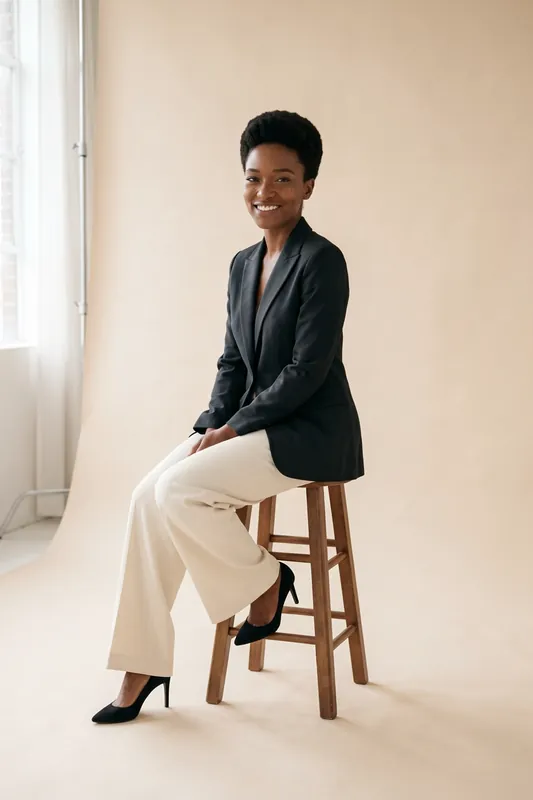
The same blazer look, seated 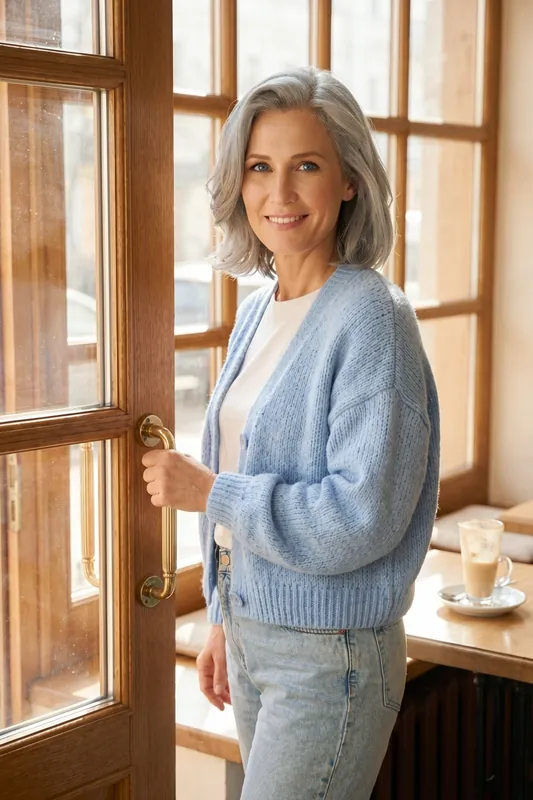
Light blue cardigan and jeans 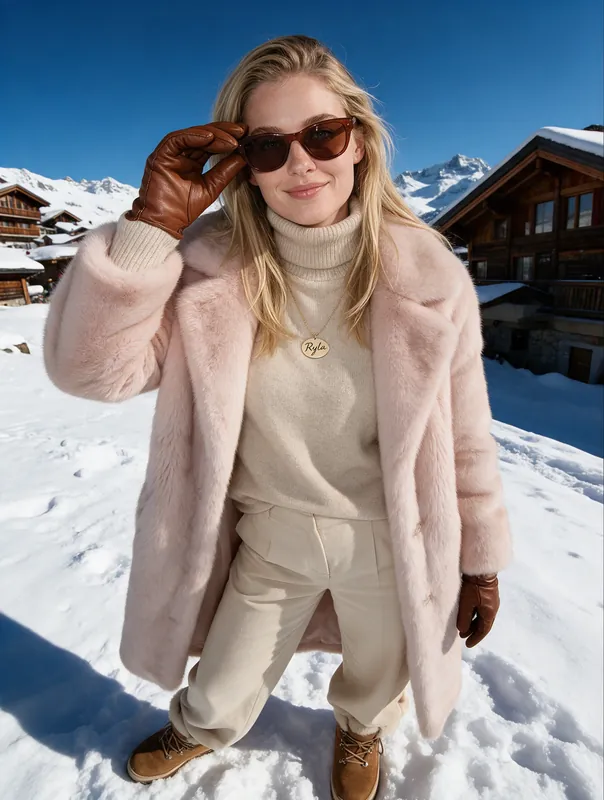
Pink winter coat in the snow 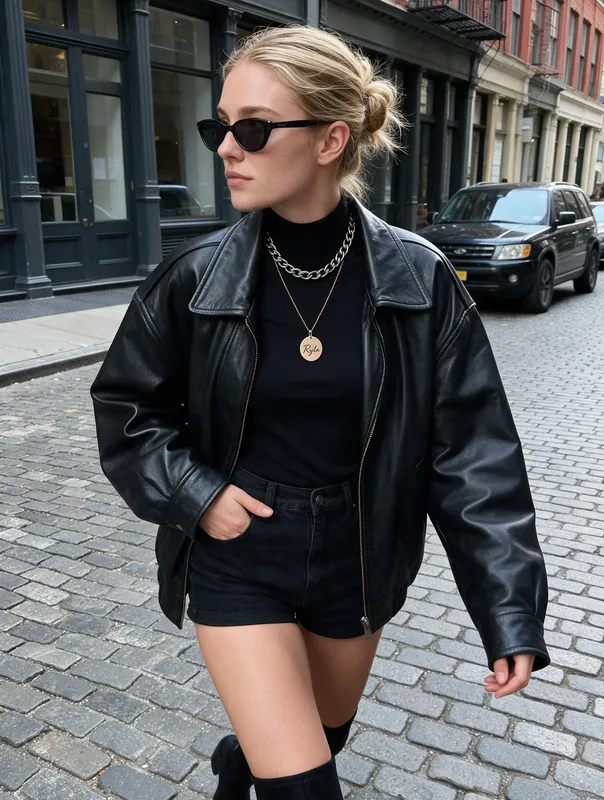
Black leather jacket and shorts 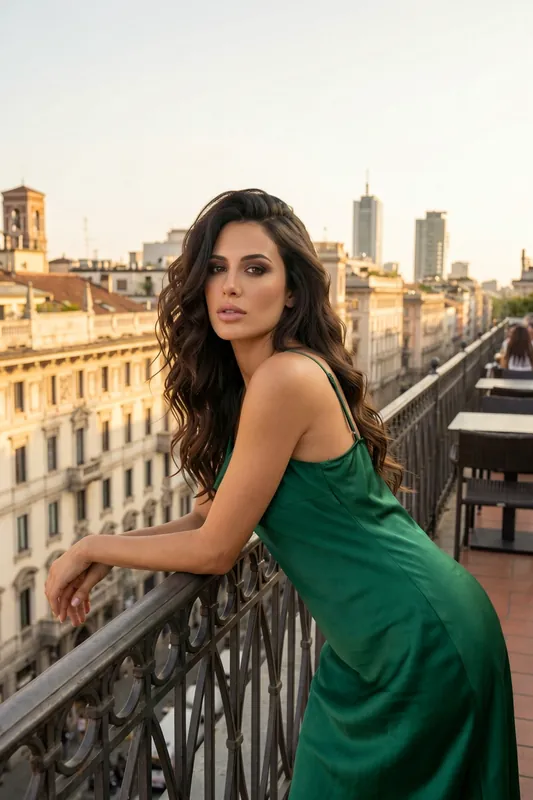
Green satin dress on a balcony
Outfit Change in Motion
Finished images can become short clips. This one moves from one outfit and scene to the next.
What Changing an Outfit Means in RYLA
You do not cut a garment out of a photo and paste another one in. You tell RYLA what your character should wear, and it draws a new picture of her or him in those clothes. That is why the face and the general look carry over while the exact fold of a sleeve does not.
Search results for this term are full of two other tools. Shopper try-on apps put a real product on your own photo, and photo editors swap the clothes in a picture you upload. RYLA does neither. It is for fictional characters you design yourself, and it never edits photos of real people. If a shop needs the exact jacket from its catalogue, its own product photos remain the right source; this page is about styling ideas, content and characters.
From a Template to Your Own Wardrobe
The quickest start is the template gallery. Each template carries an outfit and a scene, so applying one shows your character in a complete look at once. When you want something the gallery does not have, describe it yourself in the Studio and keep the rest of the character unchanged.
Expect the picture to be new every time. Framing, pose and light can move, and a template with its own location brings that location along. Look at the face on each result, and generate again if it drifts. Your characters live in the AI influencer generator, and the wider image tools are described on the AI photo generator page.
Writing an Outfit That Comes Out Right
A vague style word leaves the model free to decide, so write what you would see on a hanger. Pieces first, then material, then colour, then how it is worn.
- Pieces. Trench coat, pleated skirt, ankle boots, small shoulder bag.
- Material and cut. Wool, linen, satin, denim; slim, cropped, oversized, wide-leg.
- Colour. Name one main colour and one accent, such as camel and cream or forest green and black.
- Layers. Say what is open, tucked in or draped over a shoulder.
- Occasion. A morning commute and a wedding guest ask for different clothes, and saying so helps.
Alter one of these per attempt, and you will see which word did the work. Each HD try costs 180 credits, so run a short series and keep the winner.
Limits to Know Before You Start
Characters are adults and fictional. RYLA does not create anything involving minors, does not use a real person's likeness without consent and does not remove anyone's clothing. Generation costs credits and is never unlimited: HD uses 180 and 4K uses 360 credits per image, and 4K is part of the Pro plan. The plans and pricing page lists what each tier includes.
What the AI Outfit Changer Keeps and What It Changes
Same Character, New Clothes
The face and the overall look of your character carry over, so a new outfit does not mean a new person. Consistency is strong, not a mathematical guarantee.
A New Image, Not a Garment Edit
RYLA generates the picture again with the new outfit. It is not a pixel-exact swap of one piece of clothing, so pose, light and small details can shift a little.
Templates as Outfit Starting Points
The template gallery has ready-made looks for many styles and occasions. Apply one to your character and see how it wears it.
Describe Any Outfit
Write the clothes, colours and setting you want. Specific wording such as fabric, colour and shoes gives you more predictable results than a mood word.
HD and 4K Quality Tiers
Draft the look at HD for 180 credits, then re-render the winner at 4K for 360. The 4K tier needs the Pro plan.
From Outfit to Short Video
Turn a finished image into a short clip with the same account. The clip on this page moves from one outfit and scene to the next.
Where an AI Outfit Changer Helps
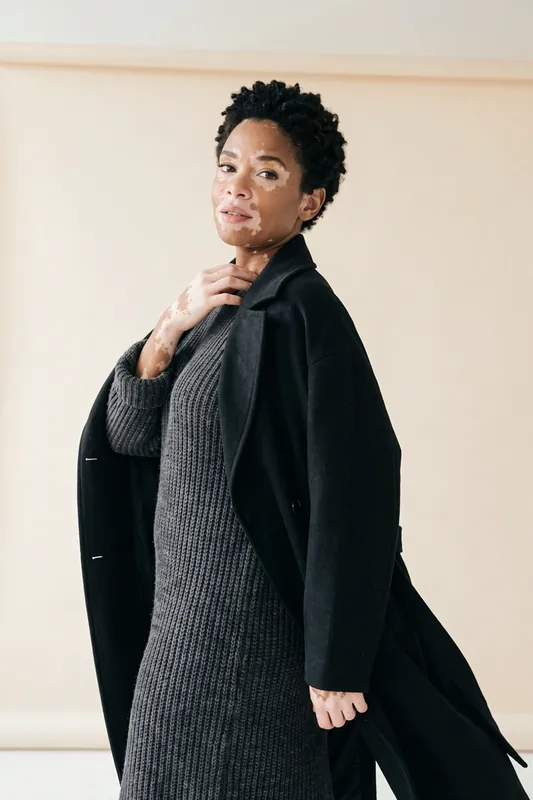
Content Calendars
Show the same character in a new outfit for every post instead of repeating one look for weeks.
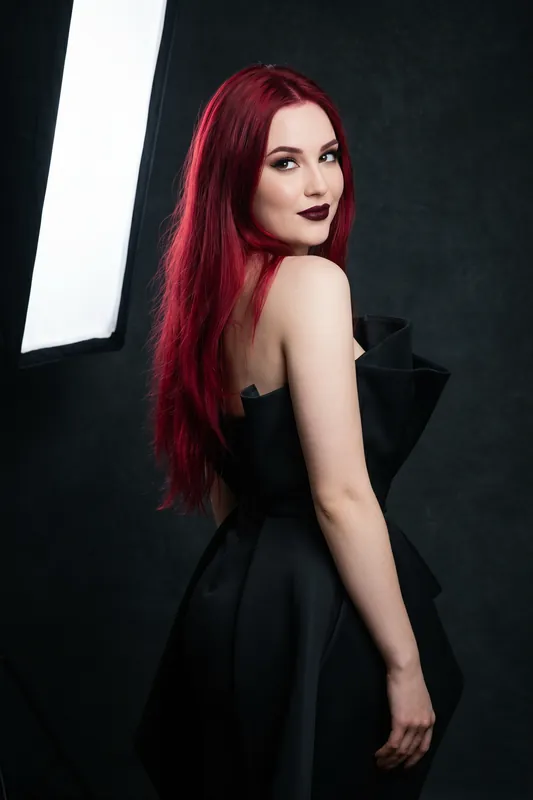
Styling and Lookbook Ideas
Try seasonal colours and styles on a fictional model to find a direction before you plan a real shoot.

Characters and Storytelling
Give a story, game or fan project costume variations while the character stays recognizable.
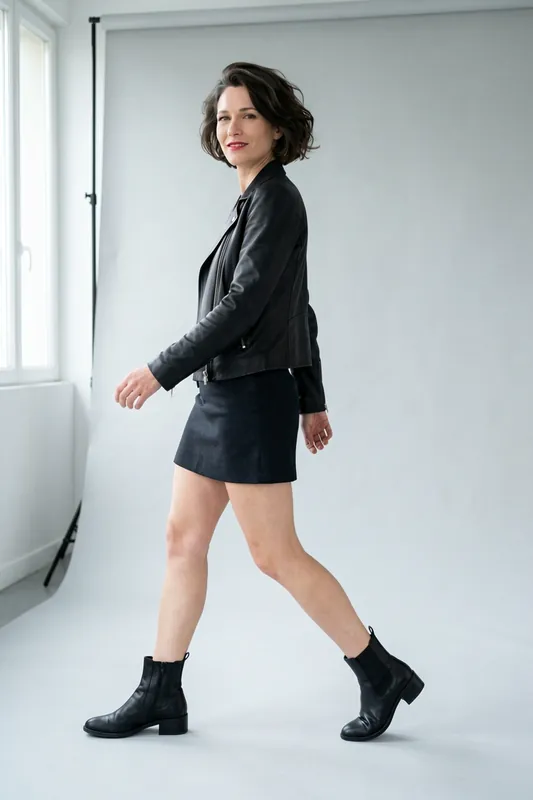
Brand Faces and Mascots
Keep one face across campaigns and change the styling. For a garment that must match a catalogue exactly, your own product photos are the better source.