
AI Clone Yourself: An AI Character That Looks Like You
Upload your own photos and RYLA builds a consistent AI character from them. Then put that character in new looks and places and turn the best images into short clips.
Read this first: the result is an AI character that resembles you, not you. RYLA does not clone your voice and has no live or real-time avatar. Use only your own face, never another person without their consent, and label AI content where required.
How to Clone Yourself as an AI Character in Four Steps
Upload Photos of Yourself
Add clear photos of your own face. You must be the person in them, or have verifiable legal consent from that person.
Build the Character
RYLA creates a consistent AI character from your reference photos. Check that the face looks like you before you go on.
Create New Looks and Scenes
Describe an outfit, a place or a mood, pick HD or 4K (4K is part of Pro) and generate. The same character appears in each new image.
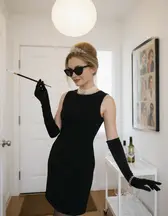
Animate the Best Images
Turn a finished image into a short clip. Avatar Video, where the character speaks an audio track, is part of the Pro plan.
- 4steps from your photos to a character you can use
- Your faceonly your own photos, or photos of someone who gave verifiable legal consent
- ProAvatar Video, a talking clip from an audio track, is part of the Pro plan
What "AI Clone Yourself" Really Means Here
The phrase covers several very different products, so here is exactly what RYLA does. You upload photos of yourself. RYLA builds an AI character that follows your face and overall look. You then generate new images of that character in other outfits and places, and you can animate the best ones into short clips.
The result is an AI character that resembles you. It is not you, and it is not a copy of your body, your memories or your voice. Three limits matter most. RYLA does not clone your voice. It does not offer a live or real-time avatar for video calls or streams. And Avatar Video, where the character speaks an audio track, is part of the Pro plan.
If you searched for "how to clone yourself" and meant a literal copy of a person, that is science fiction. What exists today is a digital double in pictures and short clips, and this page explains how to make a good one responsibly.
Consent and Honesty: The Rules That Come First
Use only your own face. Upload photos of yourself, or of a person who has given verifiable legal consent, and never photos of someone who does not know about it. RYLA does not allow a real person's likeness without that person's consent, and it never creates anything involving minors.
- Do not impersonate anyone. An AI character that looks like you must not pretend to be you in a way that deceives people, and it must never pose as another person.
- Label AI content. Many platforms and some laws require you to mark AI-generated or AI-altered images and videos. Add the label even where it is not yet required; it protects trust.
- Do not use it for fraud. Not for fake identity checks, fake endorsements or messages that claim to come from you in a live conversation.
- Keep control of your photos. Only upload pictures you are allowed to use, and keep your reference set to yourself.
These are not fine print. They are the difference between a useful creative tool and something that hurts people.
How to Get a Good Likeness
The quality of your character depends on your reference photos. Use clear, sharp pictures taken in good light, with your face fully visible and not covered by sunglasses, a hand or a heavy filter. Mix a few angles and expressions rather than ten near-identical selfies. Avoid group photos in which the system could pick the wrong face, and avoid heavily edited pictures, because the character will copy the edits.
After the character is built, look at it before you generate anything else. Compare it with a photo of yourself in the same light. If the likeness is off, replace the weakest reference photos and build again. Fixing the references early is cheaper than regenerating many images later, because every generation uses credits. An HD image costs 180 credits and a 4K image costs 360 credits, and 4K is part of the Pro plan. The free plan's 500 credits cover about two HD images, so check the likeness on a first image before you plan a series.
Expect a strong likeness, not a perfect one. Small features such as teeth, freckles or hands can differ from image to image. Check each result and regenerate when something drifts.
From AI Version of Yourself to Short Clips
Once you have images you like, you can animate them into short clips with the same account. A still can gain gentle movement, such as a walk down a street, which is the clip shown further down this page. For a character that speaks, the Pro plan includes Avatar Video: you upload an audio track, pick a saved voice note or type text, and the character speaks it in a clip of 5 or 10 seconds. RYLA does not turn your own voice into a model, so a spoken clip uses audio you supply or a stock voice, and it will not sound like a clone of you.
If your goal is a different one, such as putting your face into someone else's video, that is a separate tool and not what this page describes. To see what each plan includes, check the plans and pricing. To start from a ready look, browse the template gallery. For the wider creator workflow, read about the AI influencer generator, and for general image creation see the AI photo generator.
AI Characters Made With RYLA
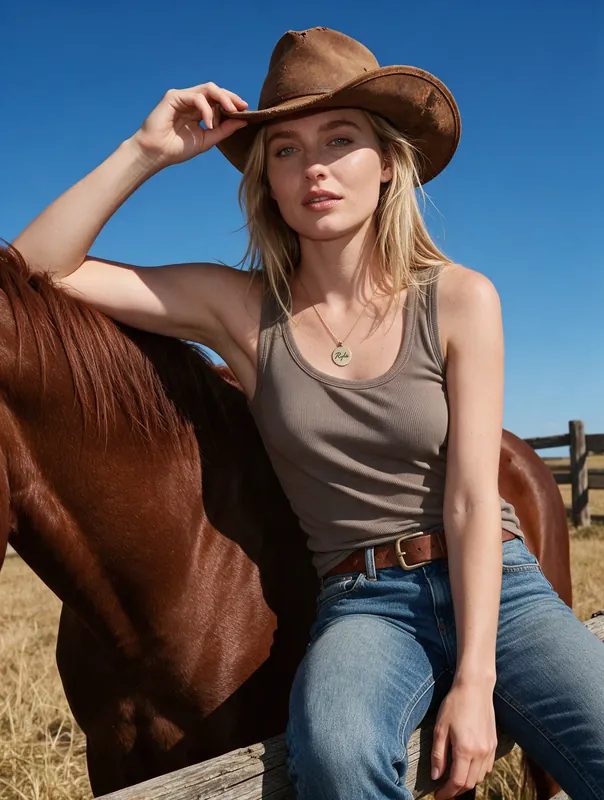
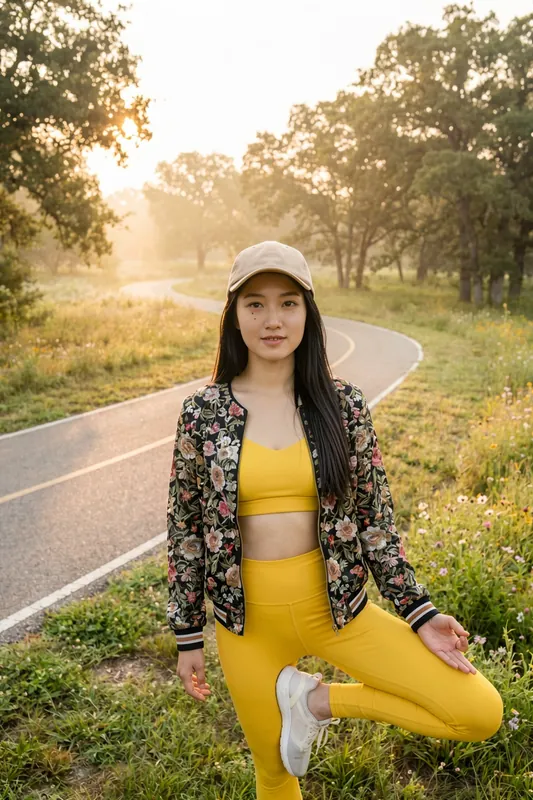
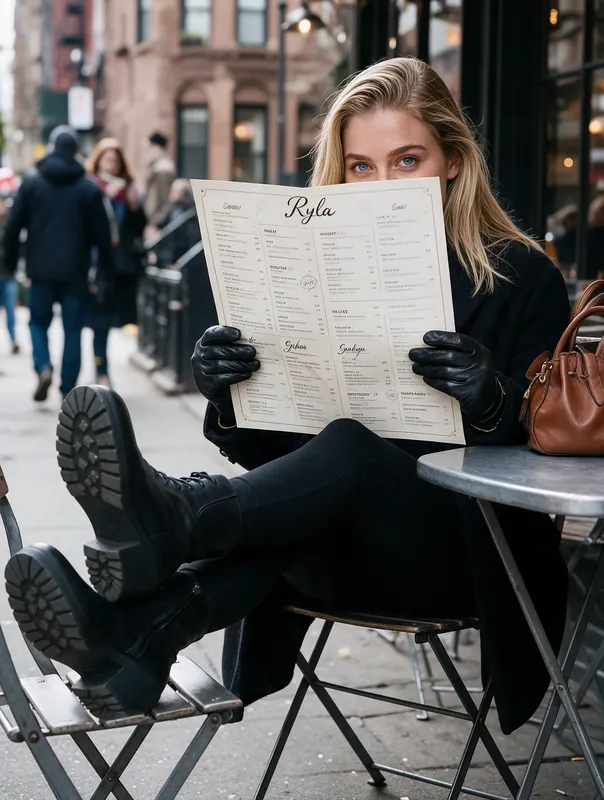
Six demo characters, each a fictional adult made with RYLA, shown in different styles and places. Your own character is built from your photos, so it will look like you rather than like these examples.
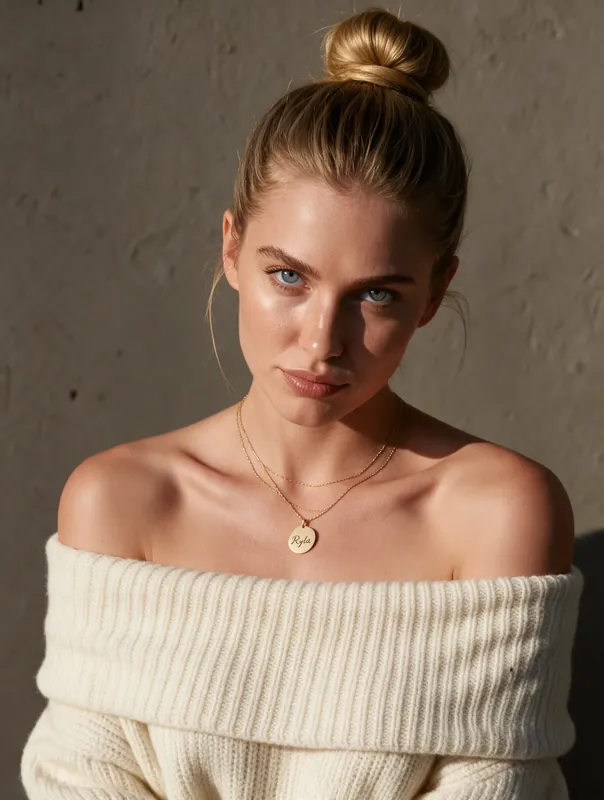
Soft studio-style portrait 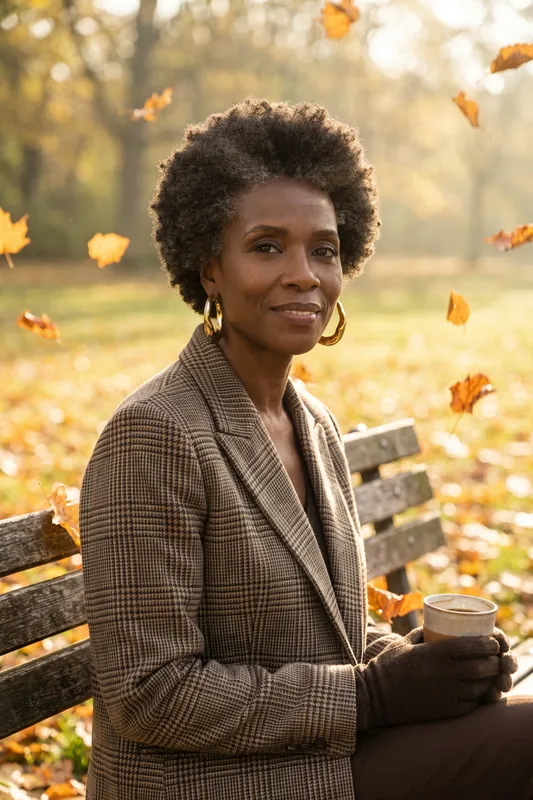
Autumn park bench 
Reading at home 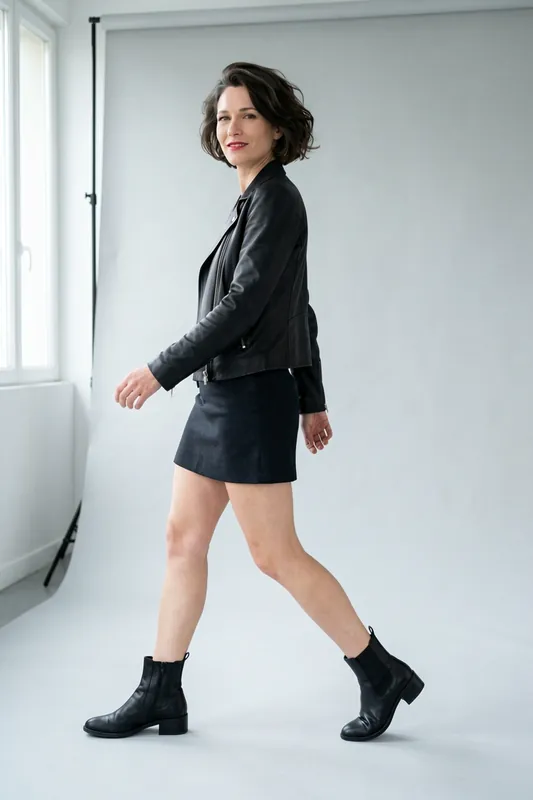
Leather jacket on a white backdrop 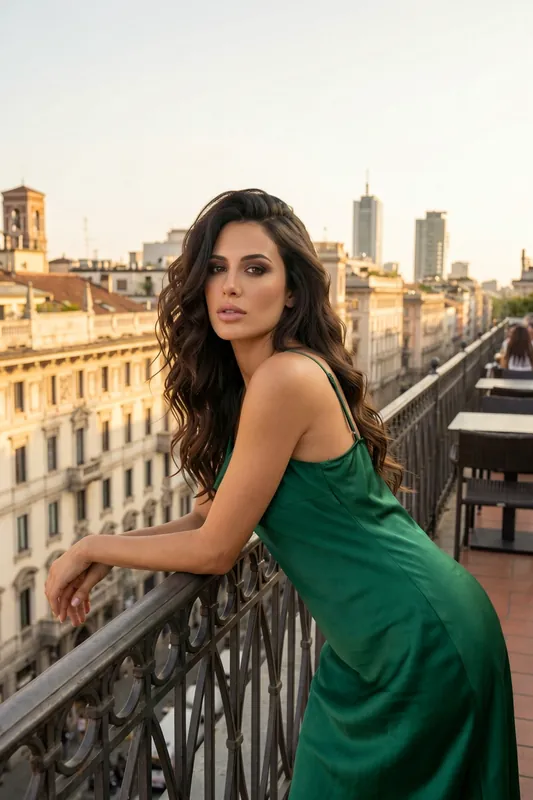
City balcony 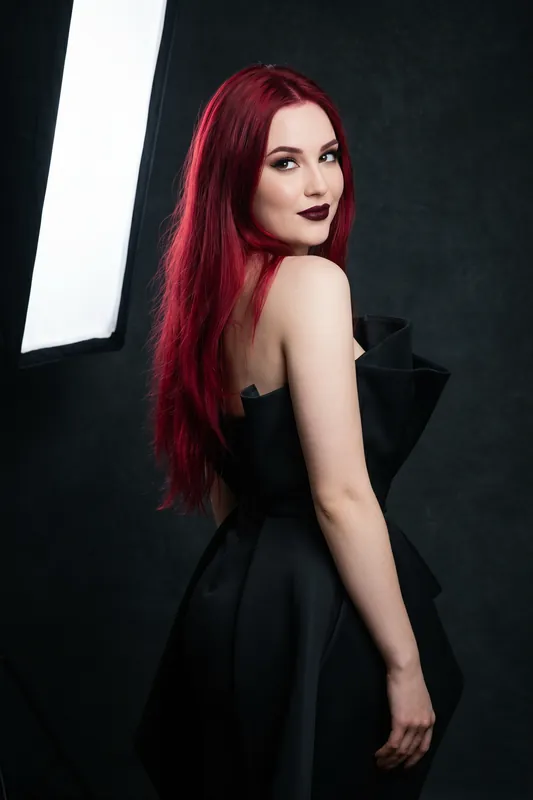
Dark studio look
Scene Ideas for Your AI Character
Once your character exists, describe the scene in plain words. Swap the details and keep the character. Results vary from image to image.
- Morning cafe
Sitting at a small cafe table with a coffee, soft window light, relaxed smile
- City walk
Walking along a cobbled street, casual jacket and jeans, warm evening light
- Work portrait
Head and shoulders in a navy blazer, plain light background, friendly look
- Travel
Standing on a stone balcony above red rooftops, sun hat, golden hour
- Home studio
Sitting at a desk with a laptop and a plant, bright natural light
- Outdoor sport
Light running jacket on a park path in the early morning, calm expression
The Same Character in Motion
A finished image can become a short clip. This one shows the same character walking down a cobblestone street. It is a demo character, not a real person.
AI Version of Yourself: What You Get and What You Do Not
Built From Your Own Photos
The character starts from reference photos you provide, so it follows your face instead of a random stock face. It resembles you; it is never an exact copy.
Same Character Across Images
The face and overall look carry over into new outfits, places and poses. Consistency is strong, not a mathematical guarantee, so check each result.
New Looks Without a Shoot
Try a different outfit, hairstyle or location by describing it. Each try is a new generated image and uses credits.
Short Video From Stills
Animate a finished image into a short clip. Avatar Video, where the character speaks an audio track, needs the Pro plan.
No Voice Cloning
RYLA does not copy your voice. Characters use a stock voice or an audio track you bring, so do not expect a talking version of you.
No Live Avatar
There is no real-time avatar for calls or streams. RYLA makes images and short clips that you generate ahead of time.
Where an AI Clone of Yourself Is Useful
Content When You Are Not in Front of a Camera
Keep a creator profile active with new images of a character based on you, labelled as AI-generated, without a new shoot each time.
Trying Looks Before You Commit
See how a haircut, outfit or colour palette could look on an AI character based on you before you spend money on it.
A Branded Personal Mascot
Turn your personal brand into a consistent character for banners, intros and posts, with the AI label visible.
Creative and Story Projects
Use a character inspired by you as the hero of a comic, a game pitch or a short story and keep the face the same on every page.