
AI TikTok Video Generator for Your AI Character
Turn an image of your AI character into a short vertical video for TikTok. Keep the same face from clip to clip, pick 9:16 and the Fast or Max video quality, then download the file and post it yourself.
RYLA generates the clip; it does not edit, caption or post for you, and it cannot promise views. Video is credit-based and starts at the Basic plan. For fictional AI characters only.
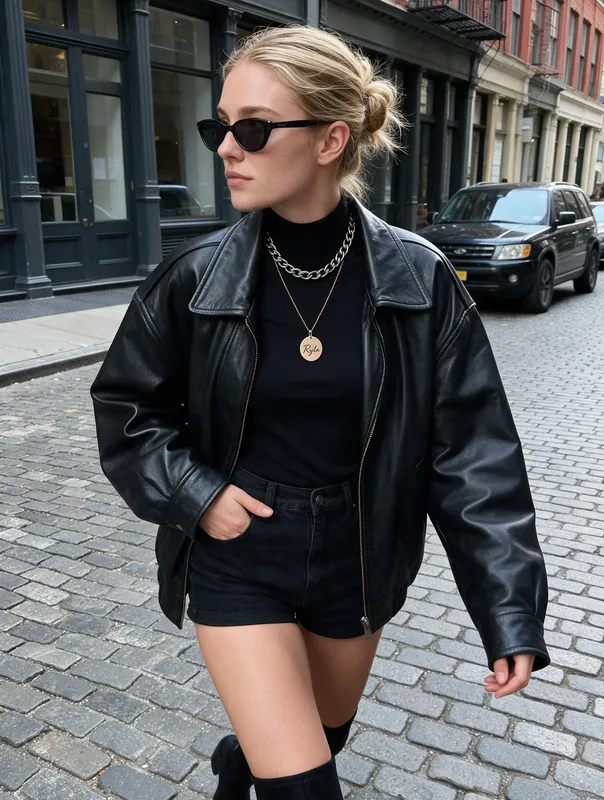
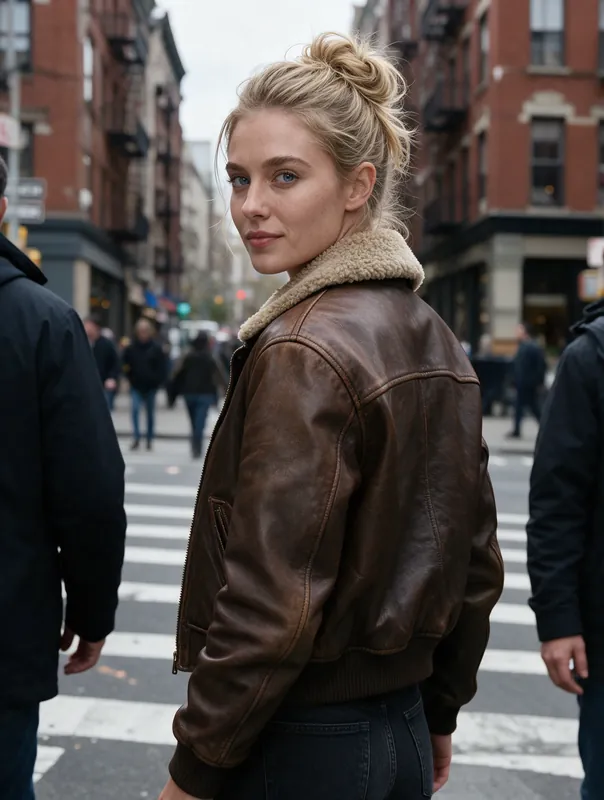
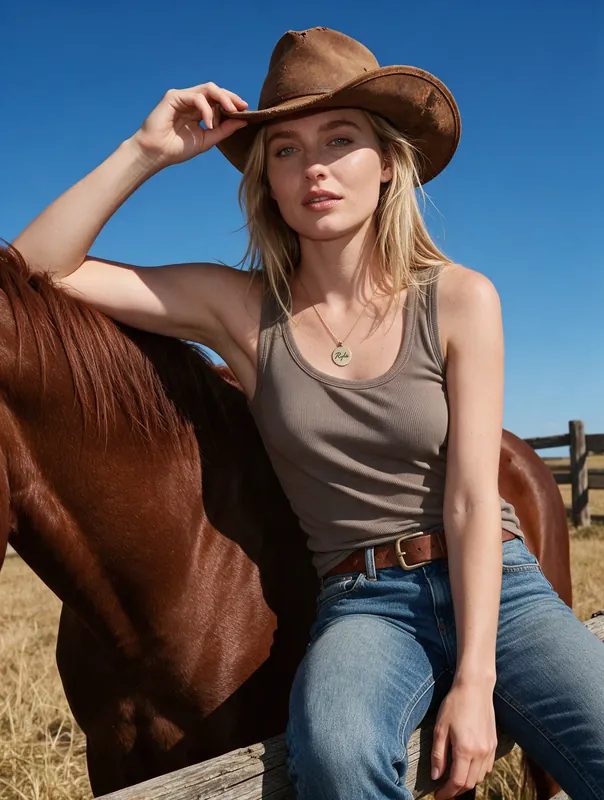
- 9:16vertical format for full-screen TikTok clips
- 4 or 6 sclip length: 4 s on Fast, 6 s on Max
- Fast or Maxvideo quality: test quickly, finish with smoother motion
Clips Made From a Single Image
Two short clips generated in RYLA from still images of AI characters. They run a few seconds, which is typical for a TikTok opener or cutaway.
How to Make an AI TikTok Video in Four Steps
Start From a Character Image
Open your character in RYLA, or create one first. Pick the still image you want to bring to life, ideally one with a clear face and a pose that suits motion.
Choose Format and Quality
Select vertical 9:16 for TikTok (square and widescreen are available too) and choose the video quality Fast to test an idea or Max for a clip you want to keep.
Describe the Motion
Say what should happen in a few plain words: she turns and smiles, hair moves in the wind, she walks toward the camera. Then generate and wait for the clip to finish.
Download and Post on TikTok
Download the video, add your sound, text and caption in TikTok or your editor, turn on the AI-generated content label and publish from your own account.
Start Frames That Work Well for Motion
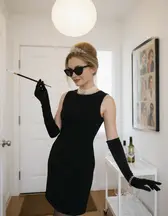
Six images of AI characters made with RYLA. Each is a good starting point for a clip: a clear face, room around the body and a pose that already hints at movement.
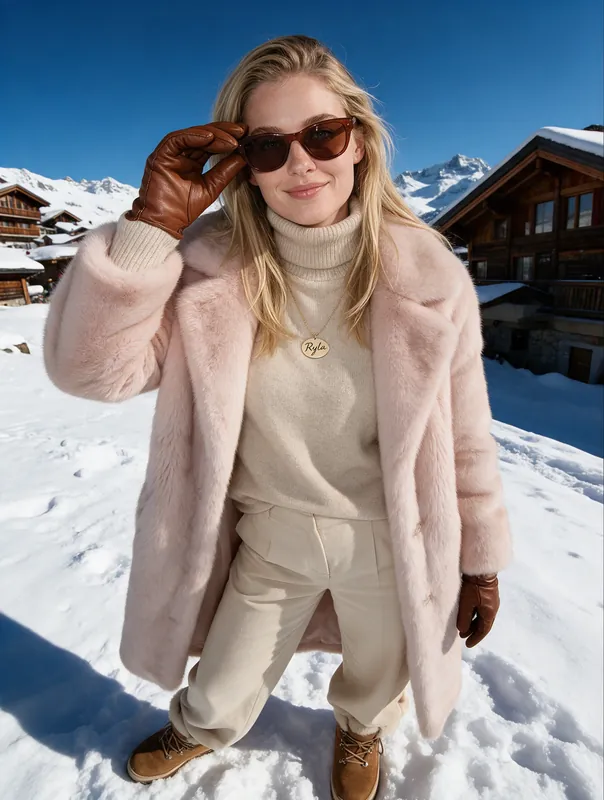
Snowy village, sunglasses reveal 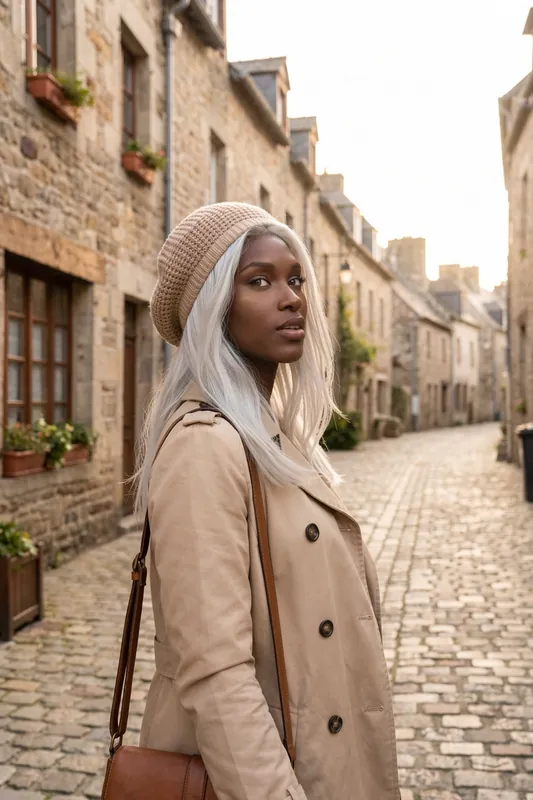
Trench coat on a stone lane 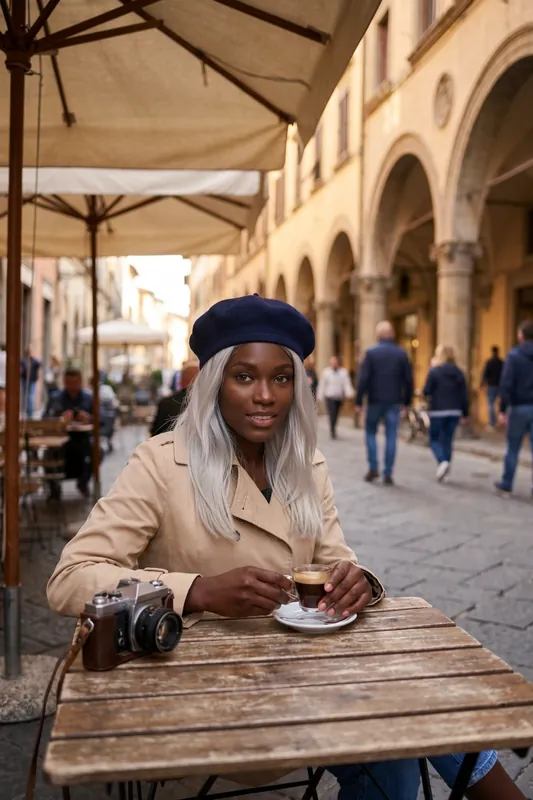
Cafe table, a small smile and a sip 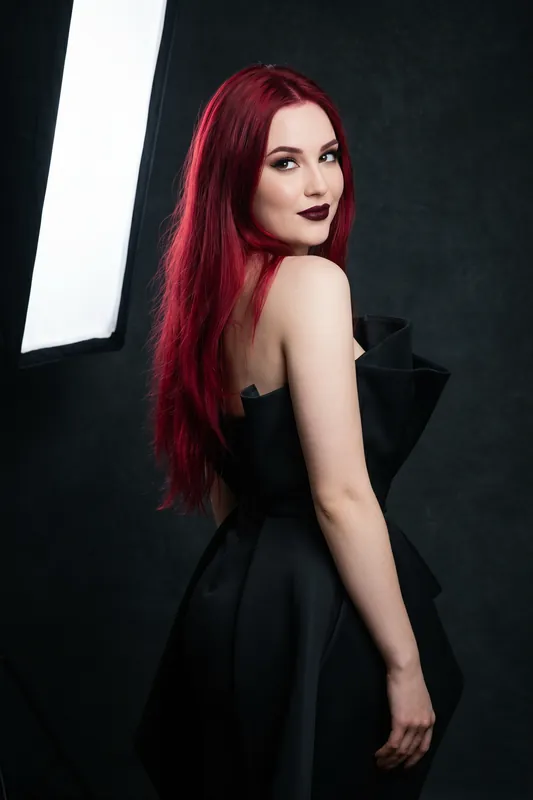
Studio look over the shoulder 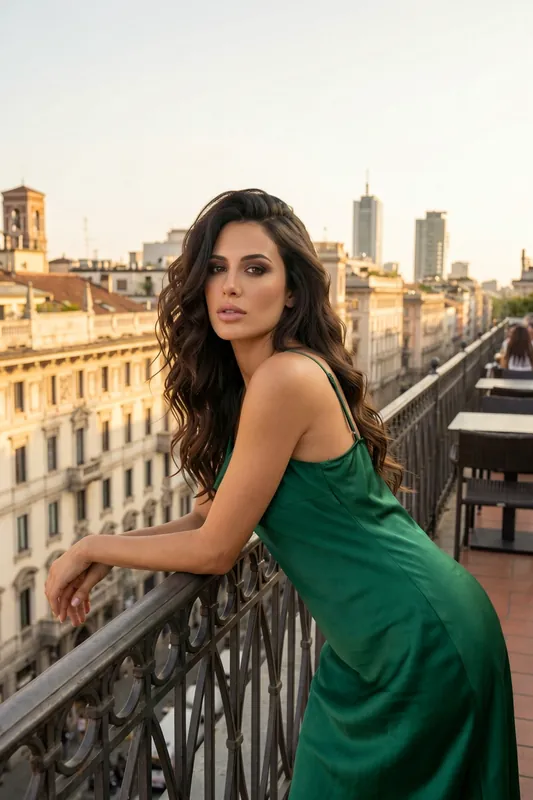
Balcony railing, wind in the hair 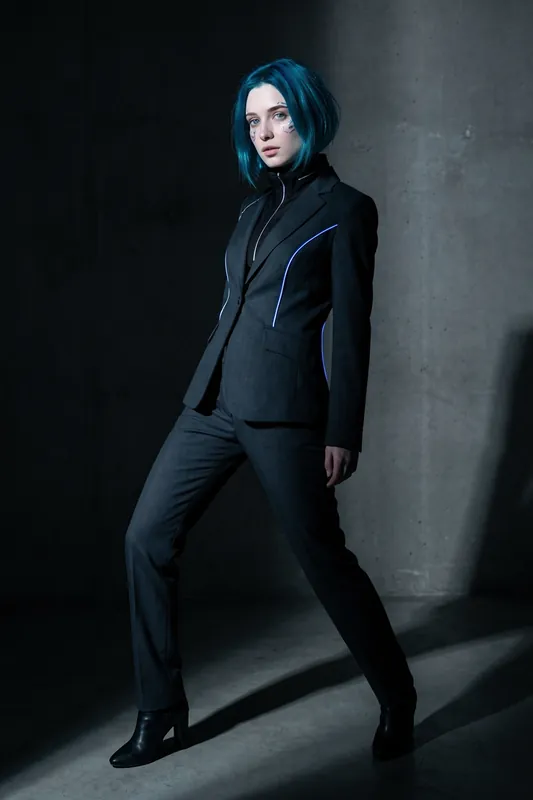
Tailored suit, a slow camera push-in
What an AI Video Generator for TikTok Is, and What RYLA Covers
An AI video generator for TikTok creates short video from a prompt or an image so you do not have to film it. Searches for it mix several different tools: editors that cut your footage and add captions, template apps that fill a slideshow, and generators that create the moving picture itself. RYLA is the third kind, and only a part of it.
RYLA takes an image of your AI character and animates it into a short clip. The face stays recognizable from one clip to the next, which is the hard part for a creator account built on a fictional character. What RYLA does not do: it does not cut or caption video, it does not add music, it does not post to TikTok and it cannot promise views. The workflow is generate, download, then finish and post in TikTok or your own editor. This page is about TikTok clips; for Instagram Reels, see RYLA's AI reel generator page.
Make Clips That Fit TikTok
A clip that works on TikTok is made for the platform, not just exported to it. These habits matter more than the model you use.
- Shoot vertical. Choose 9:16 when you generate. A wide clip cropped later loses the face and wastes credits.
- Win the first two seconds. Start with the motion, not a still. A turn toward the camera or a hair toss is a stronger opener than a slow fade.
- Keep the idea small. One character, one motion, one setting per clip. Short clips look clean and are easier to get right.
- Plan the loop. If the last frame resembles the first, the clip replays without a visible jump. Describe a motion that returns to its start.
- Leave room for text. Keep the face away from the very top and bottom of the frame, where TikTok shows its own interface.
- Test in Fast, post from Max. Try three versions of a hook in Fast, then spend credits on Max for the one you will publish.
From Prompt to Posted Video: The Workflow
Start in Studio with a character from the AI influencer generator and a still image you like. If you do not have a good still yet, create one with the AI photo generator or begin from a look in the template gallery. Then animate it, choosing 9:16 and the Fast or Max video quality.
Once the clip is ready, download it and move to TikTok. Add the sound, on-screen text and caption there, and decide on hashtags and timing yourself. If you want a longer video, generate several clips of the same character and join them in your editor; the same face makes the cuts feel like one story. Video generation is credit-based and starts at the Basic plan; Avatar Video, where the character speaks, is part of the Pro plan. See plans and pricing for current credits.
Label AI Content and Respect the Rules
TikTok asks creators to label realistic AI-generated content, and it has the right to remove content that breaks its rules. Use the platform's AI-generated content label on every clip from RYLA and check TikTok's current guidelines before you start an account, because the rules change.
RYLA creates videos of fictional adult AI characters. It is not for making clips of real people without their consent, and nothing involving minors is ever created. Be open that your character is an AI; accounts that say so tend to keep their audience's trust better than accounts that hide it.
Is There a Free AI TikTok Video Generator?
Many tools advertise a free option, and most free tiers add a watermark, limit length or restrict the best quality. RYLA works on credits. The Free plan lets you create a character and images, but video generation starts at the Basic plan, and every clip uses credits. Fast is the quicker way to test, and the pricing page shows what each plan includes. We would rather say that plainly than promise something free that is not.
Example Motion Prompts for TikTok Clips
Describe one motion and one mood. Results vary from clip to clip, so try a Fast version first.
- Hook turn
She turns toward the camera with a quick smile, hair moving slightly, steady camera, vertical framing
- Walk and look
She walks slowly toward the camera on a cobbled street, glances aside, soft evening light
- Wind and coat
Gentle wind moves her coat and hair, she holds her sunglasses and looks up, snowy village behind
- Cafe moment
She lifts the espresso cup, smiles at the camera and sets it down, warm cafe light, small movements
- Rooftop loop
Hair toss on a rooftop at sunset, the head returns to the starting position at the end, smooth loop
- Reveal
She lowers her sunglasses and looks at the camera, slow push-in, shallow depth of field
What the AI TikTok Video Generator Does and Does Not Do
Vertical 9:16 Out of the Box
Generate in the full-screen vertical format TikTok uses, so you do not crop a wide clip and lose the face. Square and widescreen exist for other platforms.
Face Consistency Across Clips
Every clip starts from an image of the same character, so your account keeps one recognizable face. Consistency is strong, not a mathematical guarantee, so check each result.
Fast and Max Video Quality
Fast is the default and gives quicker, standard detail; Max gives smoother motion and takes longer. Test hooks in Fast and use Max for the clips you plan to post. Both use credits and neither is unlimited.
Avatar Video on Higher Plans
Avatar Video, where your character speaks to the camera, is part of the Pro plan. Basic covers image-to-video.
Short Clips Built for Loops
Clips are a few seconds long, which suits a looping hook or a cutaway. For a longer video, generate several clips and join them in an editor.
Your Account, Your Posting
RYLA makes the video file. Captions, sound, hashtags, scheduling and the AI label stay in your hands in TikTok.
What an AI TikTok Video Maker Is Good For
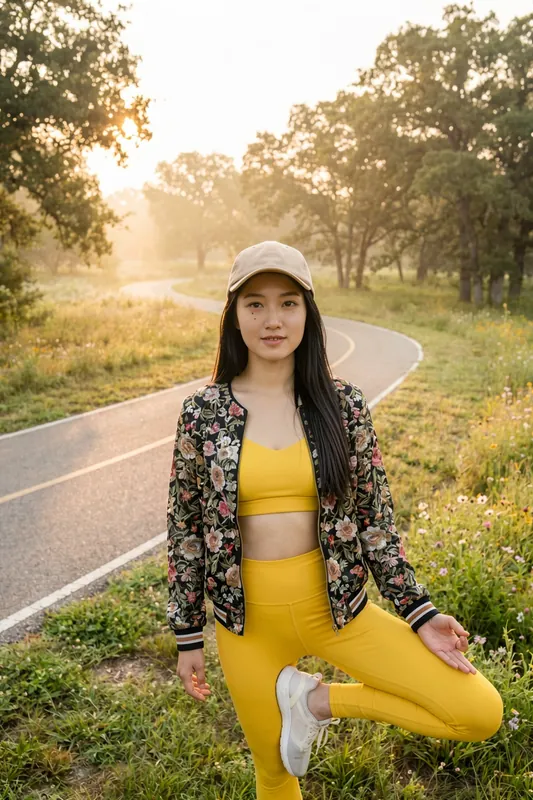
Fictional Creator Accounts
Run an account around an AI character with a clear name, style and story, and label it as AI-generated.
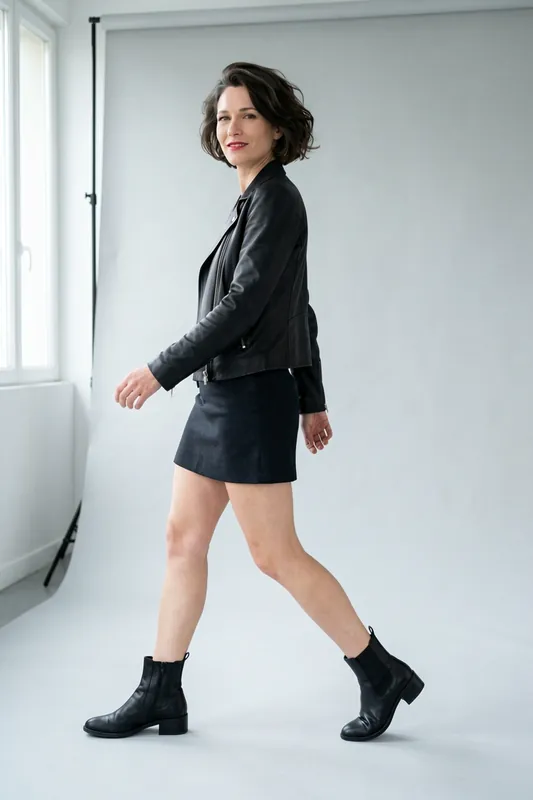
Fashion and Style Clips
Show a look in motion: a turn, a walk, a jacket catching the wind. Test colours and settings before a real shoot.
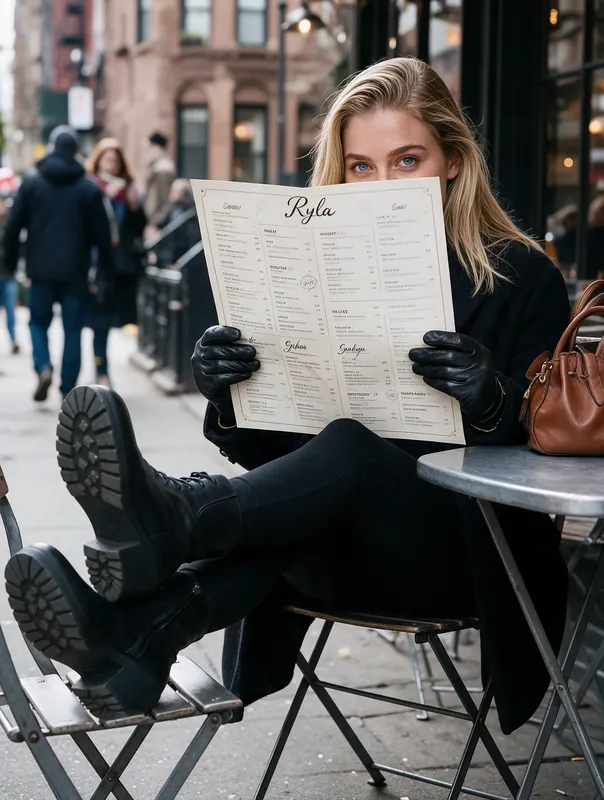
Storytelling and Series
Plan a short series with the same character in a new setting each episode, one clip at a time.

Hooks for Existing Videos
Generate a three-second opener with a moving character, then continue with your own footage or voiceover.