
What Is a UGC Video? Make UGC-Style Clips With AI
Learn what a UGC video is, then make UGC-style videos with an AI character you design: a selfie-look image, a short animated clip and, on Pro, a talking version with Avatar Video.
These are UGC-style videos of a fictional AI character, not real customer videos. Do not present them as real reviews. Credit-based, not unlimited.
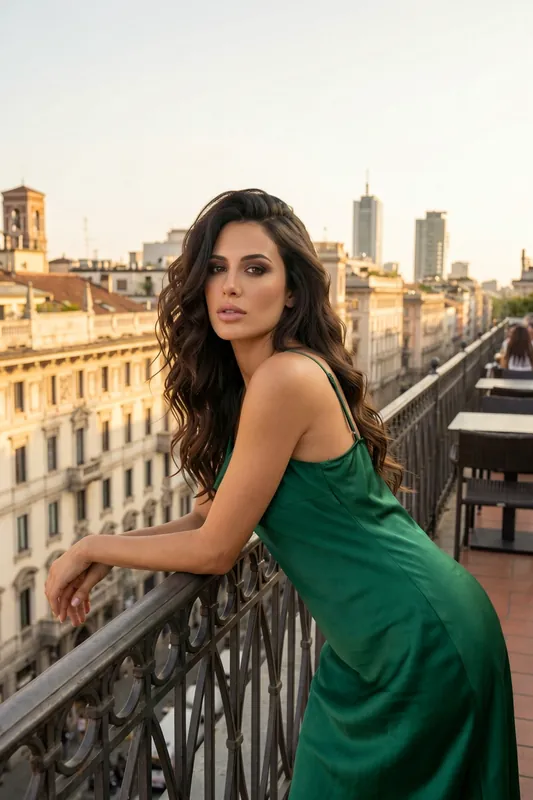
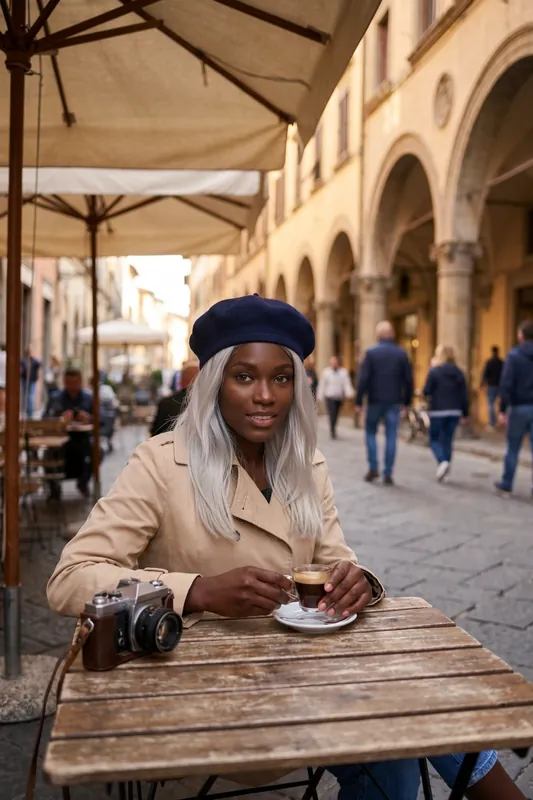
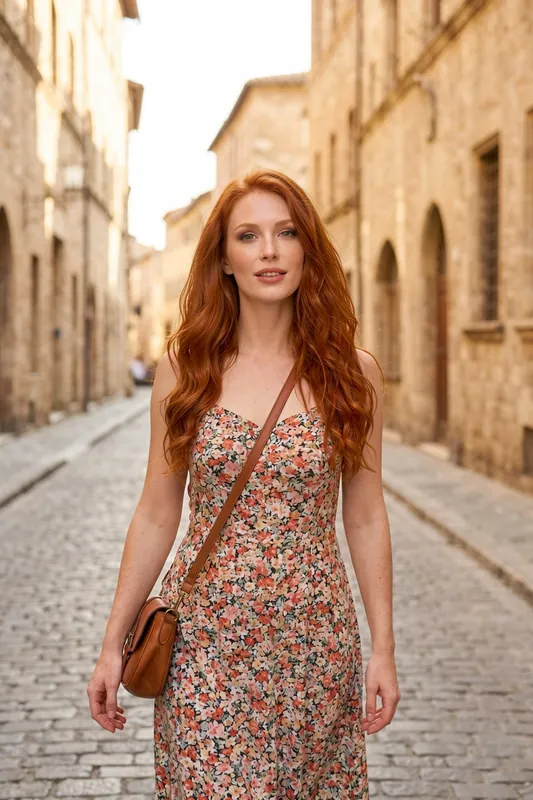
- 4steps from character to posted clip: create, image, animate, check
- Proplan that includes talking-to-camera Avatar Video
- Creditsevery image and clip uses credits, nothing is unlimited
A Talking-to-Camera Clip
An AI character speaking to the camera with audio, made with Avatar Video. Avatar Video is part of the Pro plan.
How to Make a UGC-Style Video With AI in Four Steps
Create the Creator Character
Build a character by describing the face, hair and style, or open one you already have. This is the face of your UGC-style videos.
Generate a Phone-Style Image
Ask for a casual selfie or candid shot: natural light, an everyday room, a phone-camera look. HD is the standard quality for every image.
Animate It Into a Short Clip
Turn the image into a few seconds of motion with the video feature. On Pro, Avatar Video adds audio so the character talks to the camera.
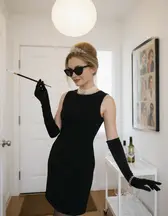
Check, Label and Post
Watch the clip with sound off and on, regenerate what looks off, and label it as AI where a platform or rule asks for it.
UGC-Style Frames From AI Characters
Six frames in the phone-camera look that UGC videos are built from. Each one is a generated image of a fictional character that can be animated into a short clip.
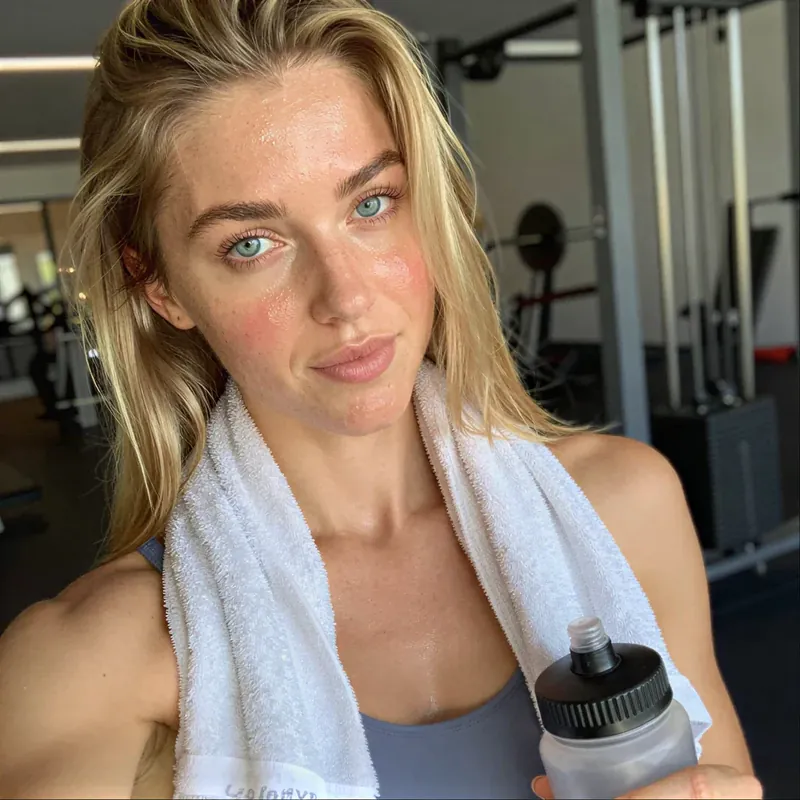
Gym selfie 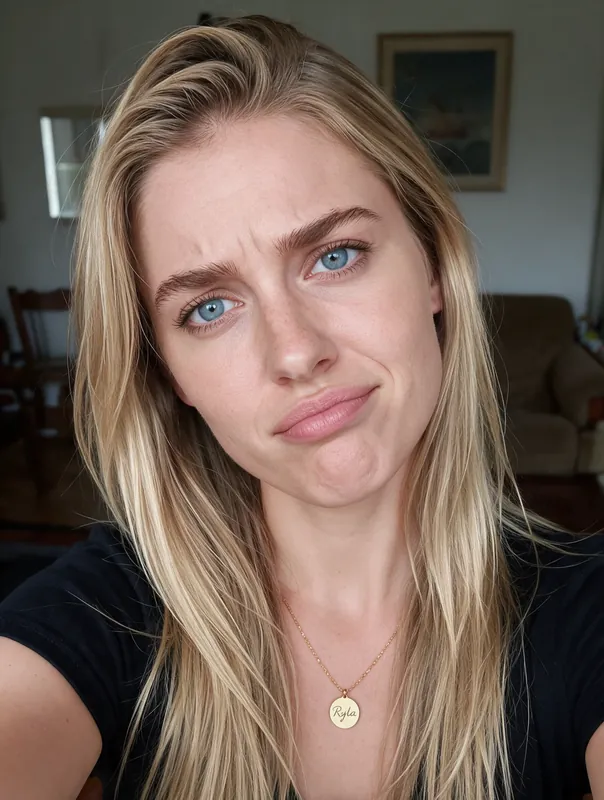
Living room, candid face 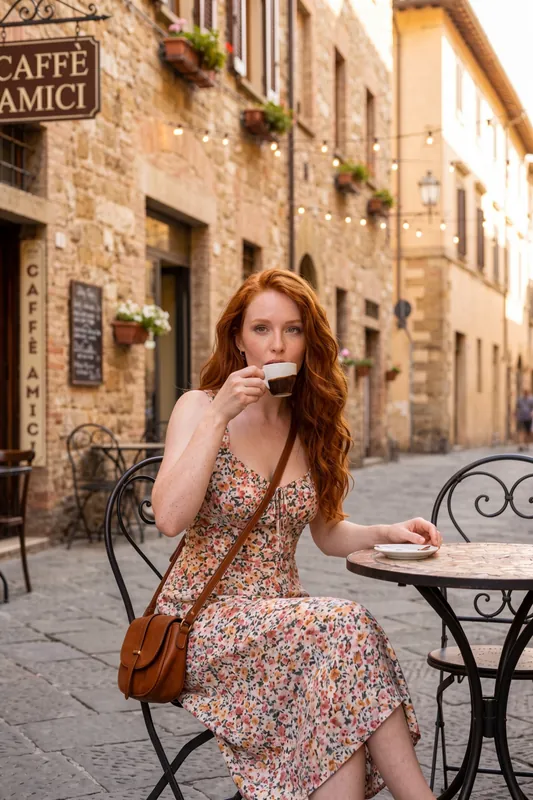
Espresso in the old town 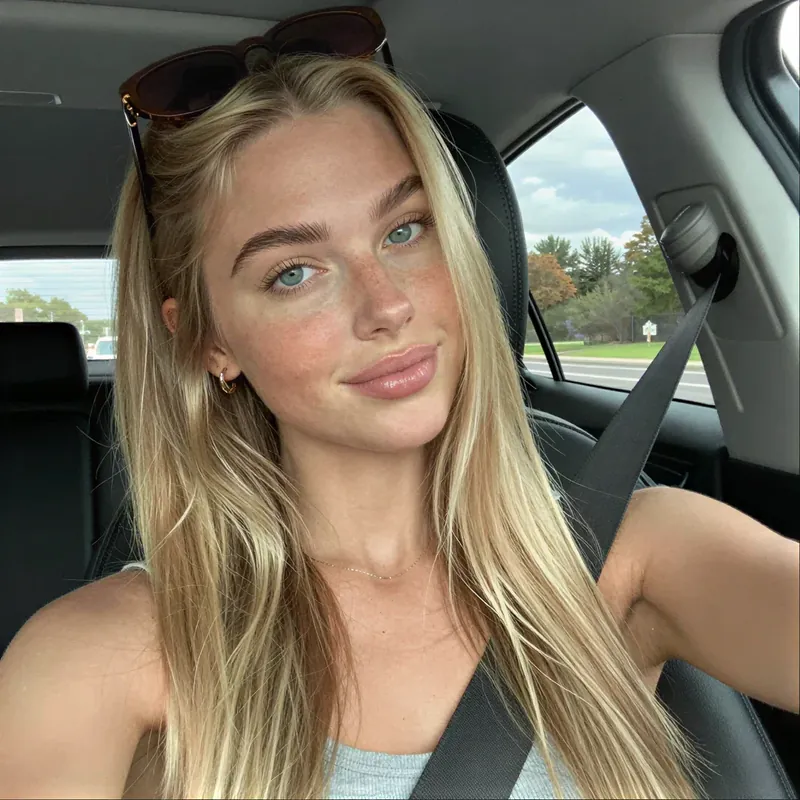
Car selfie 
Walking into a cafe 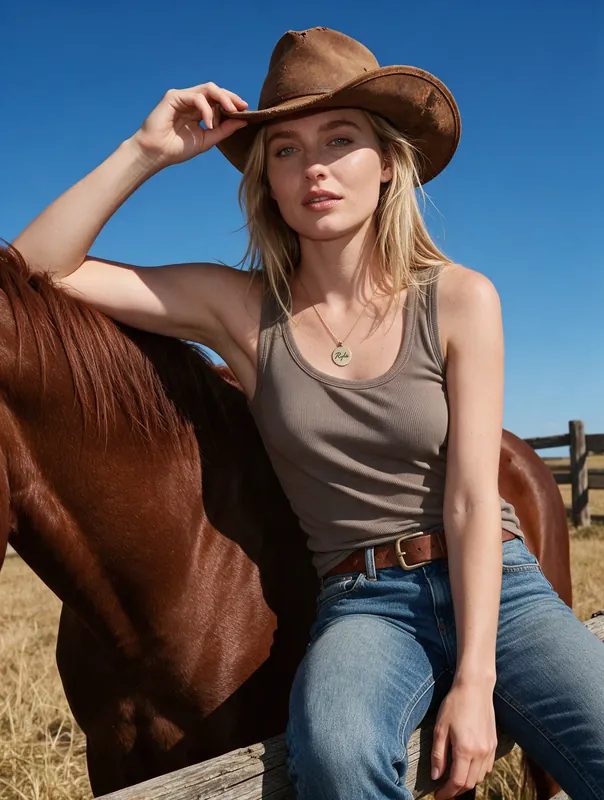
Day out on a ranch
What Is a UGC Video?
UGC stands for user-generated content. A UGC video is a video made by an ordinary person instead of a brand or a studio, usually filmed on a phone: someone talks to the camera, shows their day, tries something out or reacts to it. The meaning of the term is about who makes the video and how it feels, not about a file format.
Typical examples are a creator talking into the front camera in a car, a morning routine filmed in a kitchen, a short unboxing, or a quick reaction clip. Brands like the style because it feels closer to a friend's post than to an advert: handheld framing, daylight, ordinary rooms, a natural voice, small imperfections. That look is also why the term "UGC style video" exists: the style is copied even when the video was not made by a customer.
Three things define the look. The person speaks or acts directly to the viewer. The setting is everyday, not staged. The quality is good enough to watch but never polished like a commercial.
Real UGC Versus AI UGC-Style Video
Be clear about the difference, because it decides how you may use the result. Real UGC comes from real people who used a product or service and chose to film it. An AI UGC video generator cannot produce that. What it can produce is a video that copies the look of UGC, featuring a character that does not exist.
In RYLA that character is yours: you design the face and the style, and the same character appears in every clip. That makes it useful for a creator-style channel, a fictional series or a concept test. It does not make it a customer. If you show an AI character praising a product as if they had bought and used it, you are staging a testimonial, and that can break platform rules and advertising rules. Do not do it.
How RYLA Makes a UGC-Style Video
The workflow has two or three parts, and each one is a feature that exists today.
1. A phone-style image. In Studio you choose the UGC or amateur-style look, or describe it: a selfie, window light, a messy desk, a car seat. You start from a character built in the AI influencer generator or pick a look from the template gallery.
2. A short clip. You animate the finished image into a few seconds of motion. Video is available from the Basic plan and uses more credits than a still image. The clip moves the character, the framing and the light, it is not a long film.
3. Optional: talking to camera. On the Pro plan, Avatar Video adds an audio track (up to 15 seconds, uploaded, from a saved voice note or from typed text), so the character appears to speak in a 5 or 10 second clip. The clip on this page is an example. Without Pro, the clip has no sound by default, so add captions or your own voice-over in your editor.
What RYLA does not do: it does not hold a product in the character's hand and it has no product-placement flow. For product shots, use your own photos and footage.
Make It Look Like UGC: Practical Tips
The common mistake is making the image too good. UGC looks real because it is slightly ordinary.
- Ask for a phone, not a camera. Words like selfie, front camera, handheld and candid push the look in the right direction.
- Use daylight and everyday rooms. A kitchen, a car, a sofa or a street beats a studio backdrop.
- Keep one person and one idea. One face, one setting, one hook per clip.
- Keep clips short. A few seconds of motion is where animated images are strongest; cut several clips together in your editor.
- Write the hook before you generate. The first line a viewer sees or hears matters more than the model you pick.
- Check the face and the hands. Regenerate if the face drifts or a hand looks wrong, each try uses credits.
The example prompts below are a starting point. Treat the first result as a draft.
Rules You Should Follow
AI-generated UGC must not be passed off as real customer testimonials, and fake reviews are not acceptable. Where a platform or advertising rules ask for it, say that the content is AI-generated. Rules differ by platform and by country, so check the rules of the platform and your country before you publish, especially if the clip is an advert.
RYLA creates videos of fictional adult characters. It is not meant for the likeness of real people without their consent, and nothing involving minors is ever created. Generation is credit-based, so how many clips you can make depends on your plan; see the plans and pricing. For still images first, start with the AI photo generator.
Example Prompts for UGC-Style Frames
Copy one, change the details and generate the image first, then animate it. Results vary from image to image.
- Car selfie
Casual selfie from the front camera in a parked car, seat belt on, sunglasses pushed up in her hair, soft daylight
- Morning routine
Woman in a bright kitchen holding a mug, slightly messy hair, handheld phone framing, warm morning window light
- Gym check-in
Close-up selfie after a workout, towel around her neck, water bottle in hand, mirror and equipment blurred behind
- Cafe catch-up
Smiling woman at a cafe table with a latte and a croissant, natural daylight, relaxed candid look
- Reaction face
Selfie on a sofa with a scrunched, amused expression, plain t-shirt, living room in soft evening light
- Talking to camera
Woman looking straight into the camera as if recording a story, shoulders and face in frame, bright ordinary room
What the AI UGC Video Generator Can and Cannot Do
A Phone-Camera Look on Purpose
RYLA has UGC and amateur-style presets: natural light, casual framing and everyday places instead of a studio gloss. That look is what makes a clip read as UGC.
The Same Face Across Videos
Your character stays recognizable from clip to clip, so a channel has one steady creator. Consistency is strong, not a mathematical guarantee.
Image to Short Clip
Animate a finished image into a short video. Video starts with the Basic plan and costs more credits than a still image.
Talking to Camera With Avatar Video
Avatar Video turns a portrait and audio into a talking clip of 5 or 10 seconds. Audio can be up to 15 seconds, uploaded, taken from a saved voice note or made from typed text. It is part of the Pro plan.
No Product Demos, Said Plainly
RYLA does not hold a product in the character's hand or place a given product in the scene. Use it for creator-style content, not for product proof.
Fictional, Adult Characters Only
Characters are fictional adults. RYLA is not for photos or likenesses of real people without their consent.
Where UGC-Style AI Videos Help
A Steady Creator Face for Your Channel
Post short selfie-style clips from one recognizable character on TikTok, Reels or Shorts without filming yourself.
Concept Tests Before a Real Shoot
Try hooks, settings and a talking-to-camera tone with an AI character before you brief a real creator.
Storytelling and Series
Run a fictional character through a series of day-in-the-life clips: cafe, gym, car, living room.
Mock-Ups for Pitches
Show a client what a UGC-style direction could look like. Label the mock-up as AI and do not publish it as real feedback.