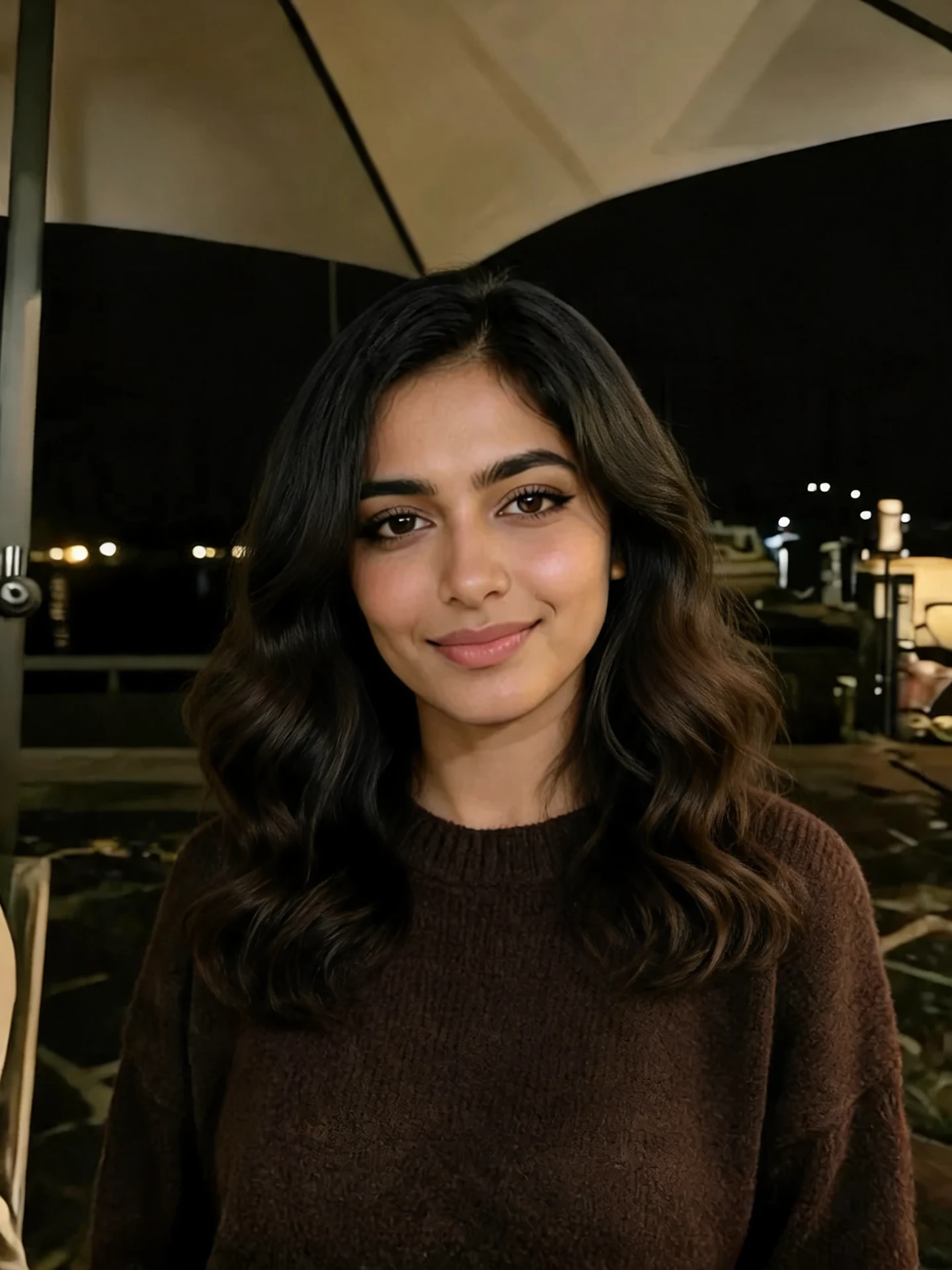
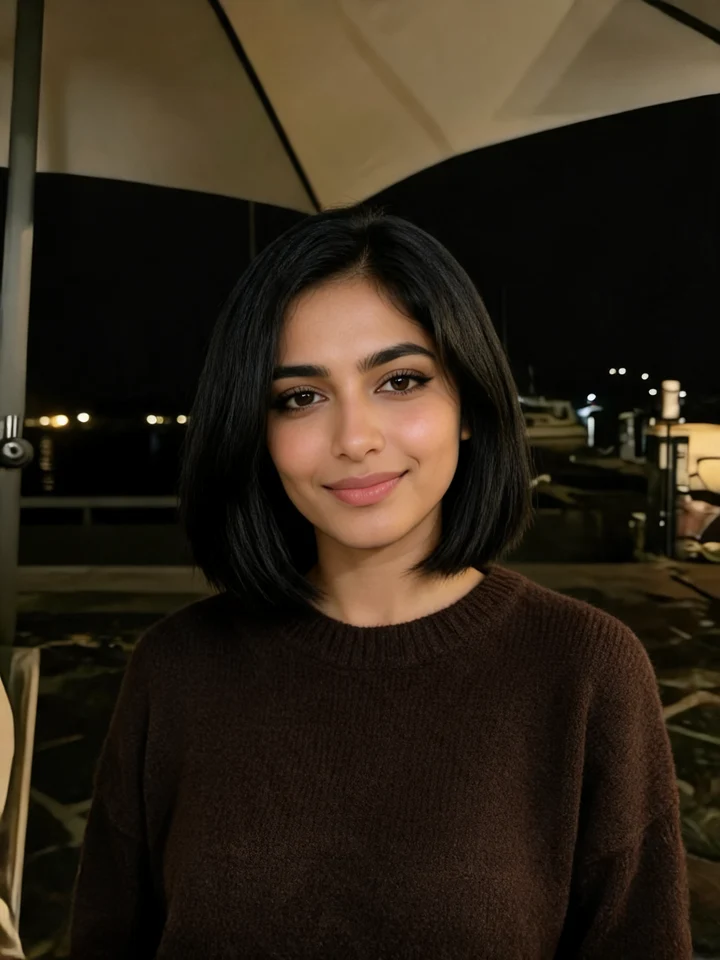
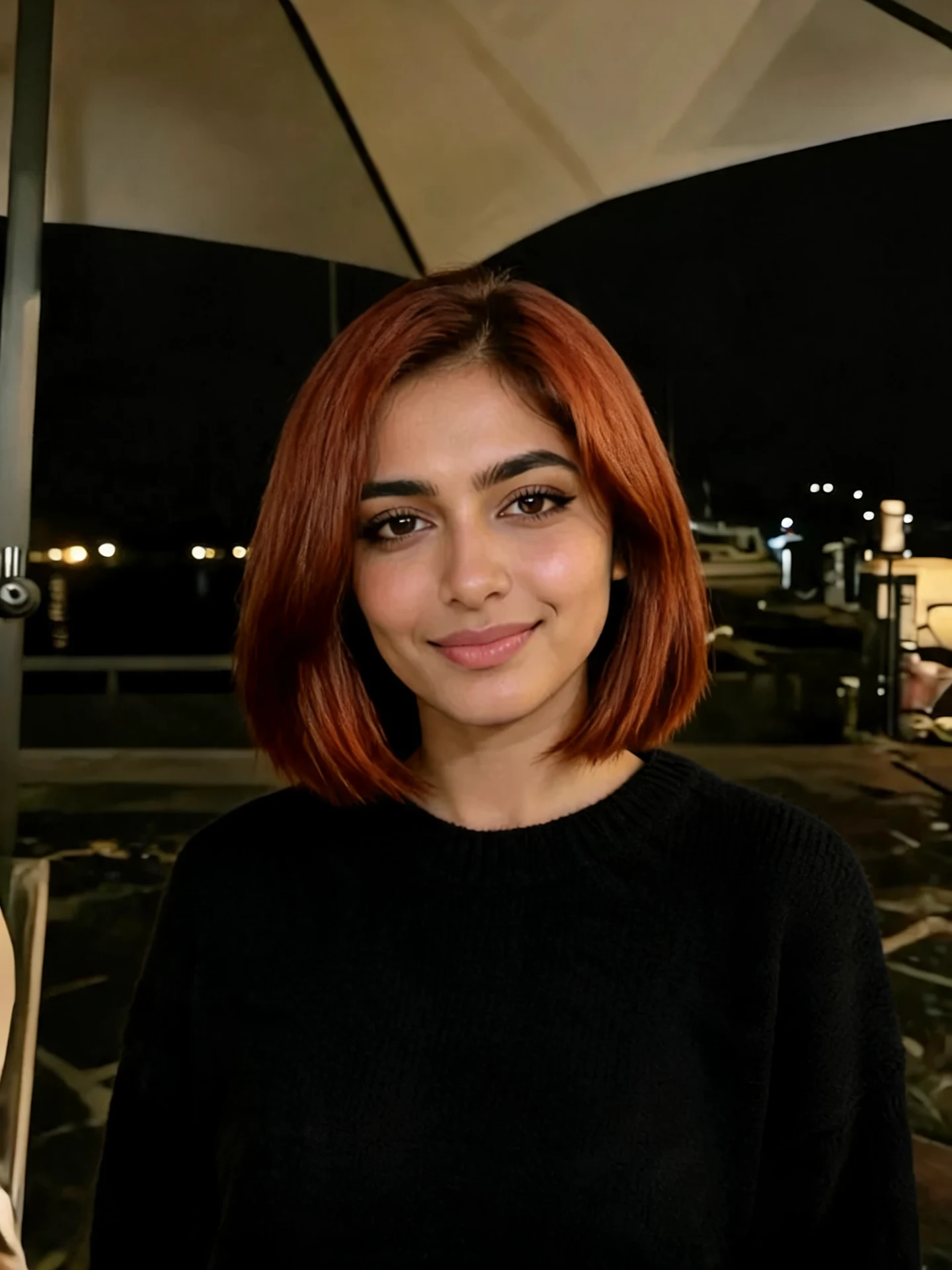
Open a saved character image in Studio and choose Edit.
2
Describe the hairstyle
Your selected direction is carried into Studio. Adjust the cut, length and texture.
3
Review the new look
Check the face and hairline, then download a result you want to use.
Your questions, answered.
Yes. Use a saved character image in Studio’s editing workflow and describe the hairstyle you want. This is an AI image edit, not a precision haircut simulator.
Ask for the existing color to remain while specifying the new cut or texture. Check the output because an edit may also affect other details.
No. Your written direction is passed to Studio after sign-in. Select your saved character image there; the landing-page example is not imported into your account.
AI edits can change details beyond the hairstyle. Inspect the facial proportions, eyes and hairline before keeping an output.
Use the Hair Color Changer page for a color-focused direction. It uses the same Studio editing workflow.
Studio shows the selected workflow’s credit cost before generation. Opening this page or choosing a direction does not run a generation.