Skip to content

AI relight. Same scene. A different feeling.

Bring warm sunlight, softer shadows or an evening mood to a character image. Describe the light you want in Studio.

Last updated

Review in Studio. Nothing is generated yet.

AI Relight — Prepared AI example
Prepared AI example

Let the light tell the story.

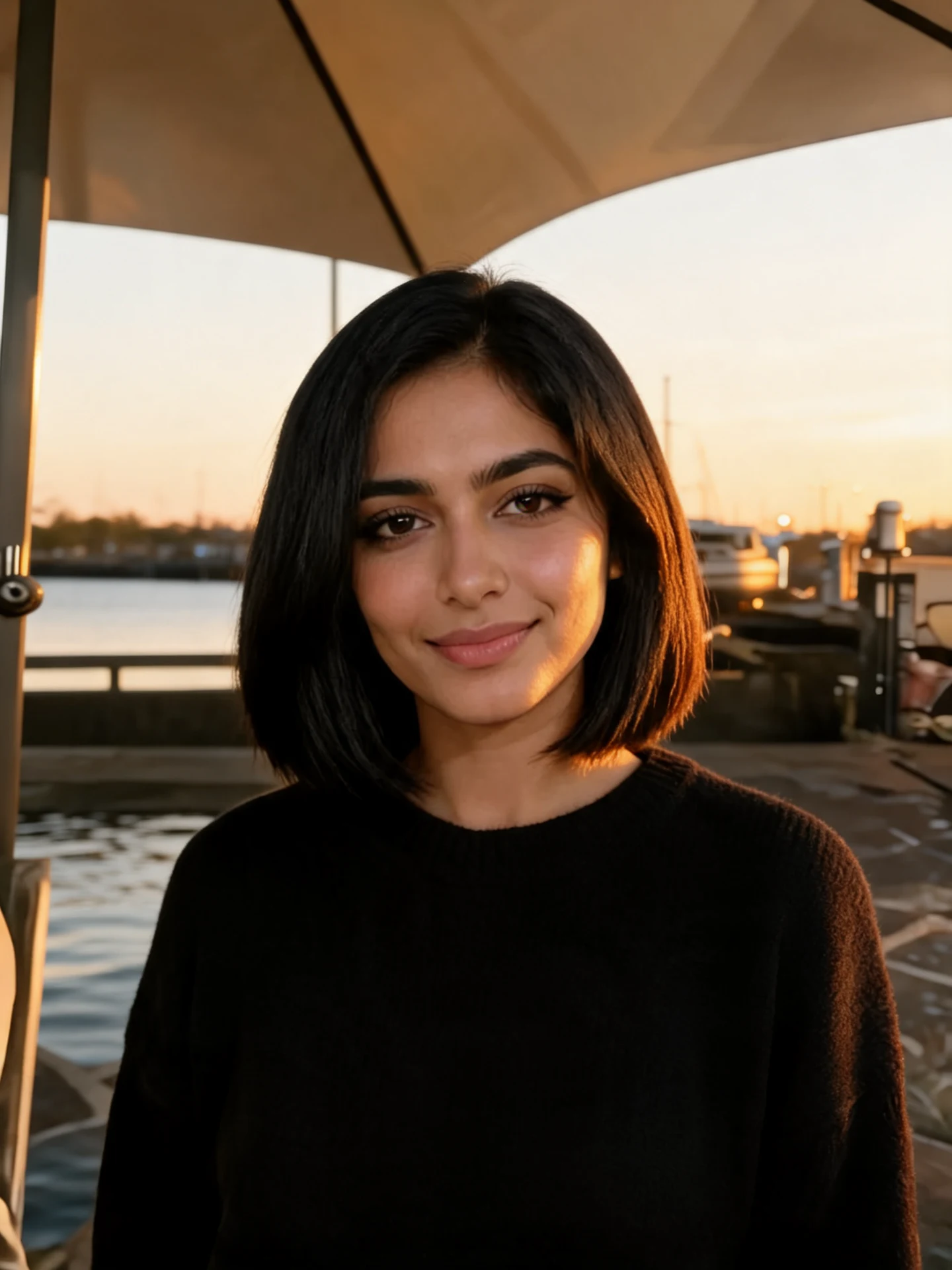
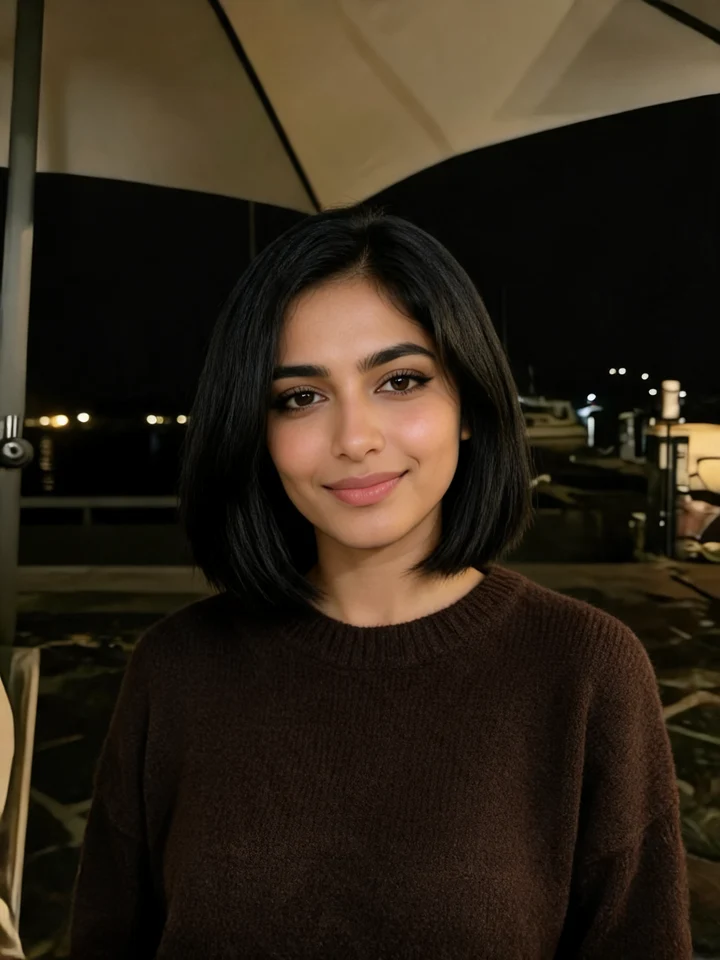
Light changes how a scene feels. Start from a strong composition, change one lighting direction and check how it falls across the face and background.

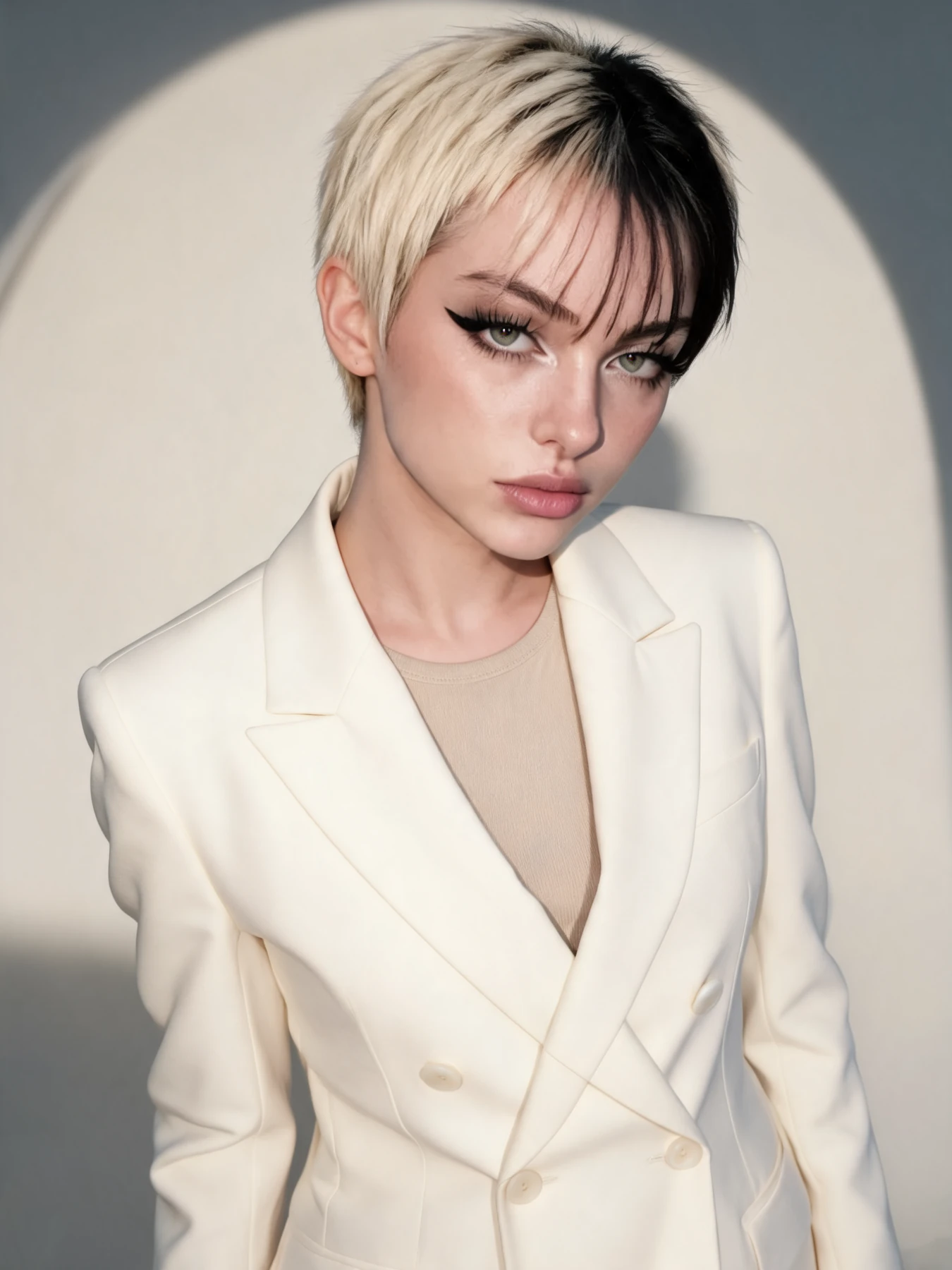
Mira — original scene
Original scene
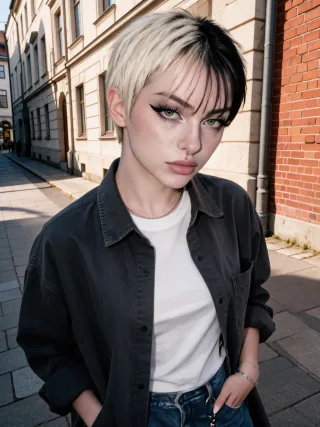
Mira — warm afternoon light
Warm afternoon light

Prepared AI editing example using the same fictional character. Results vary by image and settings.

Make the direction your own.

Direction

Name where the light comes from, such as a window on the left.

Quality

Ask for soft daylight, warmer late-afternoon light or stronger shadows.

Believability

Check skin, reflections and shadow direction together. They should belong to the same scene.

From your character to your next image.

Open Studio
  1. Open your saved photo

    Choose a Studio image with the composition you want to keep.

  2. Describe the light

    Use Edit and specify light direction, softness and atmosphere.

  3. Check the whole frame

    Review the face, background and shadows before exporting.

Your questions, answered.

It creates a new interpretation of an image with a different lighting direction or mood. RYLA uses the Studio editing workflow rather than a physical lighting simulator.

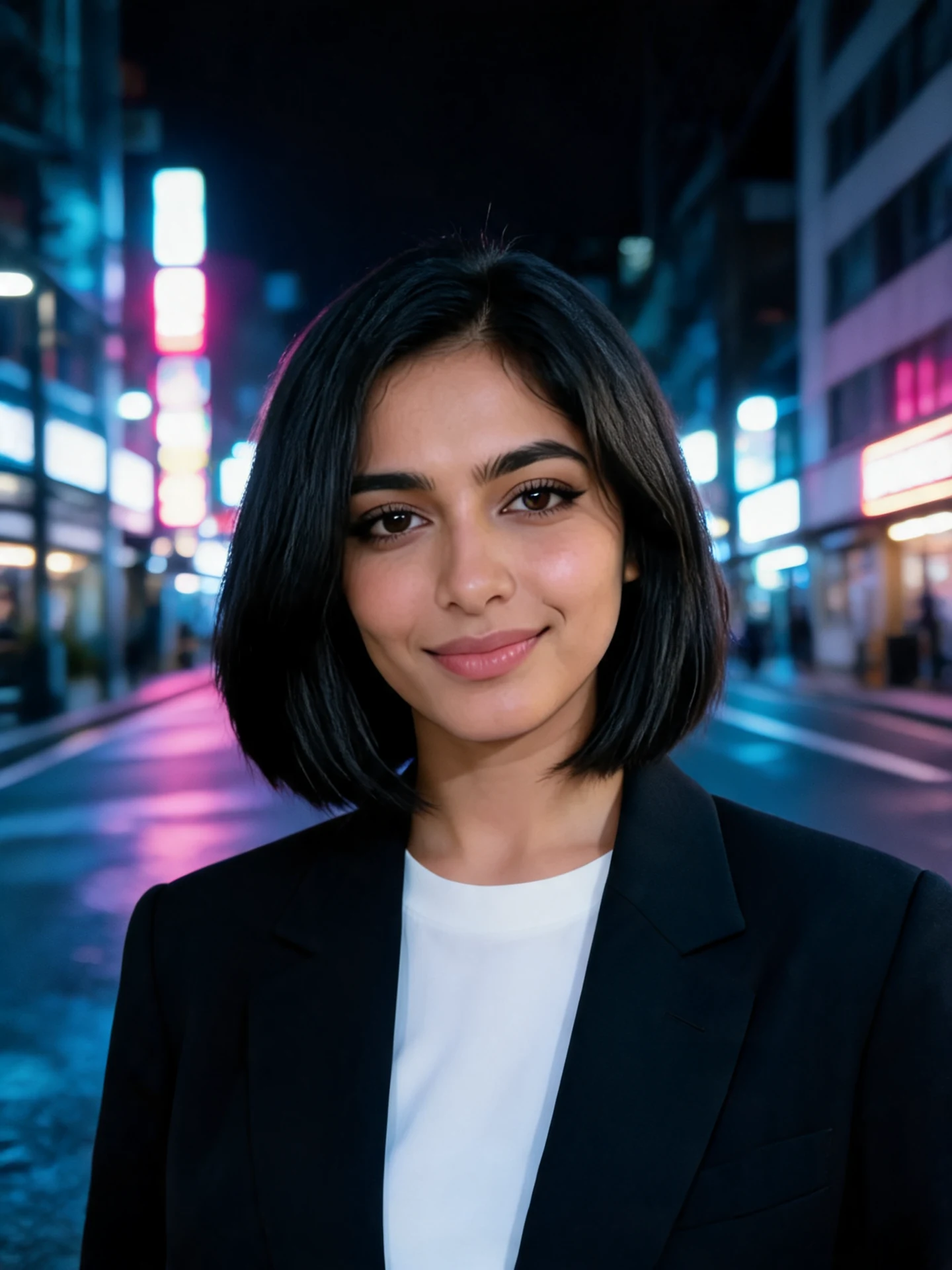
You can ask for an evening or nighttime direction. Large lighting changes can affect other details, so inspect the result before using it.

No. Generative editing may change texture, reflections or other details. This is not a pixel-locked exposure adjustment.

Prepare a direction here, open Studio, sign in and select a saved character image. Choose Edit and review the direction before generating.

Describe the desired position in words. This page does not offer measured 3D light placement or physical lighting controls.

Studio displays the credit cost for your selected settings before you start. No generation runs on this landing page.

Keep creating.

35 tools & workflowsExplore all toolsImages · Video · Characters · Editing & detail